X
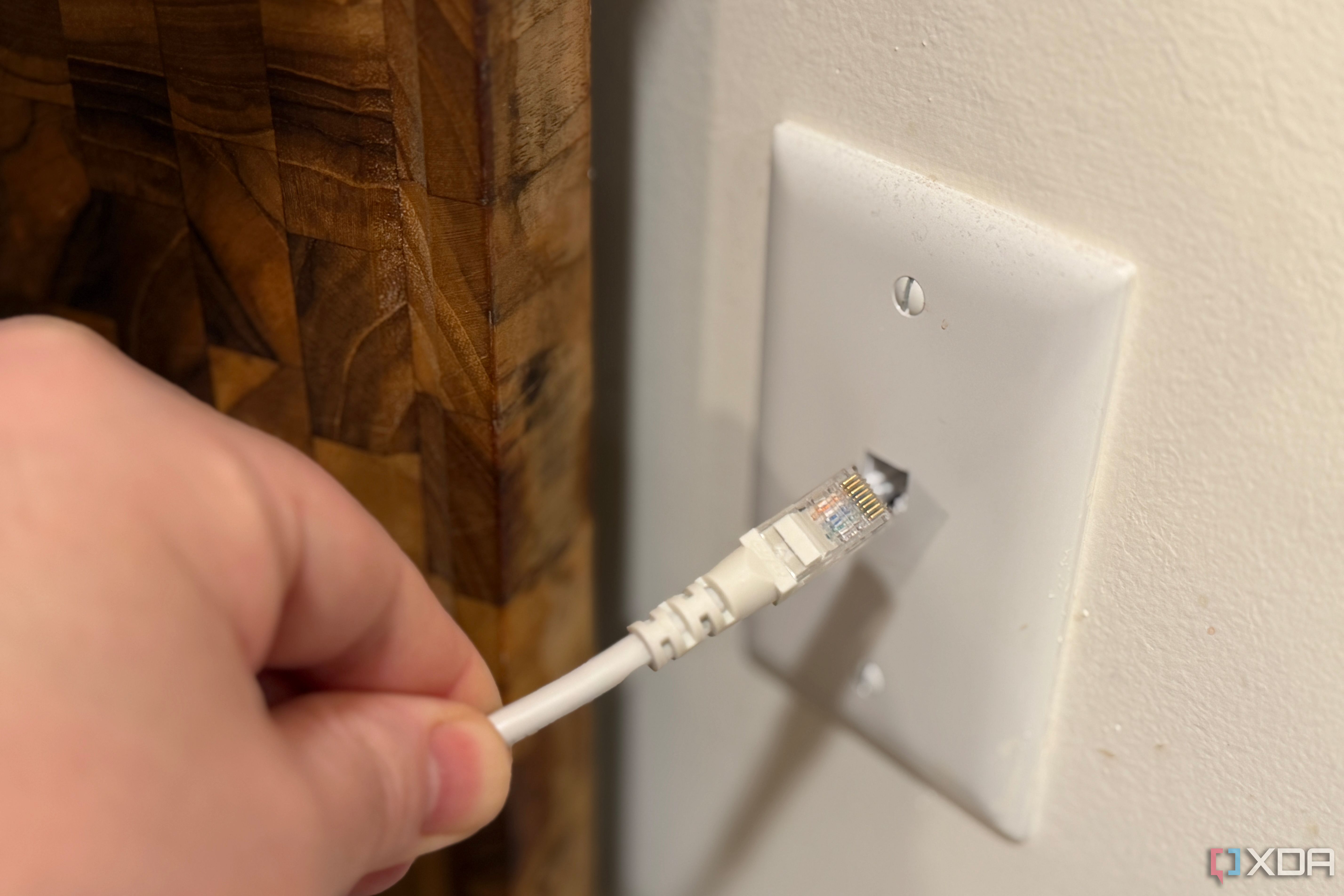
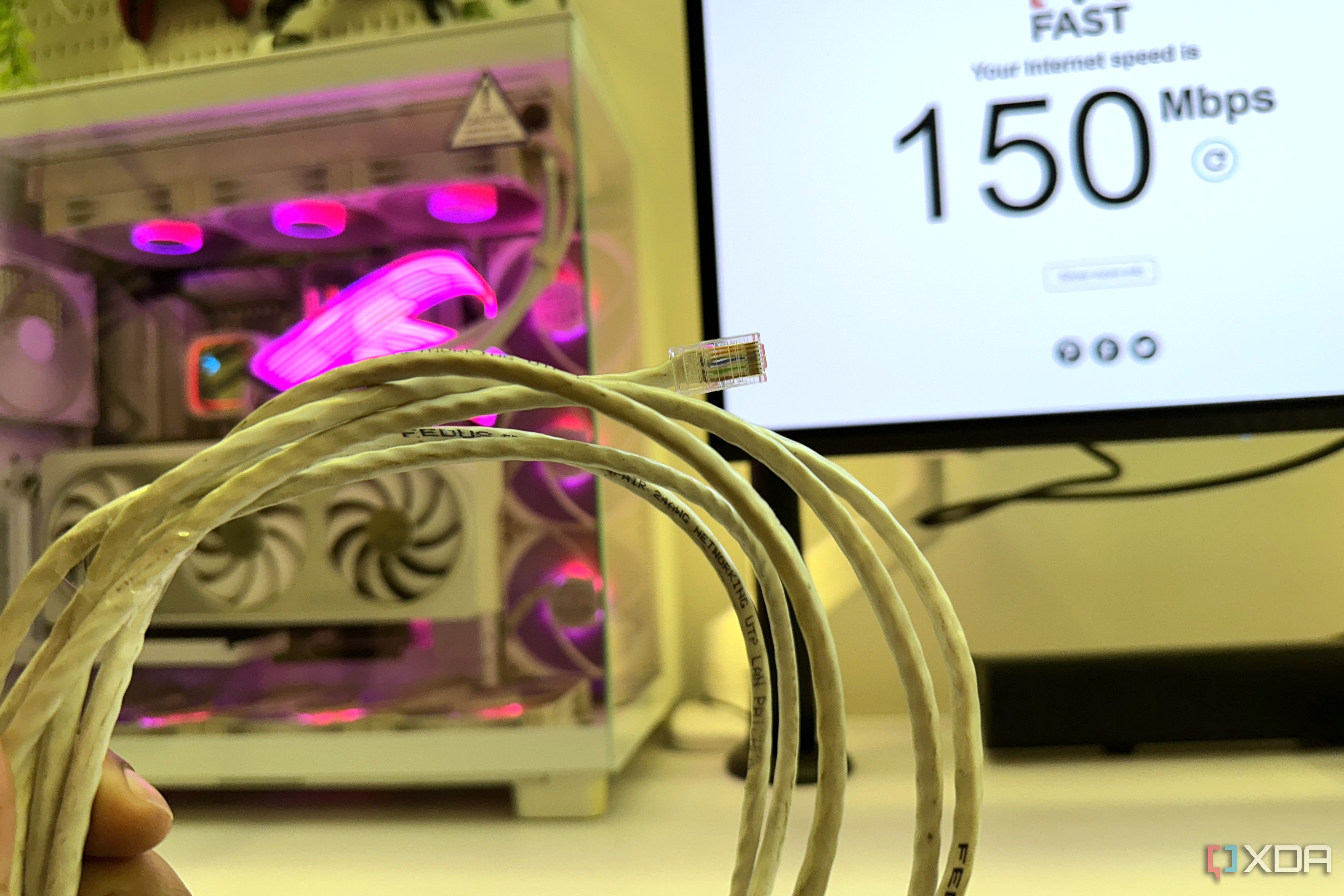
Setting up your home network for best performance usually means a healthy mix of wired and wireless connectivity. Even if you're just using wired connections for backhaul, the more things you can have using those wires instead of wireless frees up space for the devices that can't connect that way. That means figuring out where to string cable for Ethernet, but before you do that it's worth unscrewing a few wall plates.
X
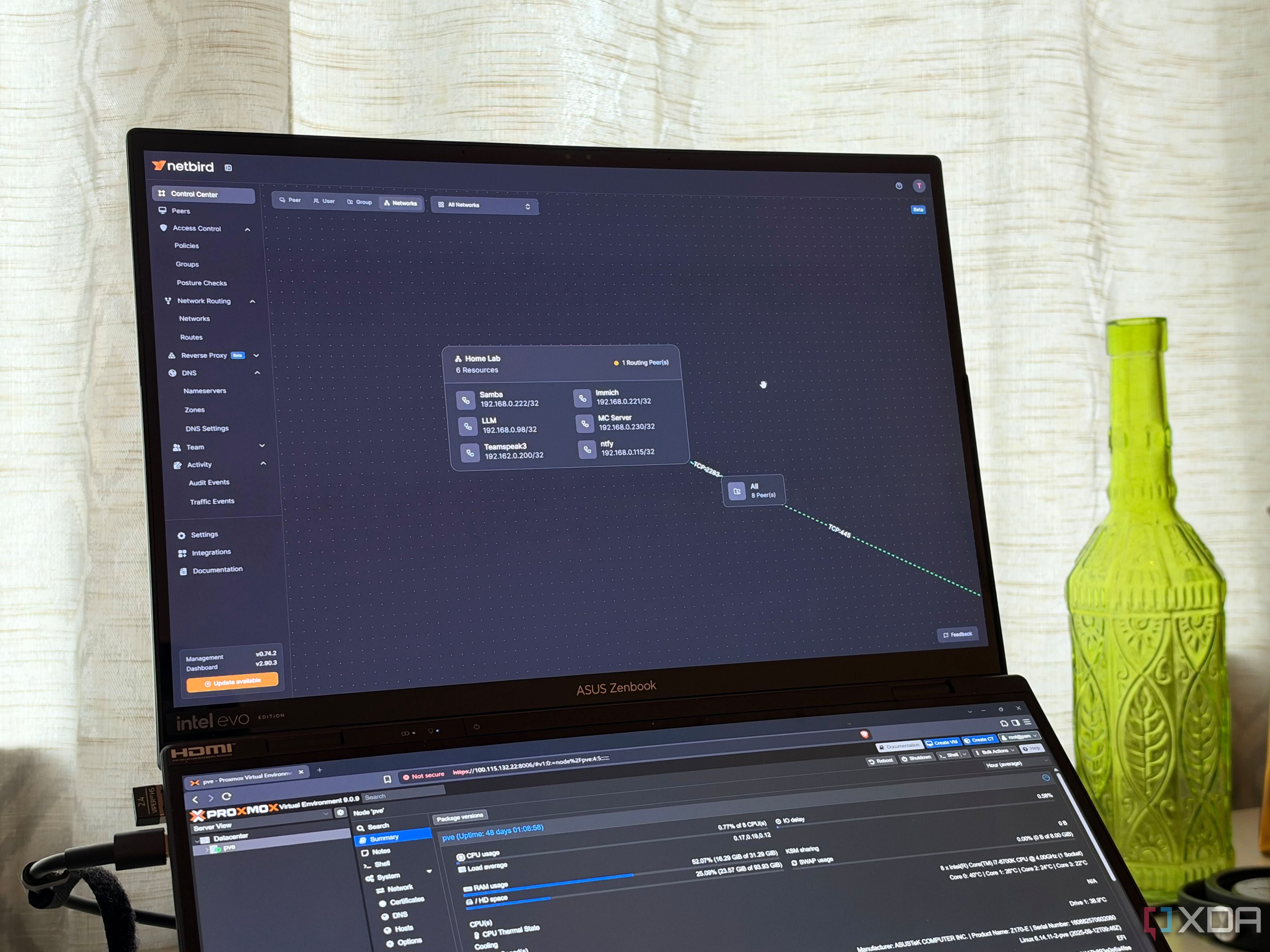
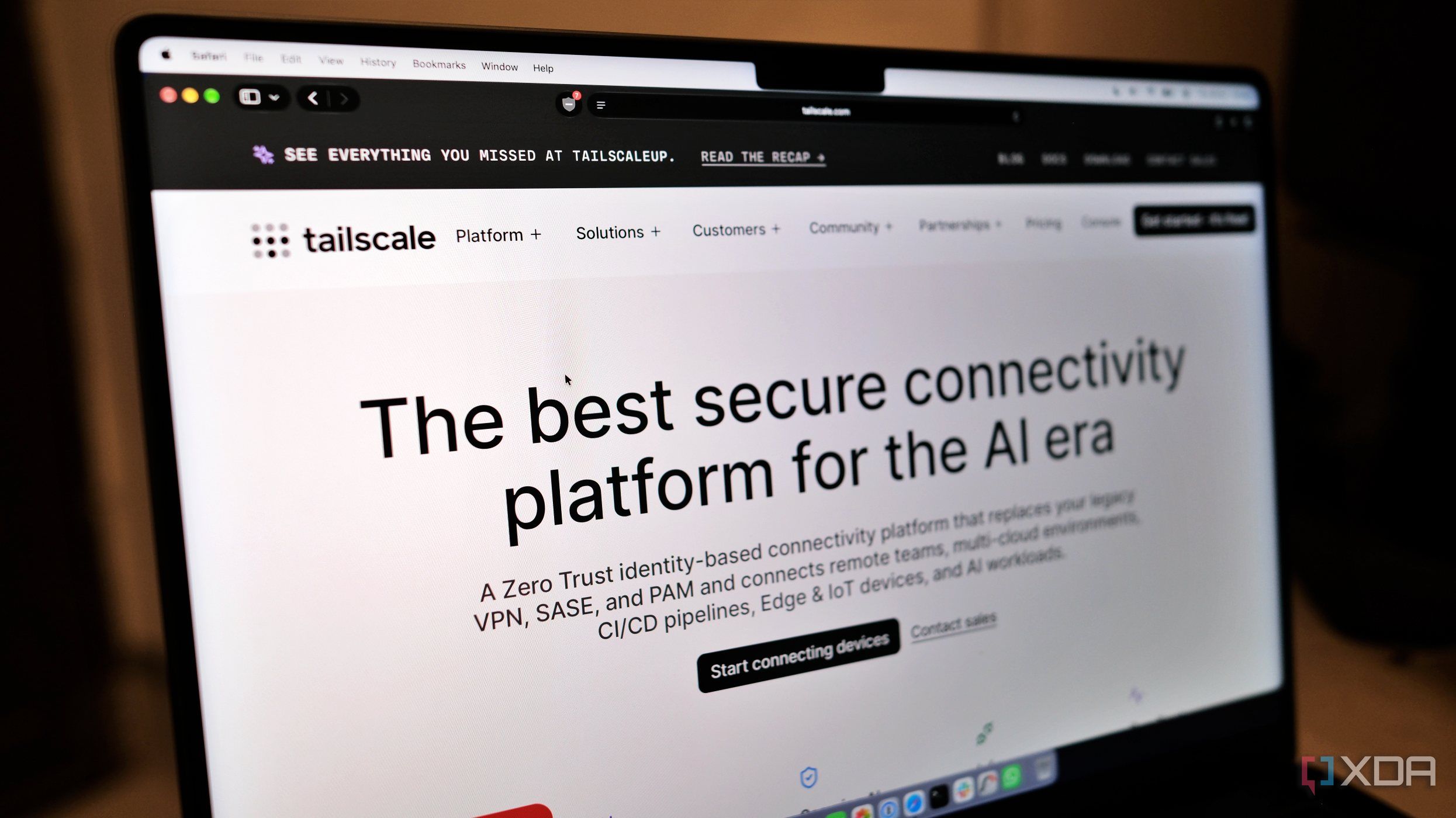
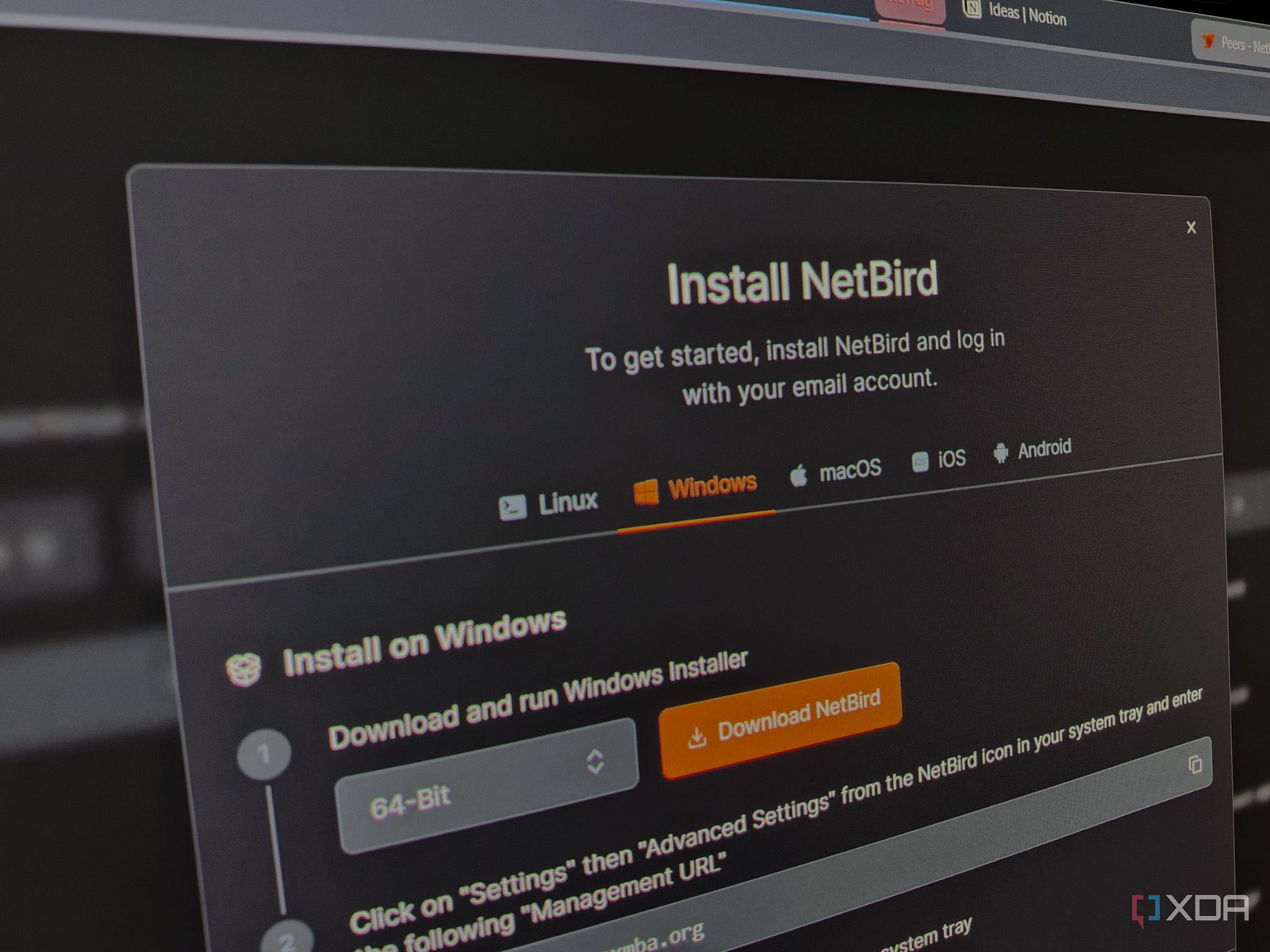
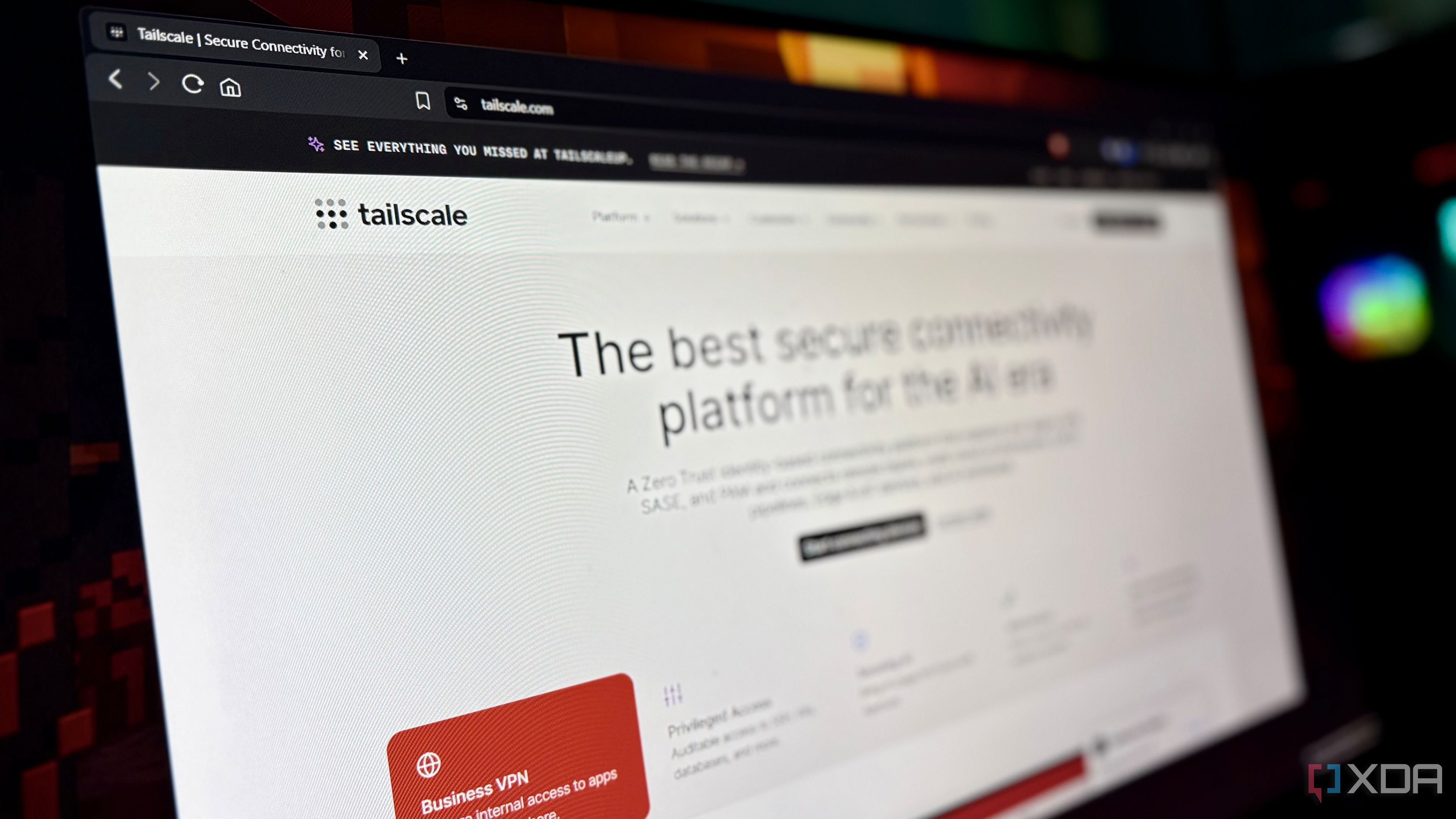
Like thousands of other people, the first mesh VPN I tried was Tailscale, and it was because of word-of-mouth. For a while, it did most of what I needed, but when I wanted to take back control of each part of the chain, I attempted to trade it for a plain WireGuard setup with a VPS acting as the hub, but that had so many ease-of-use issues that I began hunting for another alternative, and I eventually found it in NetBird.
X
There's a lot of talk about upgrading to a Wi-Fi 7 router to benefit from all the latest features it promises. Wi-Fi 7 routers have been around for a few years, but they still hold only a 7.2% share of Wi-Fi router generations (as of Q1 2026). So, it's only just picking up, even as the Wi-Fi 8 hype train is gathering steam. We already have Wi-Fi 8 routers from TP-Link and Asus on the market, and Wi-Fi 8 mesh systems are slated to launch in Q1 2027.
X
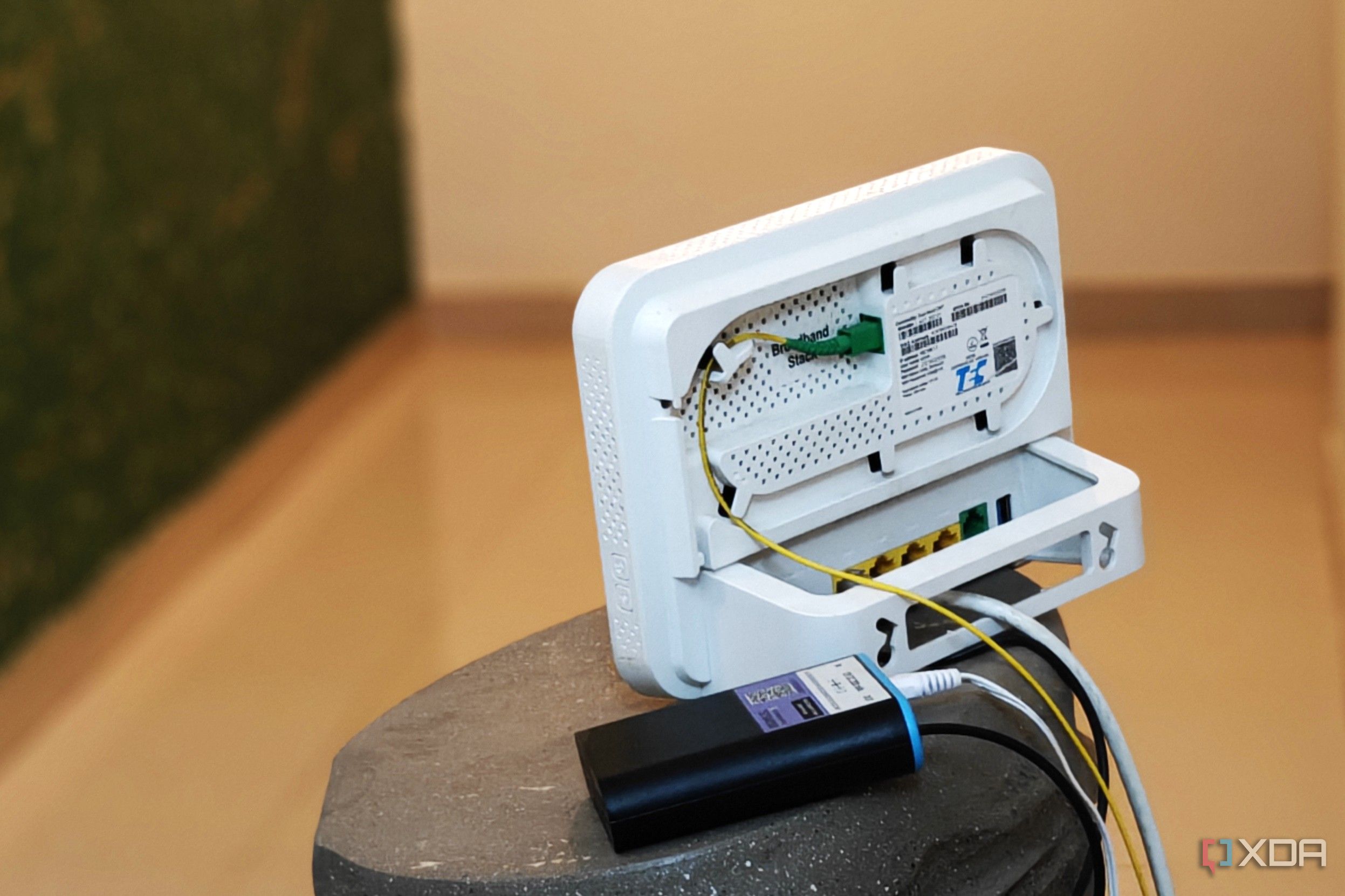
It's all too easy to fall into the trap of looking for new router models whenever we have issues with our home network. After all, our Internet connection comes in and goes out of that device, so logically, it must be the cause. But what if I told you that a new router probably won't improve your home network's performance? You might look at me like I'm from another planet, but the fact is that the networking equipment being used by your ISP is a more likely cause, and that hardware is not…
X
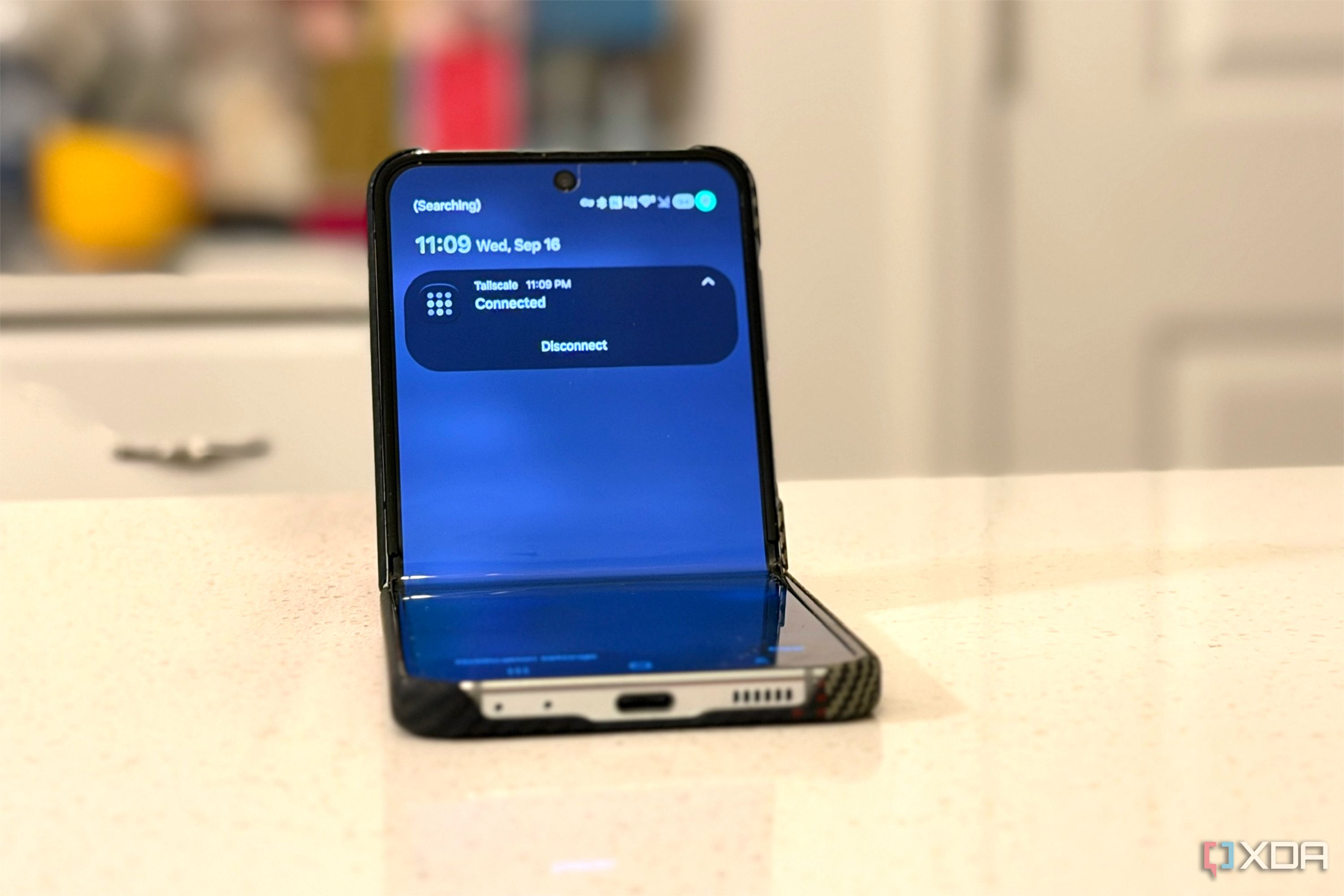
Tailscale feels like magic when you first start using it. You install it on your phone and desktop, and connecting the two from anywhere feels almost too easy, but when you try and open a web interface for a service hosted on your NAS, or check a home security camera away from home and nothing loads. One of the first fixes that's commonly thrown around is using exit nodes, and while they might work, they're probably not actually what you're looking for.
X
When you're traveling with multiple devices like laptops, tablets, phones, and sometimes even streaming sticks, it really exposes the absolute worst of public hospitality networks. Every device requires you to open a browser, hunt down a terms-of-service checkbox, and authenticate through a clunky captive portal splash page. Some hotels enforce strict per-room or per-device connection caps, blocking secondary gadgets or forcing constant re-authentications. A lot of hotels use Layer 2 client…
X
Millions of subscribers plug in an all-in-one gateway provided by a lot of major ISPs, assuming its wireless radios exclusively service their private household devices. However, if you scan local 2.4GHz and 5GHz RF channels, you will often reveal secondary open public networks originating from the exact same physical radio hardware and MAC address block, using separate BSSIDs.ISPs routinely turn residential gateway hardware into public Wi-Fi hotspots by default, while segmenting them at the…
X
Enthusiastic spending often makes us regret it. I recently came across such a case. I had an old Wi-Fi 6 router running a gigabit plan, and the speeds were fine too. But since Wi-Fi 7 kept fantasizing me, I upgraded to TP-Link Archer BE800, a Wi-Fi 7 router. I got it for about $330 during a sale, so I was happy even before seeing any improvement in connection speeds.
X
I already run Wi-Fi 7 gear with 6 GHz switched on, and I still get the itch every time a new standard shows up. Wi-Fi 8 is the first one in a while where that itch makes sense for a home lab, and it has almost nothing to do with speed. The last generation sold itself on bigger channels and bigger numbers, and Wi-Fi 7 routers promised the future but delivered a compatibility nightmare for plenty of people.
X
Most of us want our internet to "just work" and disappear in the background rather than demanding constant attention. When I set up my Wi-Fi 6 router a few months ago, I changed a few basic settings and forgot about it. Over time, I started to notice that my connection felt ever so slow, especially when loading websites for the first time. I also started running into some websites that were simply inaccessible on my connection.
X
Tailscale makes it easy to reach my home network and send my traffic through it. Like many folks, I treated the exit nodes and subnet routers as two versions of the same feature. Both need admin approval, forward traffic, and let me reach my home network from a hotel room. Since everything just worked, I never looked closely at how they handle DNS. It turns out they handle it differently.
X
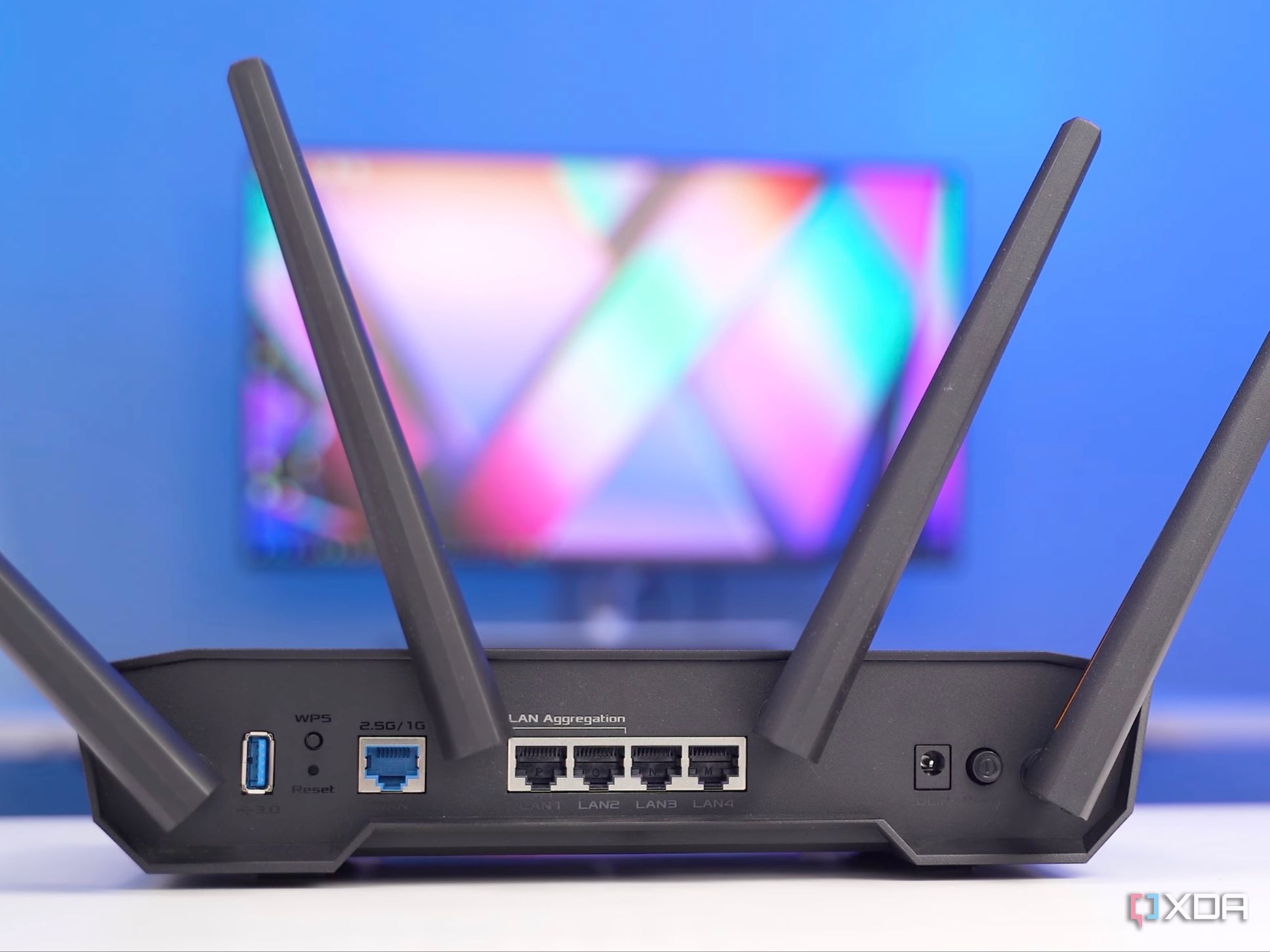
Wi-Fi is omnipresent in 2026, with Wi-Fi 7 routers and devices hogging much of the conversations around home networking. While modern high-speed internet and Wi-Fi 7 hardware may have solved the speed component of the equation, Ethernet still wins when it comes to reliability. A direct line between the router and a high-priority device doesn't depend on free and unhindered airwaves.
X
As much as we like to get excited about Wi-Fi improvements with every generation, the real-world experience of most people changes at a glacial pace. Think about your home Wi-Fi performance going from Wi-Fi 5 to Wi-Fi 6E to Wi-Fi 7. I can bet that apart from a gradual speed boost, which can be attributed to cheaper fiber plans more than anything else, nothing really changed in terms of Wi-Fi interference and congestion.
X
Starting up a home lab is a very rewarding endeavor locally, but most setups hit the same wall around the same time. You get your Jellyfin instance up and running with your favorite shows and movies, your Immich library up as a Google Photos replacement, maybe a few other experimental containers. Then you leave the house and attempt to access them while on public Wi-Fi or cellular, and nothing loads.
X
You might assume if your Wi-Fi password is secure and your guests only use the guest network, that your home network is an airtight fortress. However, log into your router's admin dashboard, dig into the DHCP client list or the ARP table, and you'll likely discover a graveyard of dozens or even hundreds of devices you don't recognize (spanning years of old phones, smart bulbs, IoT appliances, and strange MAC addresses).
X
I've clicked through more "Your connection is not private" warnings than I'd like to admit, and nearly all of them came from my own homelab. The web UI for my Proxmox setup throws one, my Synology NAS throws one, and I'd trained myself to ignore both. Then Let's Encrypt announced that its certificates are getting shorter.
X
Sometimes, even when you're streaming a high-bitrate 4K Blu-ray remux or a heavy game stream from a local server like Plex or a PC VR setup, you might still encounter random micro-stutters, frame drops, and audio sync issues despite having a modern Wi-Fi 6 router. You'll easily troubleshoot everything before you can determine the actual root cause: the invisible bottleneck sitting in the router is a wireless configuration.
X
I've recently switched many of my networked devices to Power-over-Ethernet (PoE), and I can't believe I waited this long for some of them. Seriously, my home network has never been this stable and easy to manage, and much of that is down to one word. Simplification. Having data signals and power over the same wire is a transcendent experience that I put off switching to for too long.
X
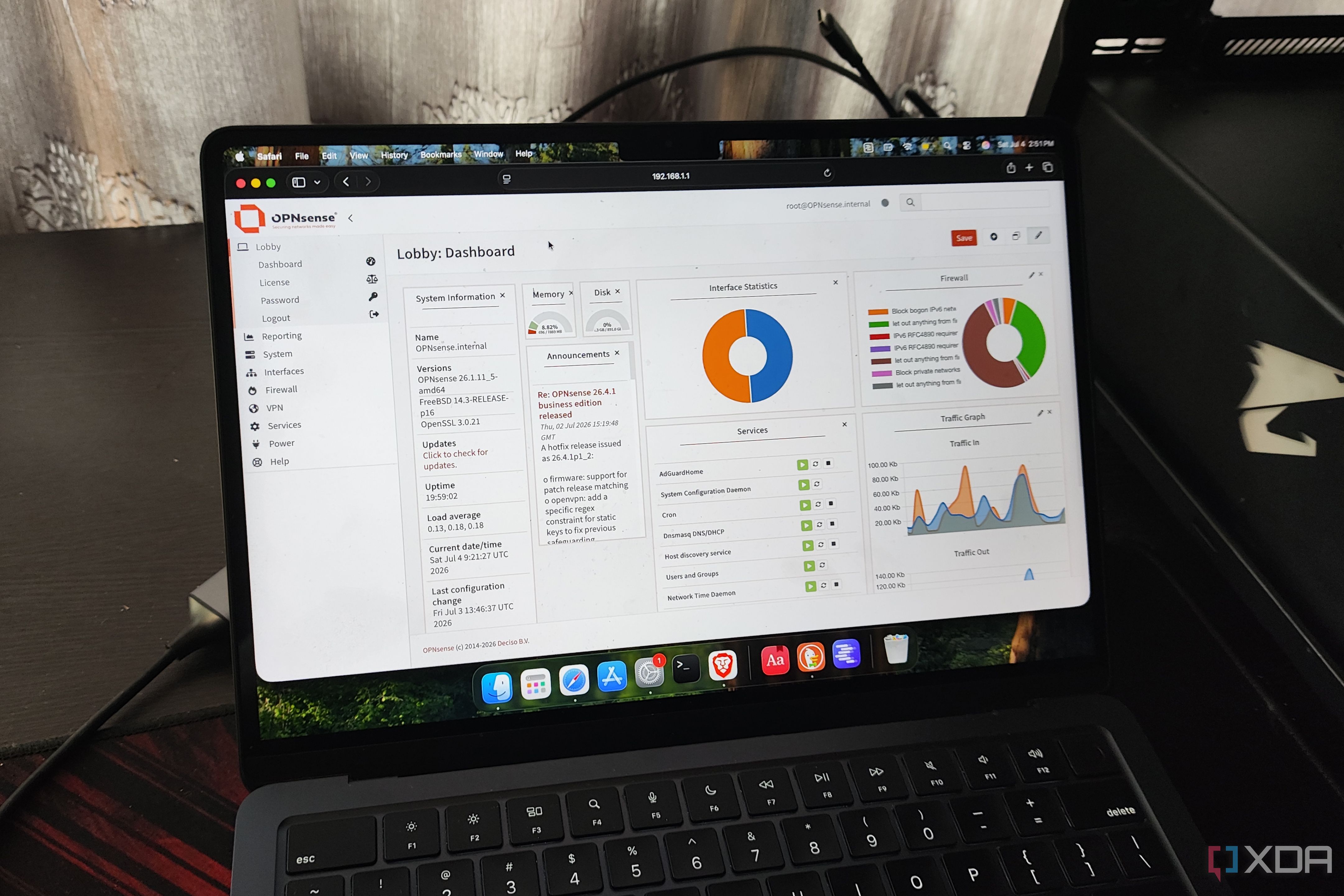
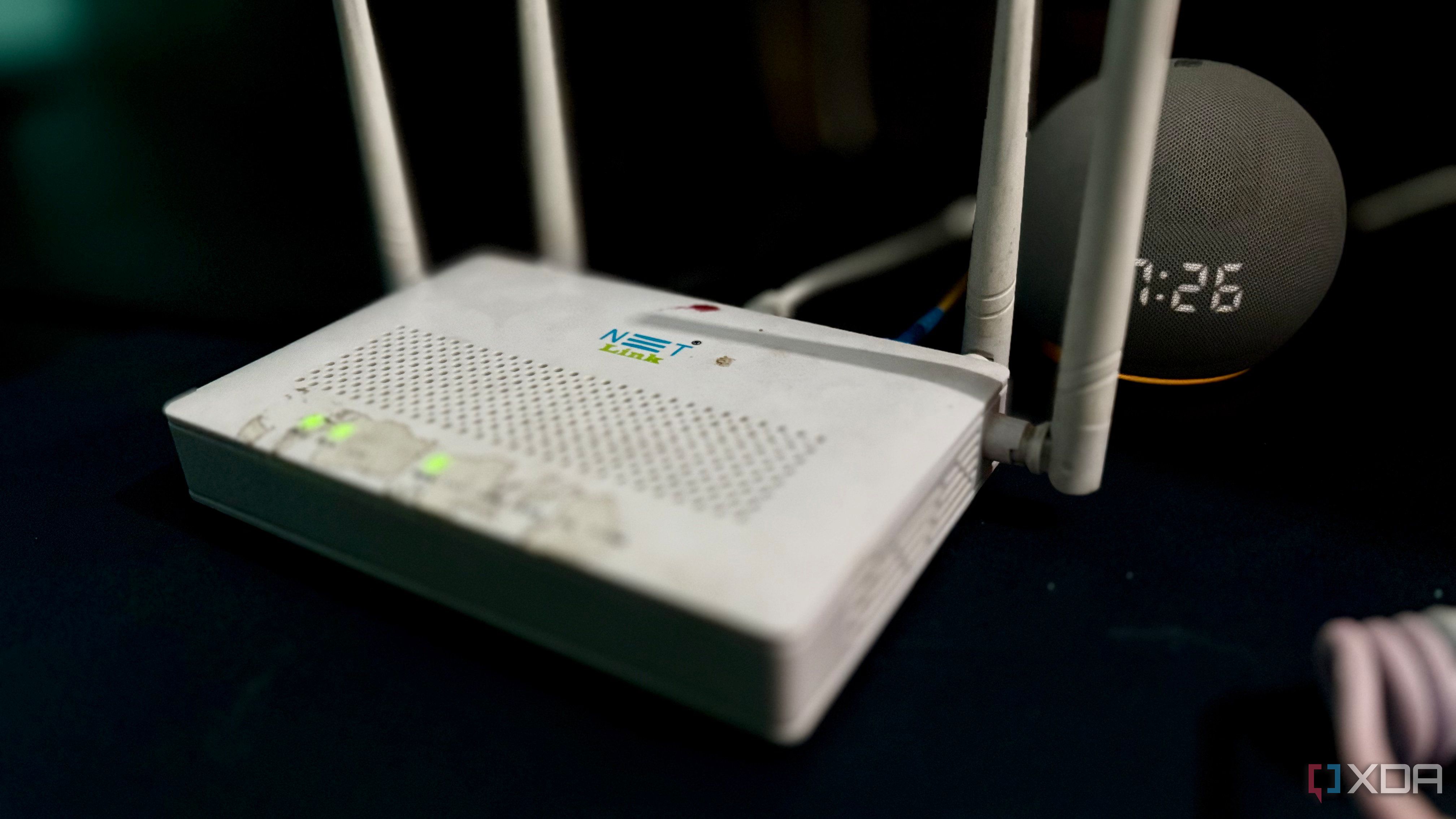
There's a good chance you're running an ISP-supplied router. That's not something to be fearful of. There's nothing inherently wrong with doing so, but you could be losing out on some enterprise-grade functionality for making the most of your local area network (LAN). If you're serious about creating a home lab and self-hosting as much as you can to save money, building your own firewall and router may be a worthwhile project. It's what I did, and I just wish I did it sooner. All you need is a…
X
When you set up a high-end router in a suburban neighborhood or apartment building, you might find that your 5GHz network is choking on overlapping channels while half the spectrum sits completely dormant. Out of the box, most consumer routers restrict themselves to the lower non-DFS 5GHz channels to avoid regulatory fines or interference with weather radar and military frequencies. By leaving dynamic frequency selection disabled, you are voluntarily fighting for scraps in a crowded…
X
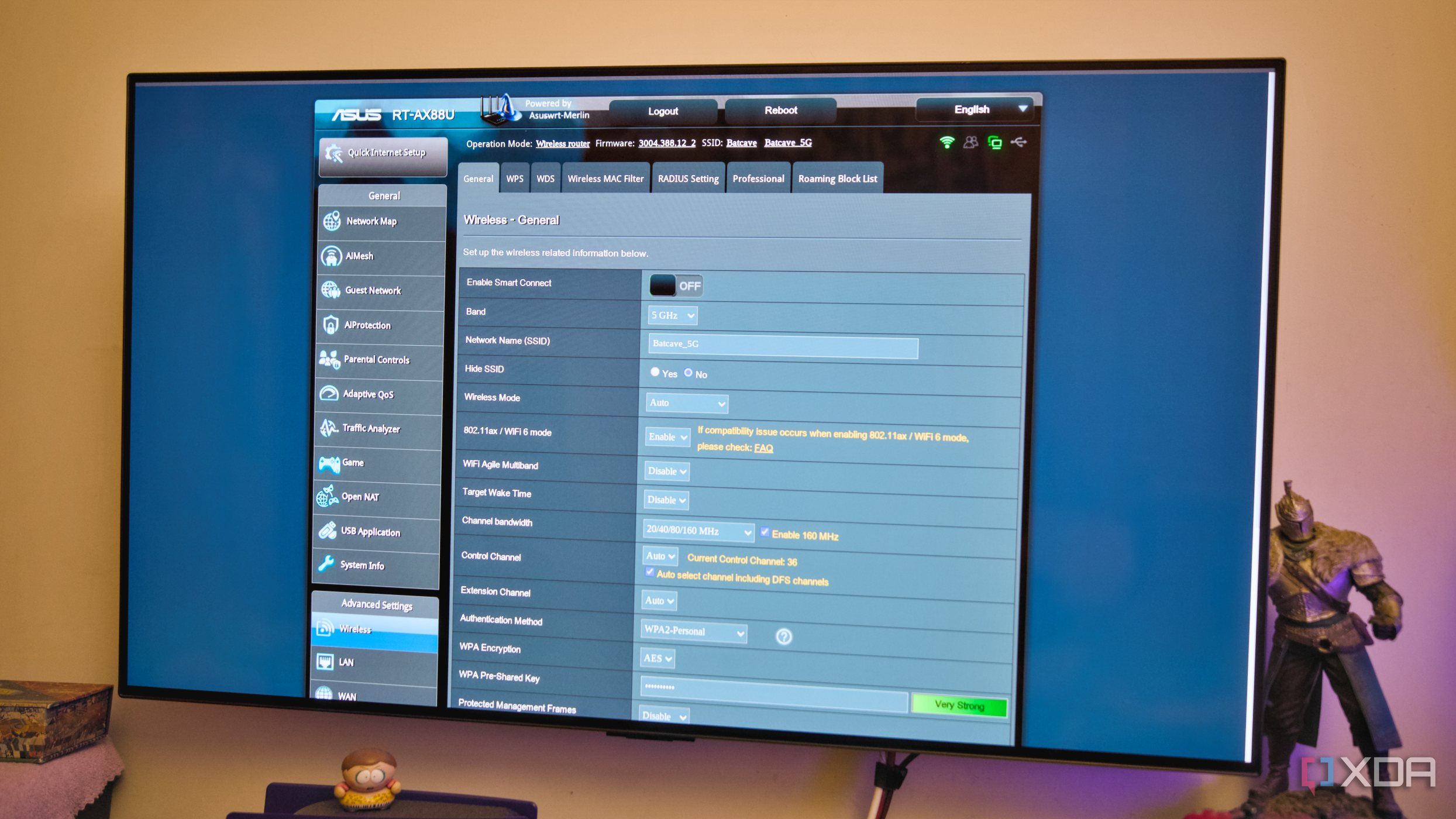
I often tweak my router settings on an ASUS RT-AX88U, and that’s how I kept running into network snags. So I factory reset the router and walked through the setup wizard, keeping most settings at default. For once, I wanted to know if the default settings manage the network and whether my overzealous tweaks caused the problems.
X
When you configure a modern Wi-Fi 6 or Wi-Fi 7 router, you might crank your channel width up to 80MHz, 160MHz, or even 320MHz because wider pipes intuitively mean faster speeds.
X
Buying a Wi-Fi 7 router is often the home networking upgrade many households default to. It has been marketed as the one-stop solution to all your Wi-Fi woes, and the newest standard ought to improve your Wi-Fi, right? Well, it turns out most people can't really make use of a Wi-Fi 7 router. Whether it's their house's Ethernet infrastructure, internet plan speed, or device compatibility, most of Wi-Fi 7's promises simply fall flat.
X
We're told over and over that keeping smart home devices on their own network segment is wise, whether that's for security or stability. But that conversation can be flipped as well, because other device groups can benefit from smart VLAN choices. With the rise of self-hosting and home labs, you can (and should!) apply the same networking principles to your home lab infrastructure. I used to keep both on the same subnet, but after noticing smart home devices dropping out for no apparent reason,…
X
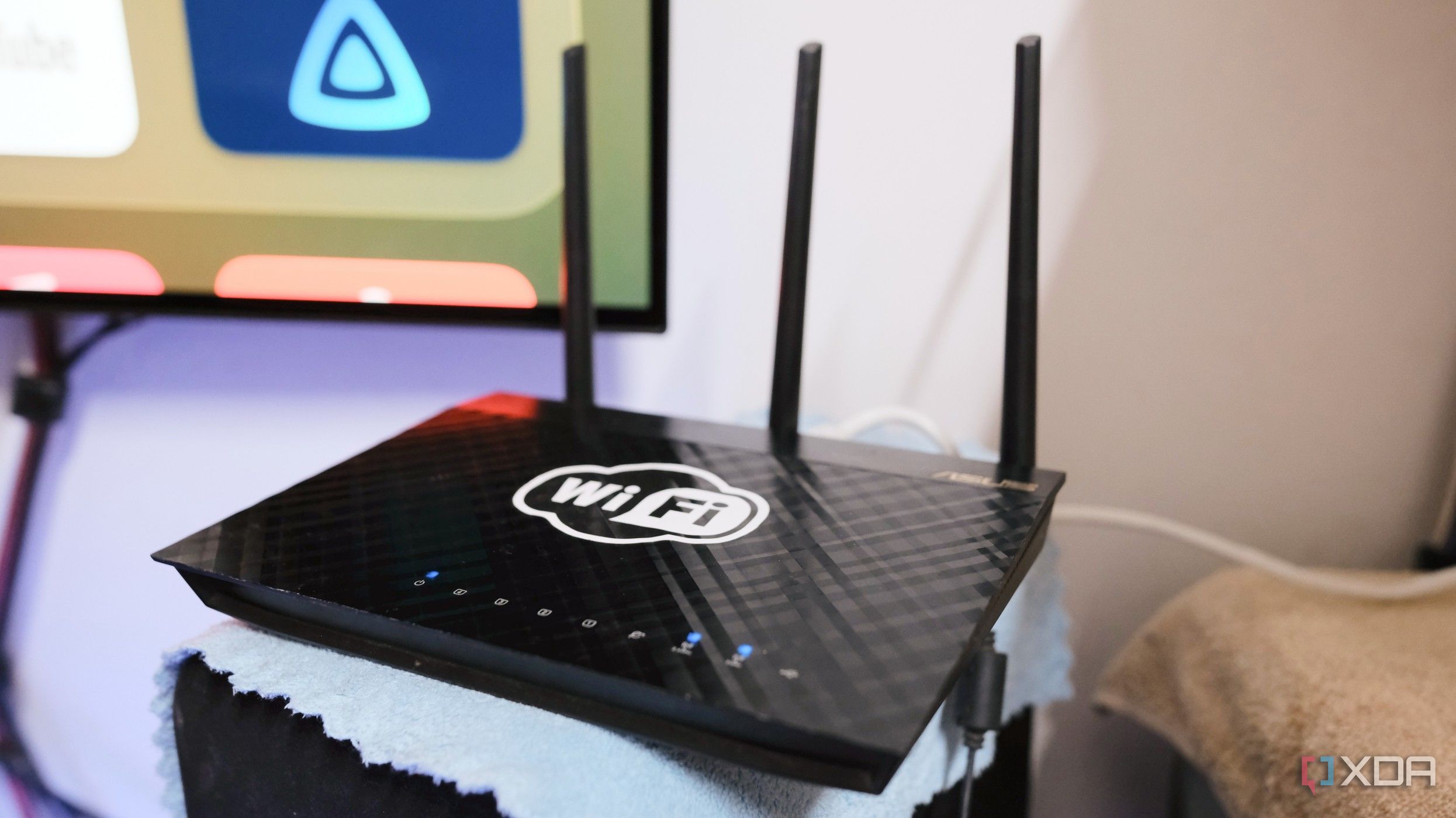
My Asus TUF Gaming AX4200 moved its 5GHz radio to a new channel 11 times in two weeks. I felt almost every one as a frozen video call, a buffering show, or a smart plug going offline.
X
For many power users, there's a familiar ritual: logging into your router's admin panel, seeing a notification about the latest firmware version, clicking Update, and feeling secure that your network perimeter is fresh and modern.
X
I advertised my home server as a Tailscale exit node, then joined the same tailnet on my phone and enabled the exit node while using mobile data. And I saw my home connection’s IP address instead of my carrier's. So, even when I am away from home Wi-Fi, the websites I visit think my phone is sitting on my home fiber line.
X
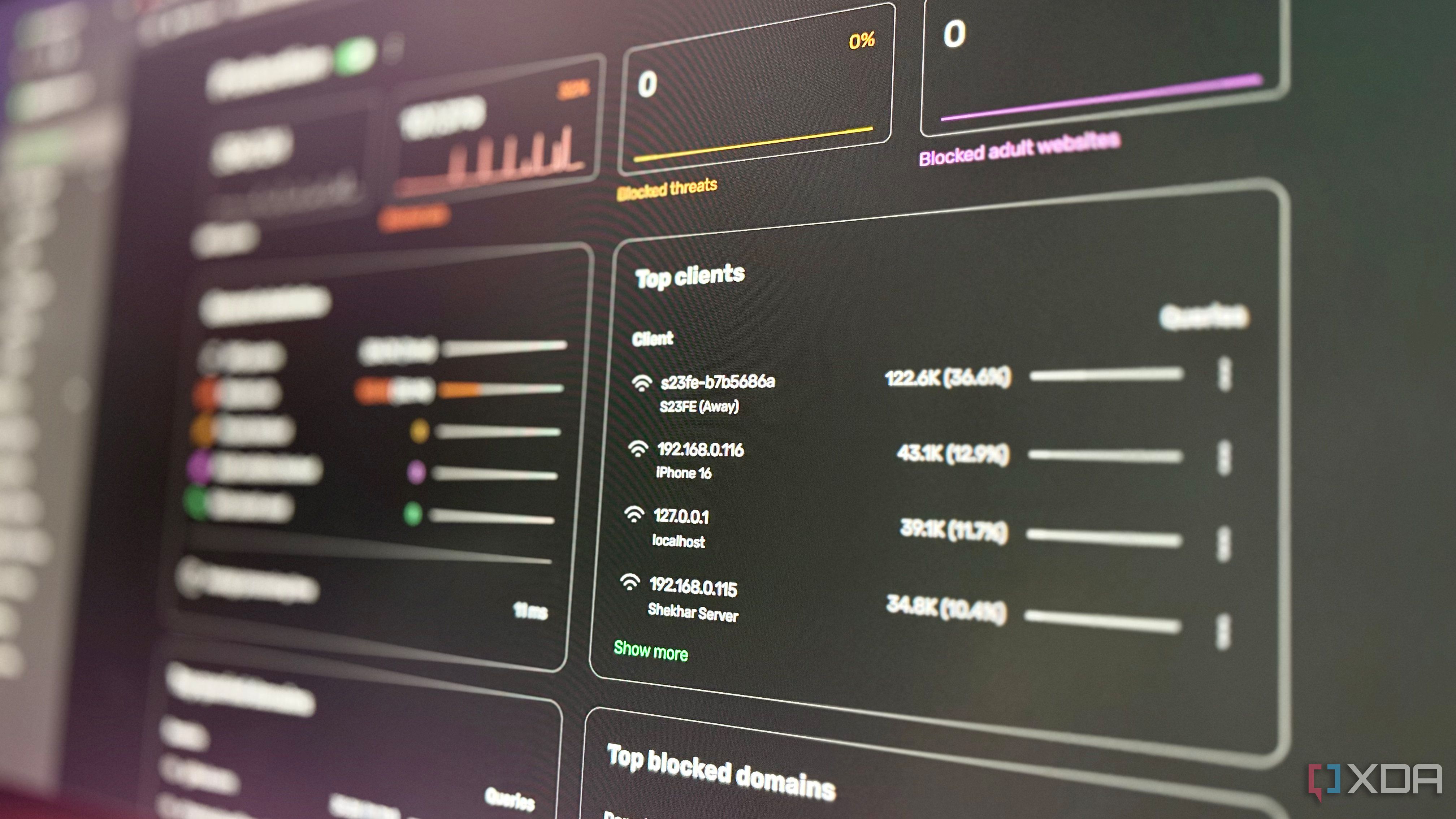
Over the past year, I tested several DNS servers. Every DNS server I tested blocked ads and filtered trackers while I was at home. As soon as I switched from home Wi-Fi to mobile data or public Wi-Fi, ads and trackers returned. As a solution, I exposed AdGuard Home (AGH) as a self-hosted encrypted DNS server. After that, I pointed my phones at it, and now they filter through my own AGH from everywhere. But while setting up AGH for when I was away, I broke it at home.
X
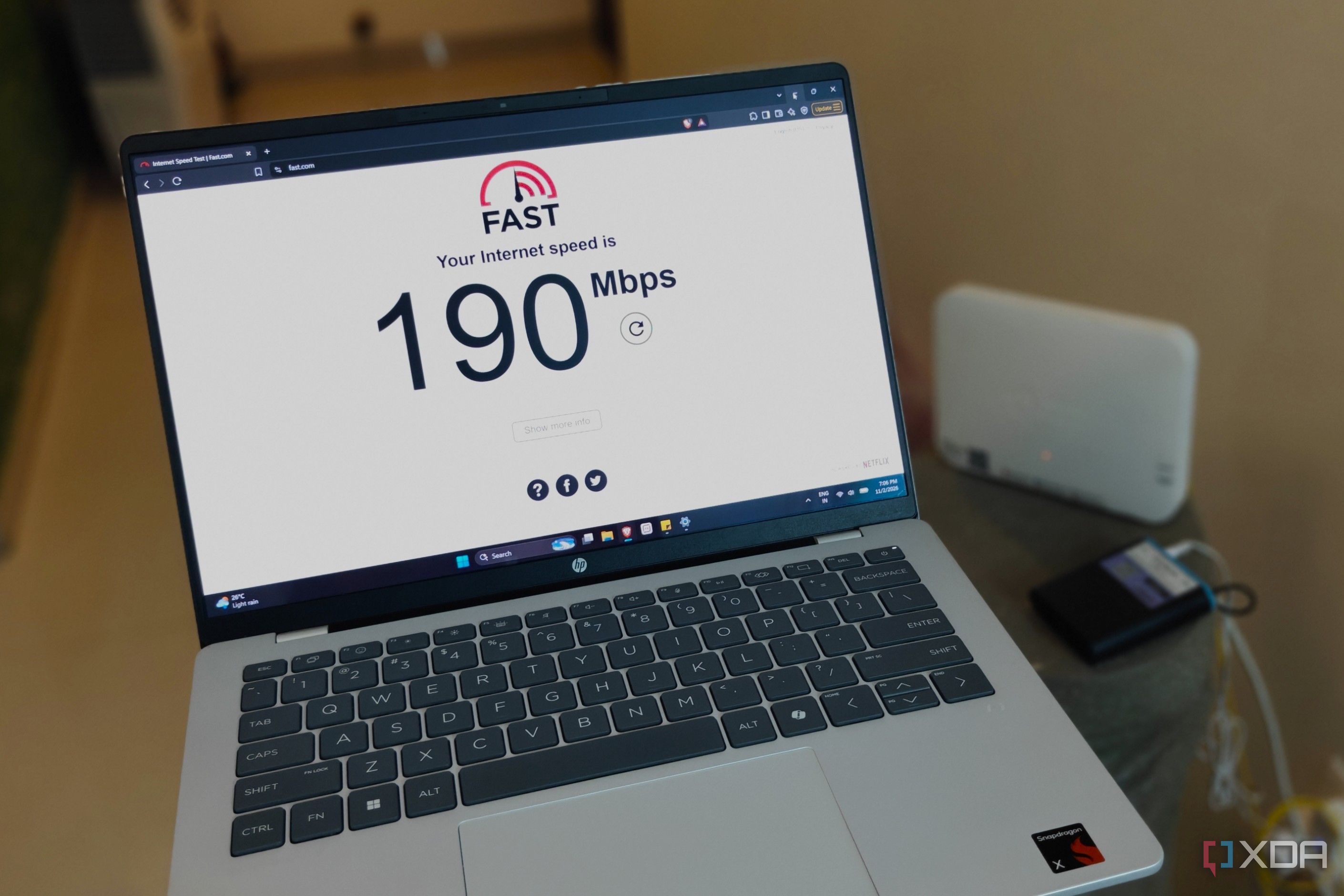
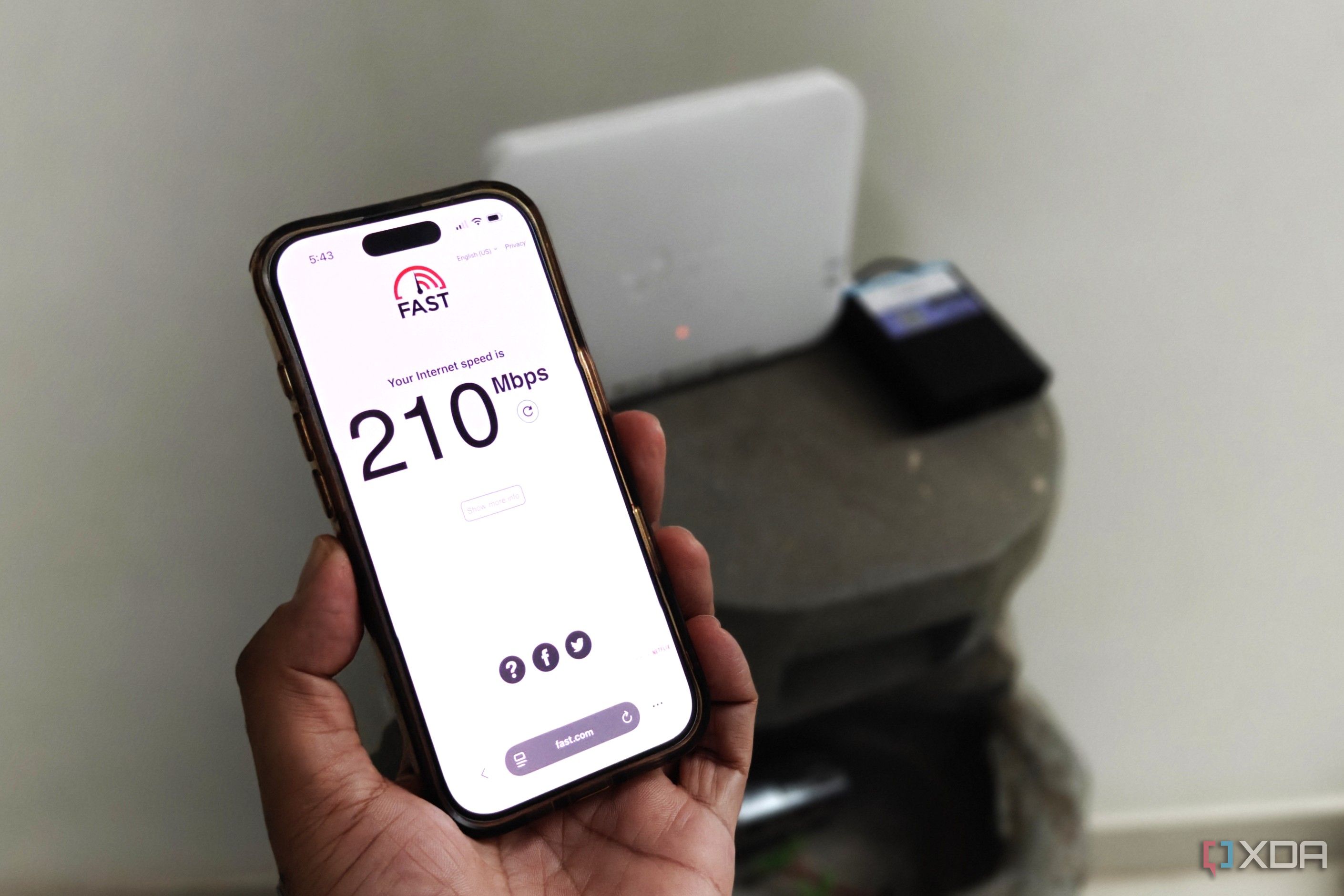
Most people rely on a quick speed test on Speedtest.net or Fast.com to gauge the status of their Wi-Fi connection. These sites are used mostly when users are facing unexplained latency on their Wi-Fi, but the download/upload speeds shown on speed tests may still show that nothing's wrong. Internet speed tests are good for confirming that your ISP isn't throttling your connection, but it doesn't shed much light on anything else.
X
After getting a public IP address from my ISP, I revisited the whole network setup I built around CGNAT. The other issue was double-NAT, but I never really cared about it because CGNAT was the main wall for my homelab.