X
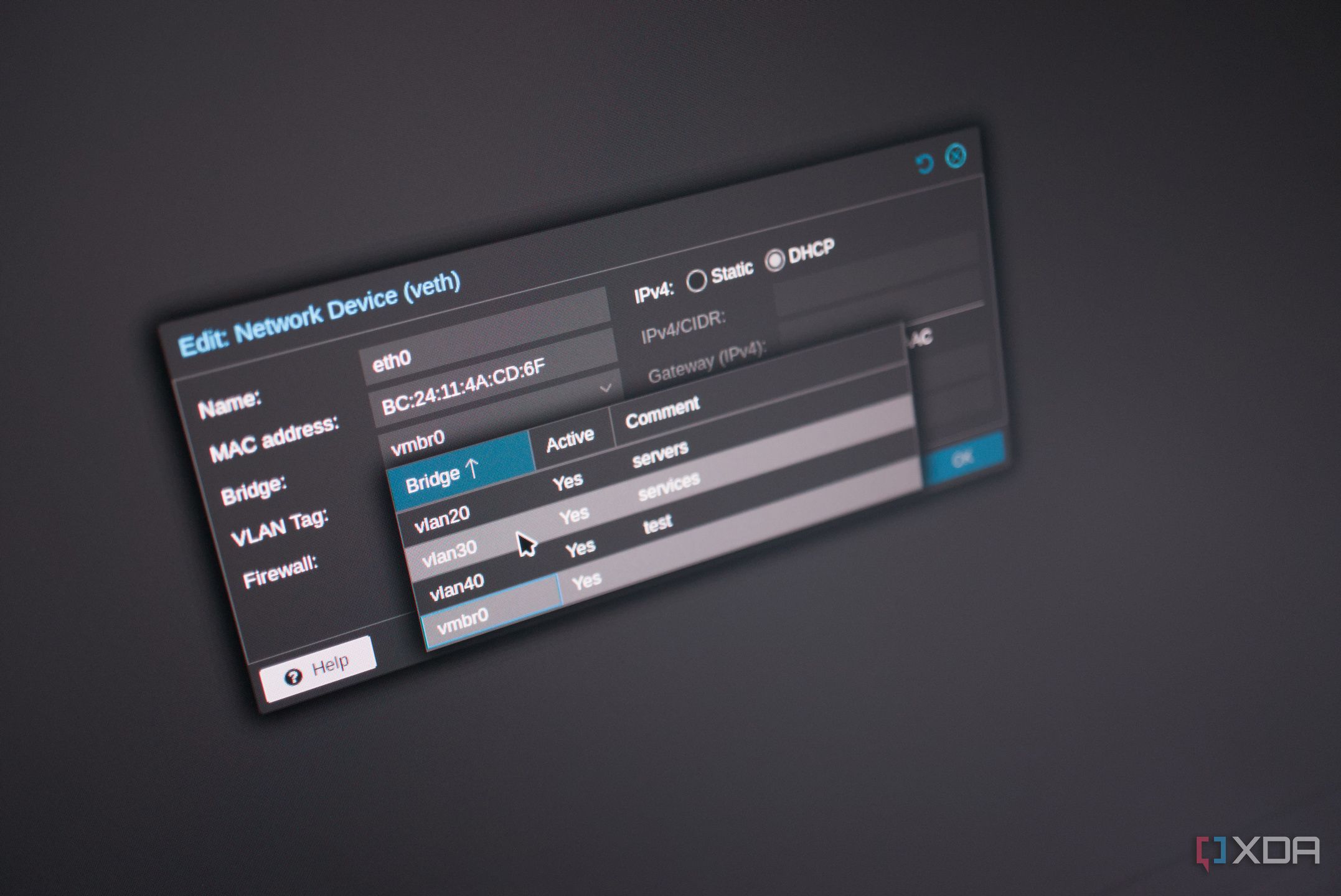
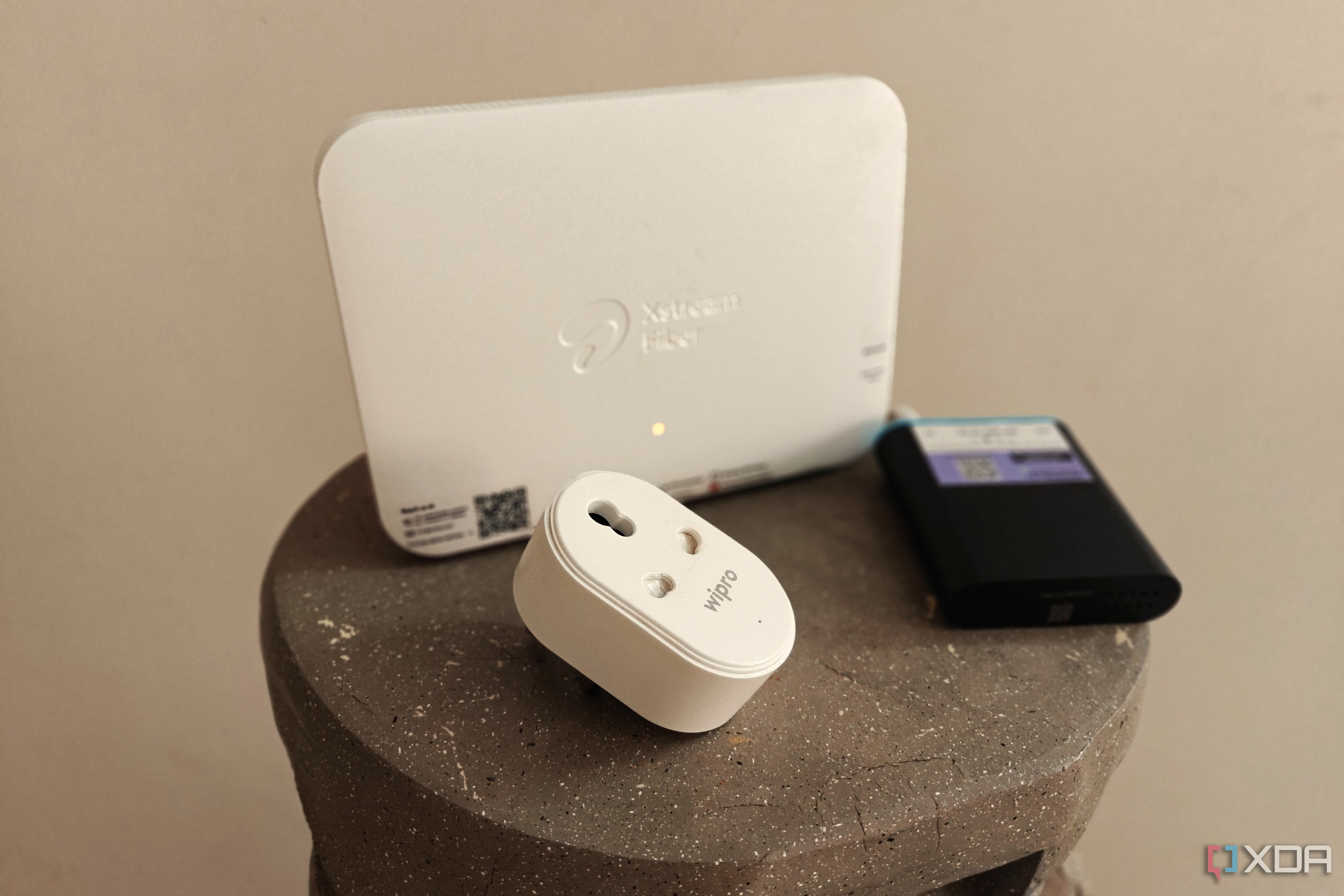
Internet of Things (IoT) is brilliant and has allowed us to configure smart homes with countless sensors and devices to improve our daily lives. But having too many clients on a single network can cause congestion. But even if you don't have too many of these devices installed in your home, it may be a good idea to split them up from the rest of your home network. They may be running outdated software, not be fully secure, or simply cause a little too much noise. That's where VLANs come into…
X
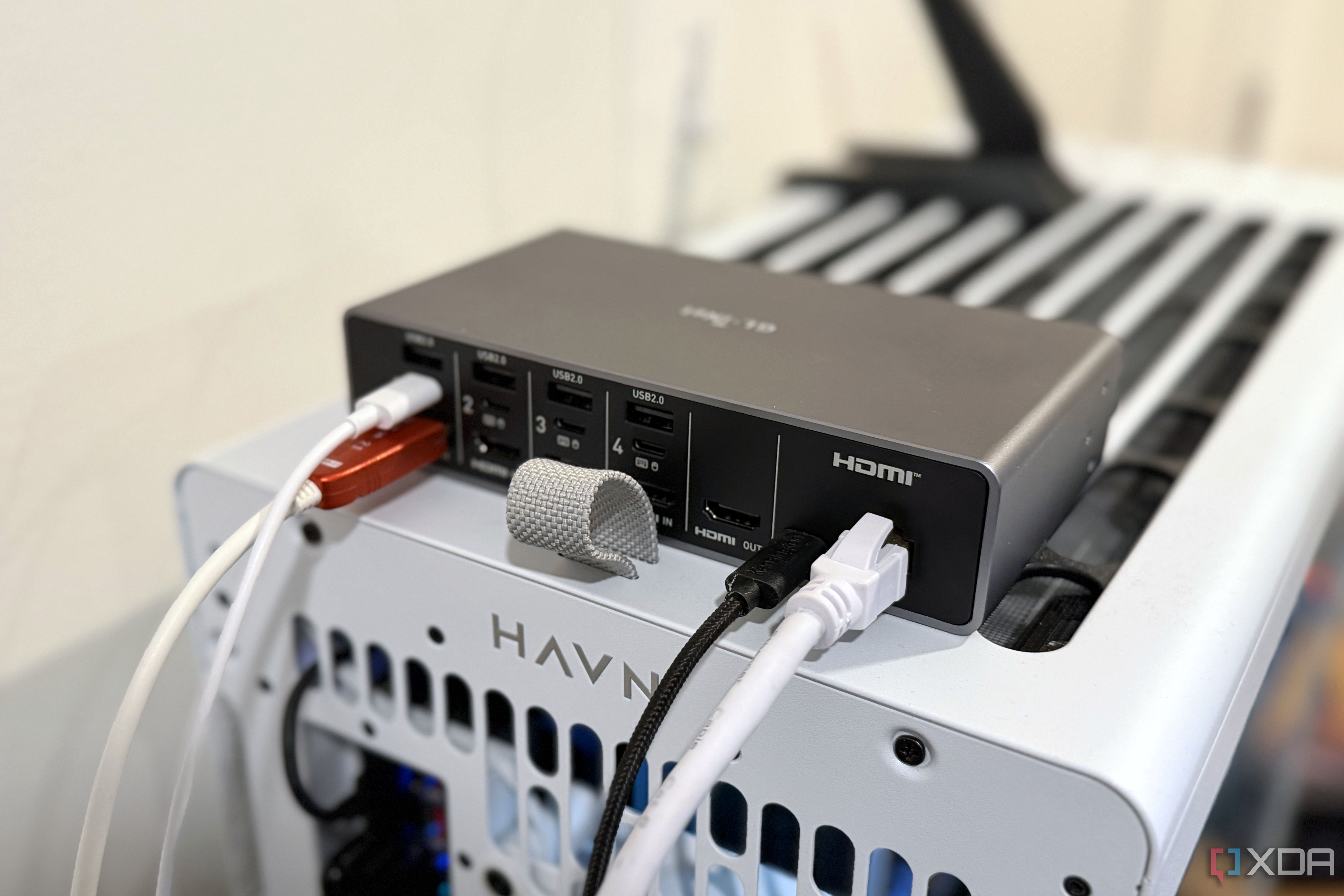
Remote access for your desktop PC is often solved by using a VPN or remote desktop software. That's how I've managed things for years: a combination of remote desktop software and Tailscale, so the software only worked on my tailnet. It was smooth, secure, and worked everywhere, until one day Windows rebooted after an update when I wasn't at home and didn't make it back to the desktop.
X
When your Wi-Fi is bad, the usual approach is the same as most other things in tech, which is to go bigger: more channels, a bigger, better router, and higher transmit power. Those who know wireless networking know that approach isn't always good, especially when it comes to transmit power. A Wi-Fi link doesn't always need more of something, and while it's counter-intuitive, turning down transmit power ended up being one of the best things for my home Wi-Fi.
X
I like to think I know what's on my network. I've got a Proxmox home lab running a pile of LXCs, a Synology NAS that holds everything I care about, and a two-node Technitium DNS cluster. The thing is, DNS logs only tell you what a device asks for. They don't tell you what it does next.
X
My router's app shows a tidy list of device names, and I'd always taken that as proof I knew what was on my network. I'd already given my smart TV its own rules after its outbound traffic worried me and hunted down every mystery device on my network, so I figured the rest of the house would be boring. Then I spent an evening checking properly, with a network scan, the router's own usage numbers, and a packet capture.
X
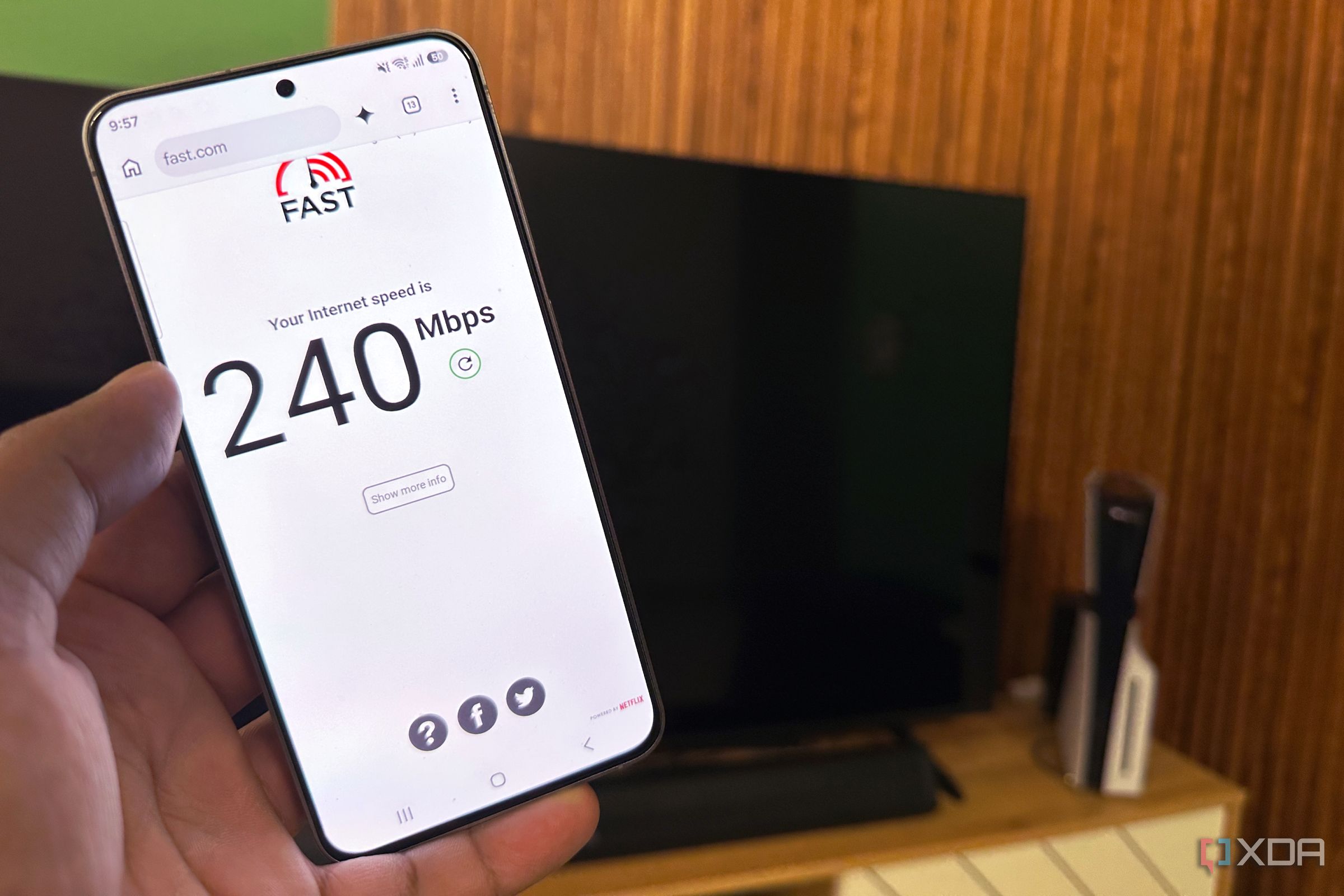
I assumed random stutters during video calls were because of others’ poor connectivity, until my colleagues pointed out it was my quarter-gigabit (250Mbps) internet connection. The call would freeze for a second, a page would hang, my voice would crackle, and then it would all snap back as if nothing had happened. Then I noticed that, besides the video call stuttering, Jellyfin started buffering, Home Assistant dashboards stalled, and my PS5 quietly downloaded a multi-gigabit patch.
X
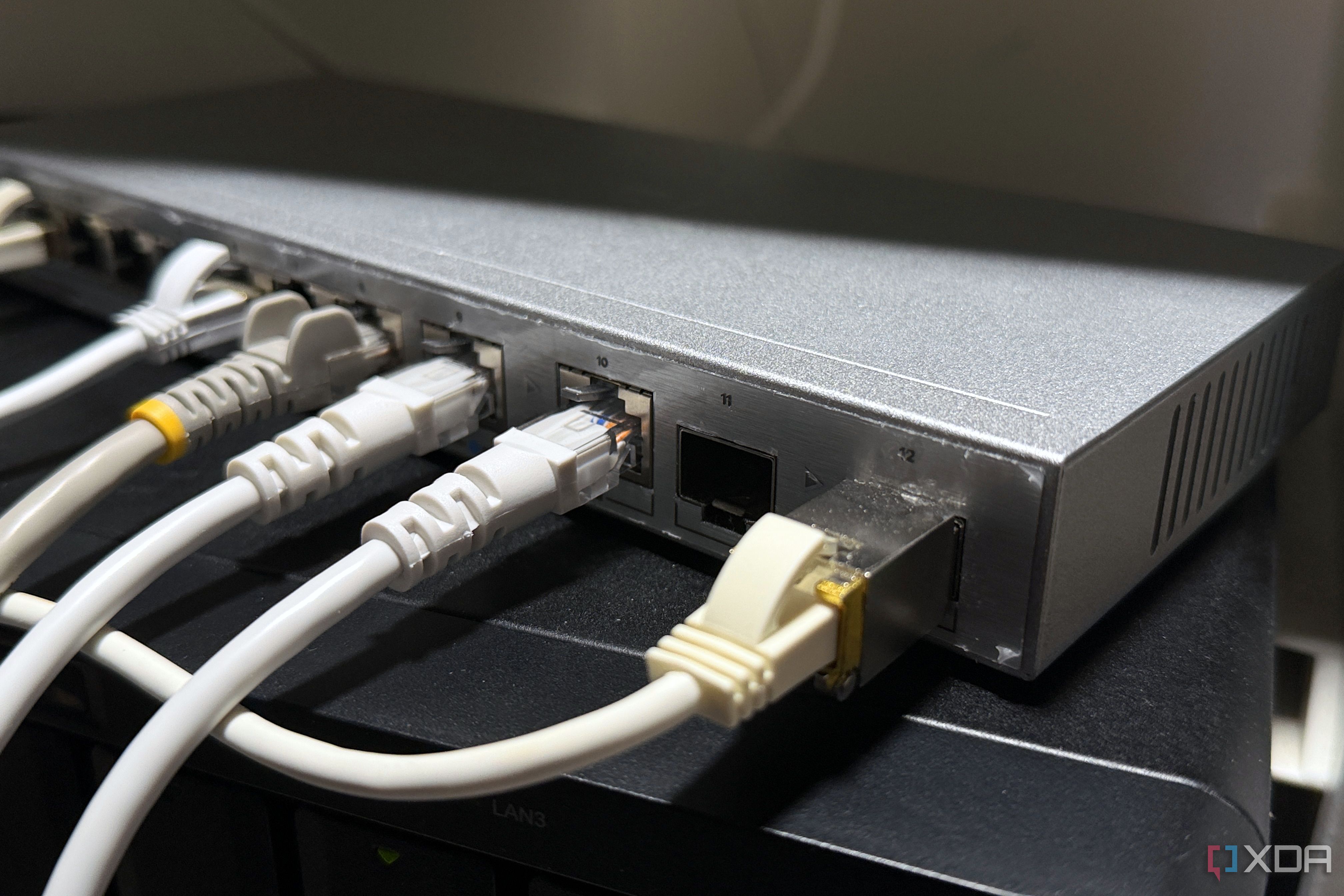
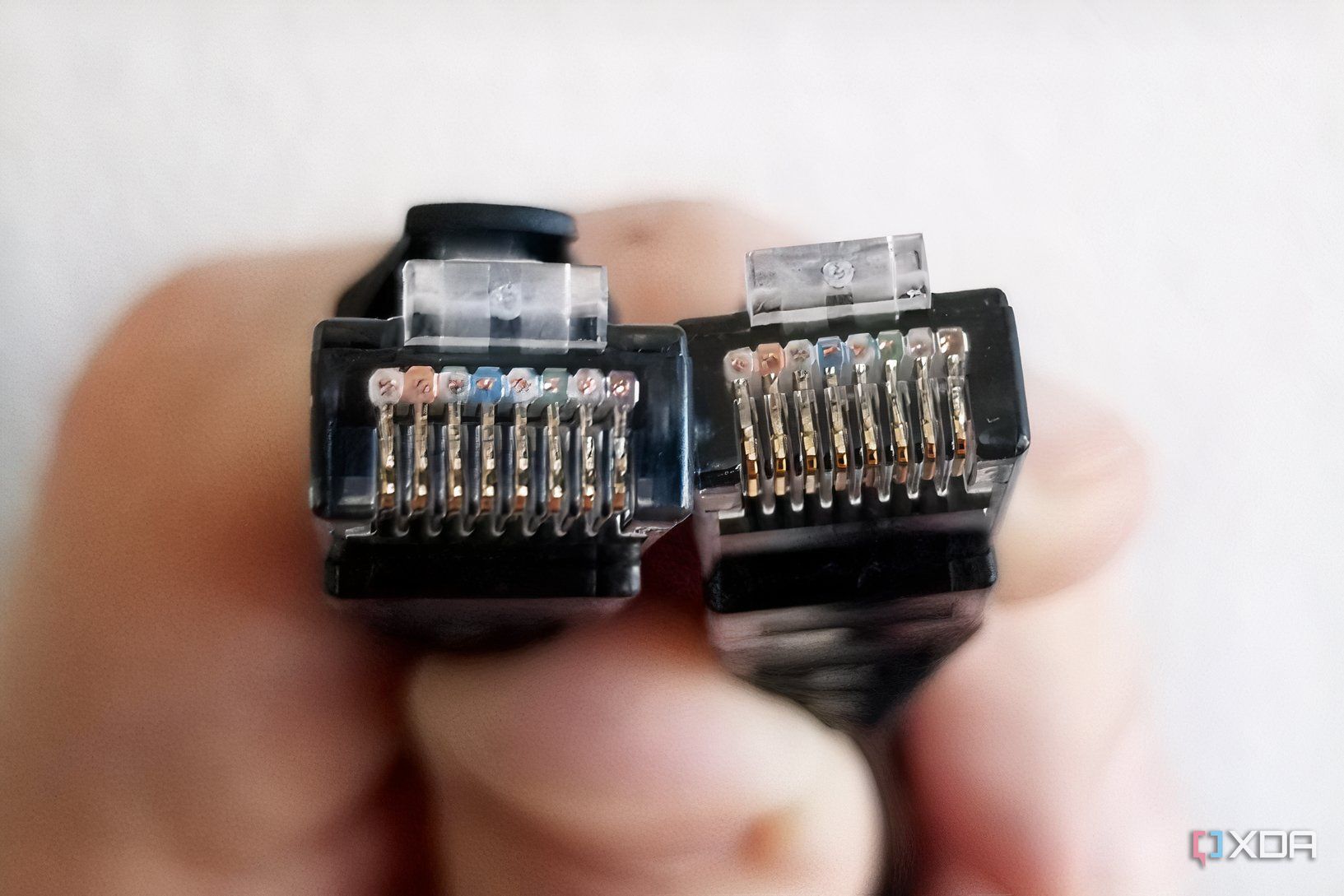
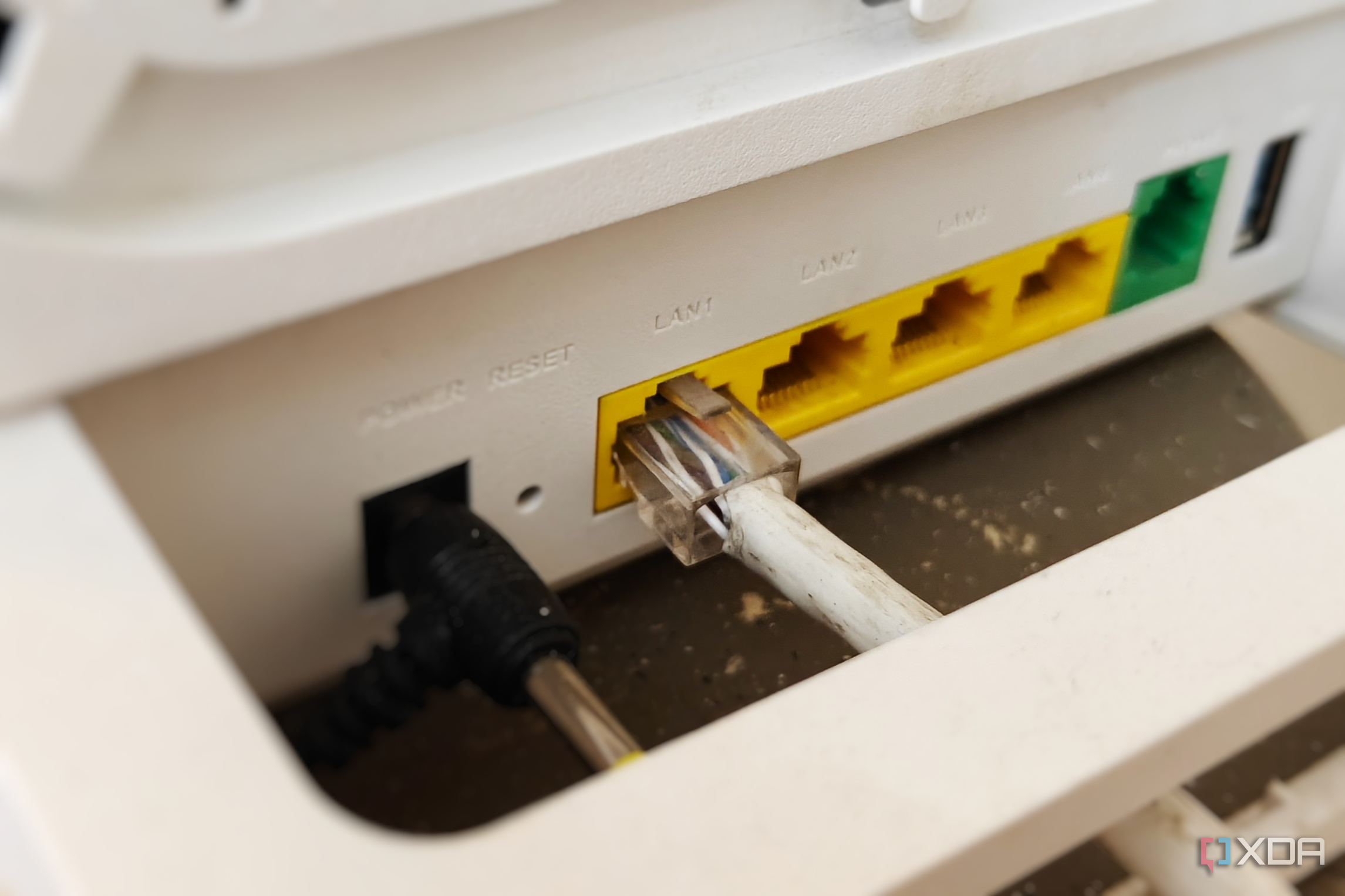
Modern home networks regularly host dozens of concurrent IP devices, spanning from smart home hubs and local media servers to desktop workstations and mobile devices. Sometimes, identifying physical-layer faults, network loop disruptions, or unresponsive hardware requires repetitive manual interventions, like power-cycling equipment in hard-to-reach locations or tracing unmarked Ethernet drops. Realistically, advanced network diagnosis doesn't need enterprise-grade rack gear or…
X
No one likes dealing with ads on the internet, and while most people are familiar with ad-blocking extensions, blocking ads on your entire network is also increasingly popular, and easier to do than you might think. The problem with that is that once you step away from your home, the ads come right back into play on mobile data. But what if they didn't?
X
Changing your DNS server is one of the simplest tweaks you can make to a home network, and for many people, it's the first thing they do after initial setup. Some will point their router at Cloudflare or Google because they want a faster resolver than what their ISP offers, and others set up Pi-hole or AdGuard Home to block ads for their whole house. No matter what you set it to, it's assumed that once you set it at the router level, it takes hold for every device, but that's not always true.…
X
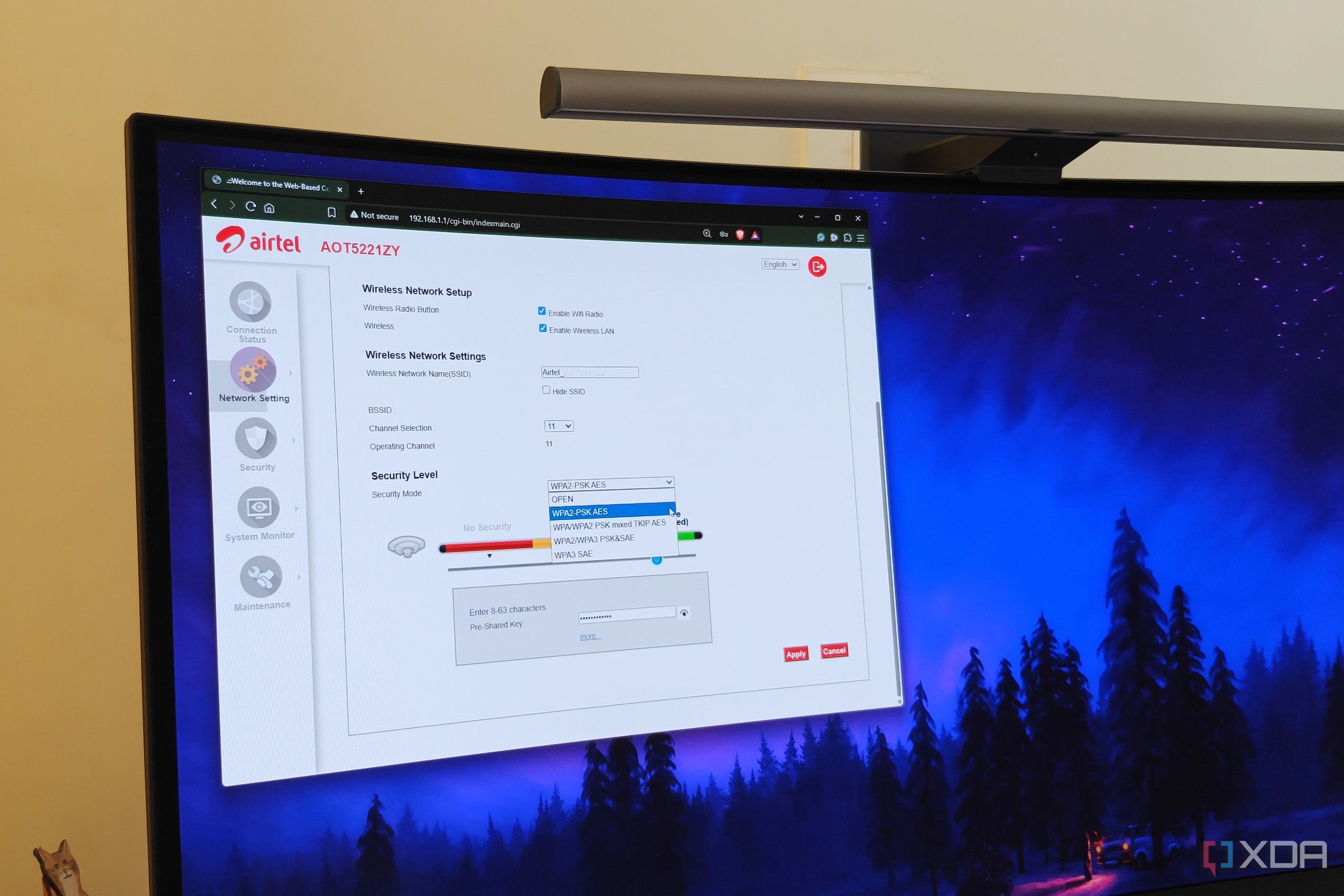
Users who are never satisfied with their Wi-Fi performance may keep tweaking their router's settings, but they often ignore the ones that could matter the most. Many such settings are rarely used, and hence are easy to forget about. I found I was in the same boat when I recently discovered some unsavory security-related settings were left enabled on my router's admin page.
X
Wi-Fi 7 routers have a lot of allure for modern networking. The latest Wi-Fi standards address congestion, latency, and interference, enabling you to add more devices to your network without many issues. While the most appealing solution to your home network’s slowdowns may be to purchase a new router, even the latest Wi-Fi standards cannot penetrate walls. The key to fixing your home network is to understand its limitations first. By mapping your home's dead zones, you can get a good idea of…
X
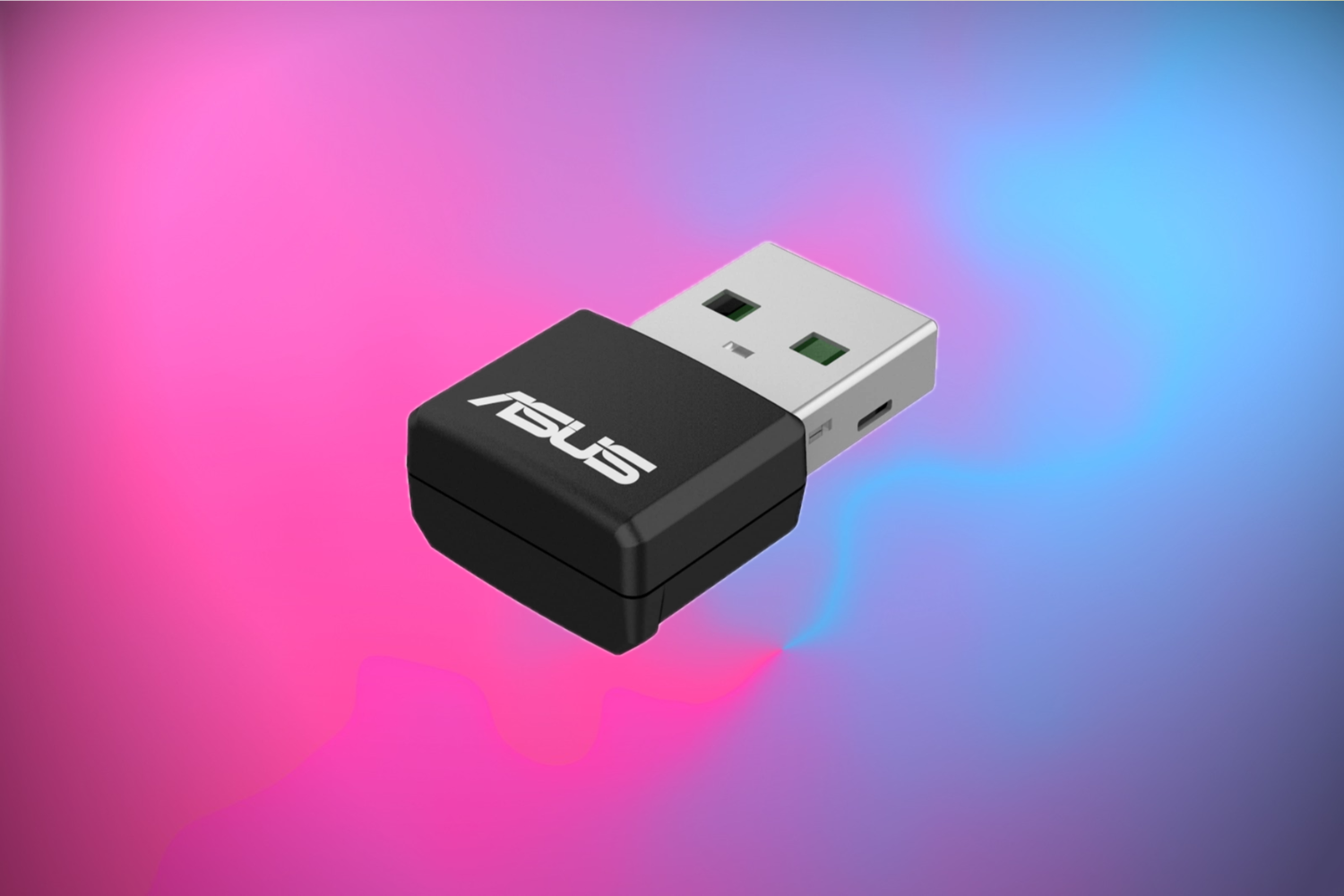
If your desktop has no Wi-Fi, or your laptop's wireless card is showing its age, a USB adapter is the easiest way to get onto Wi-Fi 6 without opening the case. Thankfully, you can pick up something like the ASUS Dual Band Wi-Fi 6 USB Adapter. Right now, you can grab this helpful gadget from Amazon for just $29.99, 40% off its regular $49.99 price.
X
Whenever I'm having trouble with my internet connection, especially speed- or latency-related issues, the first thing I usually do is restart my router. If that doesn't work, I'm quick to blame its aging hardware or complain to my ISP because what else could realistically be the problem? So when I noticed my Steam downloads struggling to break 100Mbps despite having a 500Mbps fiber connection, I started wondering whether it was time to ditch the D-Link DIR-882 that I've had for eight years.
X
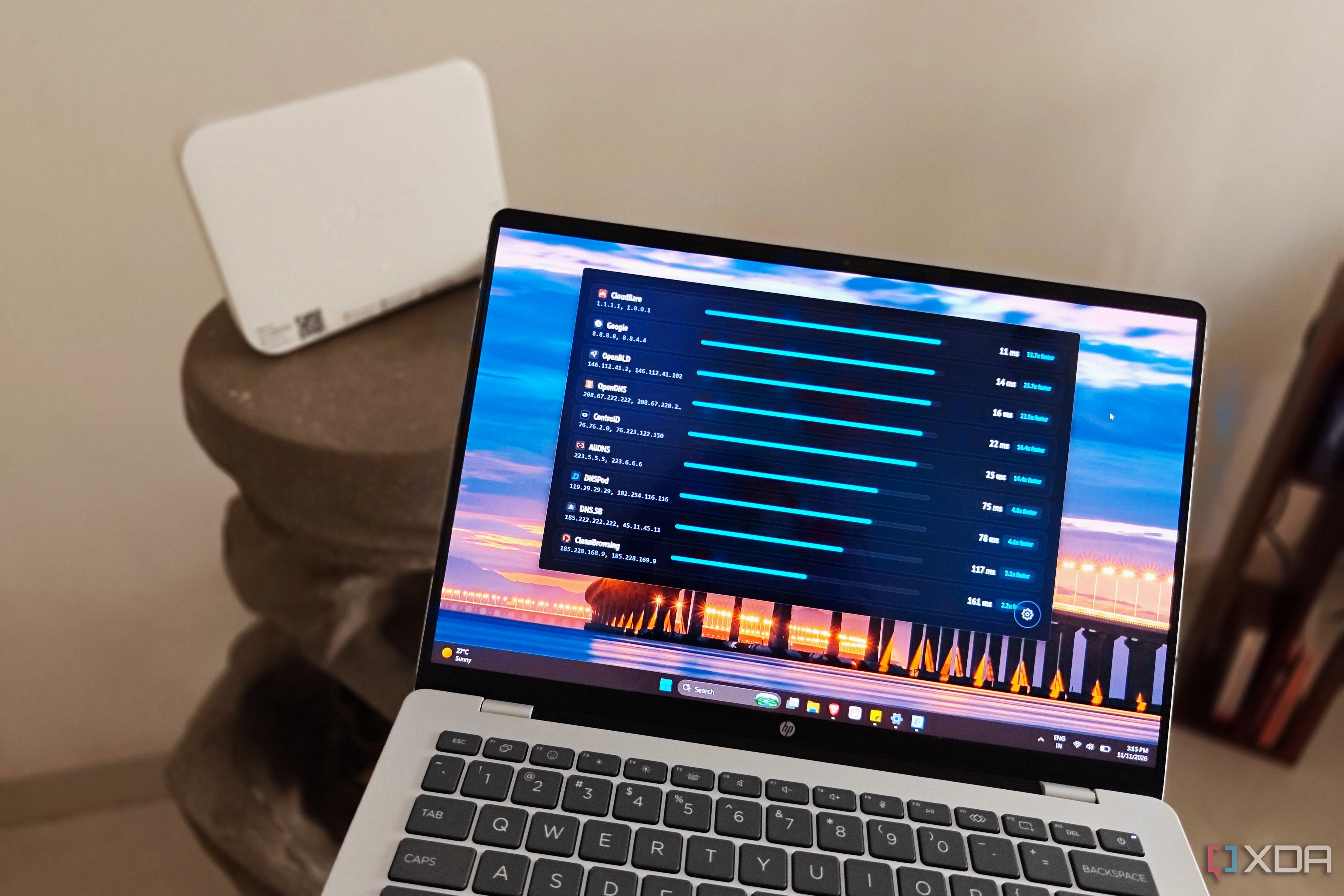
Even after messing with tons of settings on the router's admin page, most people never think of changing their default DNS servers. Your ISP's DNS servers are almost always slower than any other free or paid alternative available. Not only does it make your network feel slightly sluggish, but it also lowers your network privacy, since your ISP can monitor every domain you visit.
X
A typical household today may have north of 20 devices on the Wi-Fi network, with many homes having considerably more. With every family member having a smartphone, several tablets and laptops in the house, one or more smart TVs, and a dozen or more home automation devices online, it can get hard to keep track of exactly how many devices are connected to your Wi-Fi router.
X
Mesh Wi-Fi is touted as a shortcut for good home Wi-Fi without running cables everywhere, and in some ways, it can be. The hardware has earned a reputation for being pretty decent out of the box, but mesh nodes talk to each other over the same airwaves your phone, laptop, and TV are competing for, which could pose performance issues depending on deployment.
X
Network problems can send you into endless troubleshooting. You might see sudden page-loading stutters, sluggish application responsiveness, and erratic video buffering, and suddenly, you're down a rabbit hole of wireless troubleshooting (moving mesh nodes, tweaking channel widths, and swapping Ethernet backhaul cables). However, in many cases, the wireless layer operates at peak efficiency, but devices are stuck waiting on slow DNS lookups before a connection even begins. No matter how many…
X
I have spent years treating Wi-Fi as the obvious answer for anything that doesn't move around my house. Anything that doesn't have to be physically connected, like phones, laptops, consoles, TVs, and even streaming boxes, I generally leave alone. My Wi-Fi 6 router has been good enough that I've barely ever had a reason to question this decision.
X
Unpacking a brand-new high-end consumer router can feel like a full sense of security, but unfortunately, raw throughput doesn't translate directly to a lag-free connection. Out-of-the-box factory firmware prioritizes broad compatibility, aggressive throughput buffering, and automatic channel selection over raw packet responsiveness, meaning even though you've spent hundreds of dollars on this router, it might not be delivering you the best performance.
X
Gigabit broadband connections and modern 5 GHz Wi-Fi access points can actually fail to deliver advertised speeds, as they exhibit random throughput drops and erratic latency despite strong physical signal indicators. Out-of-the-box router configurations can default to a narrow set of non-DFS channels in the lower 5GHz band, typically channels 36 to 48 or 149 to 165, leading to extreme radio frequency saturation in dense residential environments.
X
Forwarding ports has long been a fundamental part of taking ownership of your home network. It's often the first thing that novices dip their toes into because they want to host a game server or access something on their LAN while they're away, and it's not immediately obvious why it might be a bad idea.
X
Tailscale has a party trick I still find a little magical: install it on a box, and ten seconds later I can type pve from a coffee shop and land on my Proxmox host. No port forwards, no DNS records, no router IP range sabotaging your WireGuard VPN because a hotel used the same subnet. That's MagicDNS, and it's the reason most people never bother learning how Tailscale's DNS actually works.
X
Self-hosting applications to get rid of high prices and forced tracking sounds easy at first. You switch to a Linux distribution, set up Docker (or Dockerless) tools, and run and access them locally on your home network. It feels liberating to use a tool that's just as good as, if not better than, premium cloud-based ones. However, things become complex when you want to access the app/tool outside your network. A sudden realization hits you because you never felt the same need with a…
X
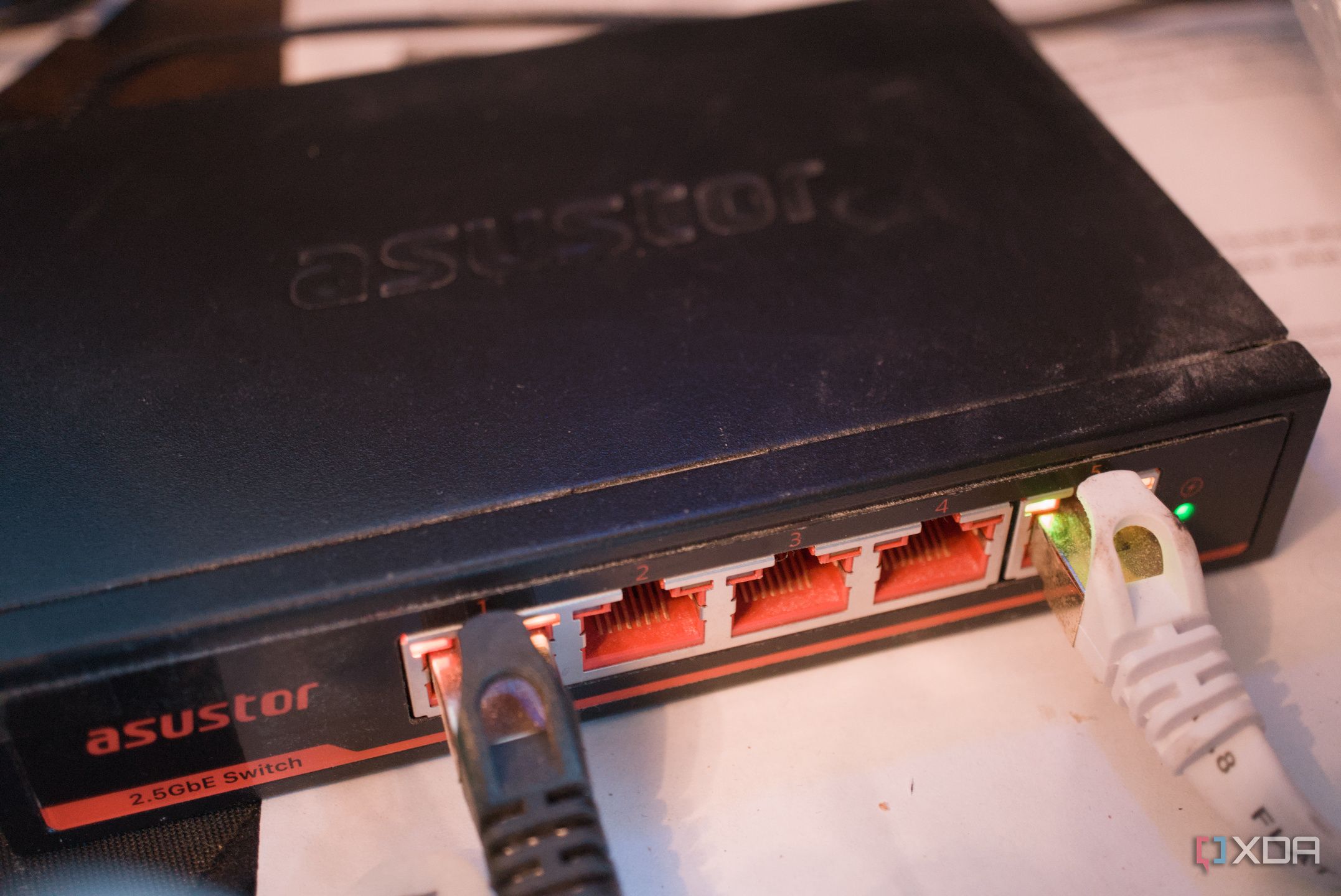
To create the ultimate home lab network, one would require managed switches, spending $100s on equipment, and hours upon hours of research and deployment, right? Not at all! If all you wish to do is give your LAN a slight boost in performance and capabilities, a cheap unmanaged network switch is still one of the best upgrades you can make today. Even if the LAN already runs mesh nodes with solid wireless, there may still be room to grow by enhancing the wired side of things.
X
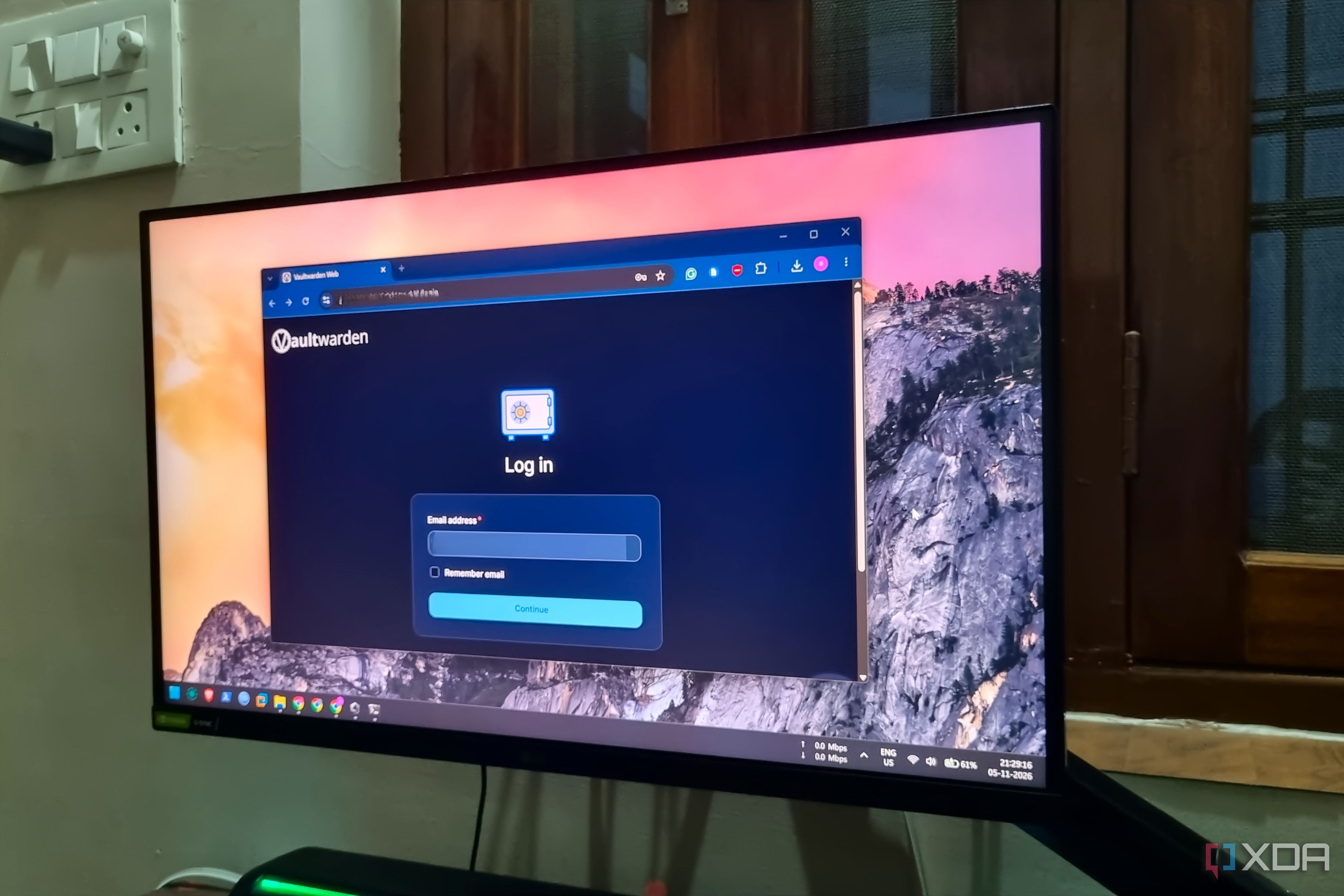
I’ve been a fan of self-hosting my own tools and getting rid of cloud-based utilities ever since I built my first Proxmox server, and this addiction also extends to my home lab management services.
X
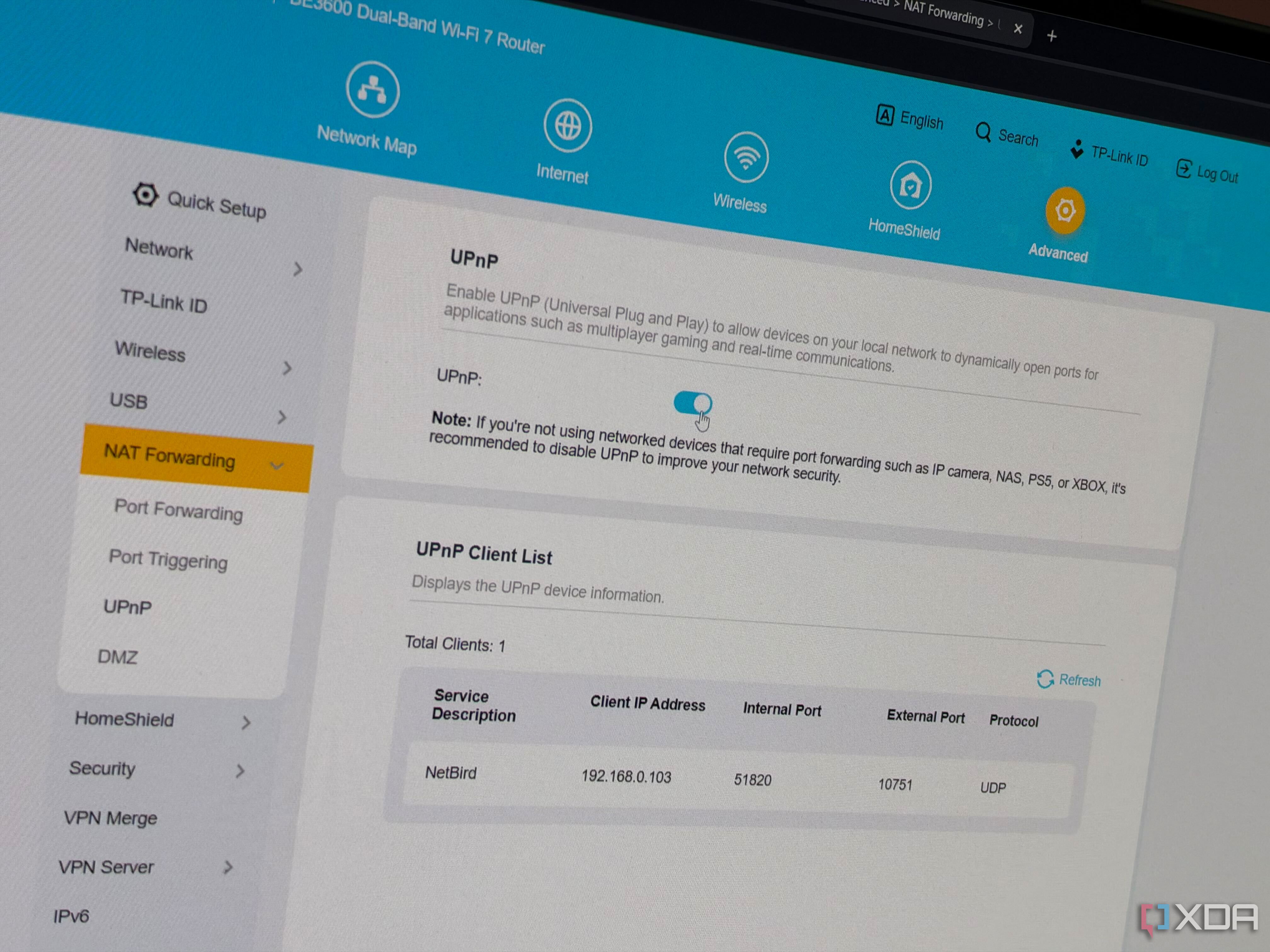
Your router's firewall does a pretty decent job at dropping unsolicited inbound traffic, and most people never have to think about it. Even fewer people ever think about UPnP, which is a setting almost every consumer router has that lets any device on the network punch a hole through that protection without telling anyone.
X
When I bought my first premium network switch, ultra-high speeds between my home lab nodes were the only thing I cared about. But once the initial 10GbE enthusiasm died down, I began looking into other cool features on my networking companion. VLANs, for example, were a killer addition to my smart home-riddled living space, as they helped me protect the rest of my virtualization servers and everyday systems by isolating my insecure IoT gizmos in their own subnet.
X
I don't travel often, but when I do, I'm always annoyed at the amount of setup I need to do once I get to the hotel. Along with my smartphones (yes, plural), a ROG Ally X running CachyOS, and my trusty MacBook, I also need to connect an Apple TV and the rest of the family devices to Wi-Fi. That's a struggle to begin with, especially if you get a per-room device limit, and then I always worry about security.
X
Smart TVs have rightfully earned their bad reputation. Besides collecting data on the obvious stuff like what you're viewing, they run software that is often abandoned before the panel itself wears out, and they also sit on the same network as all of your other devices. One of the most common pieces of home network security advice is to put your TV on your router’s guest network as an isolation measure, but it's not always the best course of action. That isolation can break a lot of the…
X
Anyone who ever caught the self-hosting bug at any point in the past six years is no stranger to Tailscale, the mesh VPN that lets users reach their self-hosted services from anywhere. Tailscale's USP, of course, is that you don't have to go through the trouble of opening up ports on your router. Things do tend to get unnecessarily complicated when you want someone outside your Wi-Fi network to access a self-hosted app.