H
The Linux ecosystem has had a busy few months, with Linux 7.4 development getting attention for its unusually active testing cycle, growing use of AI-generated contributions, and continued hardware support improvements. Meanwhile, desktop Linux distributions have been pushing ahead with Wayland adoption, stronger security, and more modern desktop experiences. Fedora Linux 45 is the latest chapter in that evolution.
H
An aging laptop does not necessarily need a hardware upgrade to feel faster. Sometimes, changing the operating system can make a noticeable difference, particularly when you are running a machine with an older processor and integrated graphics. Linux distros have different desktop environments, background services, and system requirements, all of which can affect everyday performance.
H
A new Windows 11 update is beginning to roll out to users across the globe, but this update isn't adding flashy new AI features or mindlessly moving things around. Microsoft is delivering on its prior commitments and plenty of insider testing to bring real performance improvements to Windows 11, especially for computers working with only 8GB of memory. In a world where computers and memory have gotten more expensive, these are the updates that make an impact.
H
If you have a Windows-Linux dual-boot PC, you're probably familiar with the troubles that come with sharing files between the two partitions. You'd expect two operating systems with direct access to the same CPU, RAM, and storage to also be able to access each other's files. But unfortunately, that's not always the case. On Linux, you might've noticed that your Windows files are editable one day but locked in read-only mode or unmountable the next. Fortunately, all of these issues are…
H
Linux has no shortage of distros, and keeping track of which ones are worth trying can be difficult. Some distros focus on making Linux easier for newcomers, while others experiment with different desktop environments, system components, or specialized tools. Every year, a few distros manage to attract more attention than usual, and 2026 has been an interesting year for several of them.
H
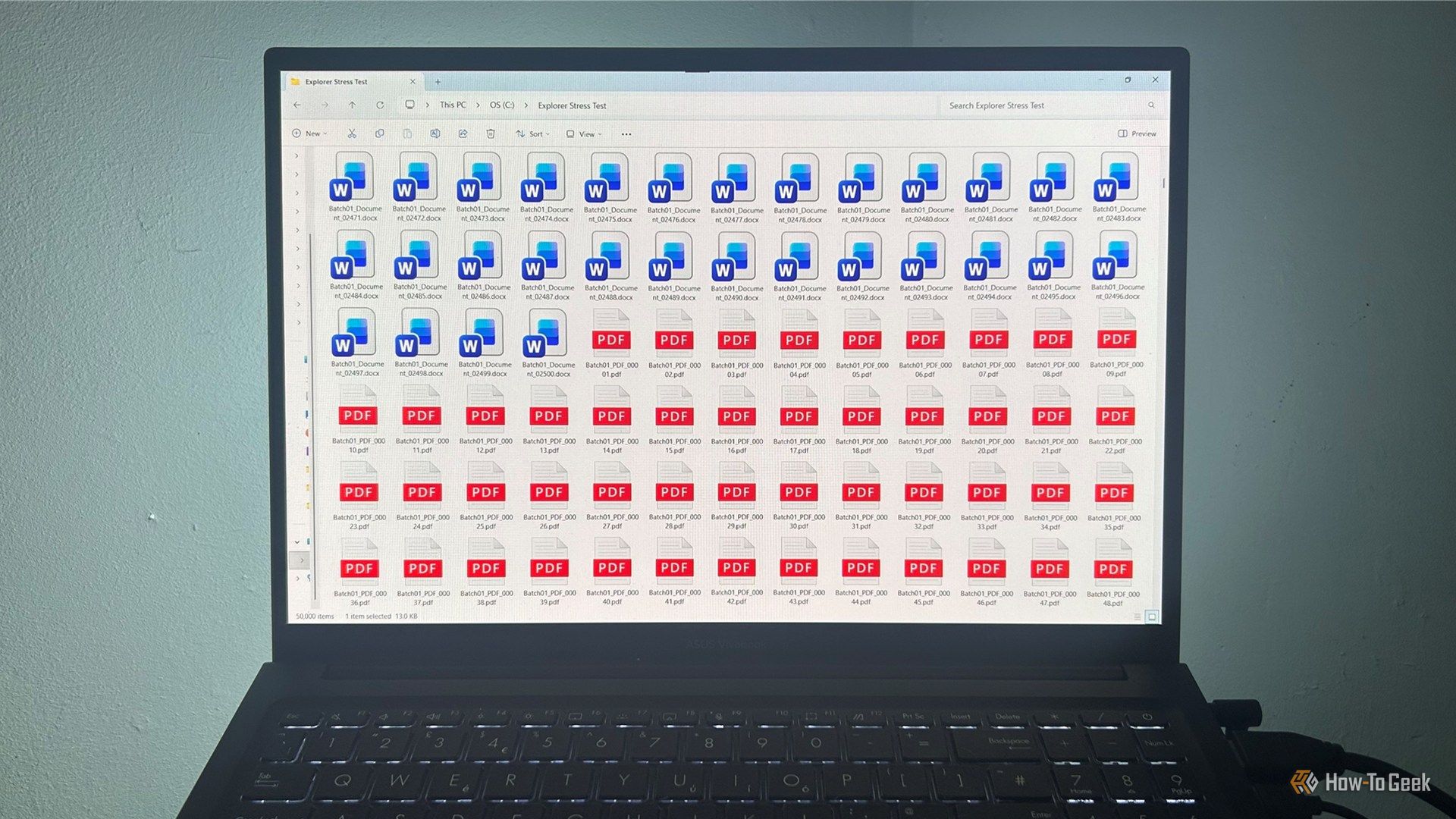
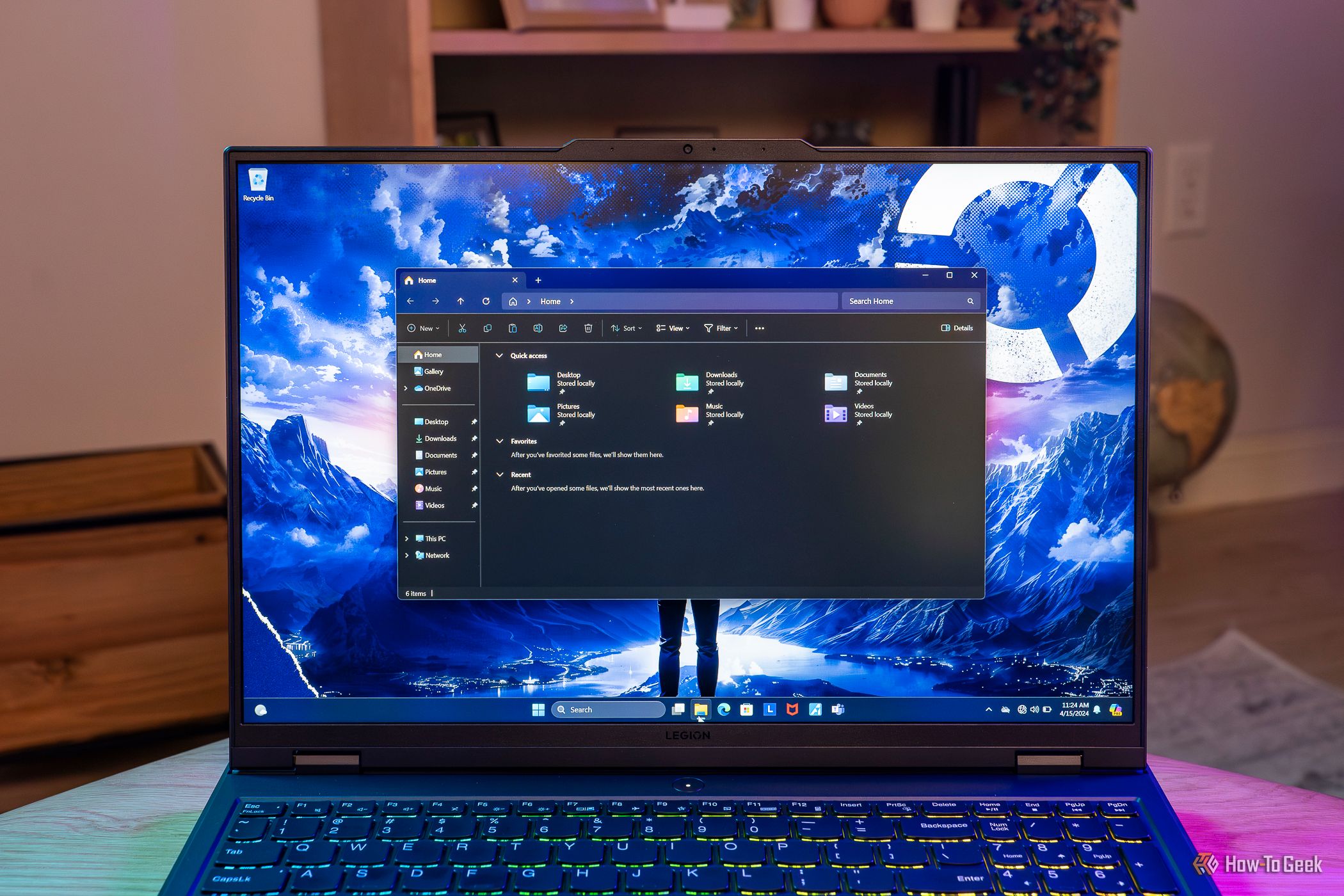
Search online for ways to speed up Windows 11's File Explorer, and you'll find plenty of familiar advice: disable thumbnails, clear File Explorer history, switch to This PC, and turn off the Preview Pane. The same handful of recommendations kept appearing in troubleshooting guides, support articles, and forum discussions, so I decided to test them. What surprised me wasn't which tweak worked best. It was how little difference most of them made.
H
Microsoft has been pushing Windows users to shift to OneDrive after canning its old PC migration tool. Windows 11 had a better option for a while, allowing people to send files directly from one computer to another without the need to use cloud storage. But that choice is gone now with a cloud-first replacement that only offers 5GB of free storage.
H
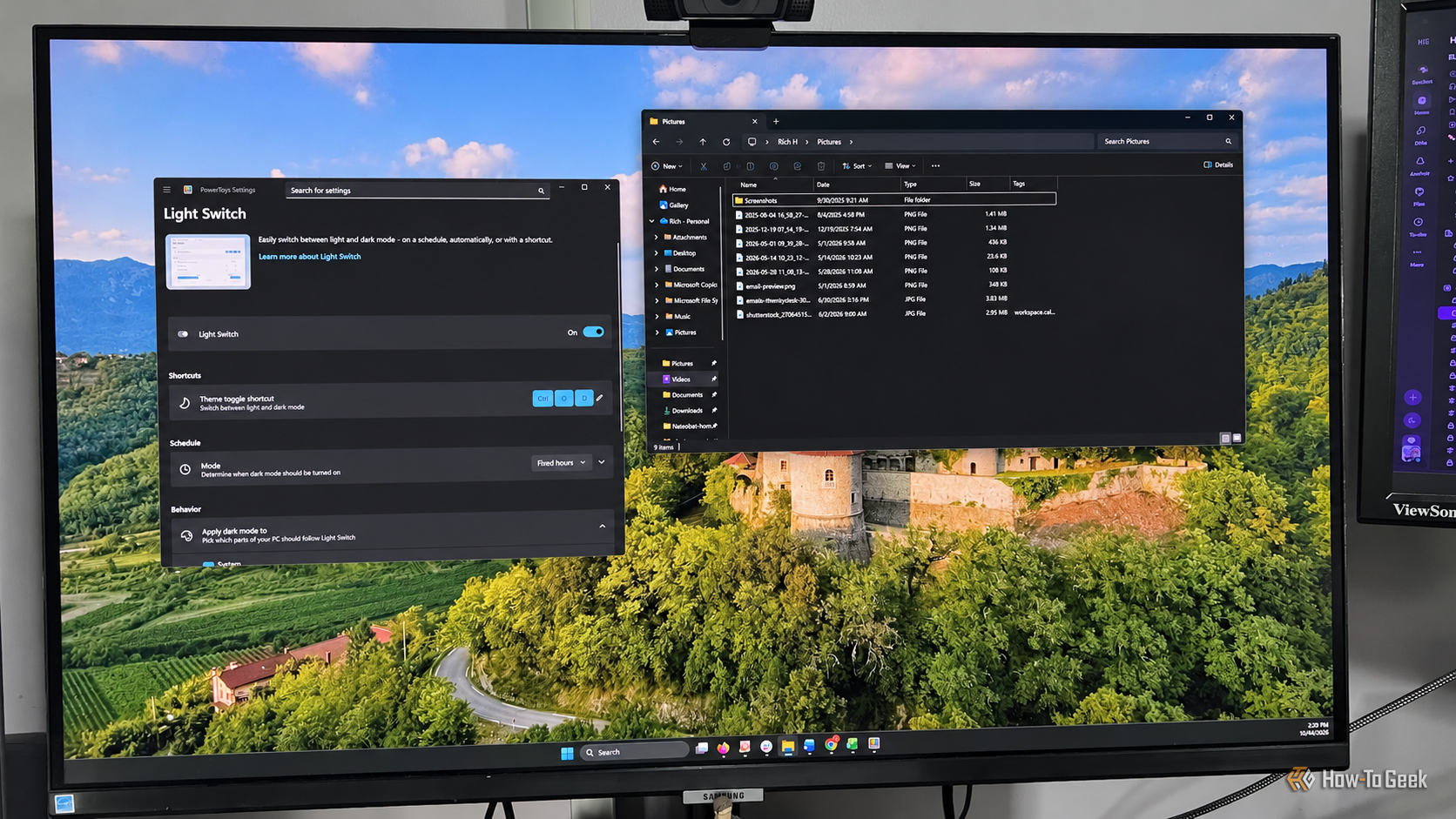
Like many tech writers, I spend a ridiculous amount of time sitting in front of my computer monitor. On any given workday, I typically start before sunrise, and it's not unusual for me to finish just after sunset. I need to do whatever I can to protect my aging eyes, and dark mode has become one of the ways I make the long hours in front of my computer monitors more comfortable.
H
Linux kernel developers have spent much of 2026 debating how to deal with AI-assisted code contributions, including whether developers should disclose their use of AI tools and how maintainers should review machine-generated patches. Following an ever-busier Linux 7.3 testing cycle, Linus Torvalds appears to be more at ease with machine-assisted contributions as he released Linux 7.4-rc1.
H
Ready to try Linux but confused by the hundreds of distros out there? Wondering which one will actually suit your needs without wasting days testing and tinkering? I've narrowed down your search to three distinct distros that cover the needs of most new Linux users.
H
A cluttered Windows desktop, while it could be better with a little bit of discipline, is partly not your fault. It usually comes from too many windows, too many repetitive tasks, and too few tools for managing them. Three Microsoft-made utilities can fix that, and none of them costs anything.
H
Linux has a reputation for being difficult or tedious to work with because it involves using a command-line interface all the time. Today, that reputation doesn't hold up. While some modern Linux distros are still very terminal heavy, many are every bit as approachable as Windows or macOS—you only really use the terminal when you want to use it.
H
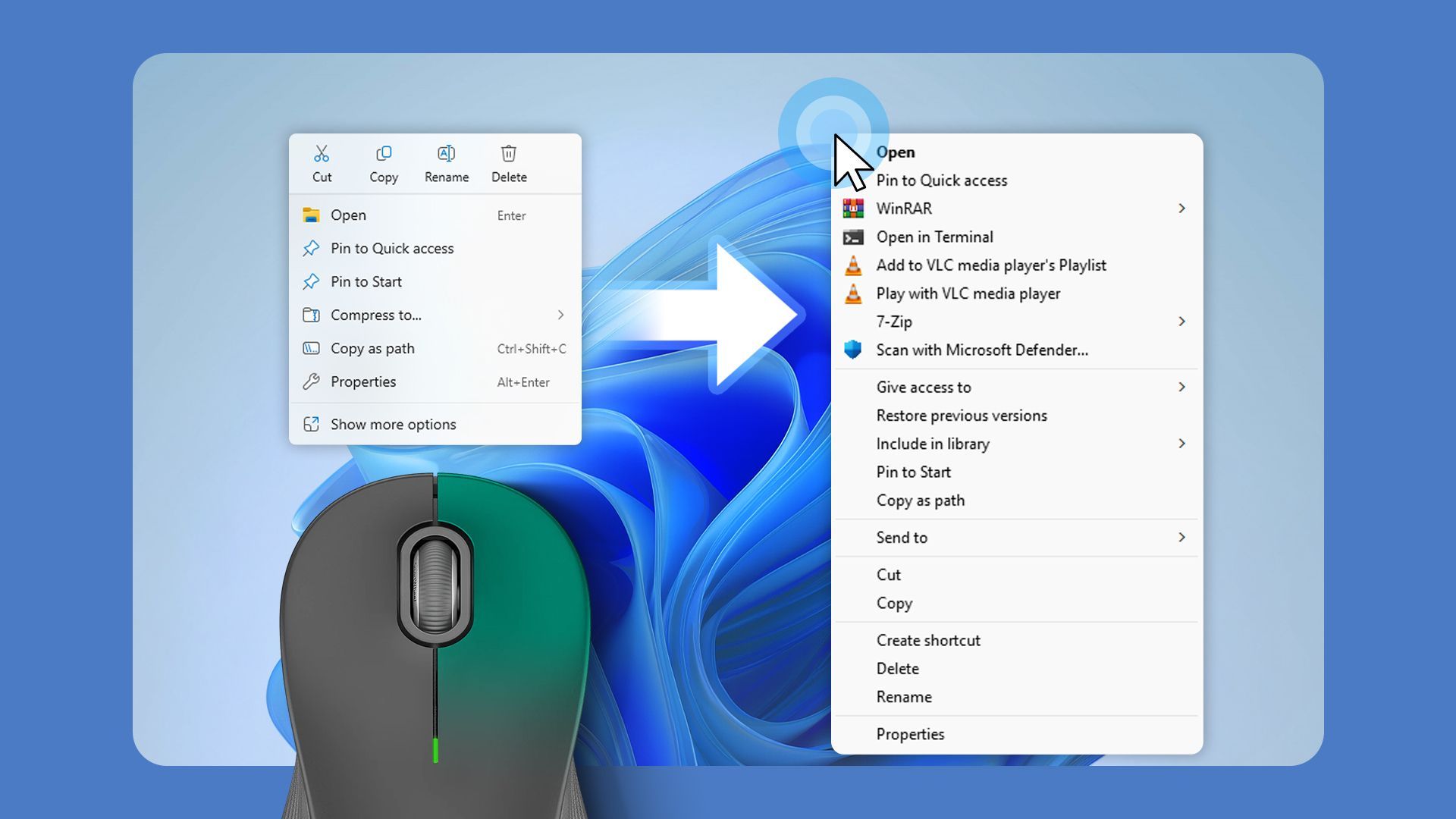
Windows 11’s right-click menu has been cluttered for a long time now. There are delays when opening a file menu and an overload of options added by Windows and installed applications. Now, Microsoft is finally fixing this by rolling out a redesigned context menu and giving users greater control over which commands appear. The update also brings layout choices that make the menu adaptable to individual preferences.
H
The usual narrative is that a Windows user switches to Linux and then complains about the app gap. That said, I’ve been using Linux for over 10 years, and when I switch back to Windows, I notice an app gap, too — in both functionality and quality.
H
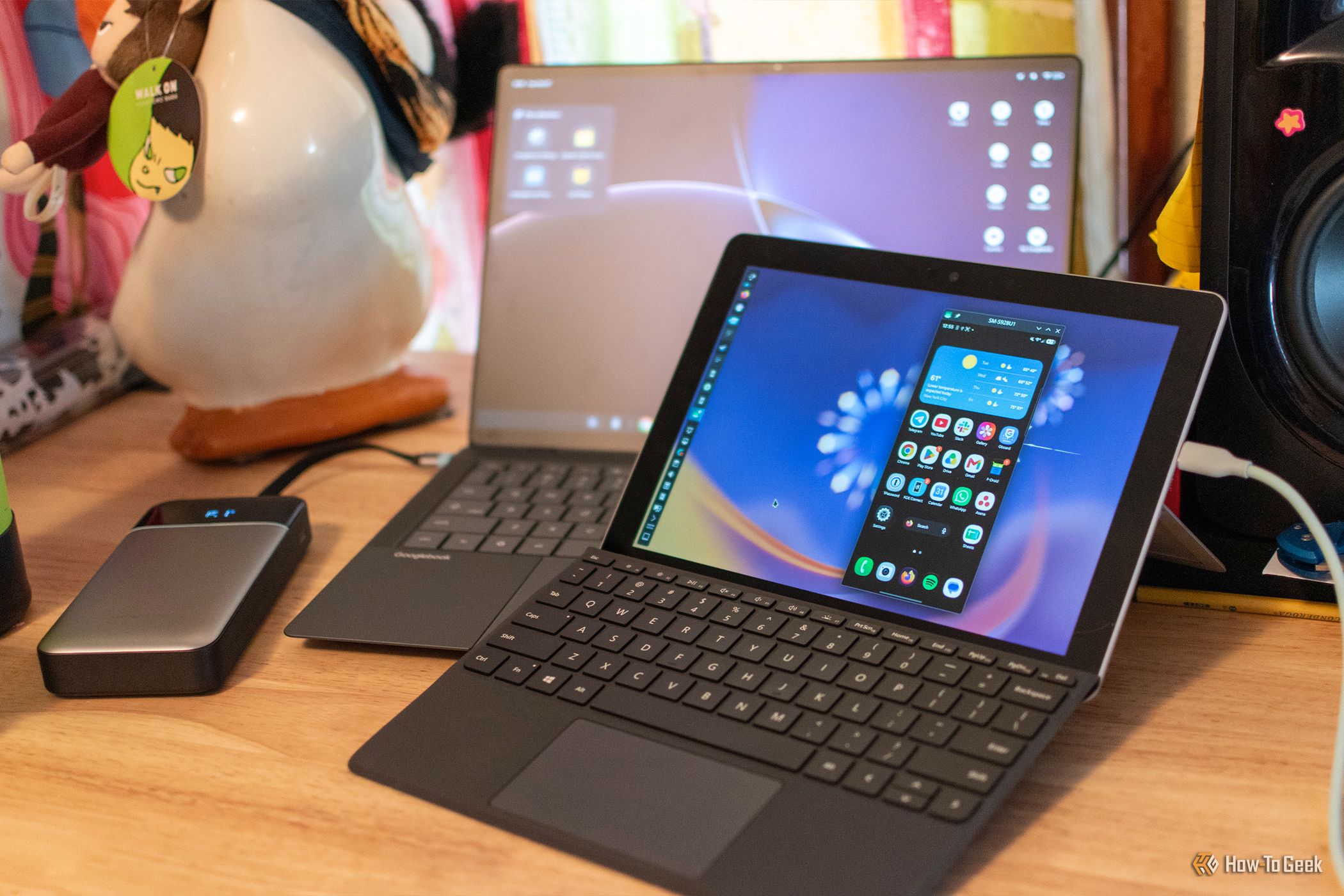
Googlebook's clumsy launch made me wish that I wasn't a product reviewer. I had to spend two weeks using a laptop with what felt like an unfinished operating system (cue the world's smallest violin), and throughout the entire process, I just kept thinking how nice it would be if Google had taken all of its biggest Googlebook features and slapped them on a mainline Linux distro instead of trying to reinvent the wheel.
H
Terminal-based apps are awesome, but if you’ve ever tried to use them, you’re probably already aware of their biggest annoyance: you have to open a terminal and type a command every time. They don’t show up in your dock or app launcher the way regular desktop apps do. Thankfully, there’s a quick and easy fix for that. It’ll hardly take a few minutes, and you’ll be able to give your terminal apps their own icons and entries in your application launcher.
H
Flathub spent five months refusing AI-generated apps, but sadly gave in to the inevitable reality of vibecoded apps. And while I'm personally not against vibecoding in general (and I've even vibecoded some stuff), I'm still very careful about what I install on my PC—and a lot of lazy slop is going to start flowing into Flathub.
H
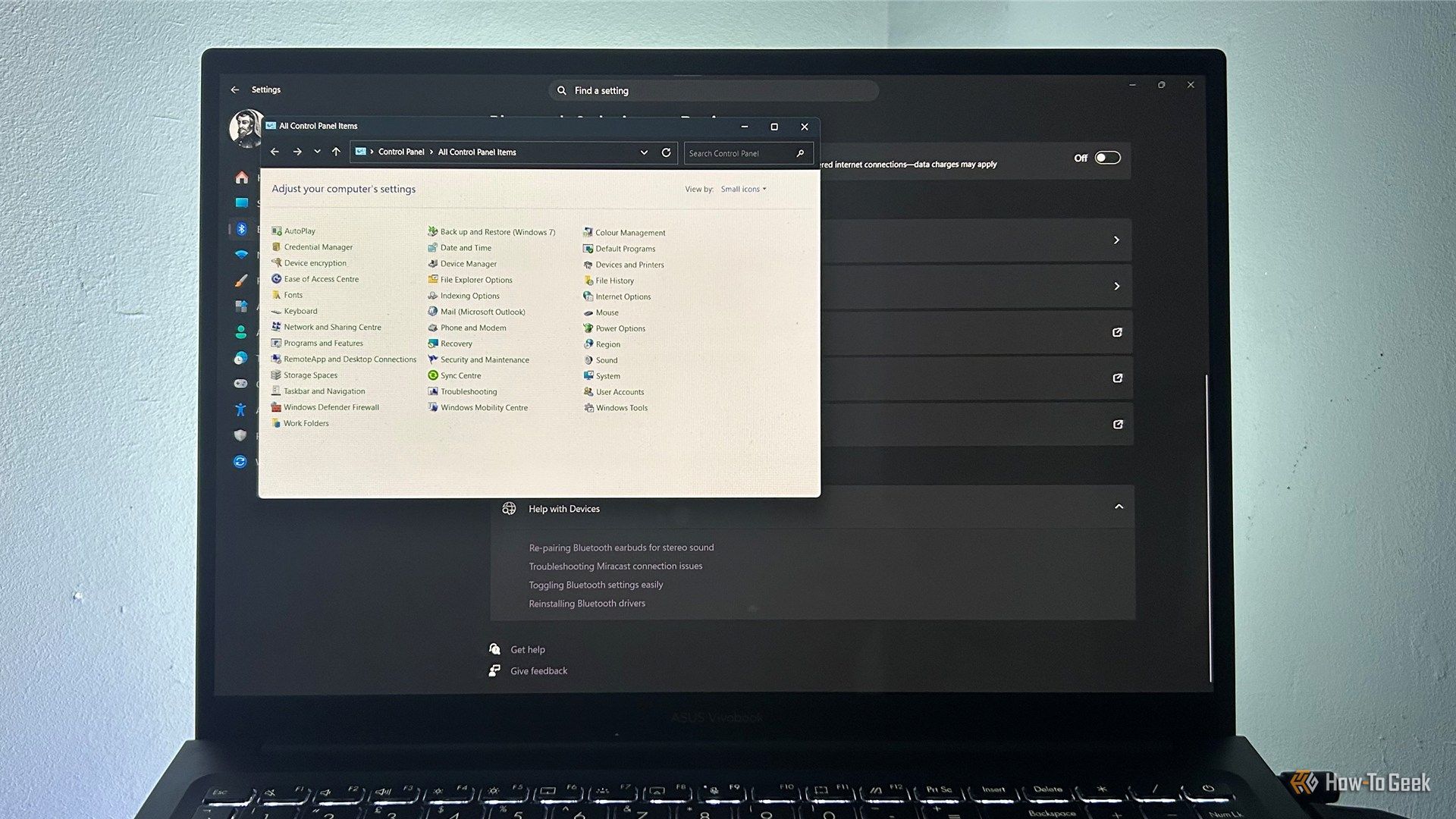
Windows 11 looks considerably more modern than its predecessors, with a redesigned Start menu, rounded corners, and a Settings app that brings many controls together. But spend enough time using it, and the fresh coat of paint starts to give way to familiar bits of older Windows. From legacy Control Panel windows to context menus that feel like they belong to another era, the operating system doesn't always feel like one joined-up experience.
H
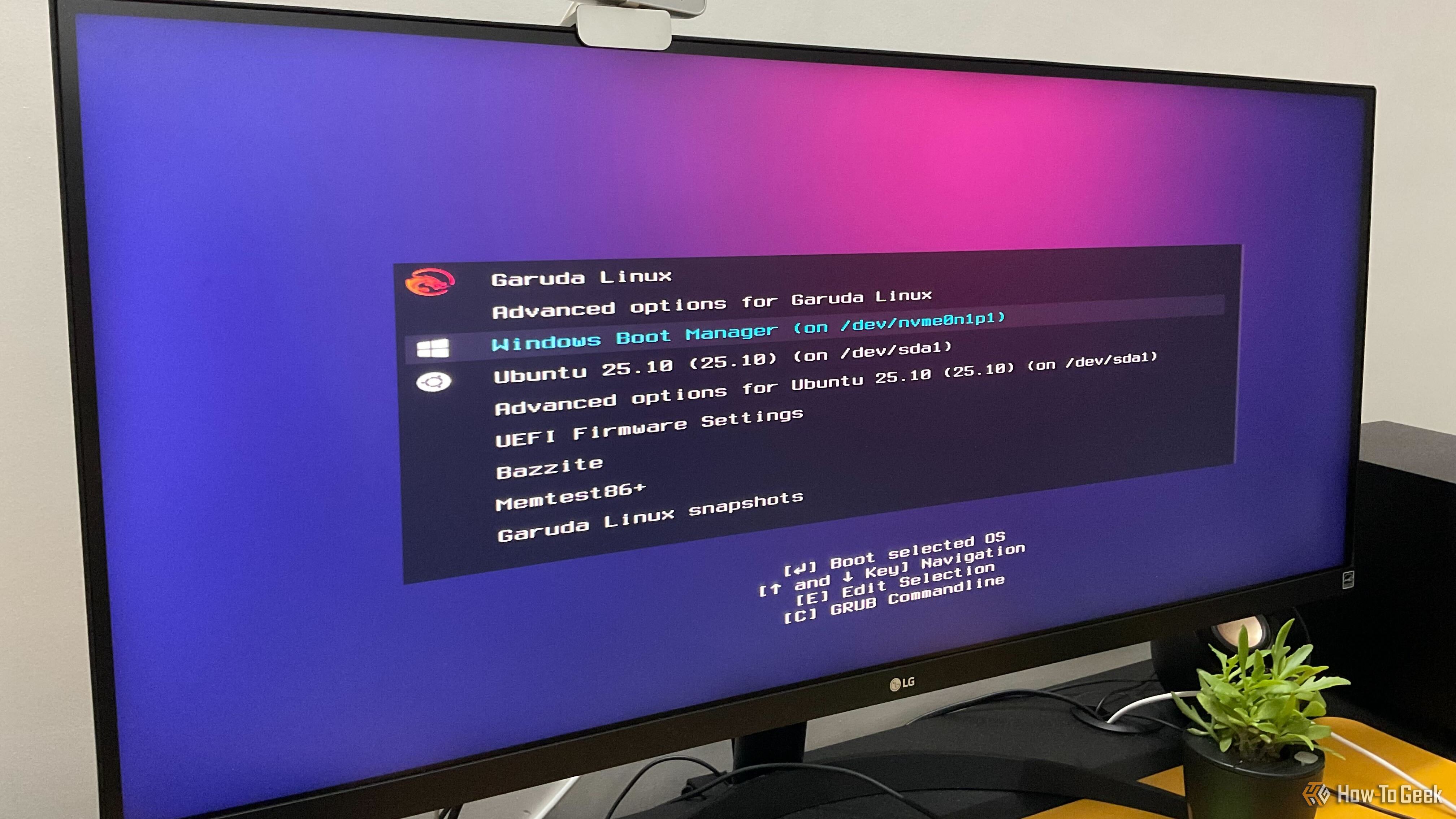
I’ve been dual-booting Linux and Windows for more than 10 years, and my current machine runs four different operating systems side by side. Over the years, I’ve made plenty of mistakes and seen newcomers and enthusiasts make many of the same ones. As such, to help you avoid these common pitfalls, here are three of the most common mistakes people make when setting up a Linux-Windows dual-boot PC.
H
For years, Windows 11 has handled camera and microphone access for desktop apps like a master key—flip the switch and every program gets in, or none do. Microsoft is finally working on a solution for the latest Windows 11 Insider build. The new privacy controls allow you to decide which desktop apps get to use your camera and microphone, one at a time. If you use an Android phone, you'll find the per-app permission settings feel familiar. This matters because camera and microphone access can…
H
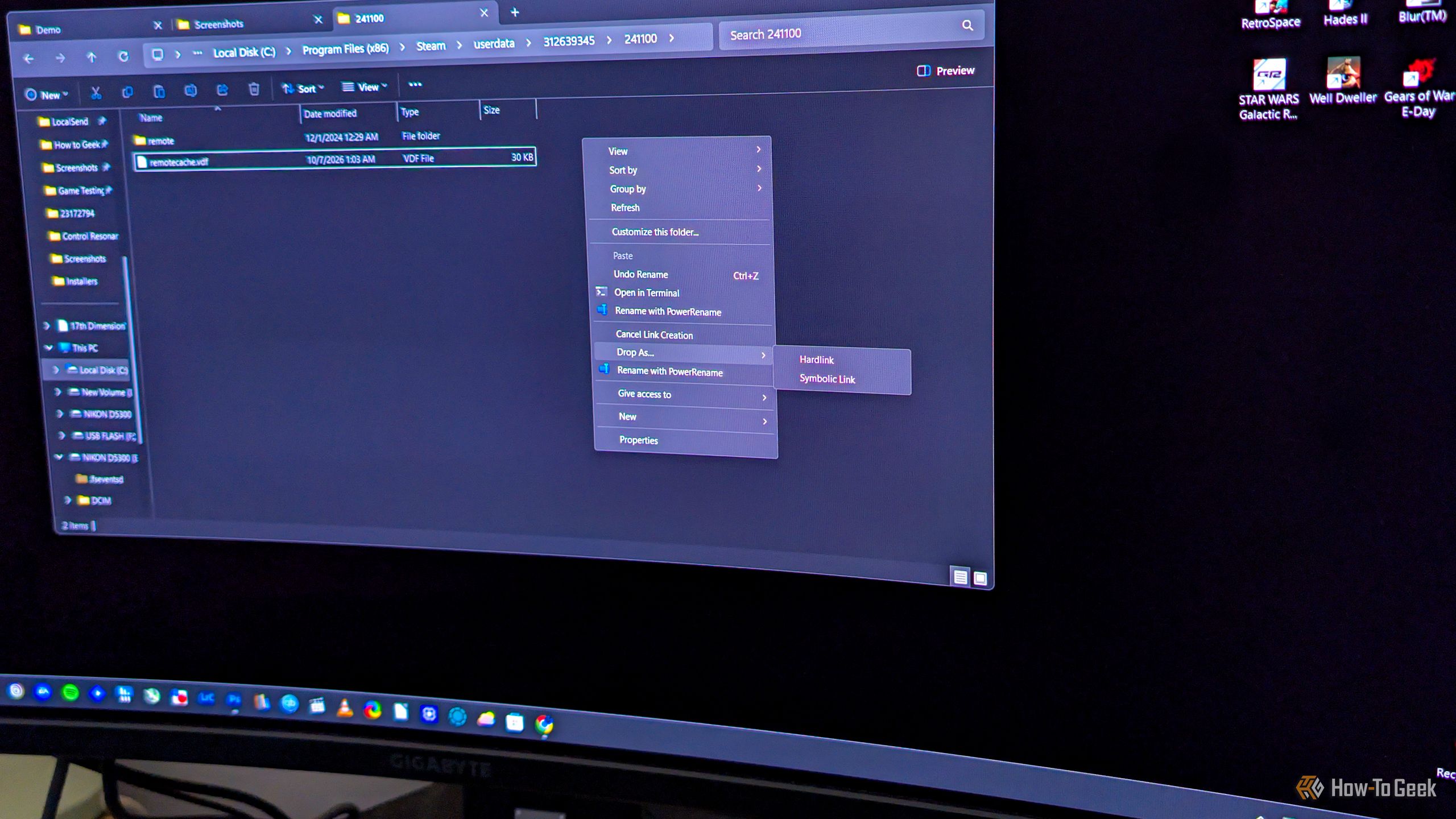
Say you want to copy a file to another folder on your Windows PC, but not for backup purposes. If you just want to have the same file appear in multiple folders, you don’t have to copy it the usual way, where each copy takes up the full amount of storage space. What you can do instead is hard link it, which makes the same file show up in another folder, indistinguishable from the original, with the benefit of this “copy” not using any extra storage.
H
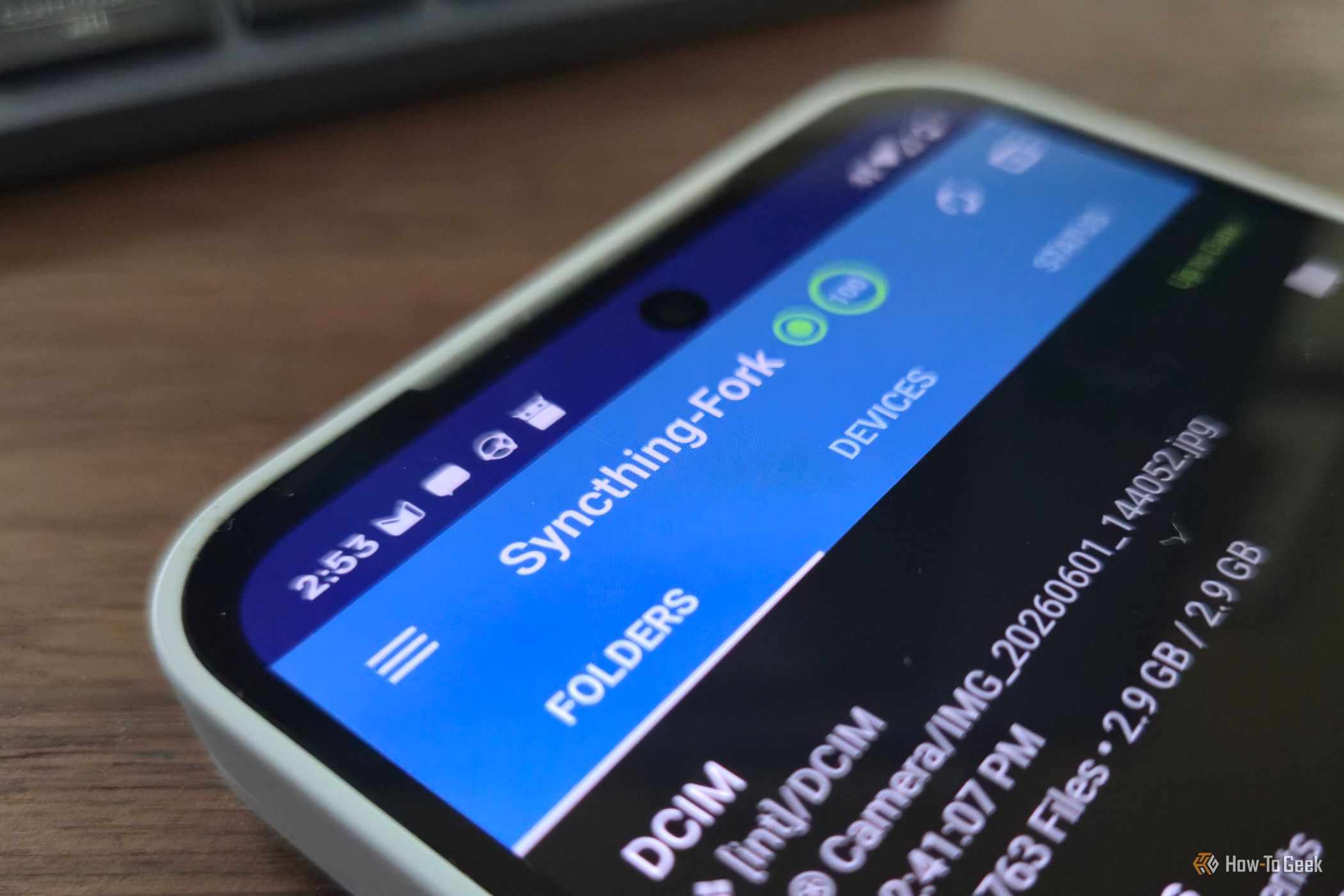
I regularly need to move files between my Linux PC and my Android phone, but there are surprisingly few good options. You can manually attach your phone to the PC, email the files to yourself, or use a cloud storage service, but those options are either clunky or involve more steps than I'd like. KDE Connect is great for transferring a few files now and then, but it isn't designed as a sync program.
H
File systems are something we rarely think about anymore, but in the early days of Windows, they could make a surprisingly big difference in how much of your pricey hard drive you actually got to use. FAT16 had one incredibly frustrating quirk with how it handled cluster sizes. Its inefficiency effectively punished you for buying a bigger hard drive, as it could leave you wasting much of the storage you paid for.
H
Choosing a distro for a virtual machine is easy to get wrong. Most people pick whatever they’ve heard of most, then fight it for months. These three options, though, cover nearly every use case, and each shines in a different situation.
H
Linux on phones has spent years as a hobbyist curiosity. One project has quietly matured into something you can actually install and use. Ubuntu Touch isn’t perfect, but it balances polish, hardware support and a steady update path better than any rival.
H
Linux has a reputation for giving people control over their computers, but plenty of commercial products use Linux without giving their owners much control at all. They ship with proprietary software, restrict access to source code, or lock down the hardware so thoroughly that installing a modified operating system becomes impractical.
H
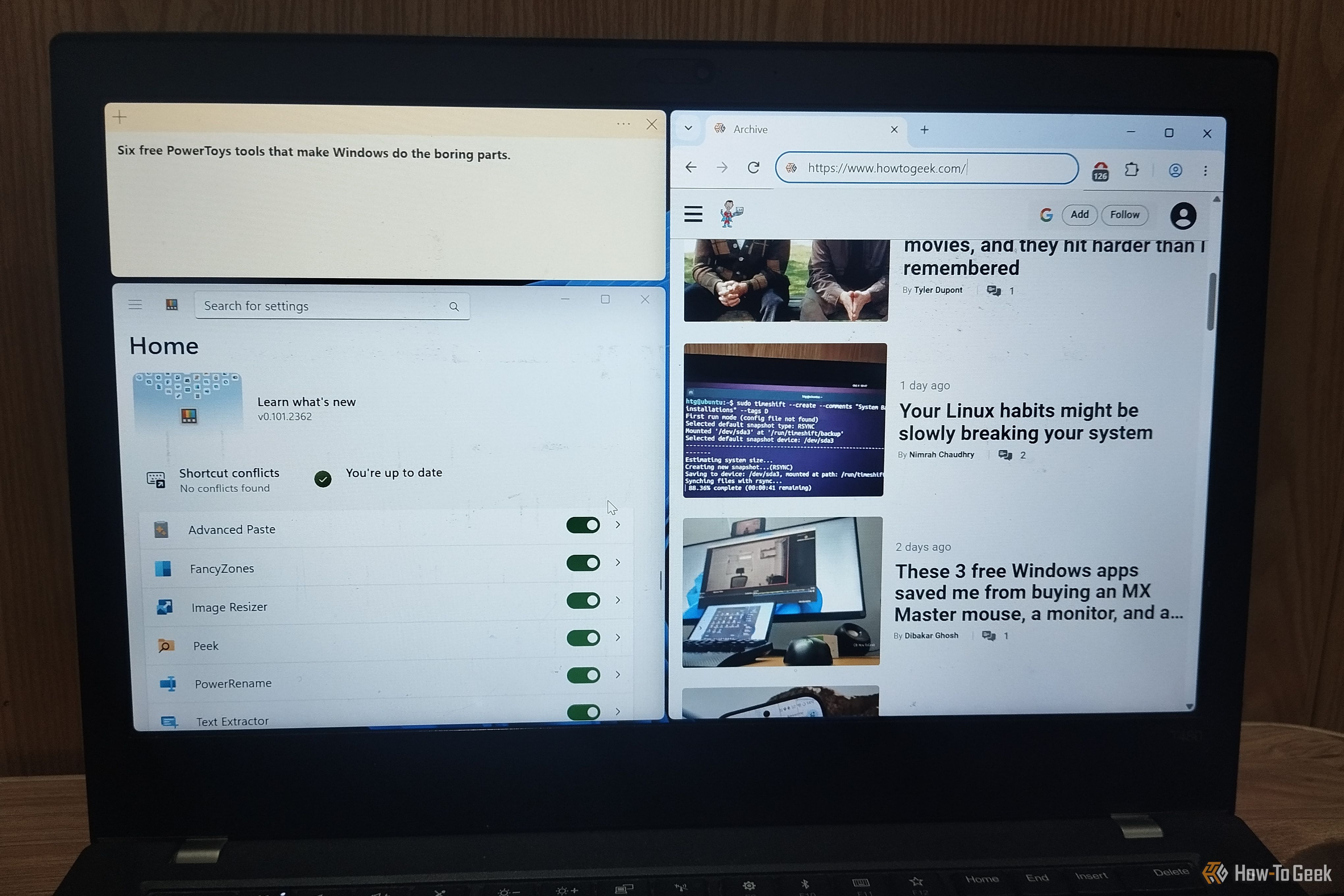
Windows has a habit of making you do things the slow way. How many times have you opened an image editor just to resize a picture, retyped text you couldn't copy, or opened several files just to find the right one? None of it is hard, but it all adds up. The fix has been sitting there for years, free from Microsoft, and it's called PowerToys. It's a free collection of utilities (over 30) that quietly automates the boring parts of Windows with a few clicks or keyboard shortcuts.
H
Linux has come a long way from the days when getting a graphical desktop running could feel like a project of its own. Today, you can install a modern Linux distro, open a browser, connect your Bluetooth headphones, and get on with your work. That experience is the result of decades of development, arguments, ambitious redesigns, and a few spectacular failures.
H
Although its reputation has taken a hit in recent years, File Explorer is still a decent file manager, especially if you use it as an auxiliary option alongside your main one. In my case, Total Commander has been my Windows file manager of choice for more than two decades, but I’ve been using File Explorer more and more lately since it’s generally better suited for working with images, and I juggle tons of them every day.
H
Fedora is known as the leading-edge Linux distro, offering an excellent balance between stability and access to the latest Linux features. Ubuntu, on the other hand, has traditionally offered a stable and reliable experience but has often lagged behind Fedora. It’s actually one of the main reasons I decided to ditch Ubuntu, even though it was my first Linux distro.