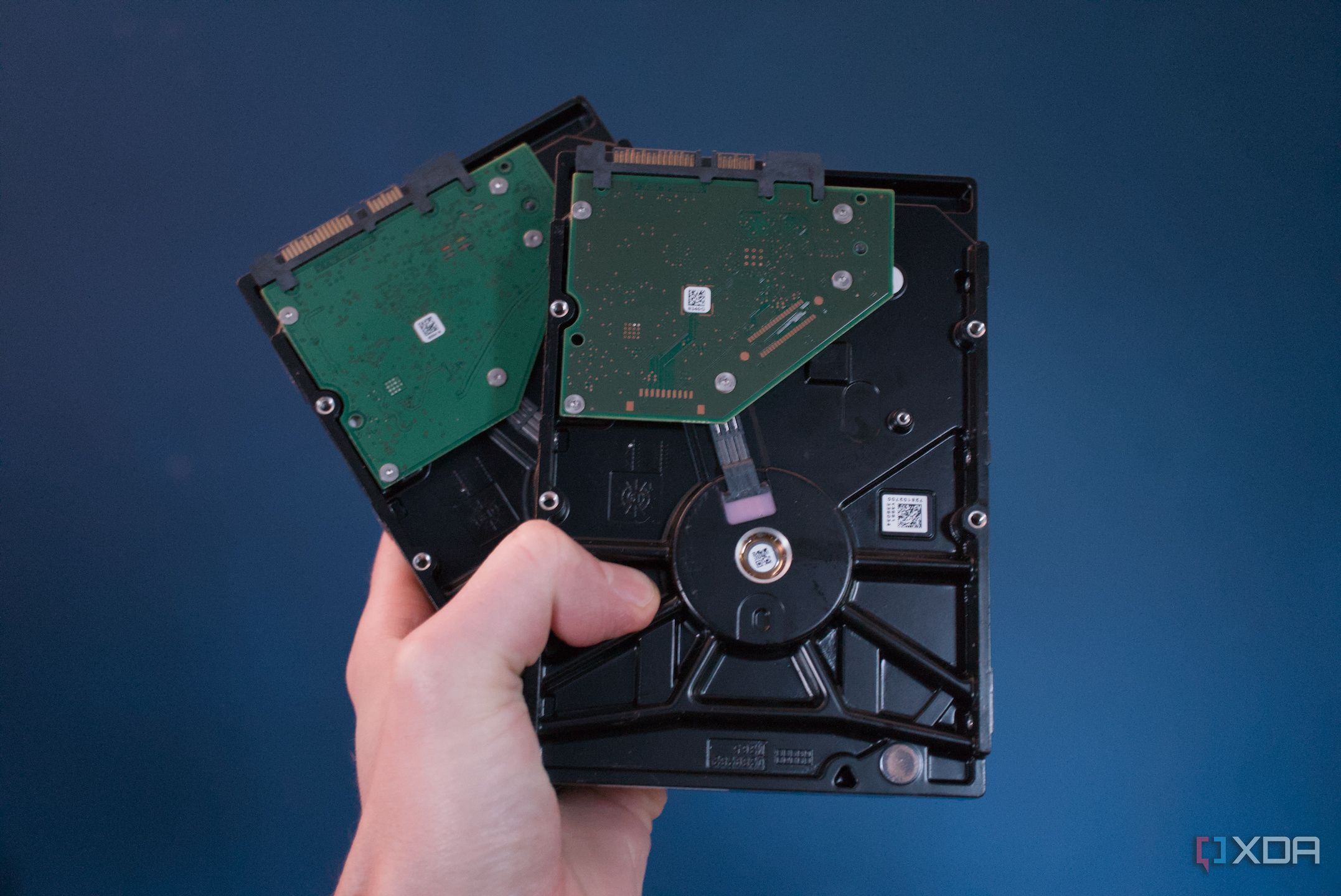
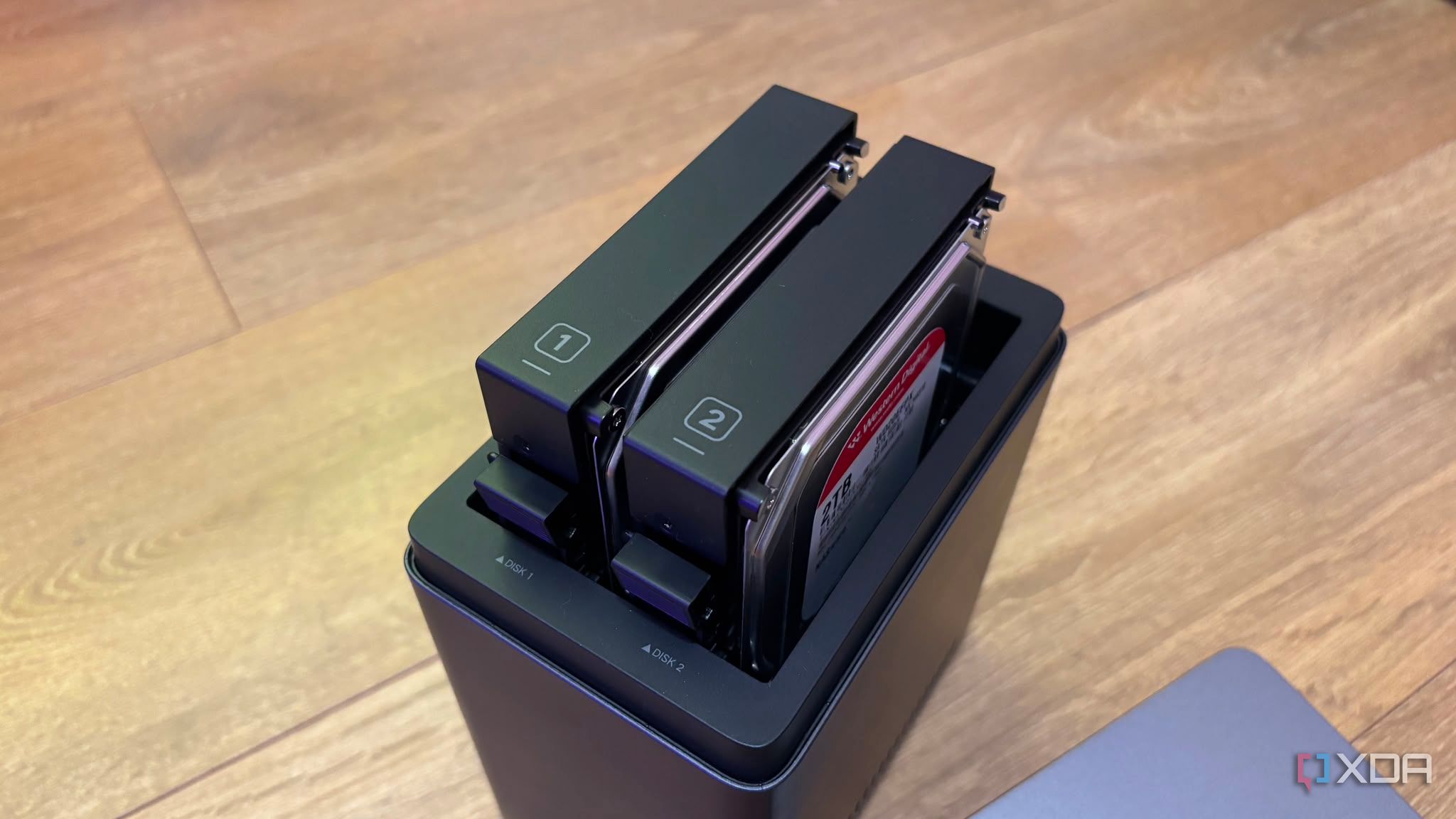
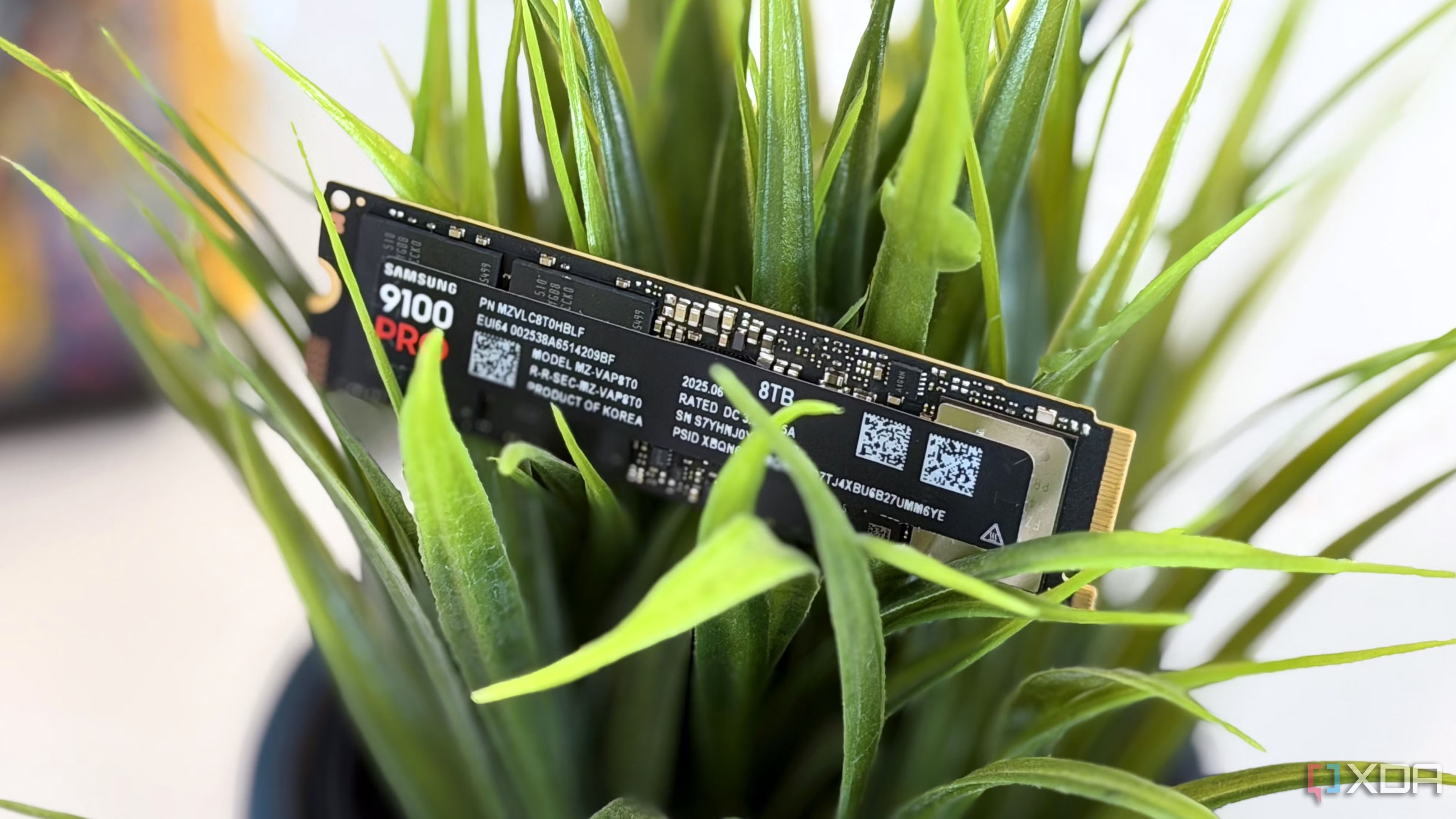
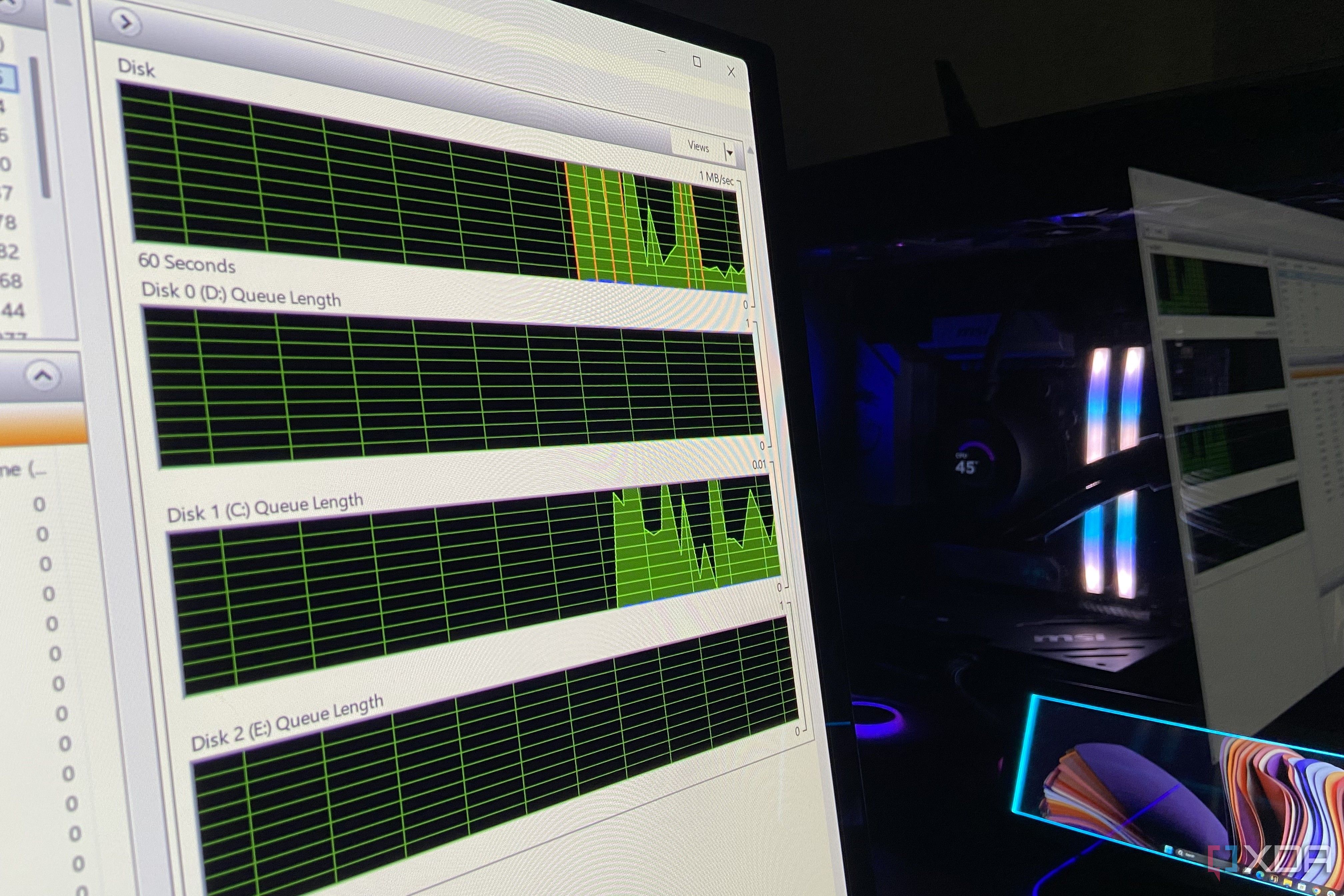
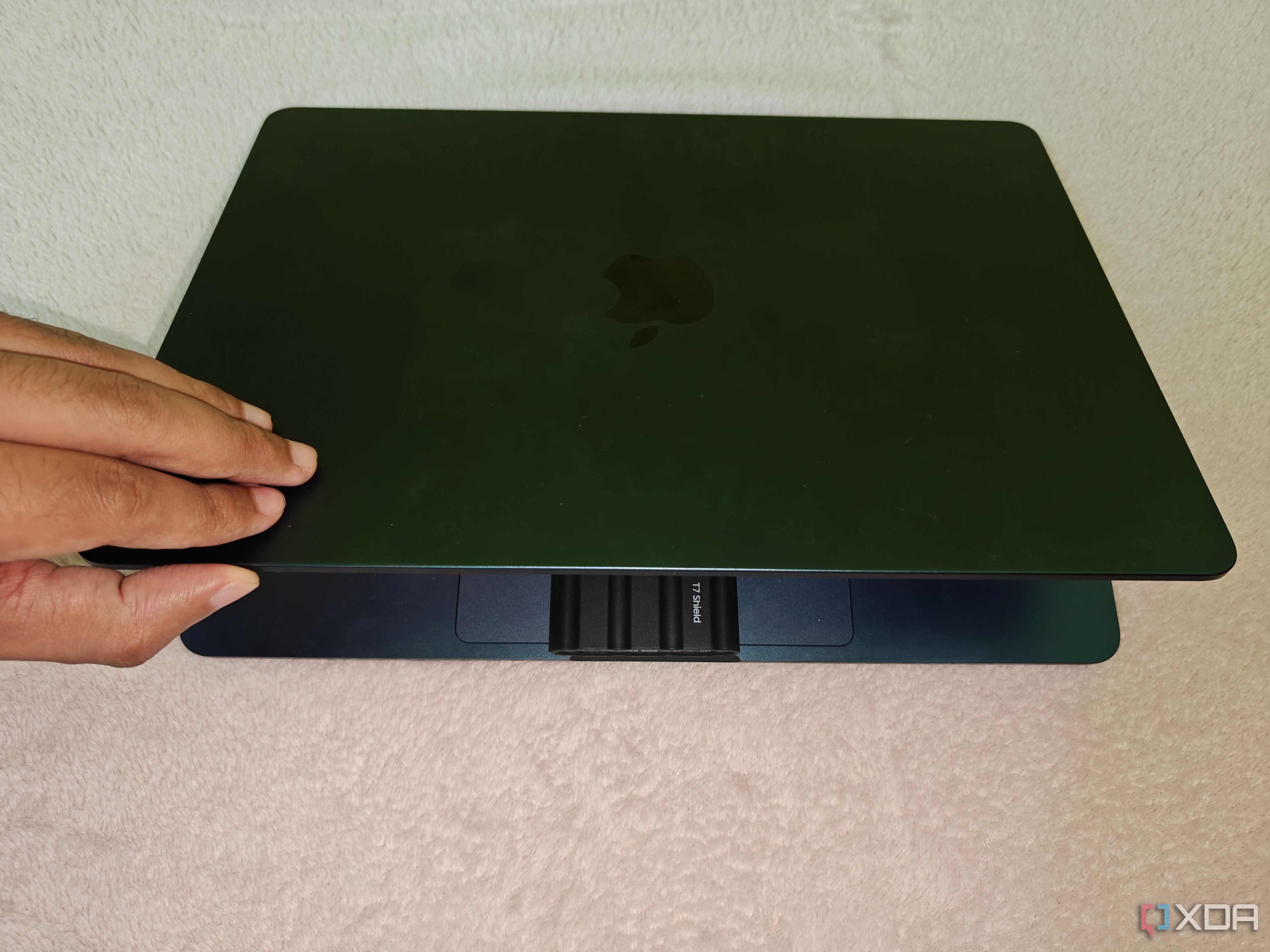
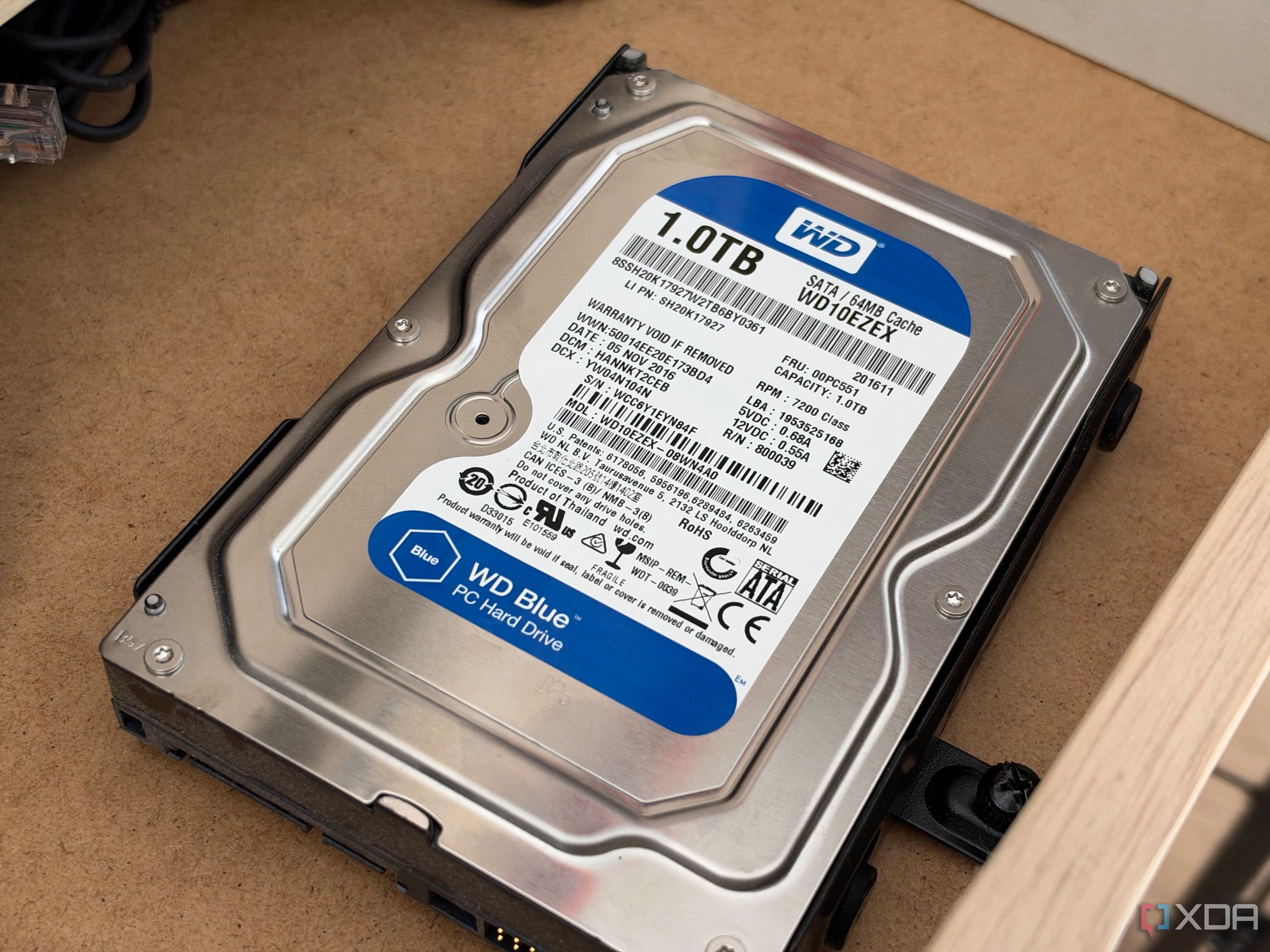
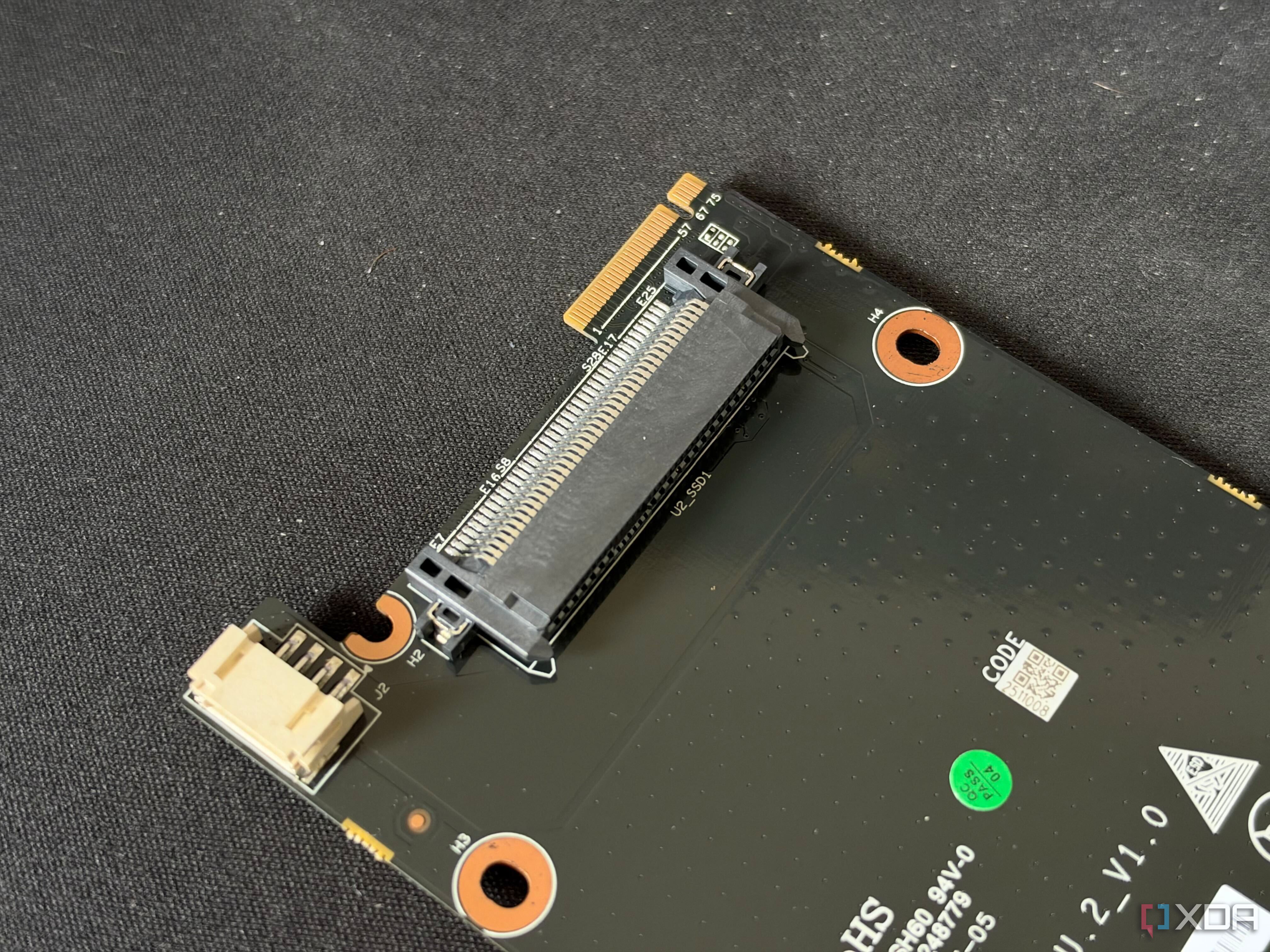
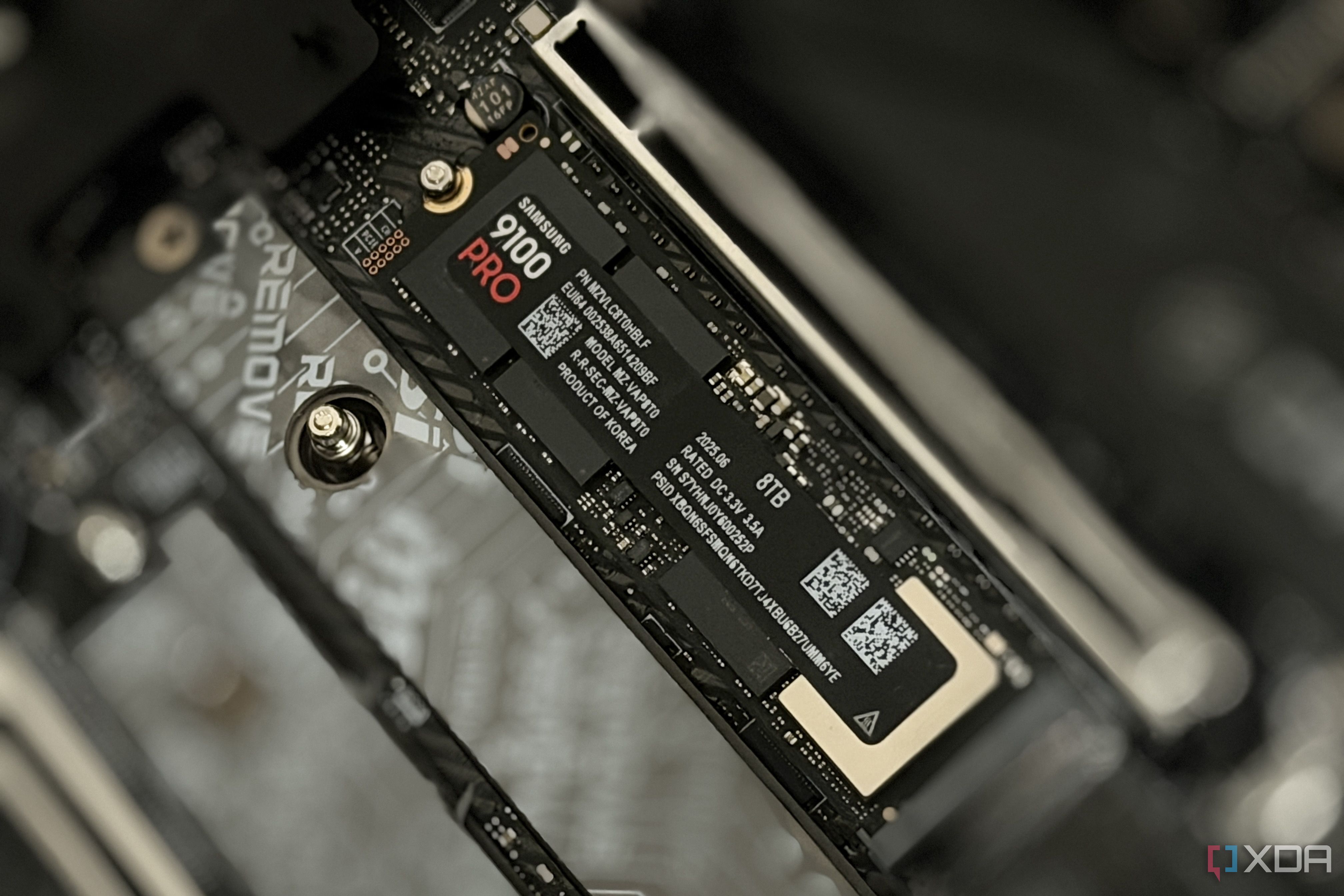
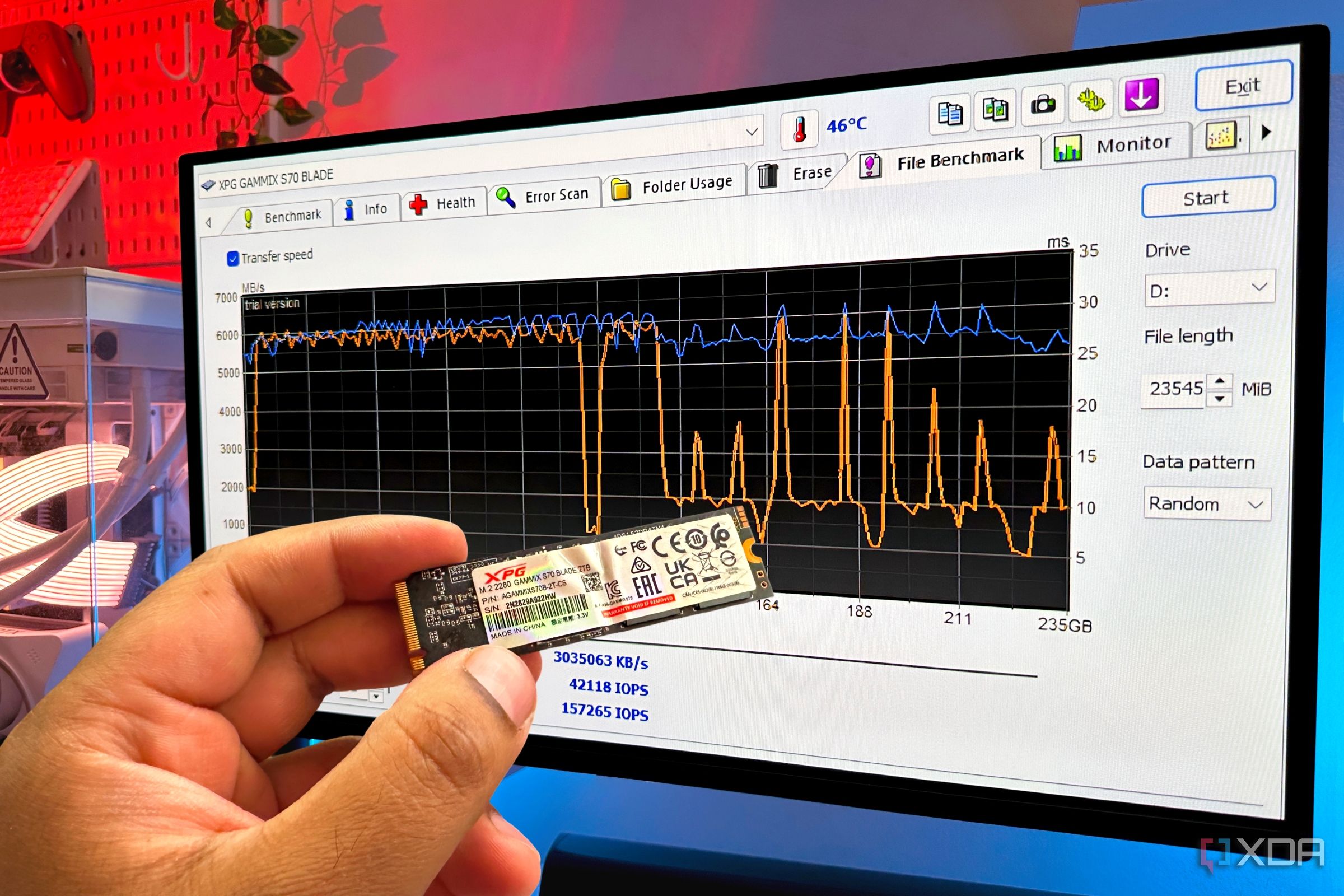
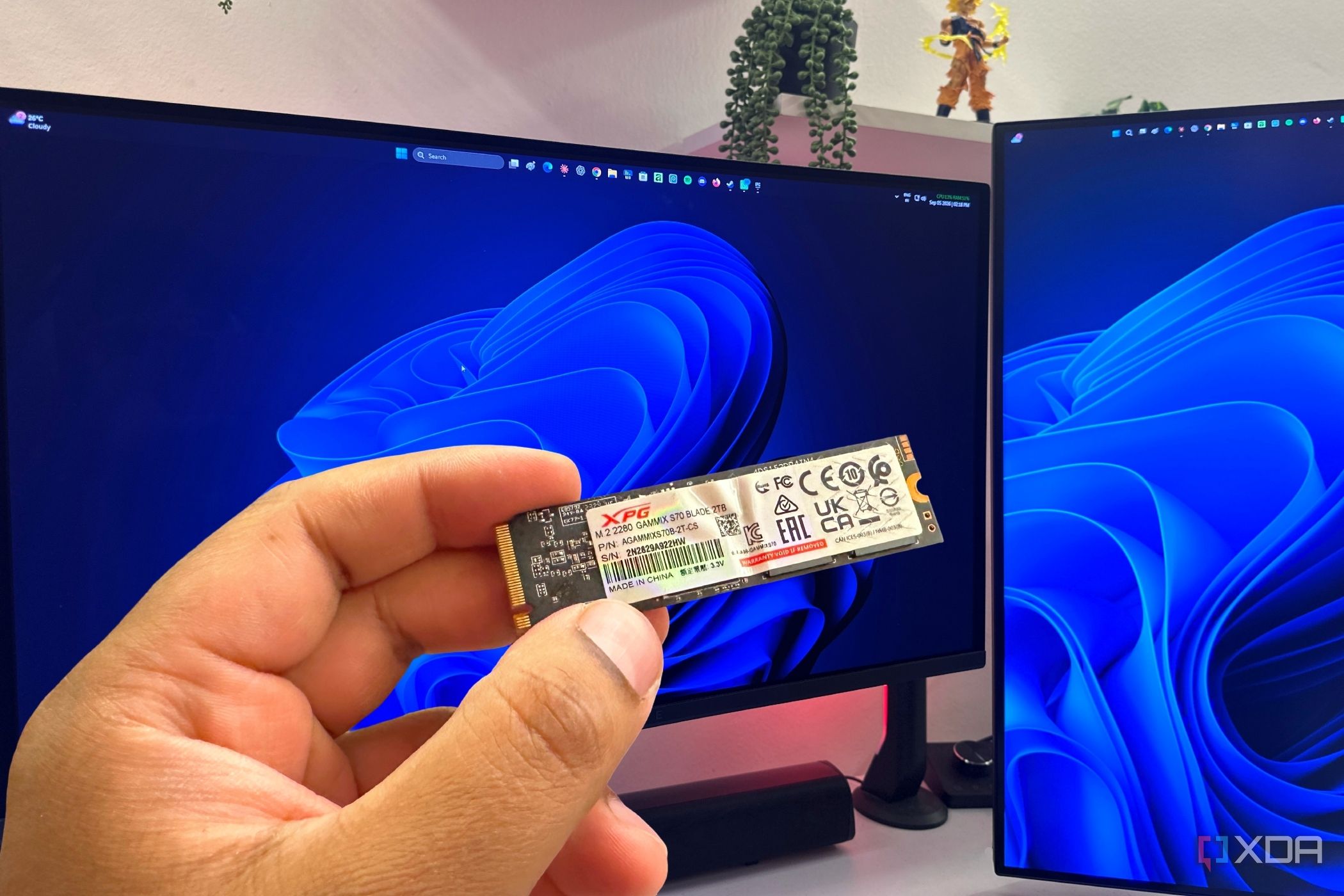
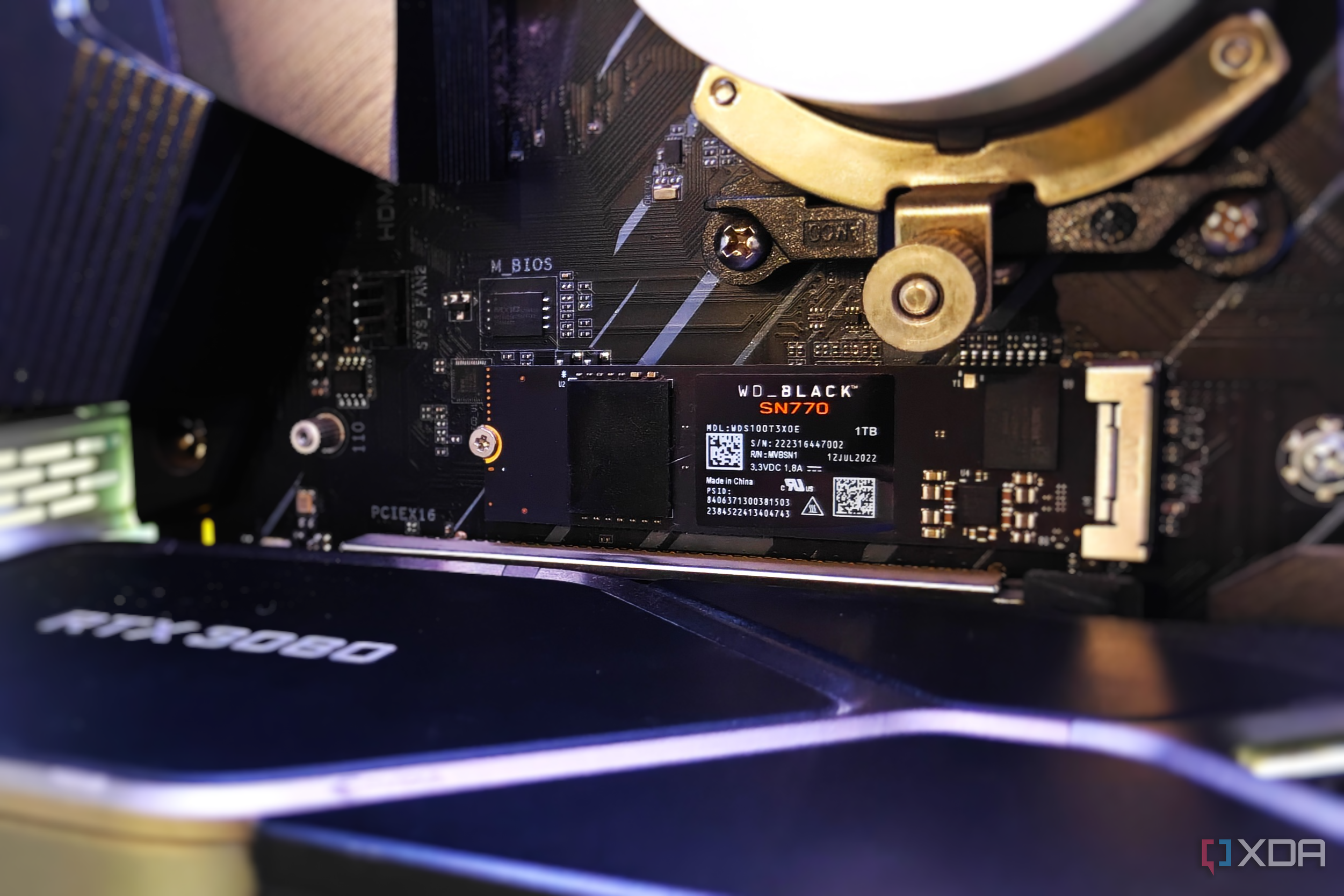
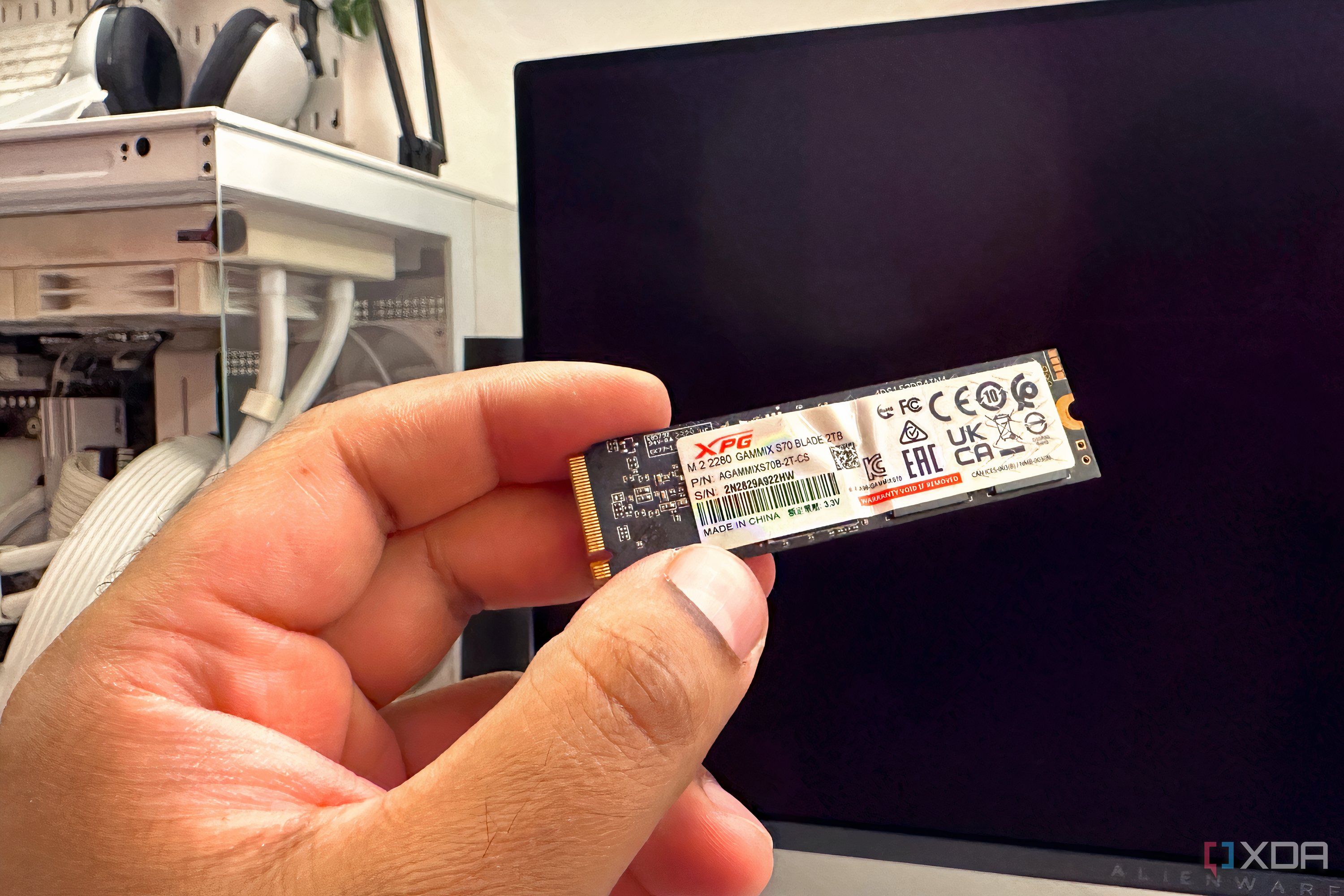
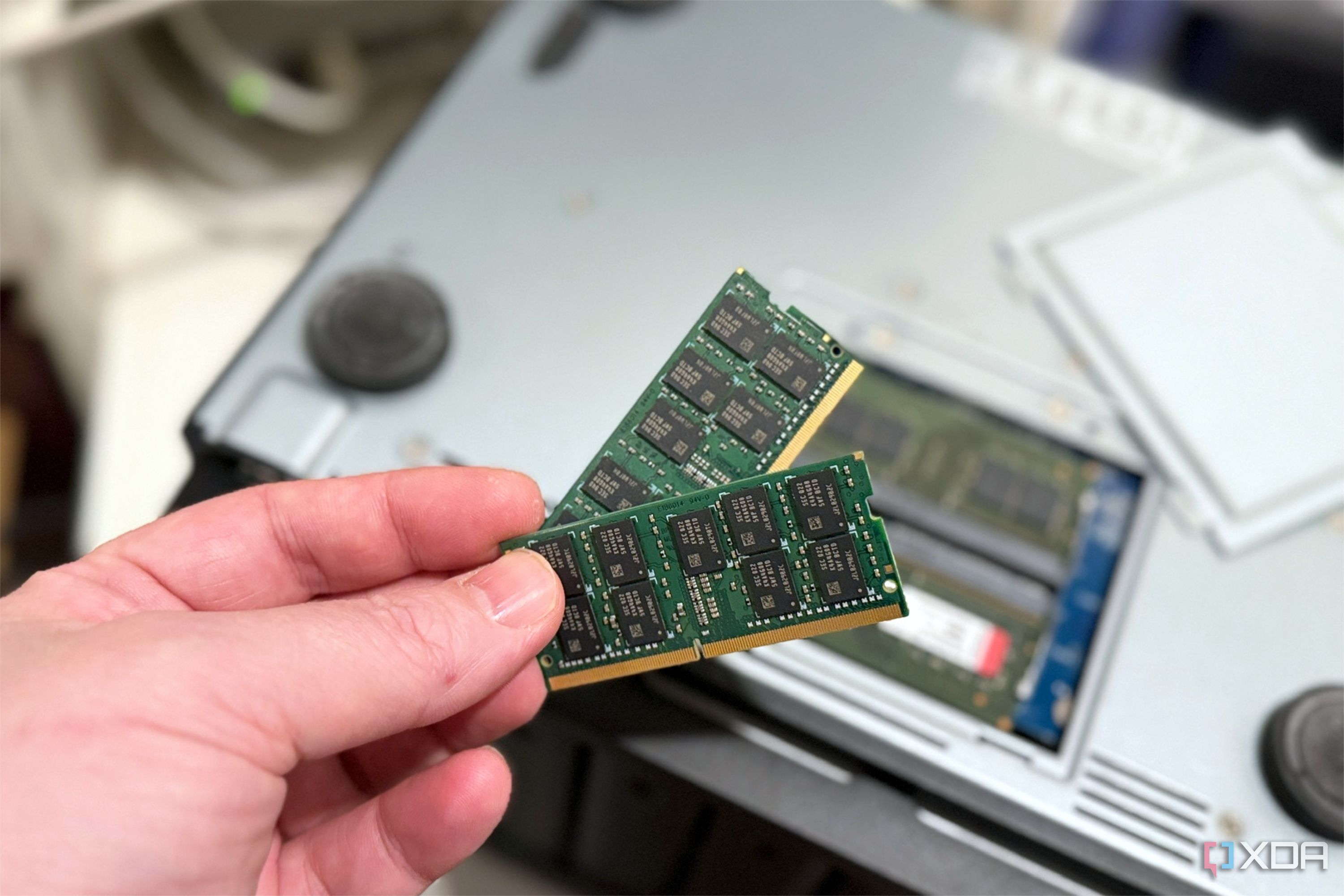
When upgrading a PC, server, network-attached storage (NAS), or simply replacing a drive, the old hard disk drives (HDDs) and solid-state drives (SSDs) were either discarded or thrown into a storage box somewhere. I was the same. If I was upgrading storage somewhere, the old drive would be extracted and binned or locked away somewhere. That was until the price of drives and memory started to skyrocket in recent years. Now, I always reuse everything from a system, including old drives.
Upgrading a NAS with 10-gigabit Ethernet requires matching hardware across the entire data path, from switches, network cards or adapters, cabling or transceivers, and client endpoints, which quickly drives up cost and power draw. In practical home workloads such as media streaming, routine backups, container hosting, and multi-drive hard disk drive arrays, mechanical drive speeds, protocol overhead, encryption, or client interfaces frequently cap throughput well below 10Gbps even when a 10GbE…
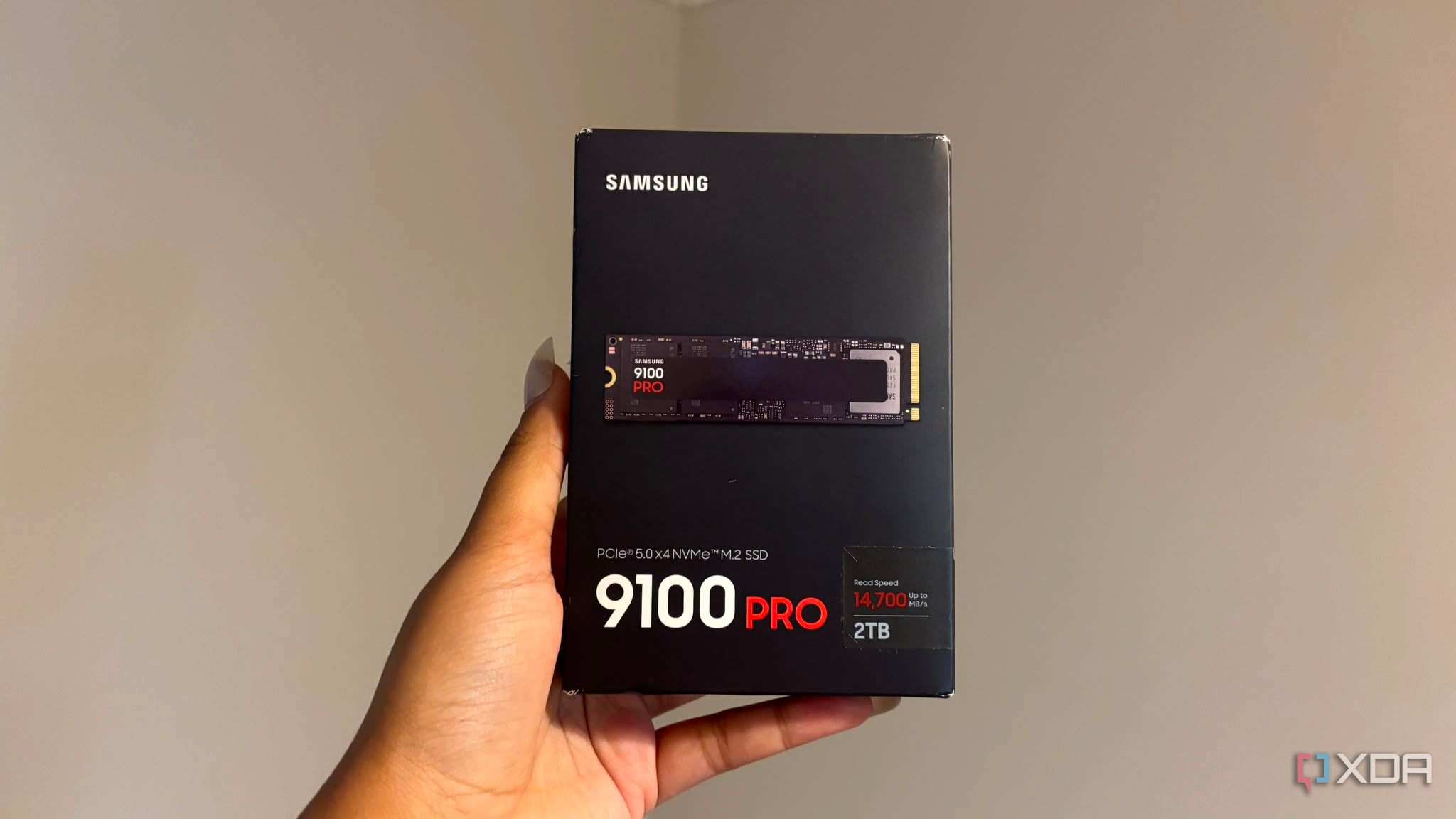
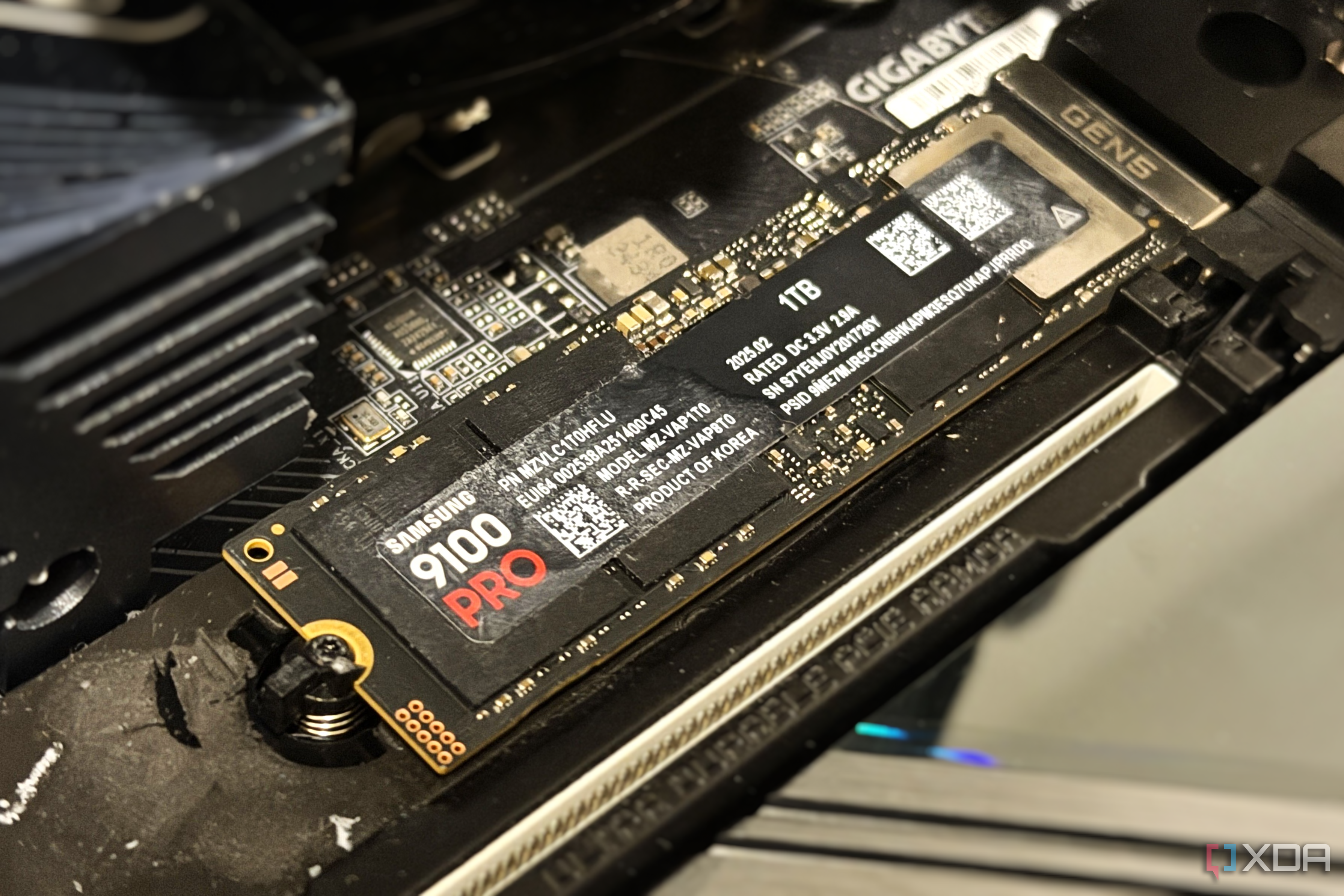
When I first saw the sticker on Samsung's 9100 Pro, I assumed it was just a regular label with the model number, serial number, and other details. But Samsung's own product page calls it a "heat spreader label." On a PCIe 5.0 SSD that uses 8.1W on average during sequential reads, this label helps keep the drive from thermal throttling.
Recently, AMD's notorious SSD-write bug made the rounds in news and consumer forum circles. Radeon graphics card owners caught the AMD External Events Utility, which is a service bundled with AMD's graphics driver, writing to their SSDs non-stop with nothing open. AMD was quick to ship a fix, and its 26.11.1 driver landed on November 12.
Two numbers don't fit the panic around memory prices. My MacBook Air M2 wrote 8.32GB to swap in just over a week, while a 256GB SSD is typically rated for around 150TB of writes. Put those two numbers side by side, and swap wear is centuries away.
Most PC builds that were parted out in the few years rely completely on flash storage and lack any kind of spinning disk, and that's in part due to flash storage becoming more affordable up until very recently, when AI demand drove up the price of NAND and DRAM. For your boot drive, an SSD is a must, but if you look at most of what your computer stores, the majority of it doesn't actually benefit from sitting on flash.
Storage used to be the part of a build that was simple: you'd pick your type and capacity, look for something that was discounted, and then move on with more important decisions. In 2026, it can be one of the items that makes you want to forget about putting together a PC. AI demand has captured much of the NAND flash that's available, and consumers are left paying incredibly inflated prices. A 4TB SSD that could once be found for $300 or $400 is now close to $1,000.
For the longest time, the only thing I really cared about while installing an NVMe SSD was whether the M.2 slot supported the drive's PCIe generation. I'd assume many of you still do the same. After all, if Windows detects the drive and CrystalDiskMark shows you're getting the sequential speeds you paid for, what else is there to worry about? Well, as it turns out, the M.2 slot you choose can affect other components in your build even if your SSD is running at its advertised speeds.
Storage prices have already gotten out of hand over the past year, thanks to AI data center demand and NAND manufacturers prioritizing enterprise SSDs. So if you're planning to build a new PC or you just want more storage, the last thing I'd recommend is paying the PCIe 5.0 tax just because the advertised speeds look insane. I wish I'd taken my own advice when I bought the Crucial T710 back in January, although I suppose I can't complain too much considering how much more expensive SSDs have…
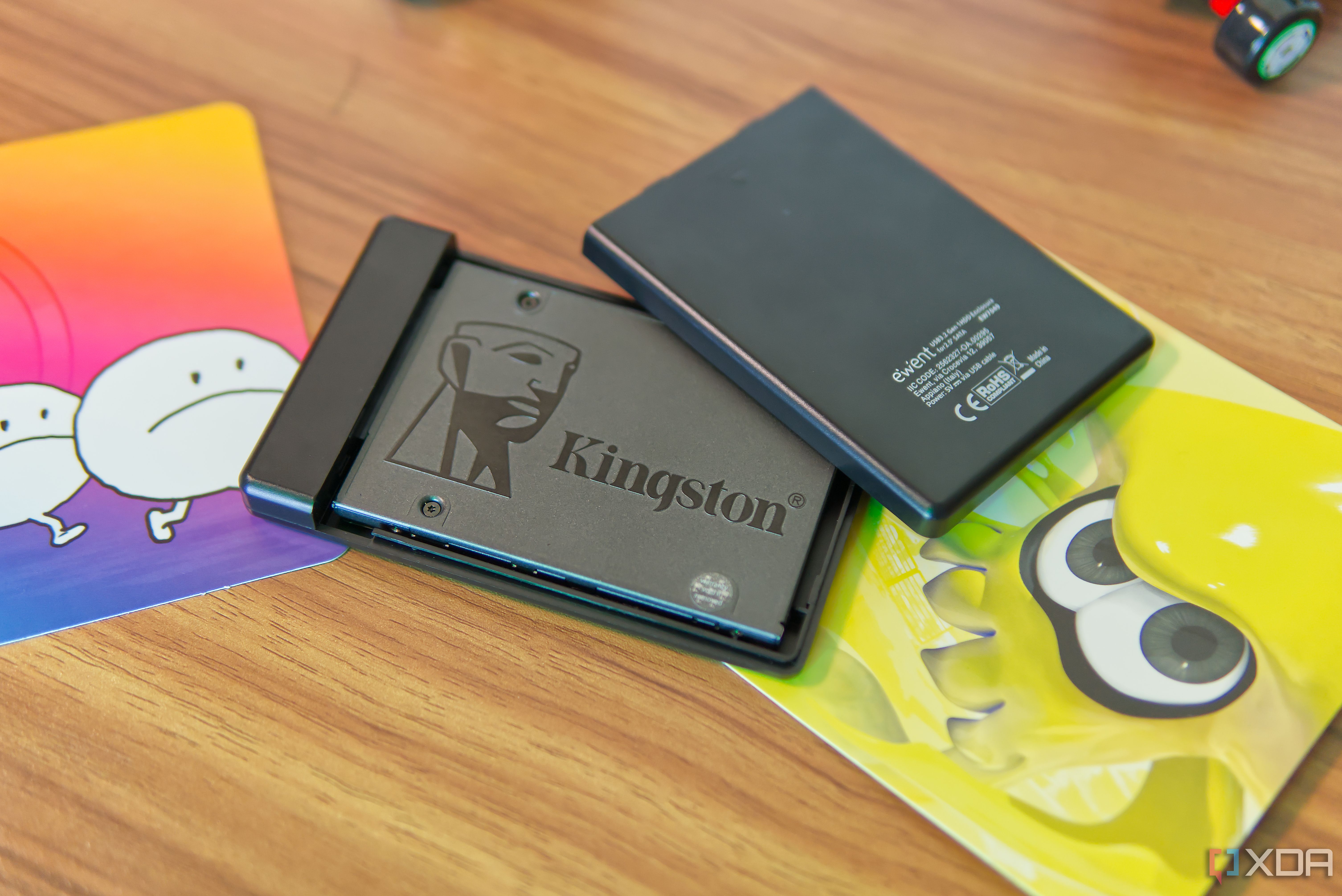
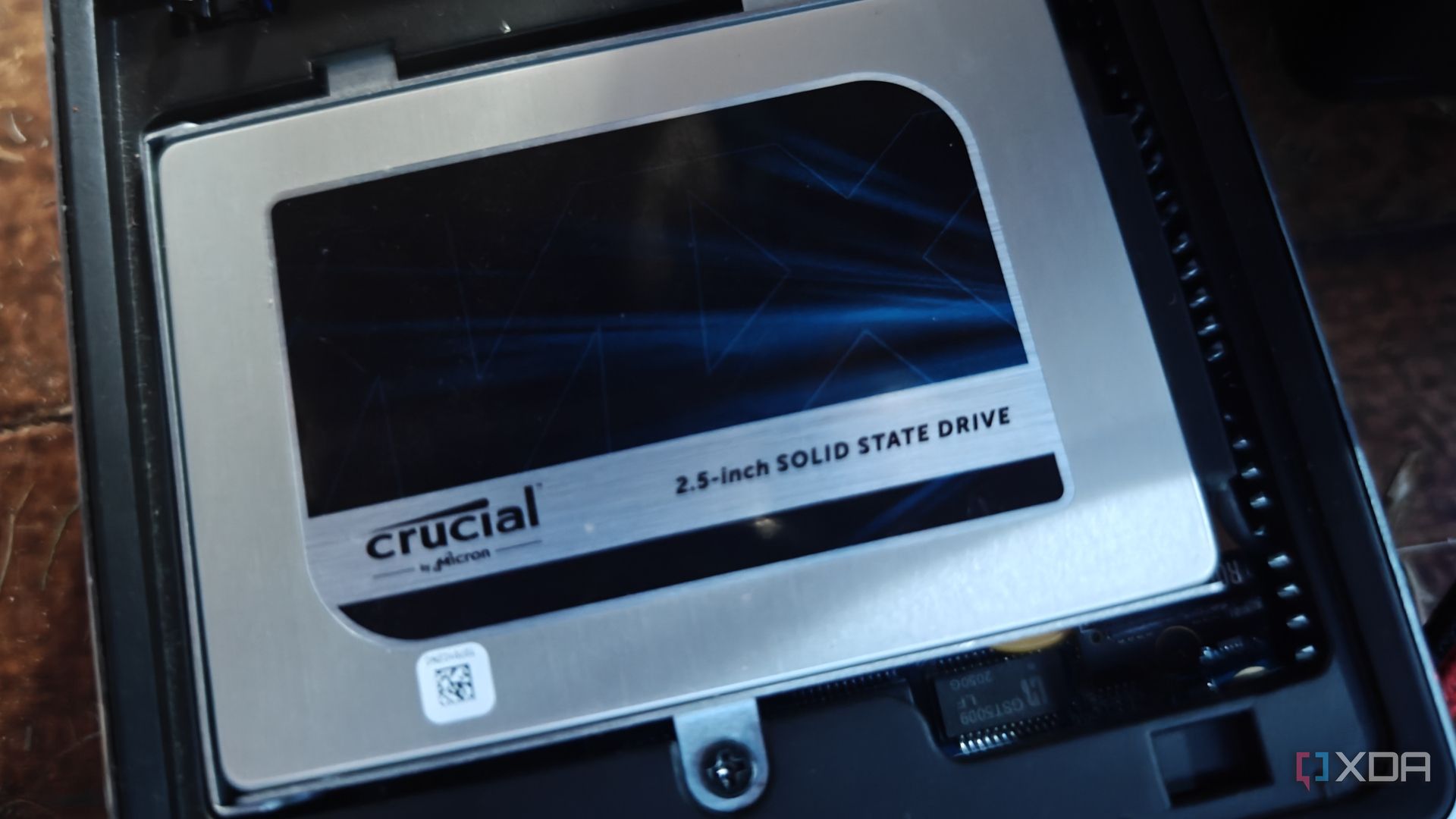
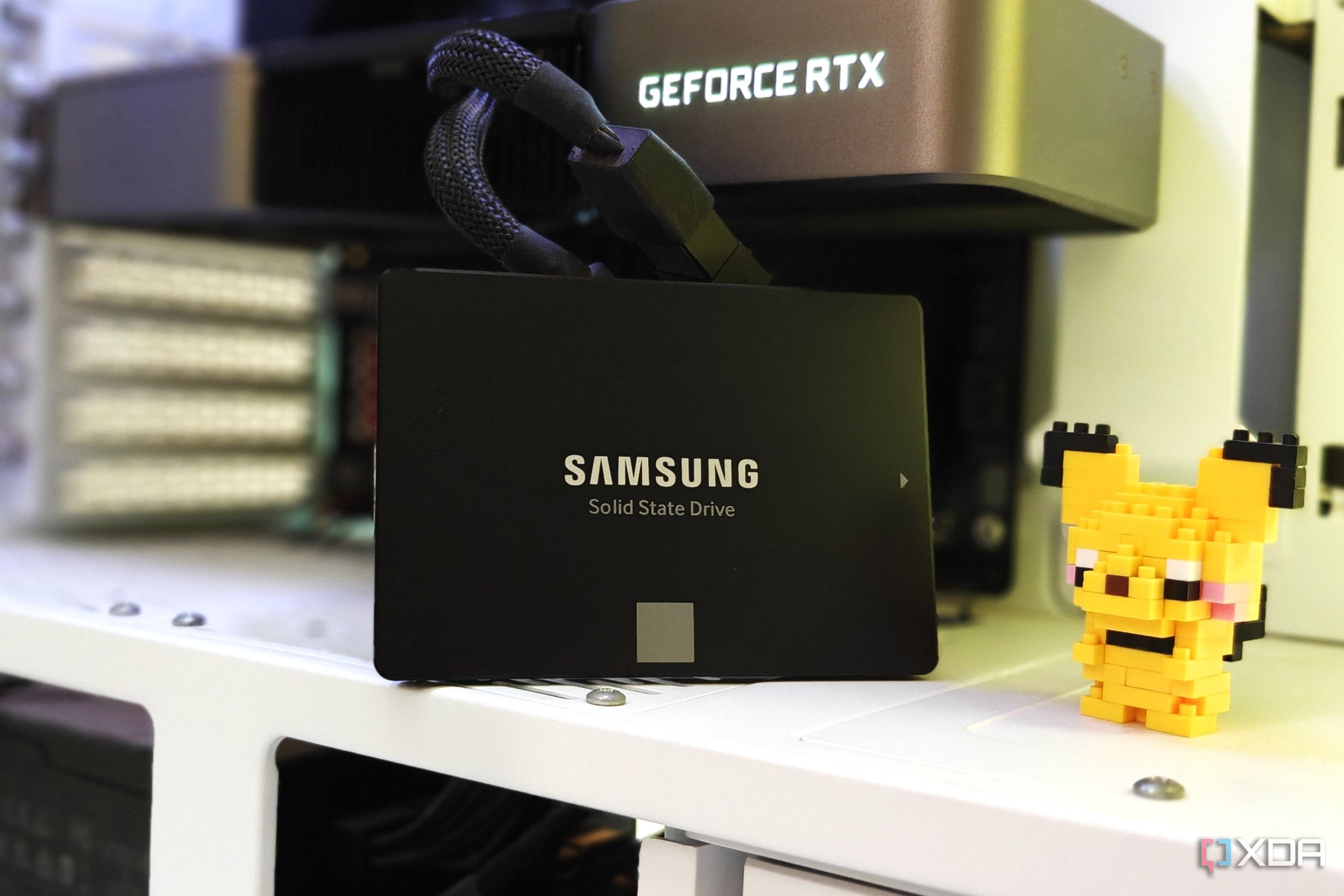
For the first few years I spent with my gaming PC, I only ever used SATA SSDs. NVMe drives were still fairly expensive in comparison, so I made the switch later than I would have liked to. Ever since my hard drives and SATA SSDs were banished from my system, they have been gathering dust in my designated "old tech" drawer alongside a myriad of cables, boxes, and old power banks.
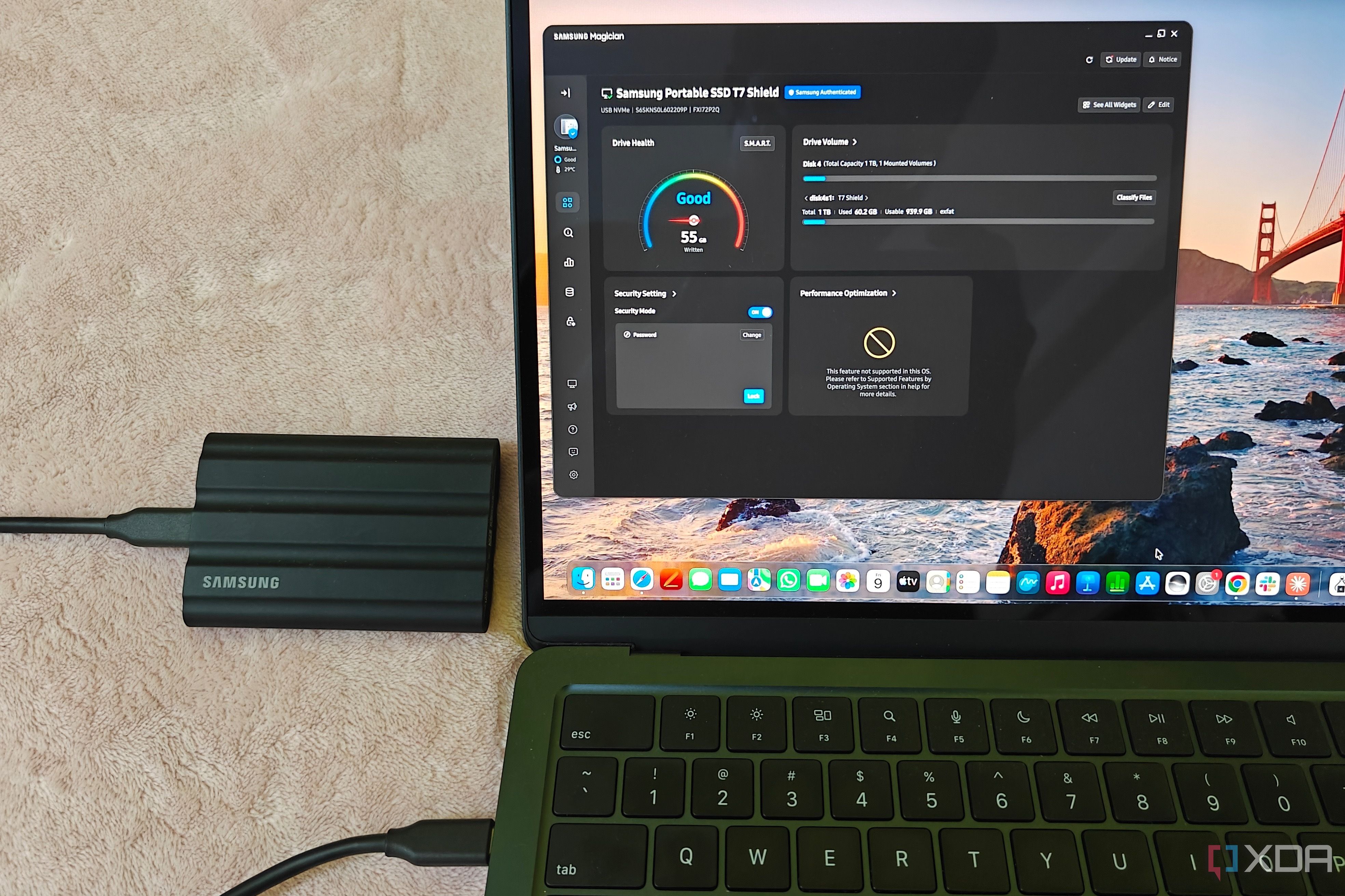
The two M.2 slots in my PC were already occupied, and my home media server was taking up a good chunk of the storage space. Since I already had fast USB-C ports, I thought I'd give my system the storage expansion it needed with an external SSD.
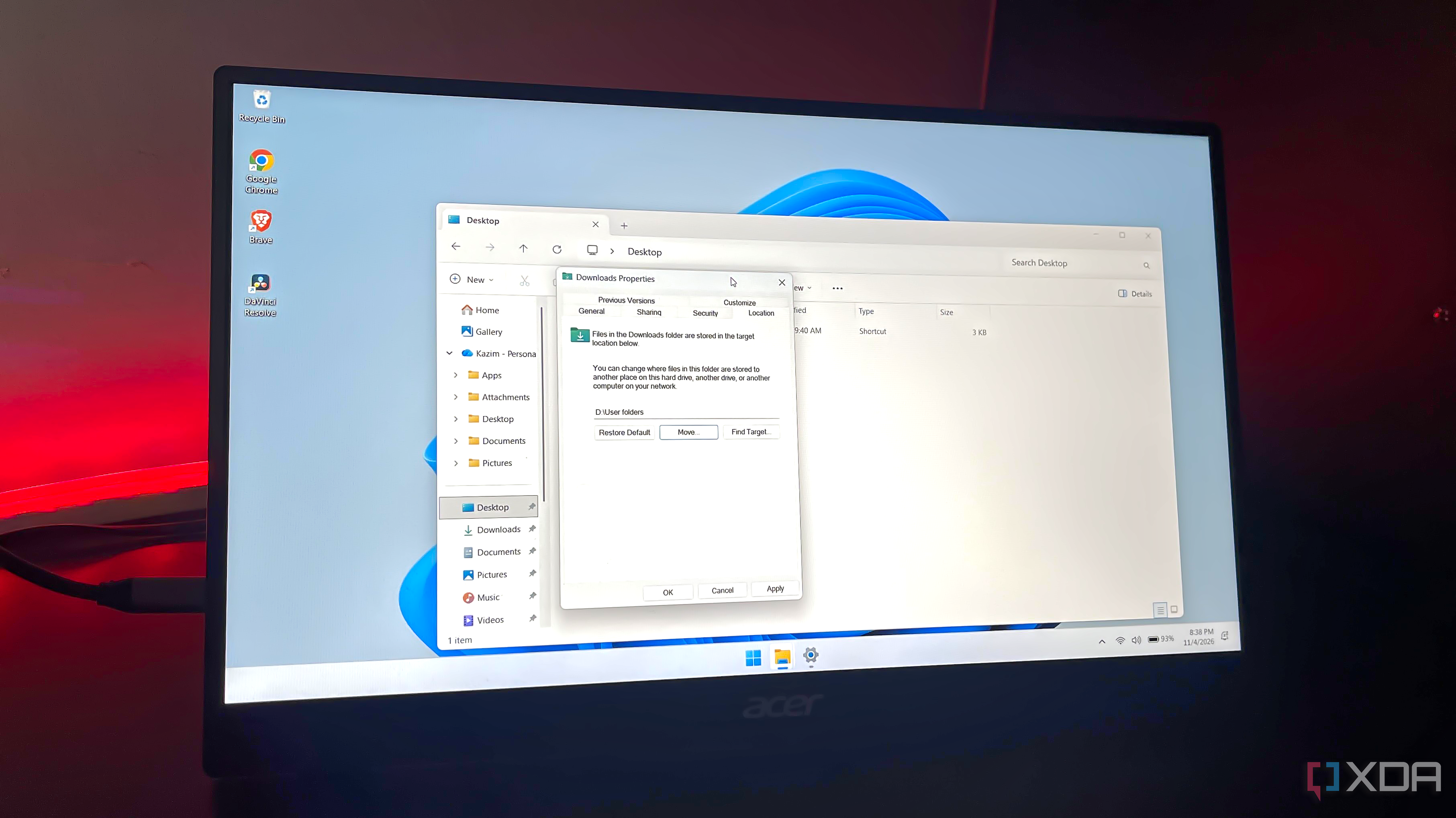
If you are a long-time Windows user, you must have been in one of those situations where a complete reinstall seems like the only viable solution. I agree, Windows has several built-in troubleshooting tools now, but there are still times when even the in-place or repair upgrade fails to work. After being in the situation a couple of times, I decided to take matters into my own hands, and moving the Windows user folders was the first thing I did.
With NVMe SSDs becoming the obvious choice when building or buying a new PC, and HDDs being the cheaper choice for mass storage, it's easy for SATA SSDs to fall between the cracks. You might think of them as the worst of both worlds, but they're far from worthless.
Motherboards are fantastic. They connect all your PC parts together, acting as the foundation for everything to work in perfect harmony. What's more is they usually have an immense number of I/O options. For SATA and storage, depending on the motherboard form factor, you may have anywhere between two and eight SATA ports for SSDs and hard drives. There's a good chance most (if not all) are free and available. These spare SATA ports are the cheapest storage upgrade left for your PC.
The question as to whether you need an NVMe drive for booting Windows is as old as the NVMe format itself. Sure, raw speeds are superior with a PCIe NVMe SSD compared to one using the SATA interface, but are you really able to fully capitalize on that advantage with daily use? I'd wager you don't, which is why outside of slightly faster Windows 11 boot times, a SATA SSD is just as good as an NVMe SSD, so long as you go and make a hot beverage while the PC boots up.
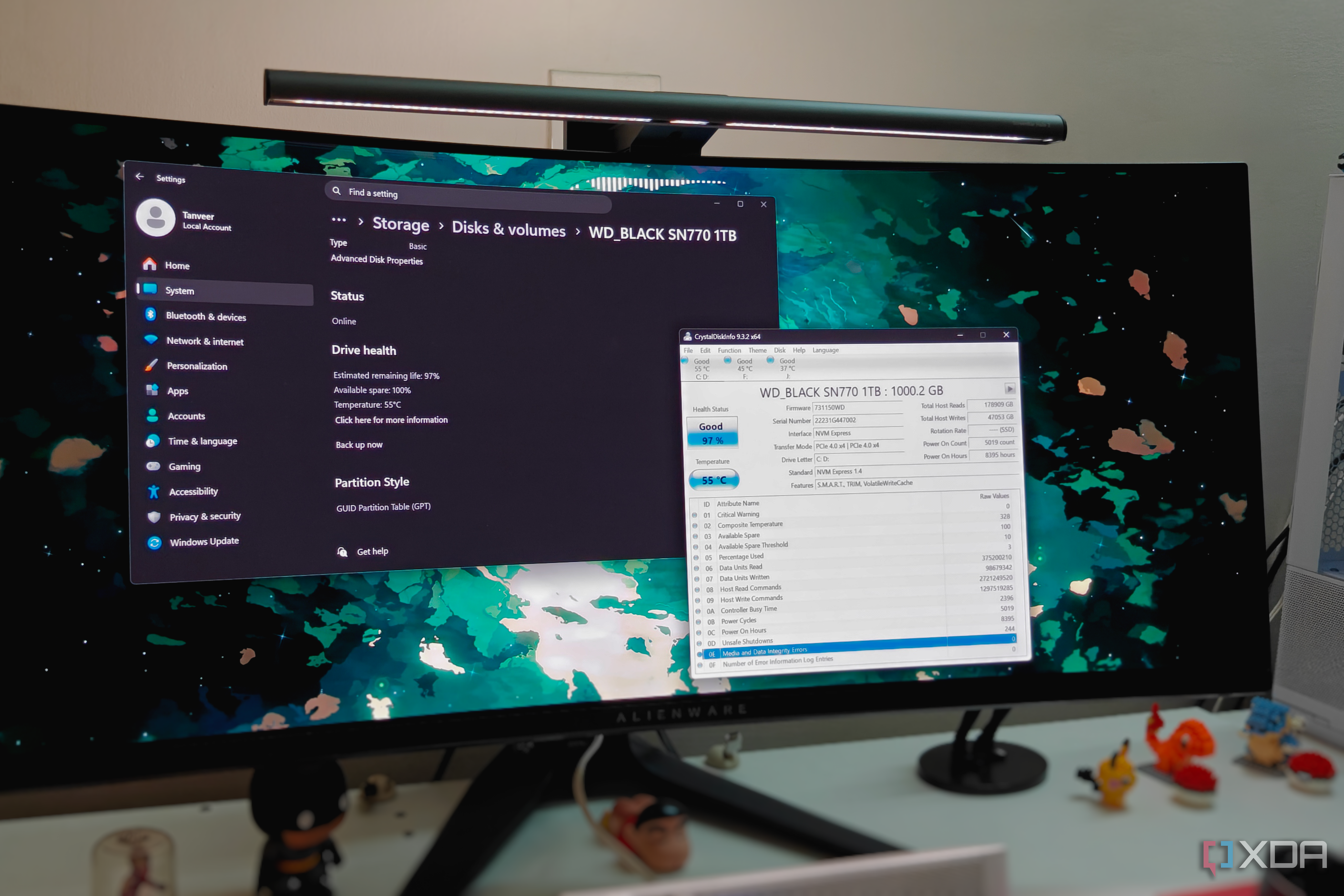
CrystalDiskInfo has been synonymous with SSD and HDD monitoring for years. It reads your drive's Self-Monitoring, Analysis, and Reporting Technology (S.M.A.R.T.) attributes and presents them on a single screen for easy reference. Checking your SSD's health percentage, temperature, or other metrics is pretty simple with this free tool.
There isn't a single PC user who bought a new SSD and didn't base that decision on the huge read-write-speed numbers in the brochure. We now know that those numbers aren't the most important factor when it comes to purchasing an SSD, but they are still the major draw on the product page.
I have years of Counter-Strike demos, video clips, game backups, save files, and other data that I open maybe twice a year. Until recently, they sat on the same fast storage as everything I use every day, which felt like a waste. Now they live on two old SATA hard drives, a 1TB and a 2TB, that cost me almost nothing when I bought them.
Windows 11 has been out for a while, and it does a decent job of delivering a good overall user experience. However, certain settings and the way Windows 11 is set up out of the box could force you to trade convenience for your SSD's lifespan. With the current AI surge driving up hardware prices, it may be a good idea to review your settings and make sure Windows 11 isn't eating away at your SSD's life.
So, you're one of the lucky ones who built a PC or upgraded your SSD way before the DRAM crisis exploded prices across the industry. Your NVMe SSD may have been blazing-fast when new, but you might feel that it has lost some of that speed over the years. It's not your imagination; SSDs can slow down over time if you aren't careful about upkeep and updates.
In 2026, you'll find plenty of advice saying SATA SSDs are a better purchase than NVMe drives for storage expansion, especially considering the price of NVMe drives owing to "RAMflation." It's sound advice, sure, especially if you've got your OS and most-played games on a primary NVMe drive. However, the market today has changed, and AI-driven memory shortages haven't exactly made shopping for storage any less painful.
For most of my 26-year journey with desktop PCs, I've used spinning hard drives. I bought my first SSD (a SATA drive) in 2017, and the difference was night and day. Every subsequent upgrade, however, became less and less stark, culminating with the PCIe 5.0 SSD I got last year. I built a gaming PC for my partner before the DRAM shortage really picked up. It now doubles up as our media server, but it doesn't feel any faster than my own PC.
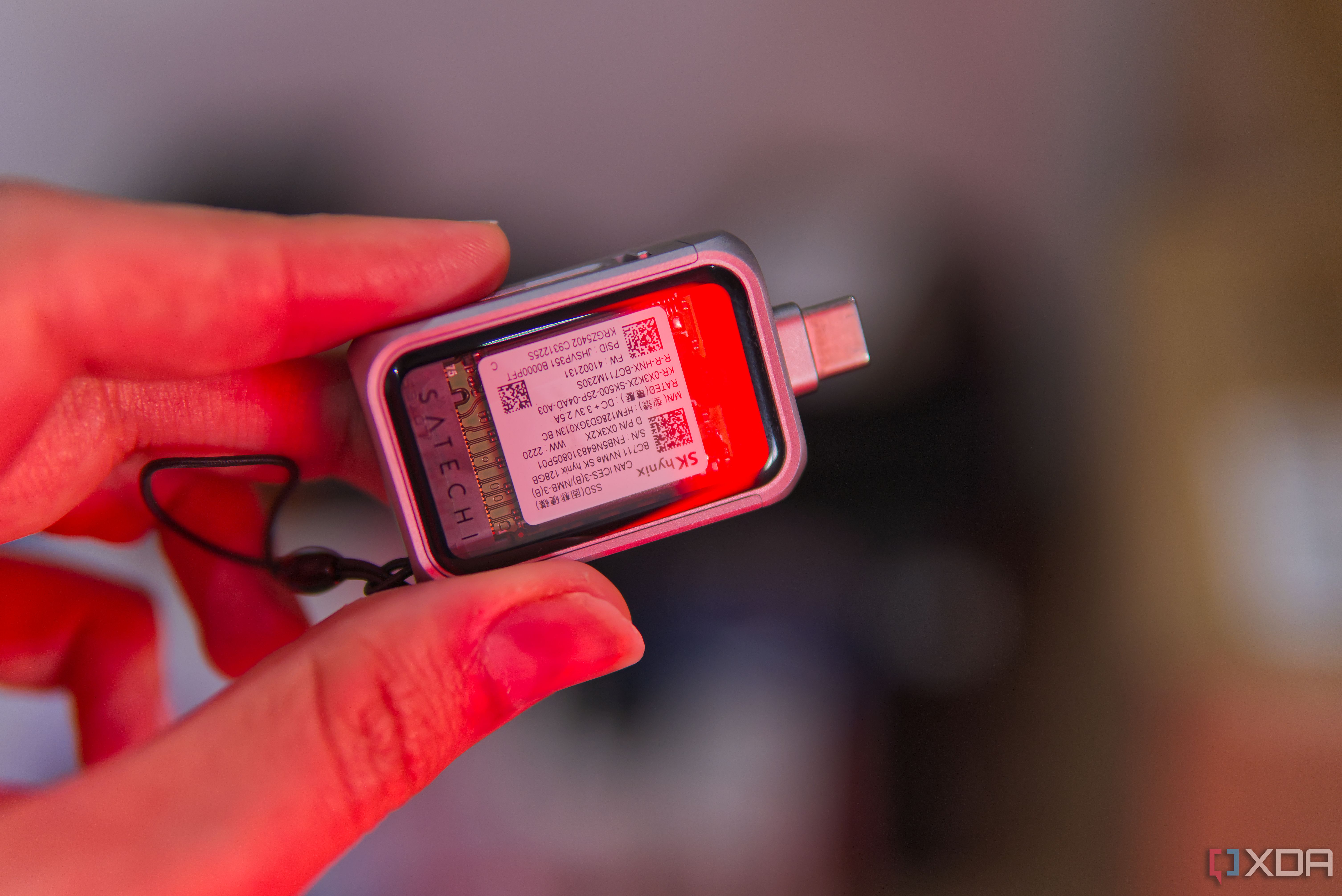
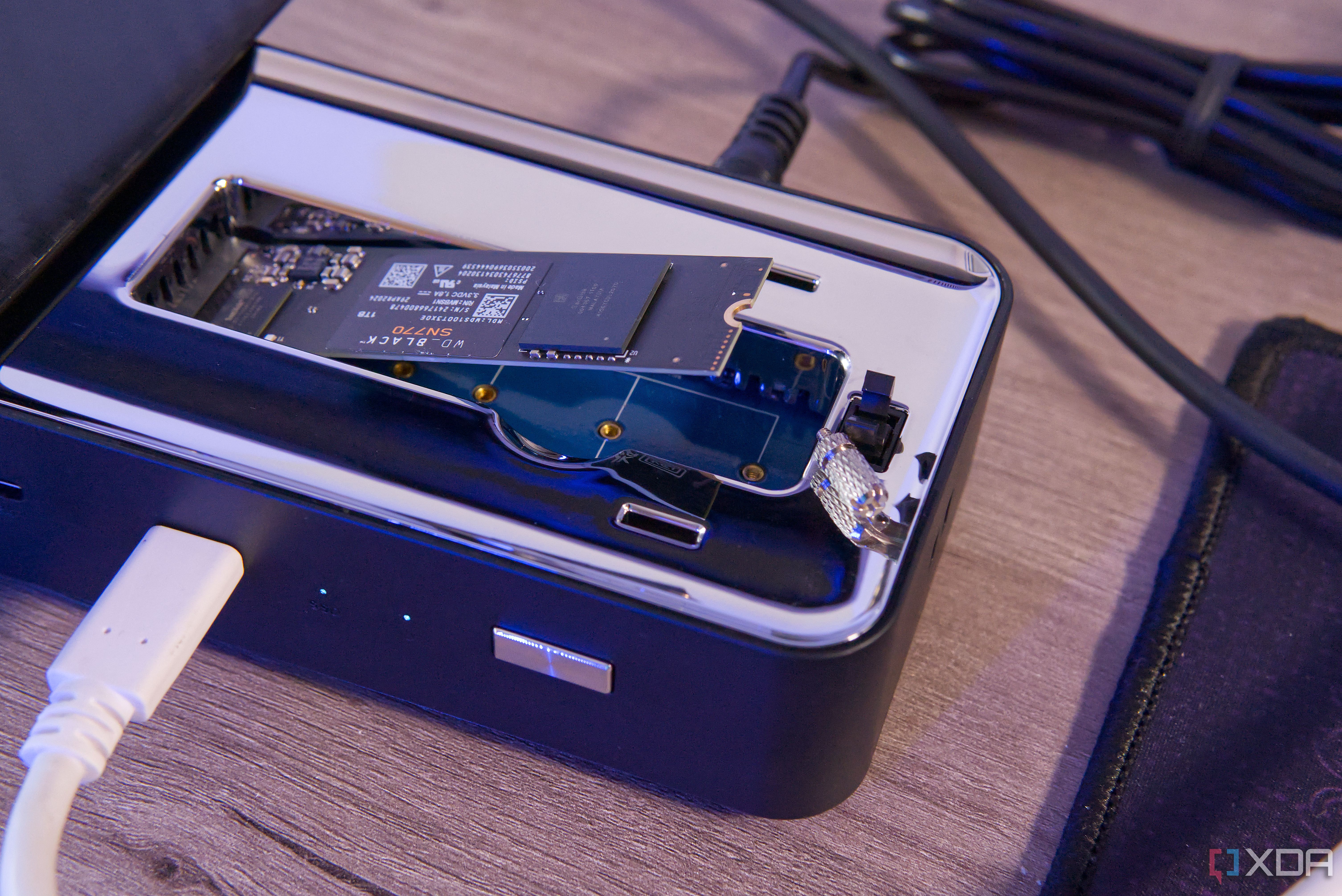
I expected my new USB4 enclosure to feel like a second internal drive. Instead, the Satechi USB4 NVMe SSD Pro crawled along at 1,013 MB/s, and for weeks I blamed the cable, then the USB-C port I'd picked, then every other jack on my motherboard's rear panel.
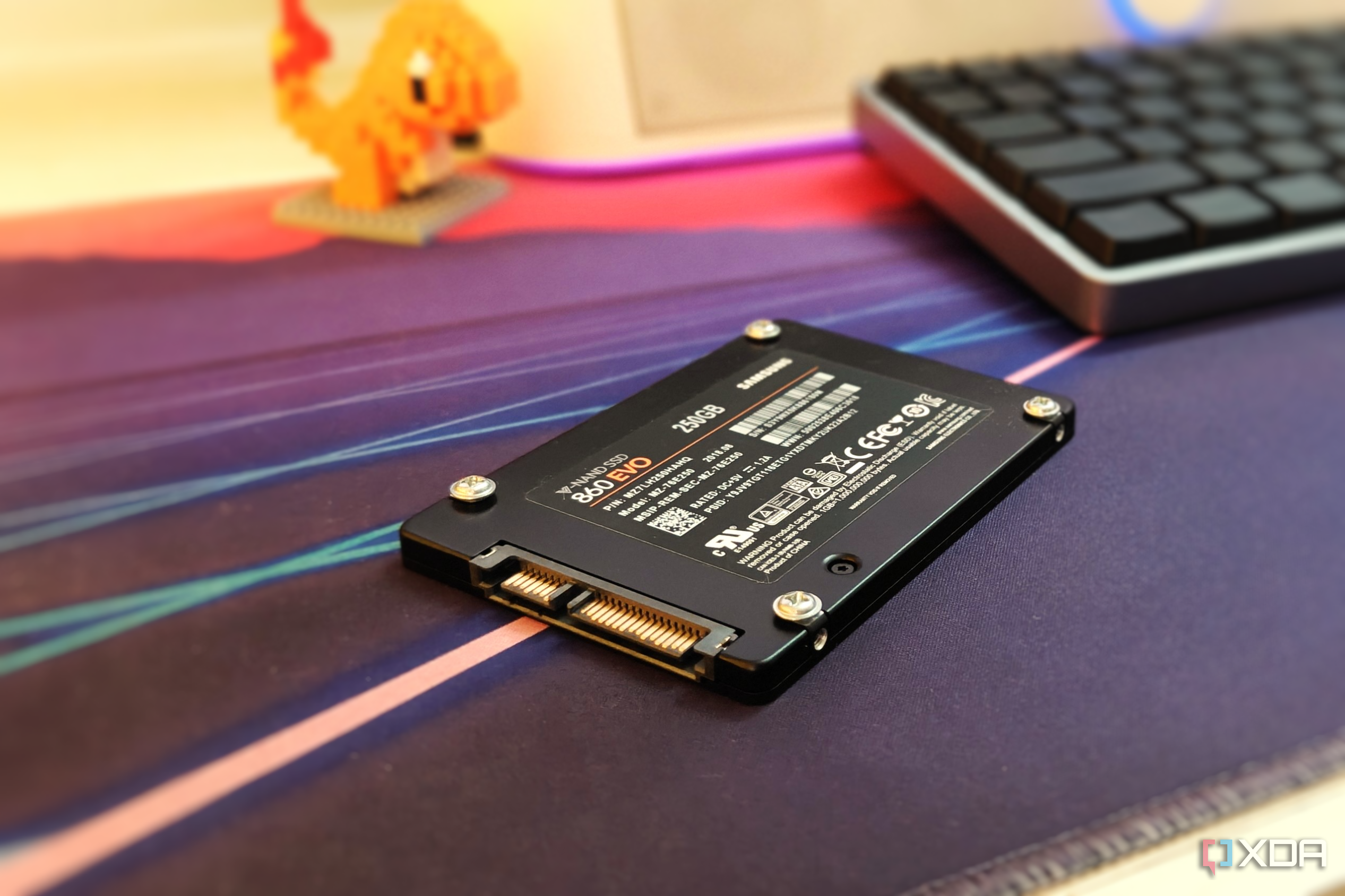
Talking about a SATA SSD in 2026 is anathema to many PC users. It's akin to recommending a console to a PC building enthusiast. I fully expect people to bring up the outdated performance and needless cables of SATA SSDs when I still recommend it as a secondary drive. NVMe SSDs are faster, sleeker, and more convenient, and I would always use them for the primary drive, but SATA SSDs aren't outdated by any means.
The flash storage inside of every SSD has gotten more expensive quarter-over-quarter for the past year, and the forecasts say it isn't close to being over. This has caused a lot of home lab builders to look towards the enterprise market for storage deals in hopes of scoring a deal. Price is absolutely a valid reason to look for pre-owned hardware of any kind, but enterprise drives come with an additional layer of power-loss protection that can be worth paying for in its own right.
My Synology DS1621xs+ got its first upgrade years ago, and it wasn't the obvious one. I filled both M.2 slots with 500GB Gen4 NVMe drives and set them up as an SSD cache because the spec sheet said that's what the slots were for. The RAM upgrade, from the stock 8GB to 32GB, came later. I can't say I've ever filled the memory up, and I bought those two modules based on the maximum my NAS would support.
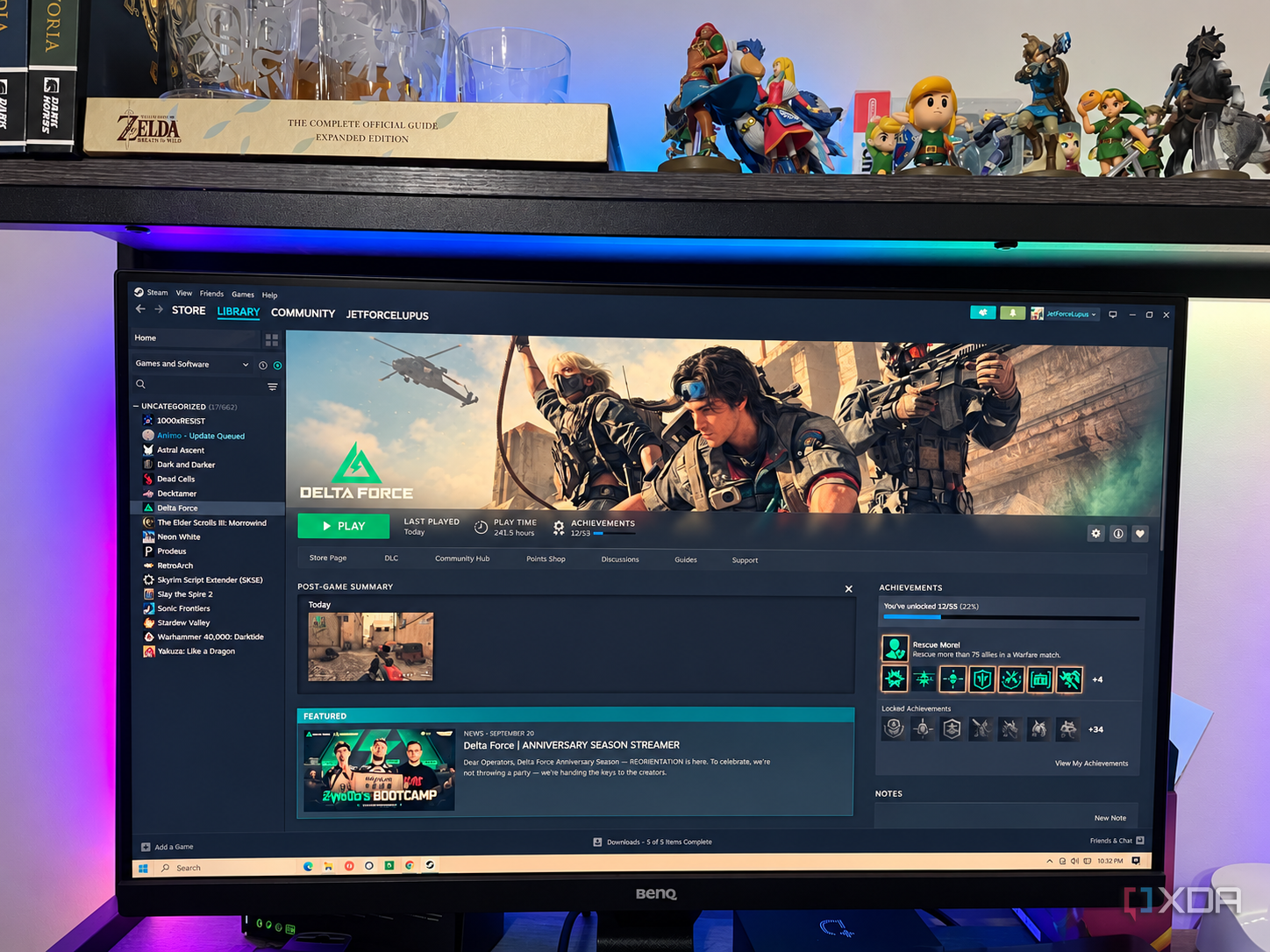
When I built my PC, I figured a 500GB SSD would be enough. After all, how many games was I actually going to have installed at once? That was a mistake. 500GB is nowhere near enough storage, especially when some games take as much as 226GB on their own (I'm looking at you, Delta Force). I could get my hands on a cheap SSD with a lot more space than an internal SSD, and for a lot less money, too. I gave it a try, and the results surprised me.
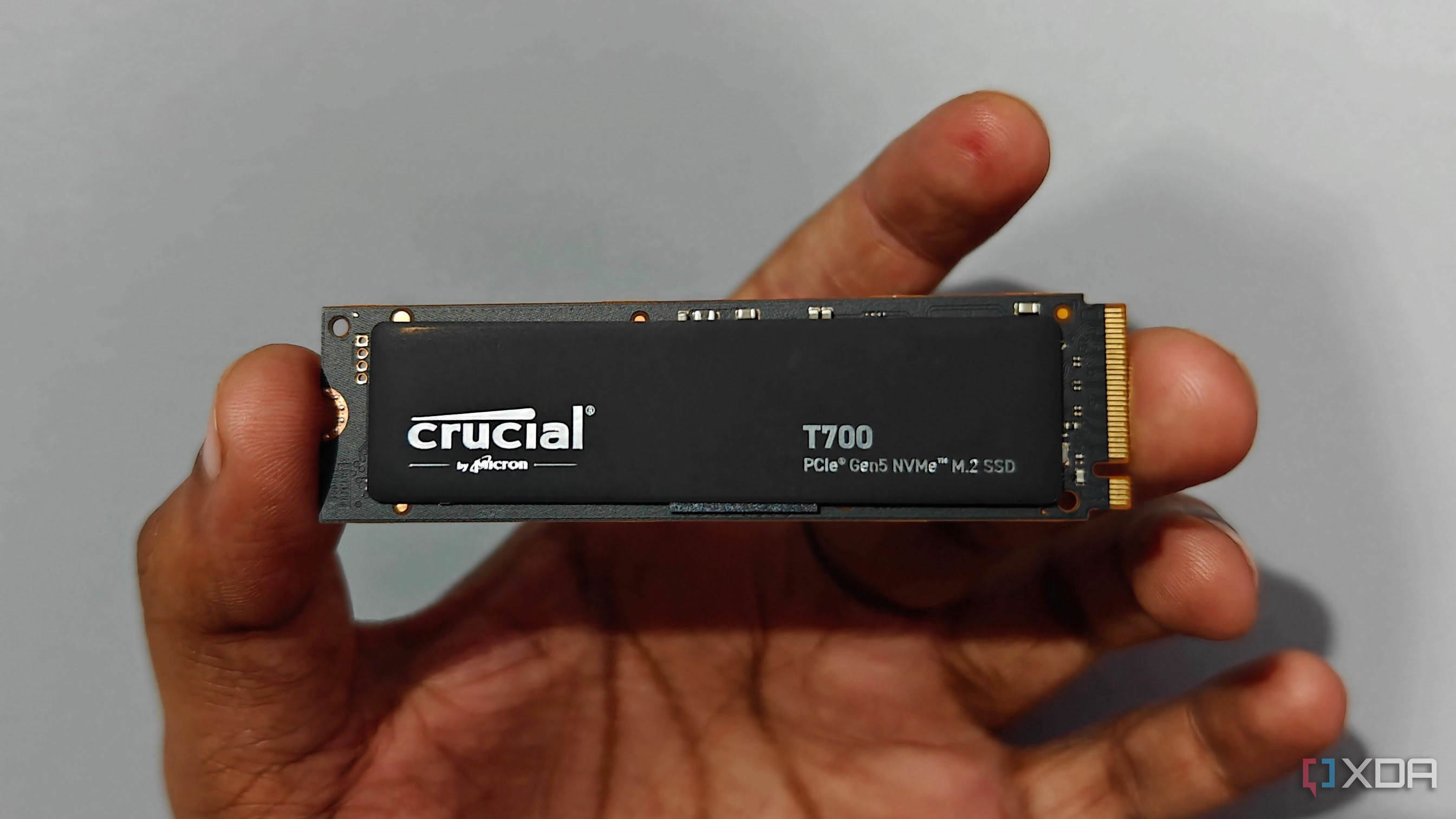
Earlier this year, when I upgraded to AM5, I bought the Crucial T710 Gen 5 SSD to go along with it, even though I knew my old Corsair MP600 Gen 4 NVMe from 2019 was still no slouch. After all, with my X870E board supporting PCIe 5.0 SSDs, it just made sense to use storage that could actually take advantage of it. The T710, on paper, is about three times faster than my MP600, claiming read speeds of up to 14,900 MB/s. Of course, I wasn't expecting all of that to translate to real-world…