H
While giant corporations are going all-in on AI, using it to replace staff, crush human content production, and generally set things up to enrich themselves even more, regular folks are realizing they can use AI to eliminate their reliance on these companies.
H
Search APIs are good at telling you where information lives. They're less helpful when you need the information itself. If you've built anything that depends on web data, such as a research tool, a price tracker, or an AI agent that answers questions, you'll know a list of links is only the starting point. Something still has to fetch each page, strip out the navigation and ads, and pull out the parts you care about.
H
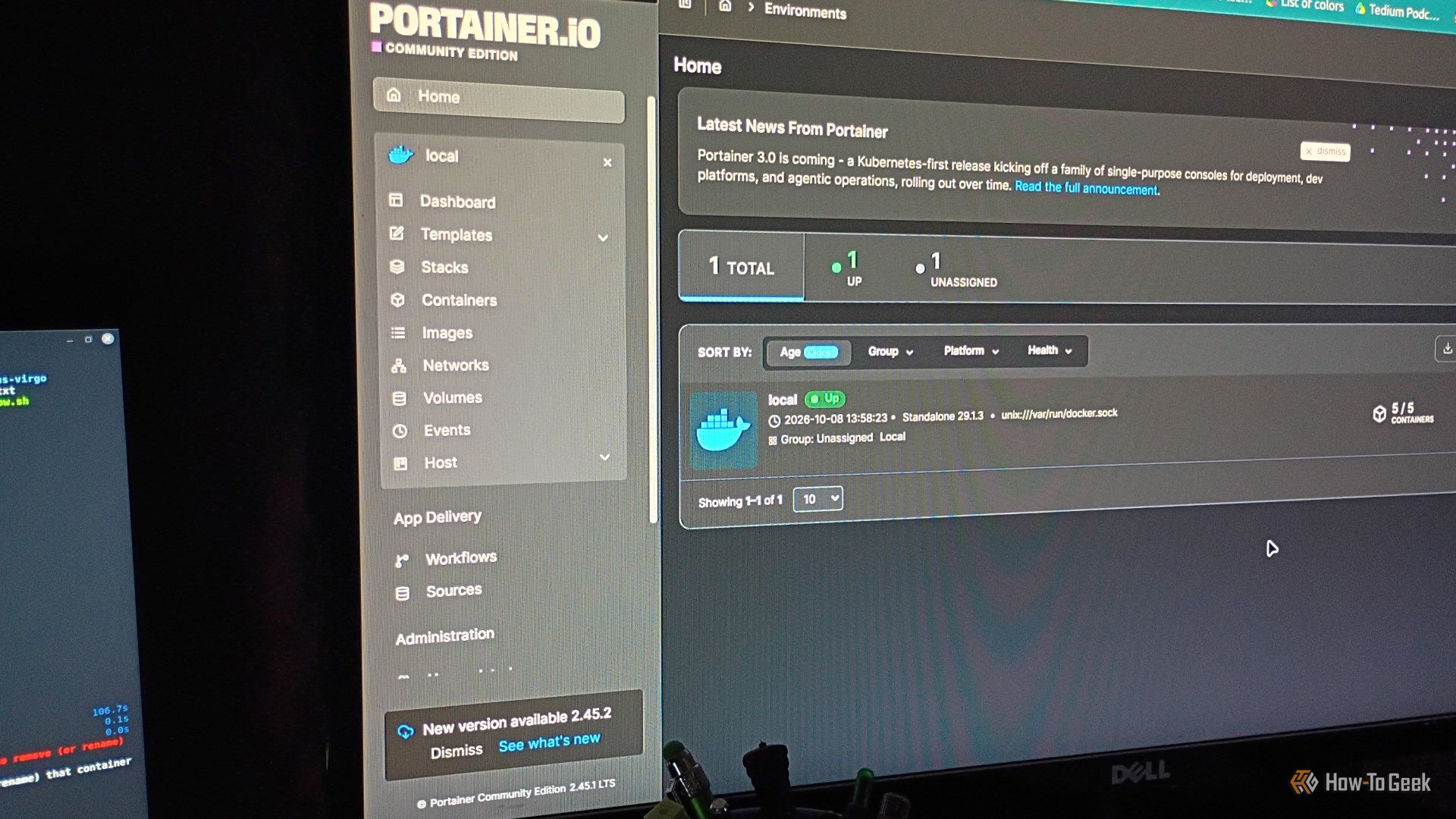
Docker has empowered millions of users to build their own homelabs and ditch many of their pricey subscription services. But just because it's one of the easiest ways to deploy self-hosted apps doesn't mean it's equally efficient at managing them. By default, Docker won't automatically back up your app data, keep your containers updated, or alert you when a service goes down. That's why I make it a point to install these five apps alongside Docker to address these glaring shortcomings and get…
H
The usual AI productivity advice I come across boils down to a handful of low-stakes use cases: writing emails, writing resumes, planning meals, drafting cover letters, creating Ghibli-style art, writing essays — you get the picture. There's nothing wrong with any of that, but on the other end of the spectrum, you have power users claiming to use chatbots to "apparently" build million-dollar software businesses or land high-profile clients.
H
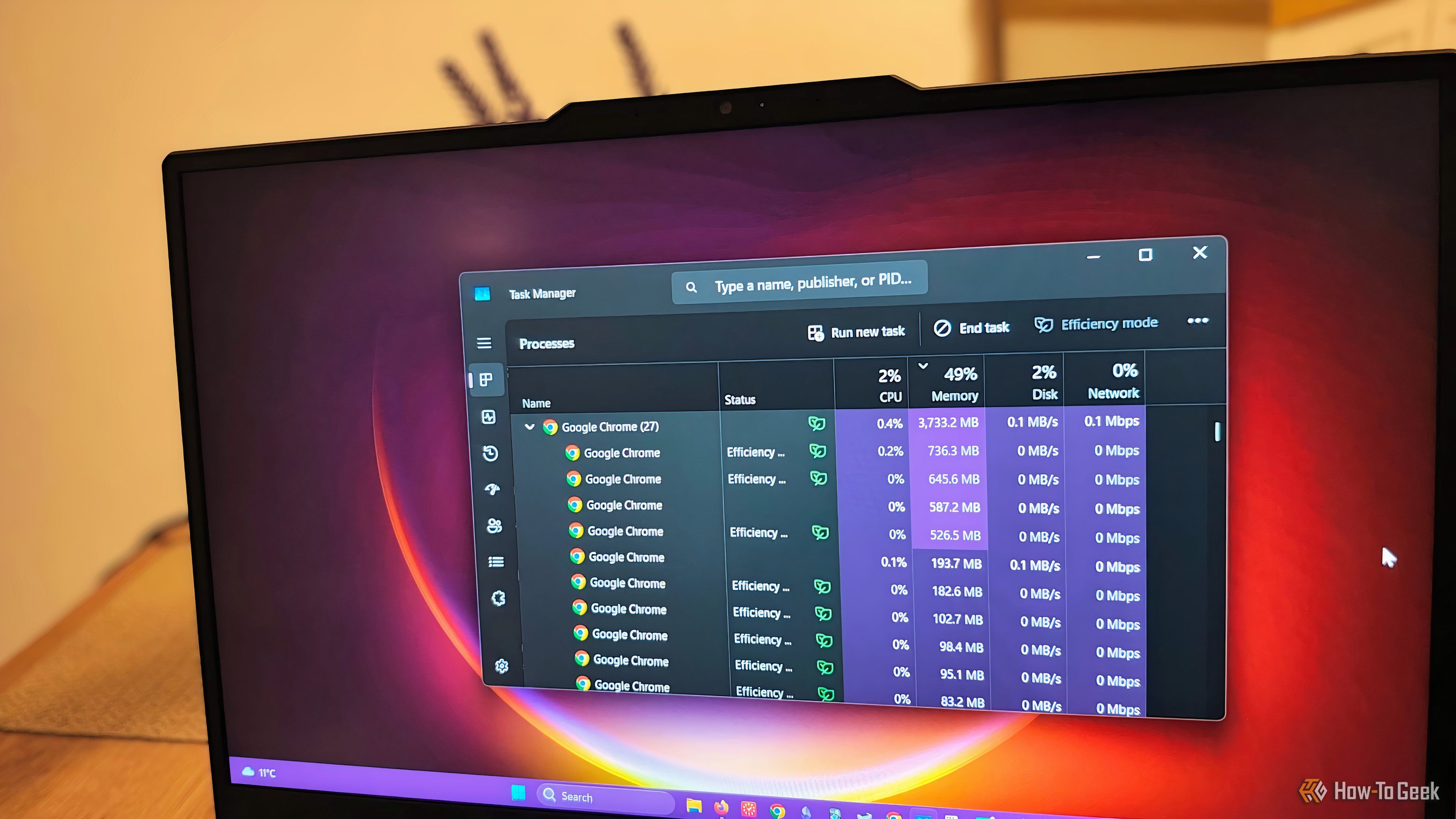
Chrome is the preferred browser for most people, but it can sometimes become a performance nightmare. Talking of performance, the problem might extend far beyond just having too many tabs open. Even on my ASUS TUF Gaming laptop, which has 16GB of RAM, I noticed Chrome's baseline RAM usage was high when I checked it in Windows Task Manager.
H
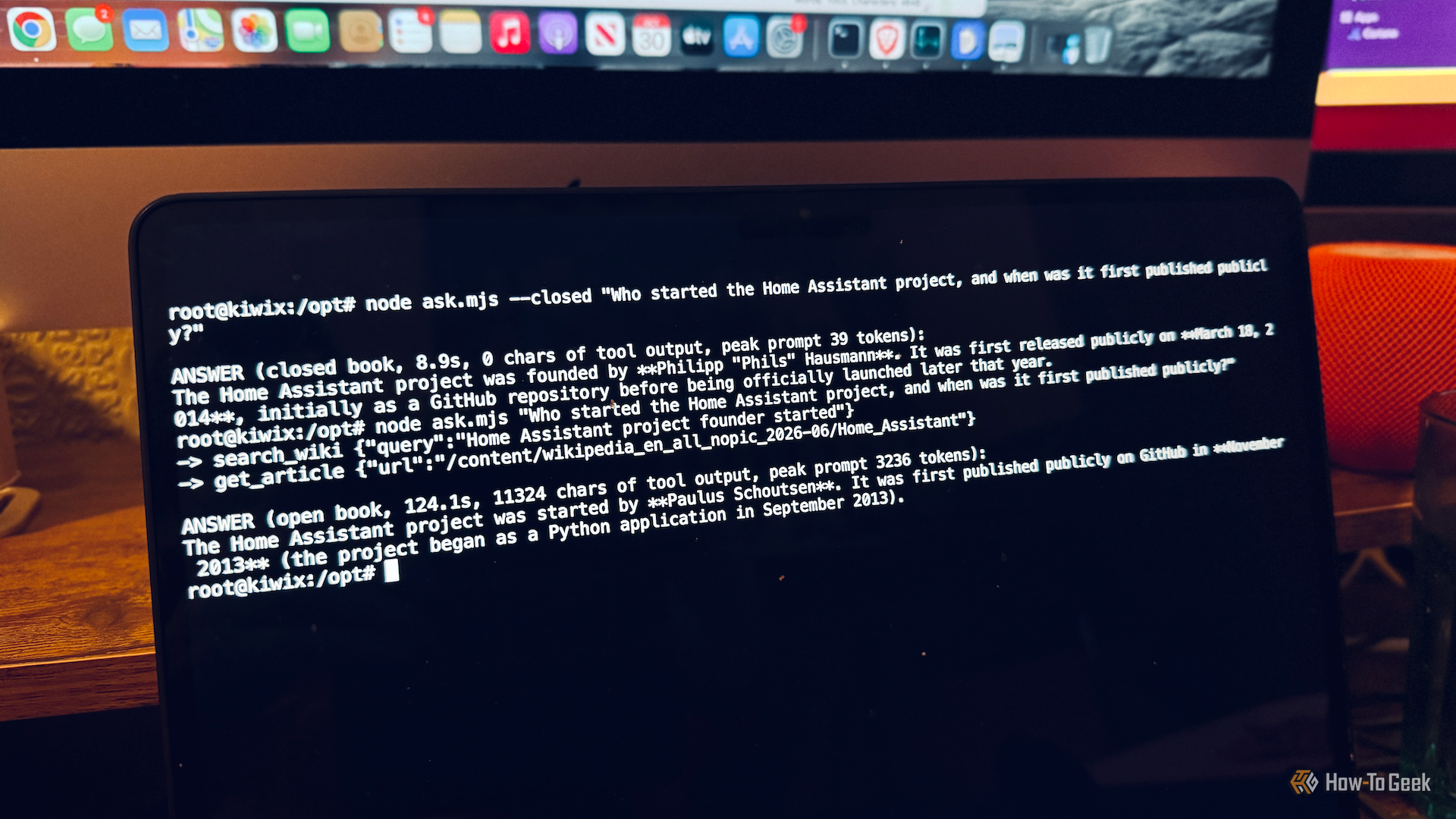
Cloud-based LLMs such as Claude and ChatGPT may be impressive, but your prompts are all processed on someone else's servers. Local LLMs offer privacy, but the more capable models require powerful hardware to run. Even if you can only run small LLMs at home, you can make them much more accurate by giving them offline access to Wikipedia and other data.
H
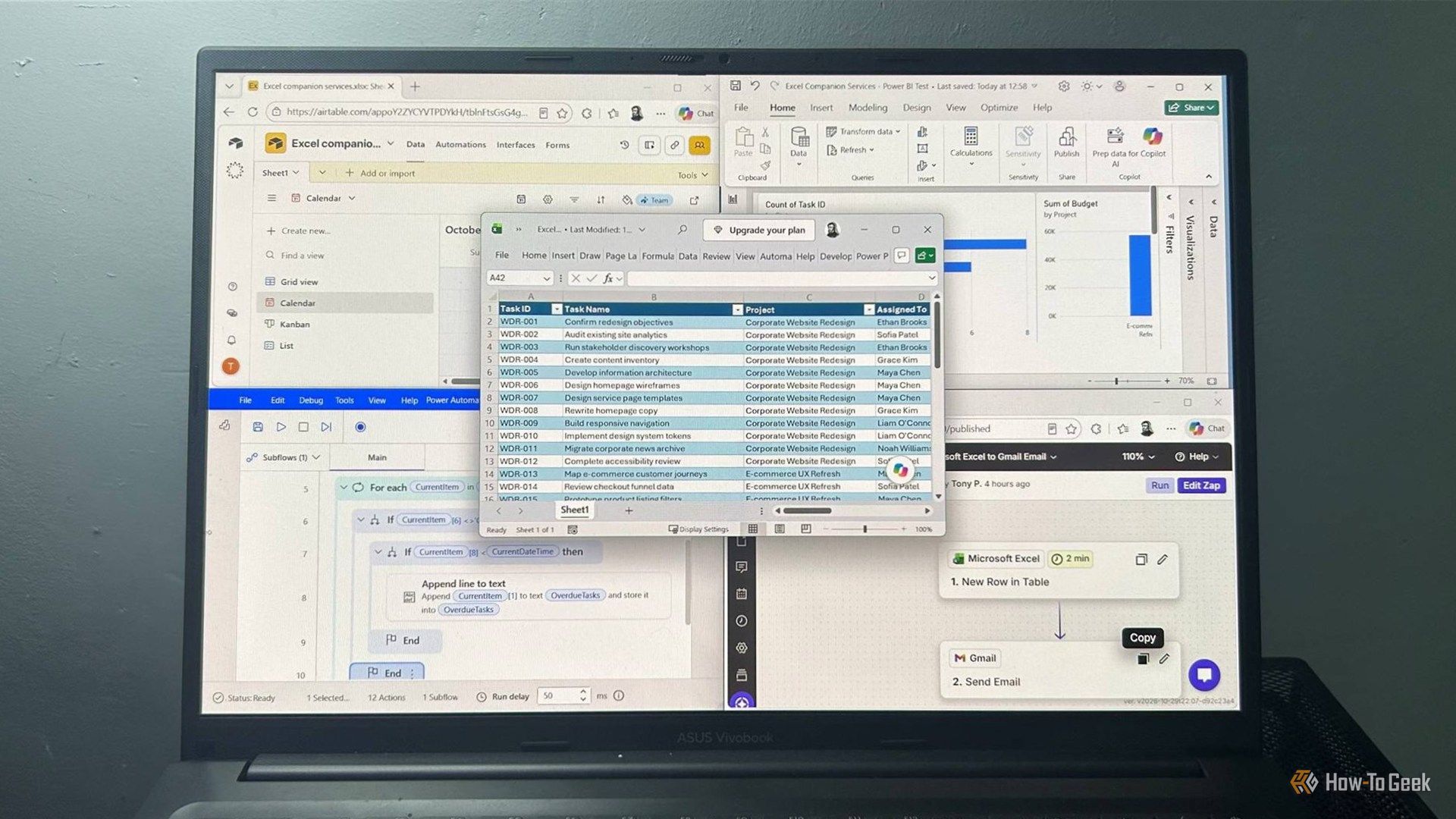
Excel already has plenty of jobs. It organizes information, crunches numbers, and keeps track of things, but there comes a point when trying to make it do everything itself creates more hassle than it saves. So I connected it to four other services and found that I could get much more out of my spreadsheets when I let them handle some of the work around it.
H
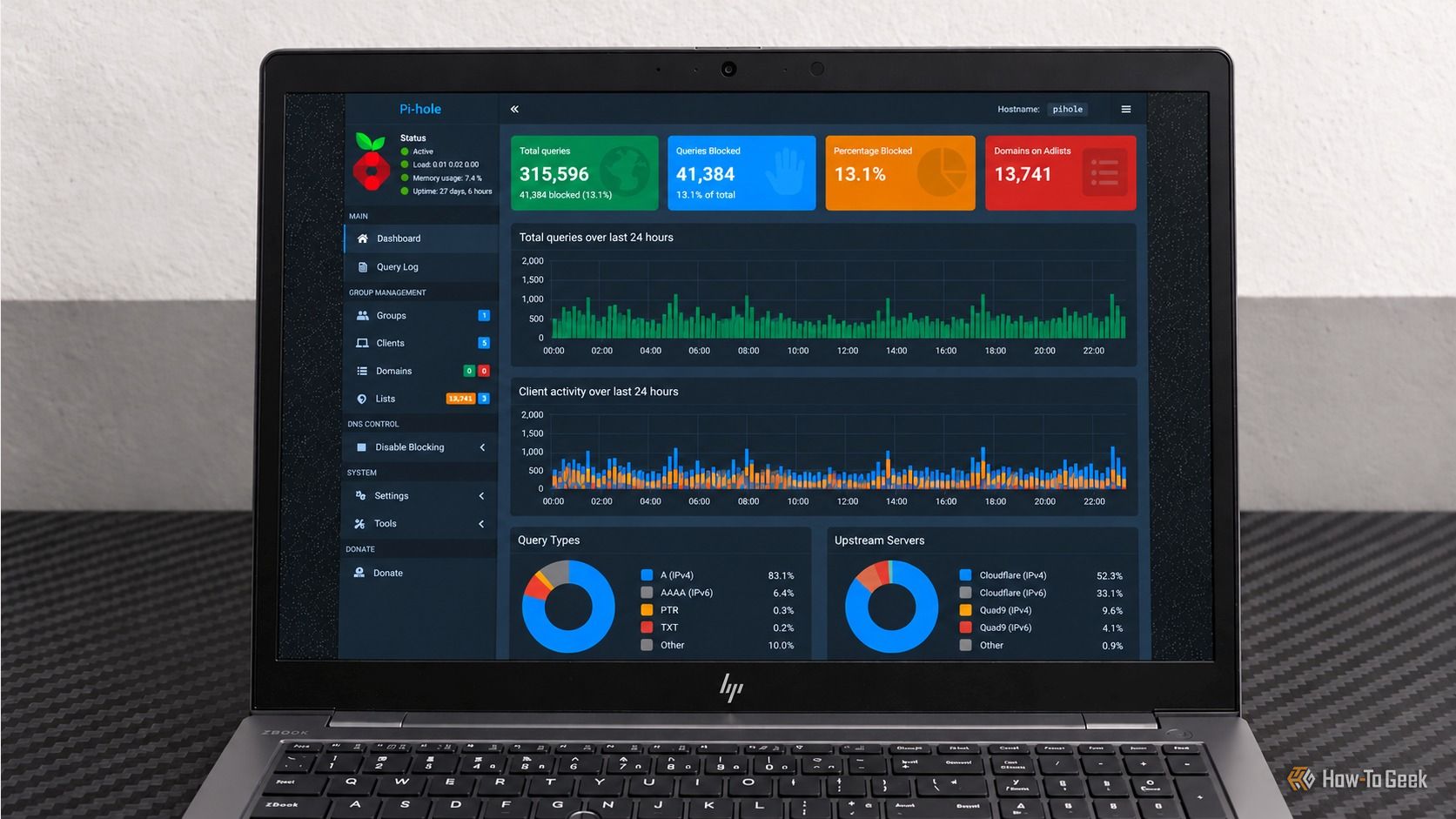
Pi-hole is one of those home lab services you quickly stop thinking about once it works. It blocks ads and trackers, handles DNS queries, and quietly does its job in the background. Then something breaks, and you realize how much of your home network depends on a service you have barely thought about. When DNS stops working, websites can appear offline even when the internet connection itself is perfectly fine.
H
Apple's 2009 "There's an app for that" slogan rings even truer in 2026. Anything you want to do, you'll find an app that's supposed to help you, and productivity apps are no exception.
H
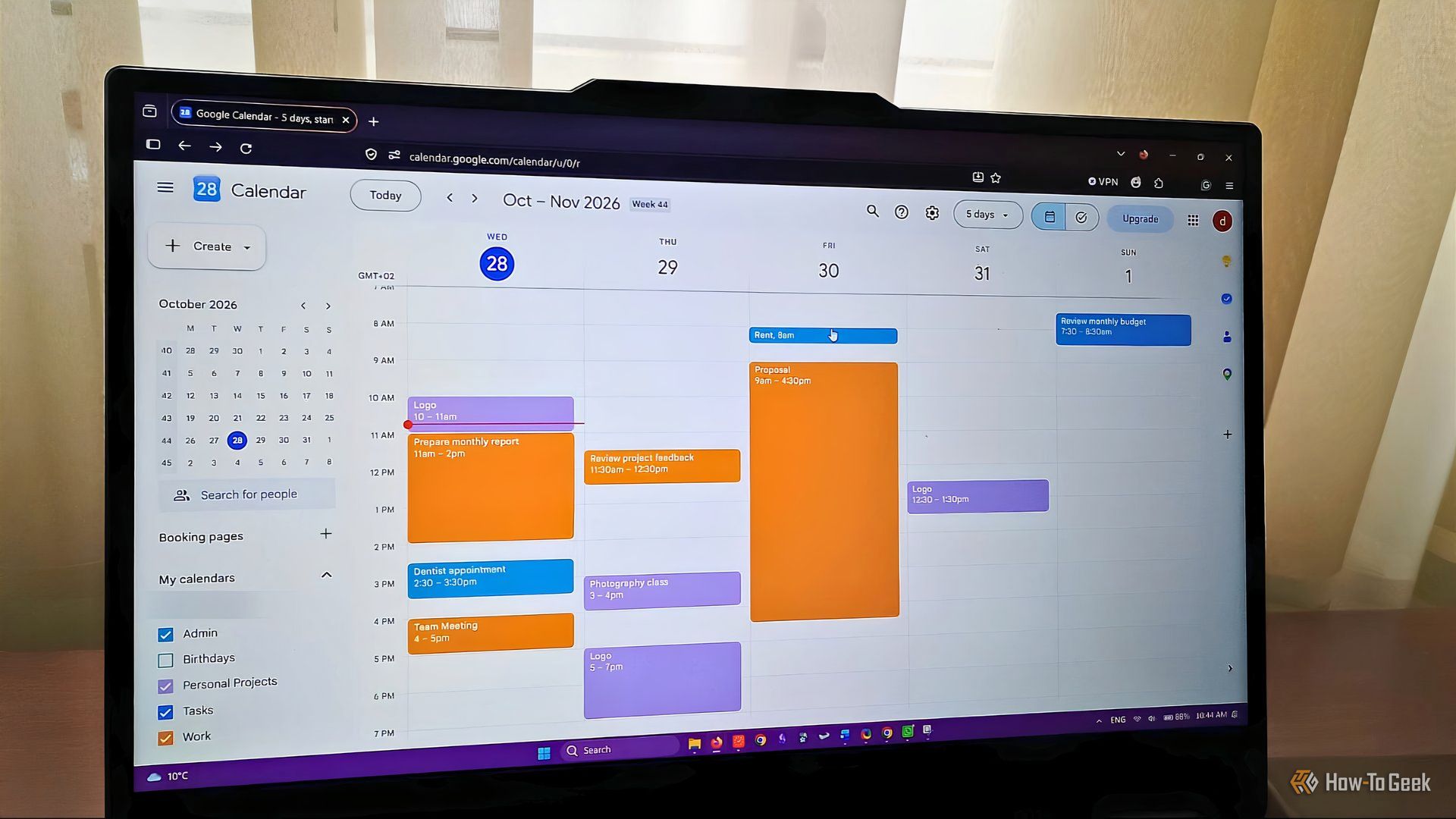
I used to use Google Calendar almost passively, mainly to keep track of bookings and recurring bills. Even though it's not a particularly clunky app, I didn't manage to make it work for anything else.
H
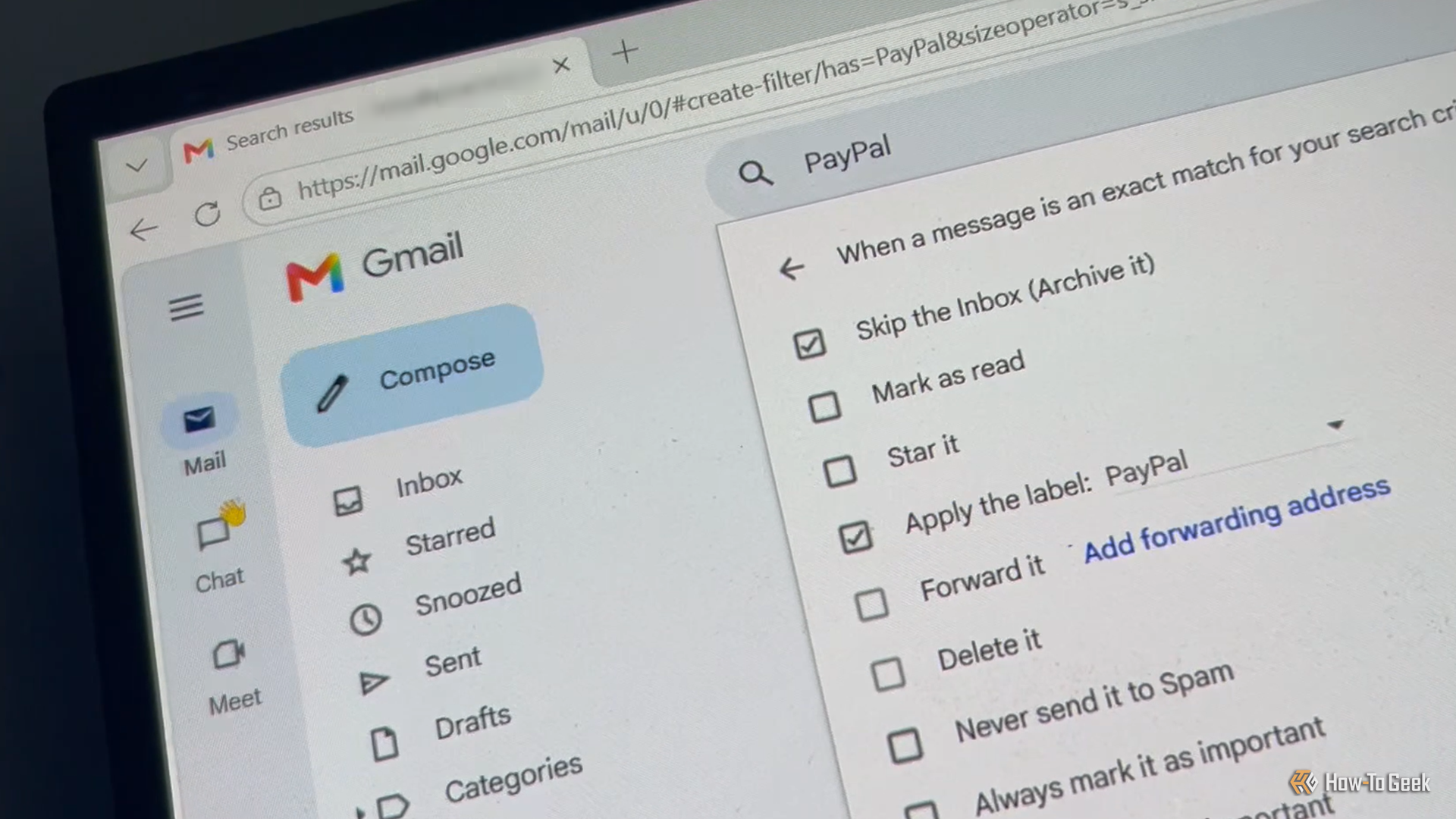
Gmail's inbox used to feel like a chore I could never finish. Newsletters piled up, the same questions kept landing in my inbox, and the one message I actually needed was always buried under everything else. But after tweaking a few free Gmail settings, my inbox now handles the repetitive work for me.
H
AI models need huge amounts of data to train on, and researchers are warning that AI companies could run out of high-quality public data to use. Your own data isn't safe; even if you're unaware of it, AI companies may be training their models on your social media posts and more.
H
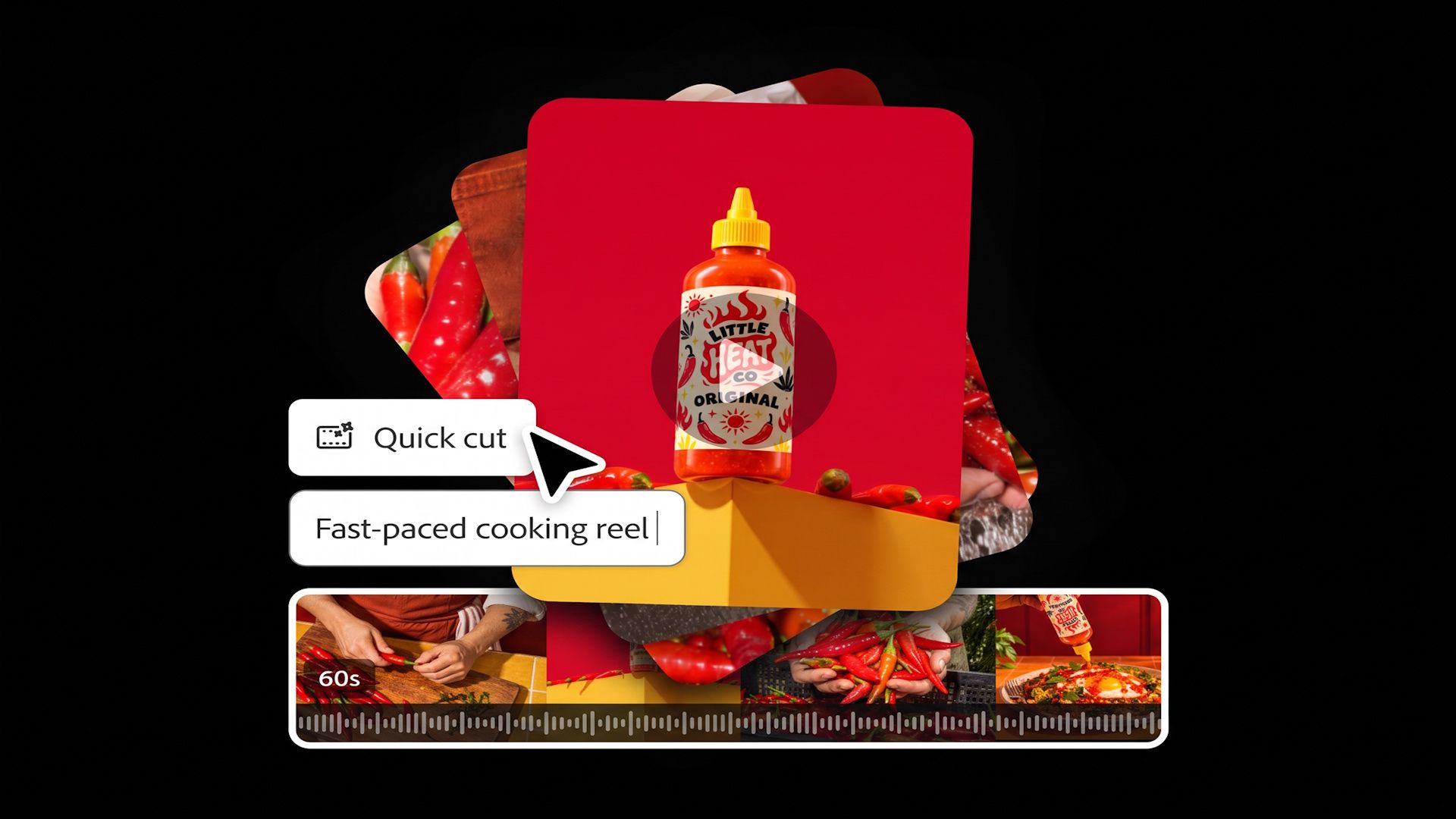
Of all the AI-powered video editing tools out there, Adobe Firefly might be the mightiest and the most convenient of the bunch. It's packed with features that smoothly integrate into your workflow when you need them. If you're starting from the beginning and want to generate material from a prompt, you can use Firefly. Not just for video, either. It lets you add stock images and even audio. Or if you have your media already and need to tweak it closer to perfection, there's an extensive set of…
H
Chrome is constantly eating up at least 2GB of my computer's memory, and that's when I'm not doing anything particularly demanding.
H
I spent years writing everything in Microsoft Word. But over time, its cluttered interface, messy formatting, and sluggish performance began to distract me from what truly matters—writing. That’s when I tried Markdown. Its clean, distraction-free approach won me over—and I haven’t looked back since.
H
Running a capable language model entirely offline used to mean owning a powerful desktop. That assumption no longer holds. On my hardware, a phone app from Google runs the same model noticeably faster than Ollama does on my PC, and the reasons are more interesting than you might expect.
H
It’s probably not your recording equipment that’s stopping your videos from achieving that polished, professional aesthetic. You don’t actually need an expensive production setup to create sophisticated video content. It’s often the editing details – color profile, movement, tracking, animations, layering – that make your footage feel like an entire team spent hours putting it together.
H
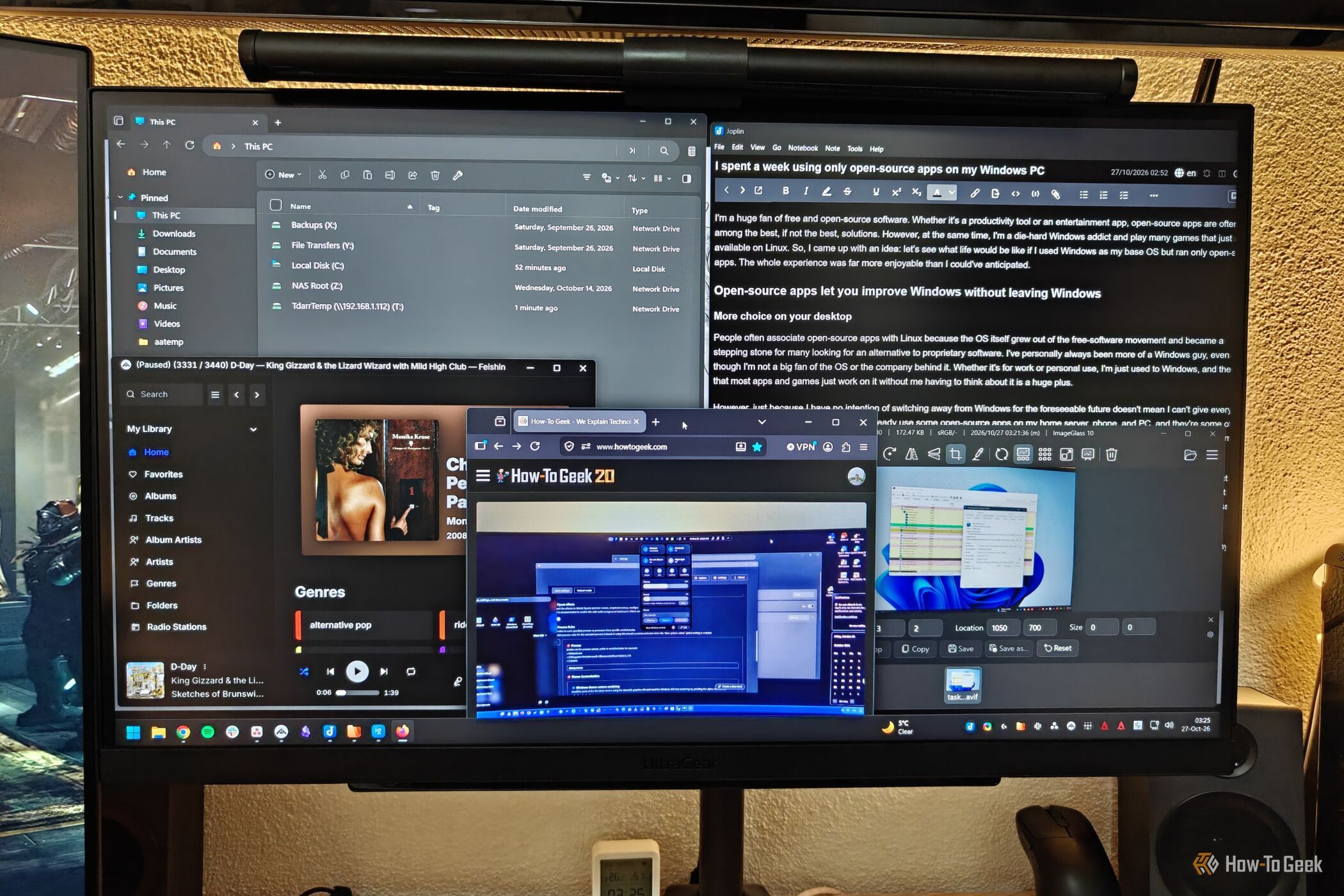
I'm a huge fan of free and open-source software. Whether it's a productivity tool or an entertainment app, open-source apps are often among the best, if not the best, solutions.
H
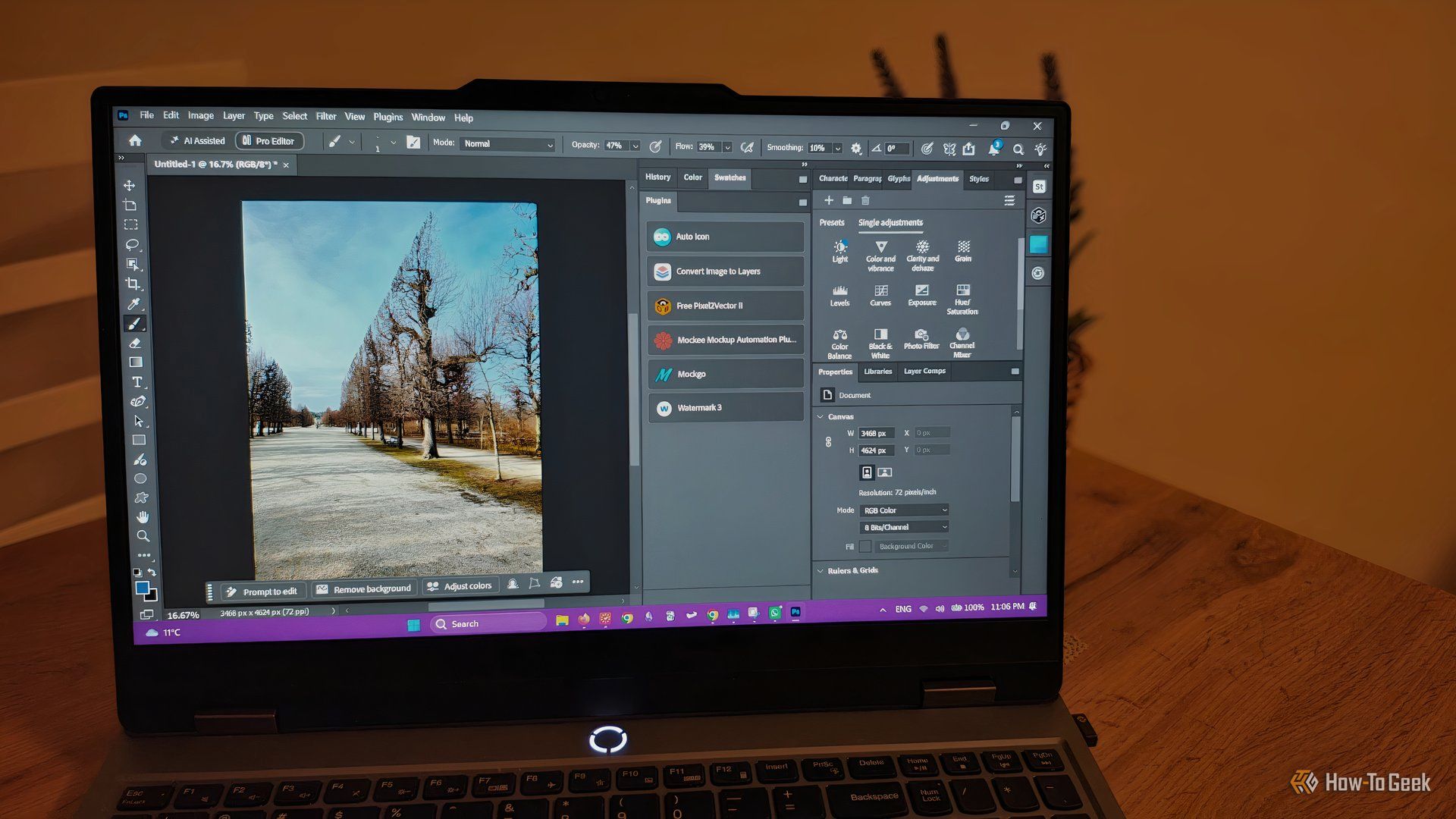
Beyond frequent updates and native integrations with some AI tools that reduce busywork, Photoshop's easy access to thousands of third-party plugins is another reason why it still manages to maintain its spot as the industry standard.
H
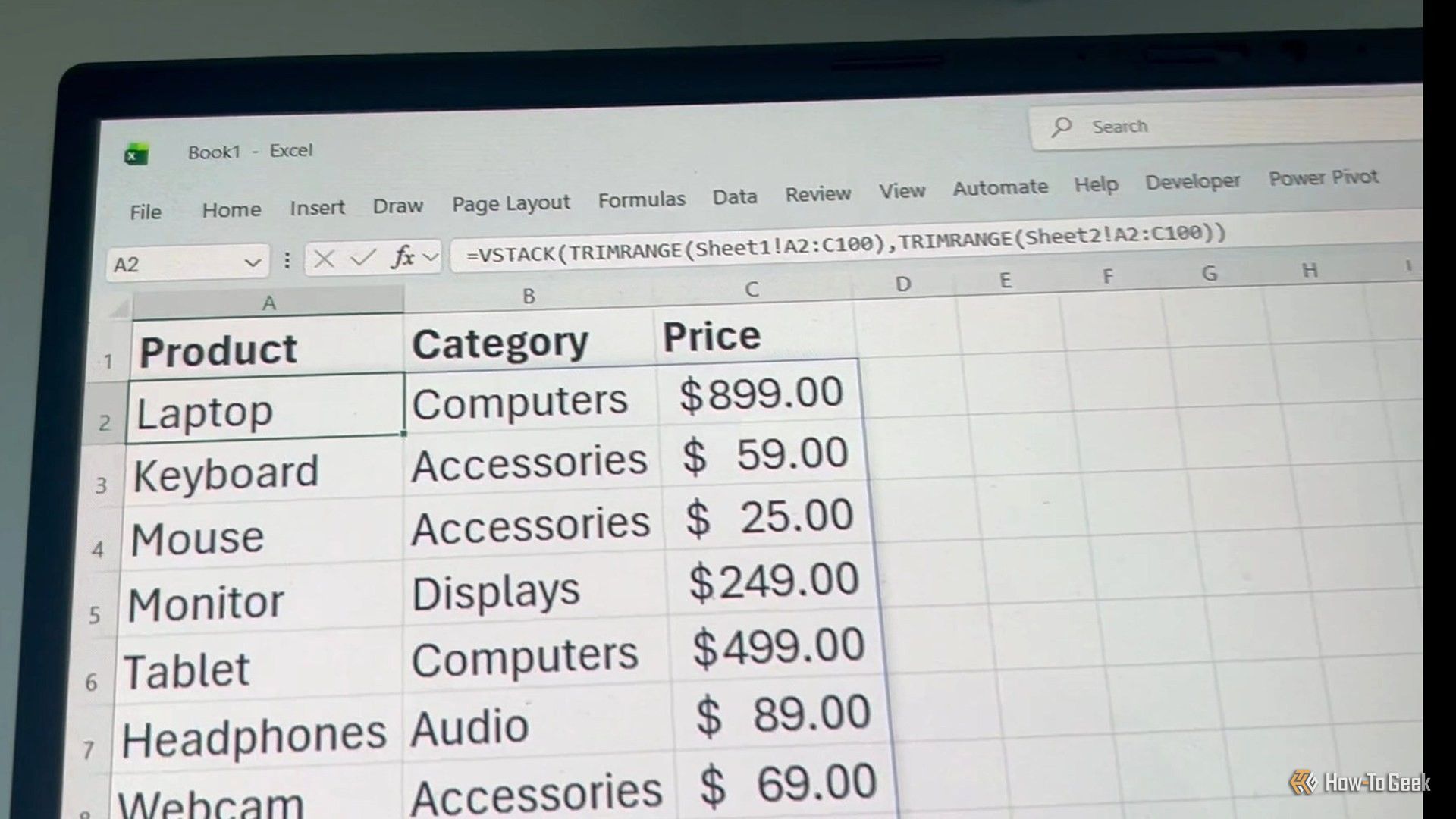
Excel has hundreds of functions, and nobody needs to know them all. But a few are worth keeping in your back pocket because they save you headaches as your data changes. TRIMRANGE is a great example. When you build a spreadsheet that's going to grow, you usually leave room for data you haven't entered yet. Those empty cells can turn dynamic array results into a mess, but TRIMRANGE quietly trims the blank edges off a range and keeps things tidy.
H
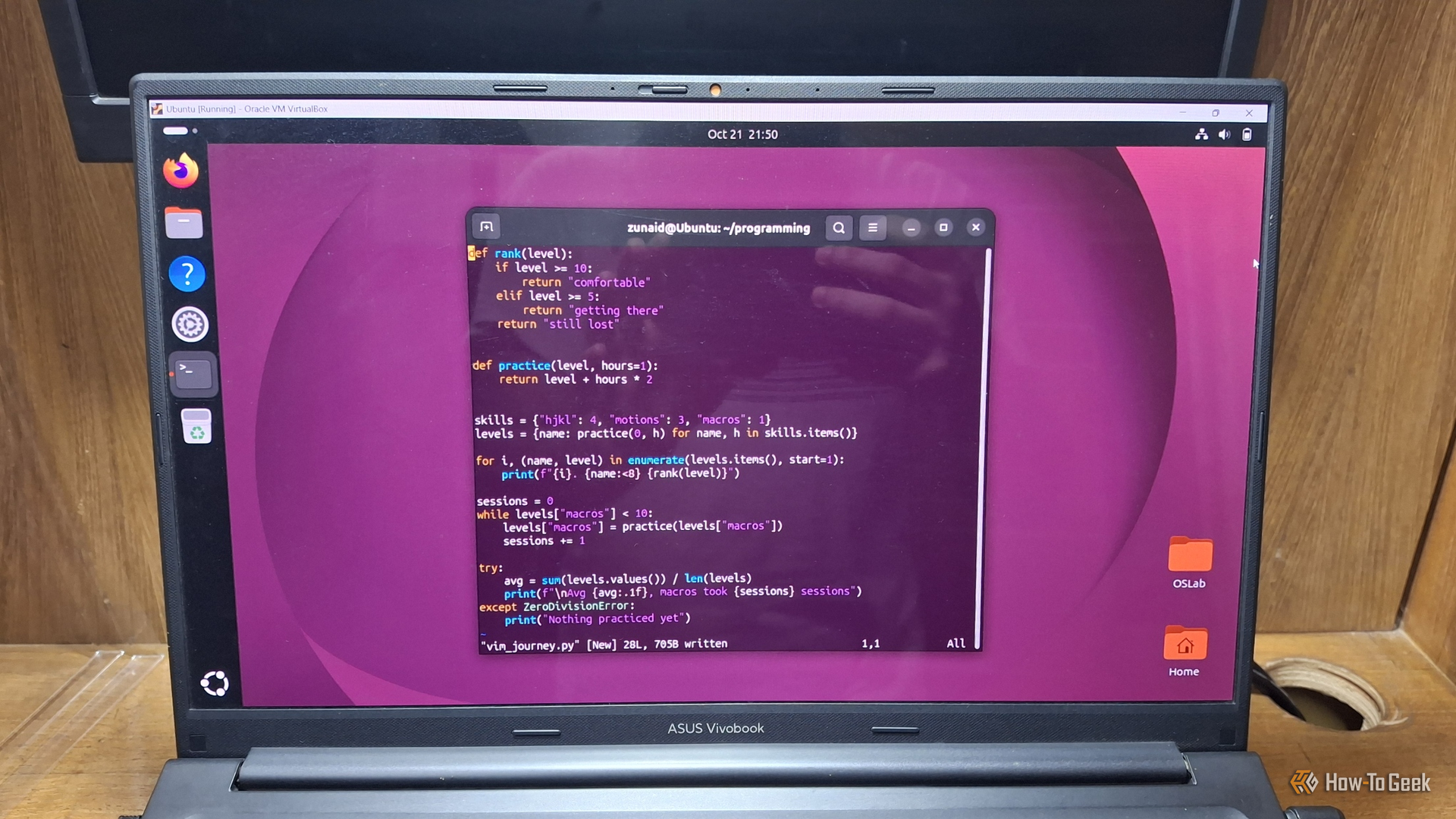
Many Linux veterans still vouch for Vim for editing documents and writing code. As a Linux user myself, I can see why. When many companies are going AI-first with their code editors, Vim stays true to what it was meant for: a simple terminal text editor that makes you efficient while programming.
H
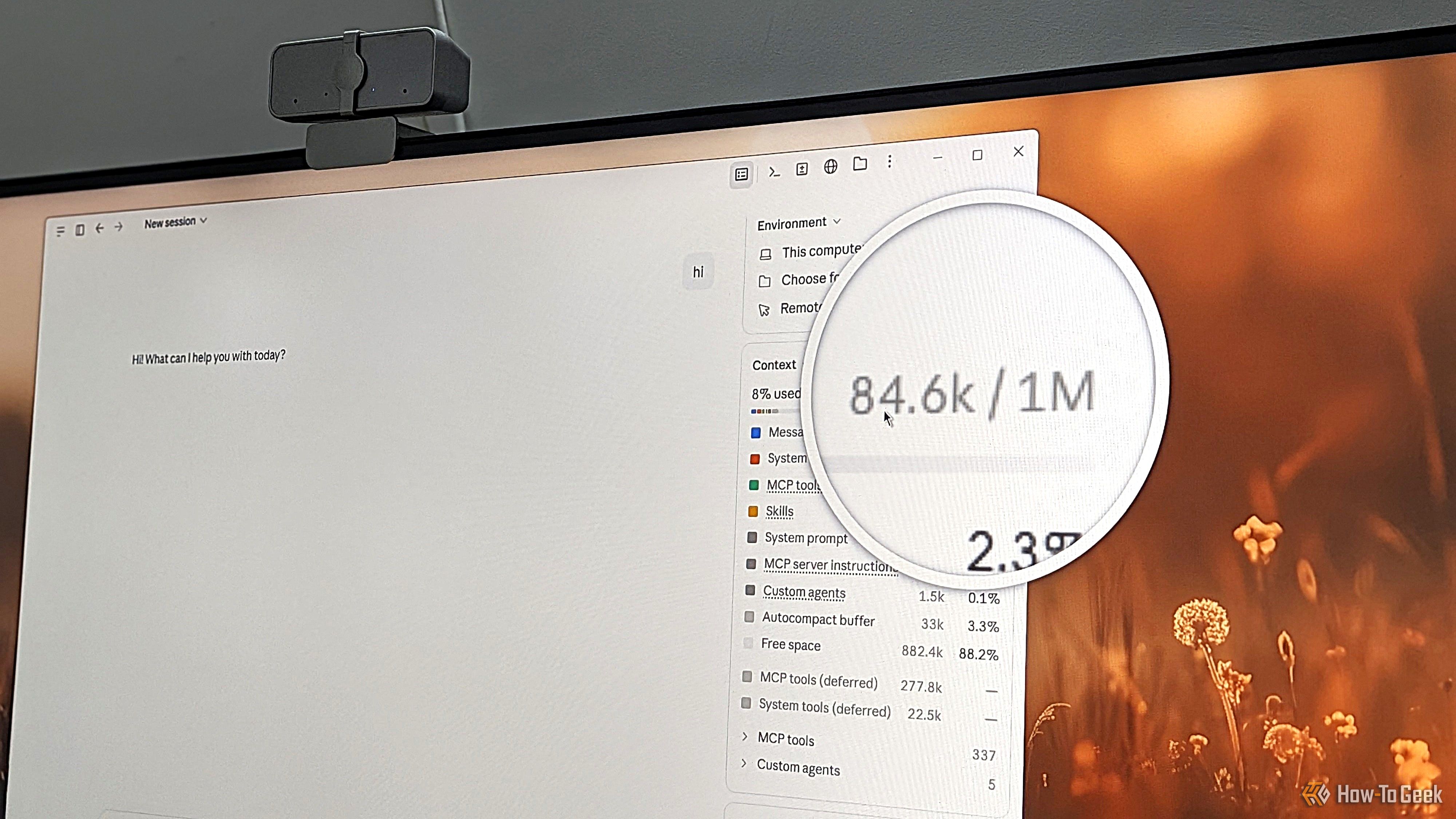
Do you, like me, obsess over your Claude sessions, trying to optimize everything down to a single token? If so, you’re in good company — I’ve been trying everything to stretch my $20 Claude Pro subscription as far as I can. However, all your tweaks and adjustments only work if you’re building them on a solid foundation. As it turns out, the way I was using Claude was actually working against me and inflating my token usage from the very first message.
H
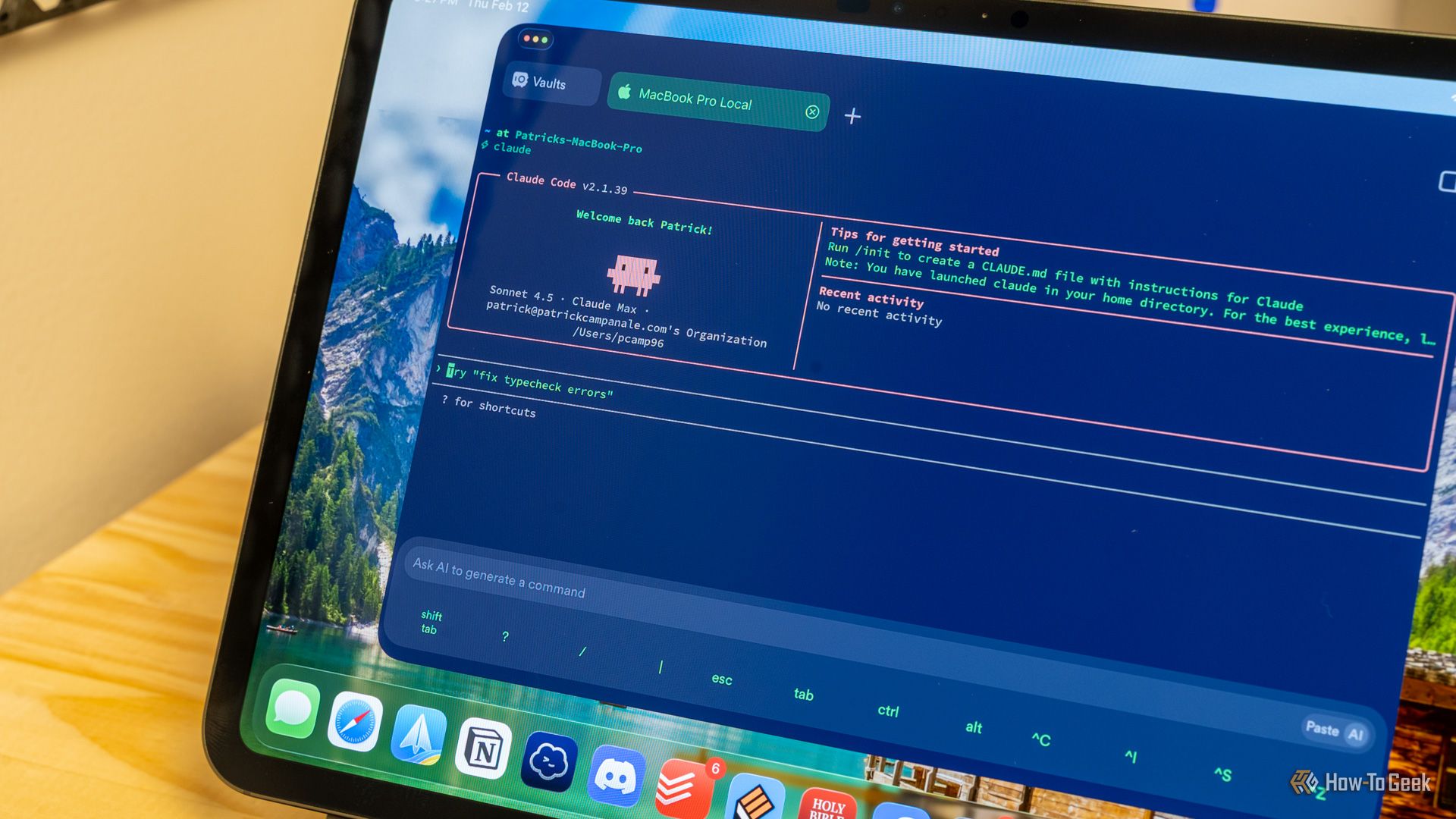
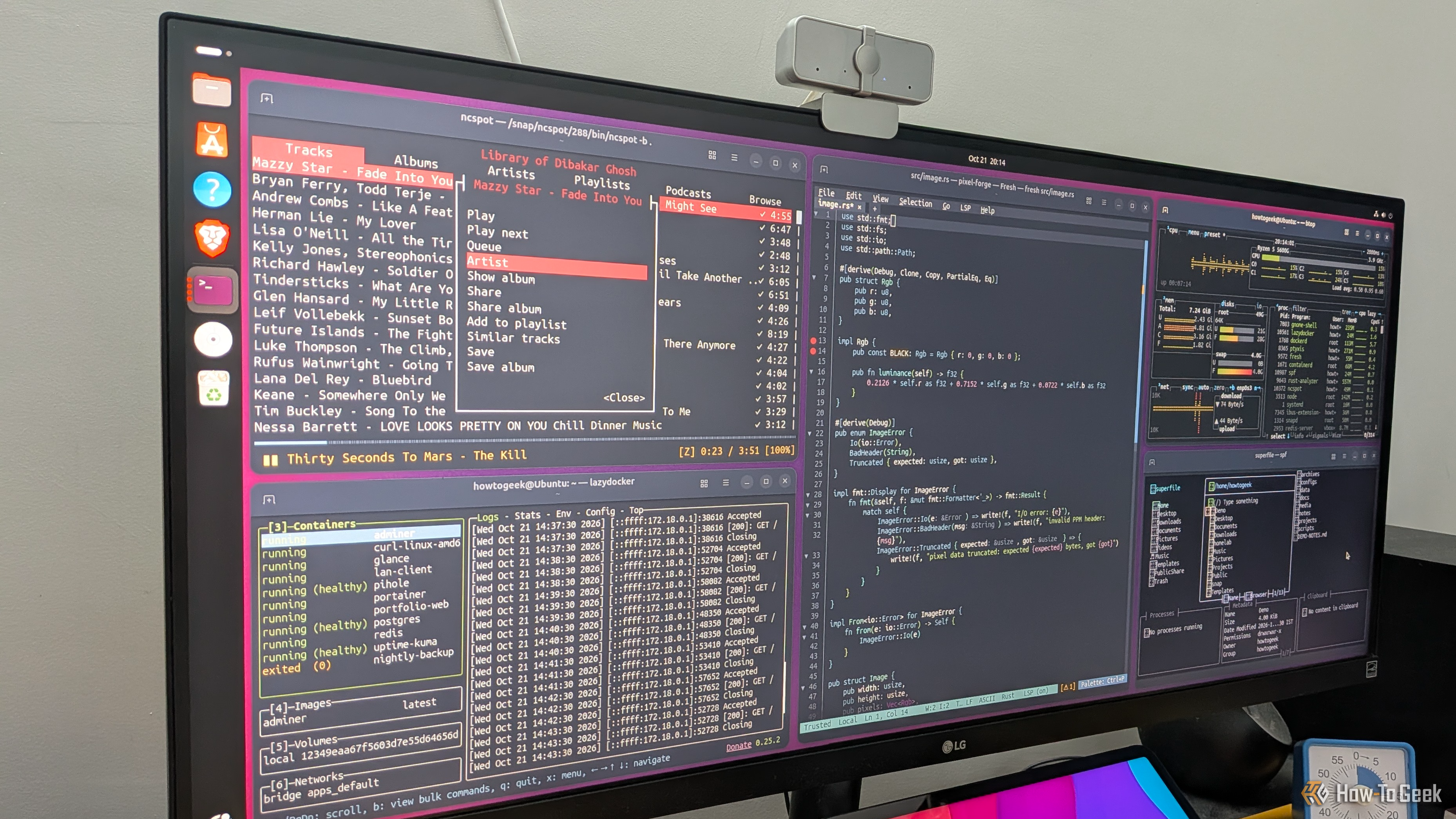
Terminal apps have a reputation for being too minimal, confusing, and useful only for technical workflows. And while that might have been true a few years ago, modern terminal apps are a lot more intuitive and functional, covering plenty of everyday computing use cases. This makes them excellent lightweight alternatives to typical desktop apps. In fact, here are five TUI (terminal user interface) apps that have completely replaced GUI (graphical user interface) apps in my workflow.
H
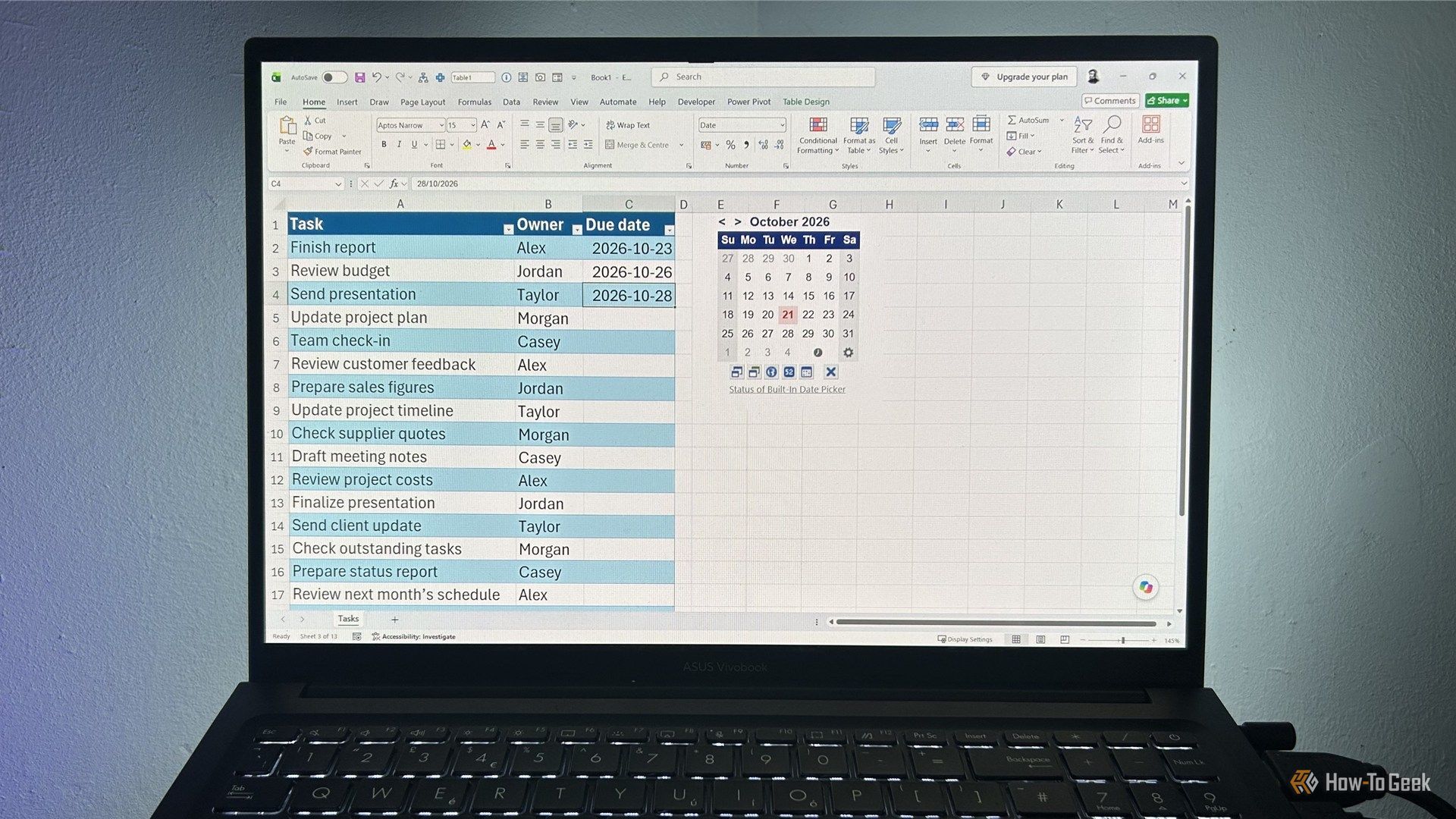
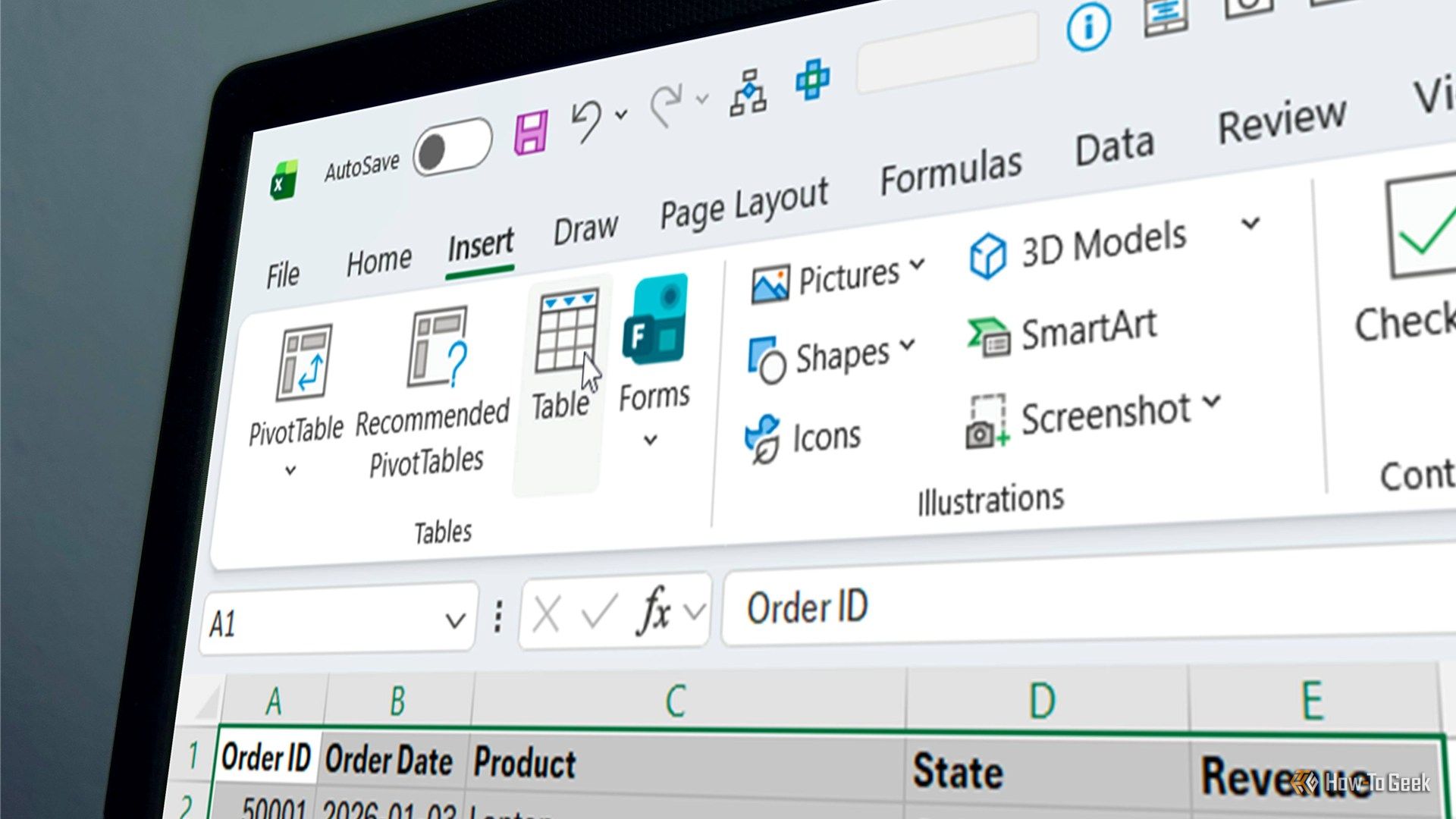
Microsoft has spent what feels like years pushing Copilot updates into Excel, but for me, it's the little usability improvements that make the biggest difference when you use the app every day. A small change to a dialog box can save you a few clicks, remove an annoying extra step, or make a good habit easier to stick to. One recent change to the way Excel creates tables is a good example, and it's something I've wanted for years.
H
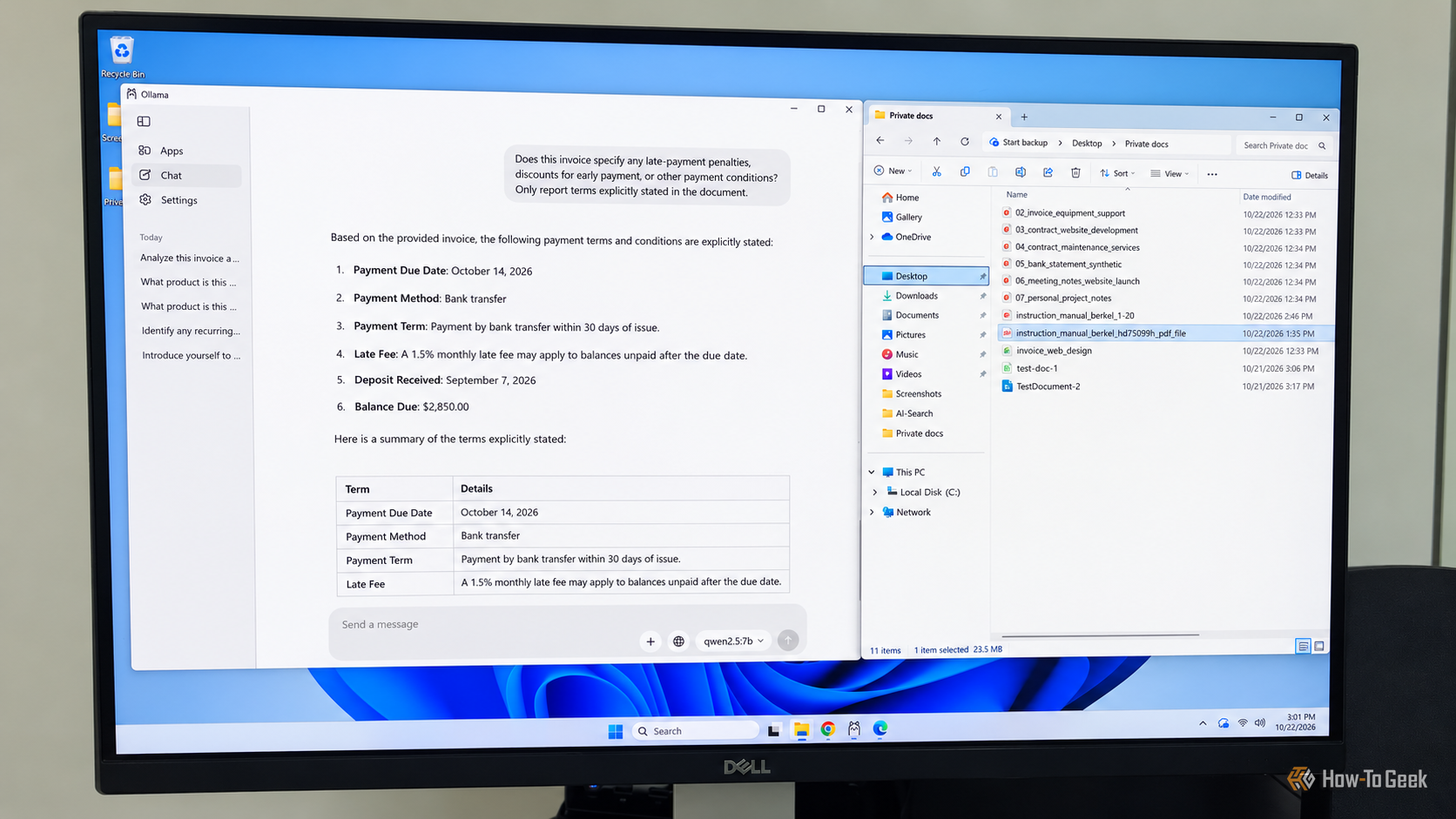
I don't know about you, but I have more bills, invoices, bank statements, and healthcare documents than I know what to do with. Finding a specific detail, understanding a complicated term, or comparing this month's charges with last month's can take up more time than I'd like, not to mention the frustration involved. Tools like ChatGPT and Claude can make this much easier, but I'm not particularly comfortable with the idea of handing my financial, medical, or other sensitive information over to…
H
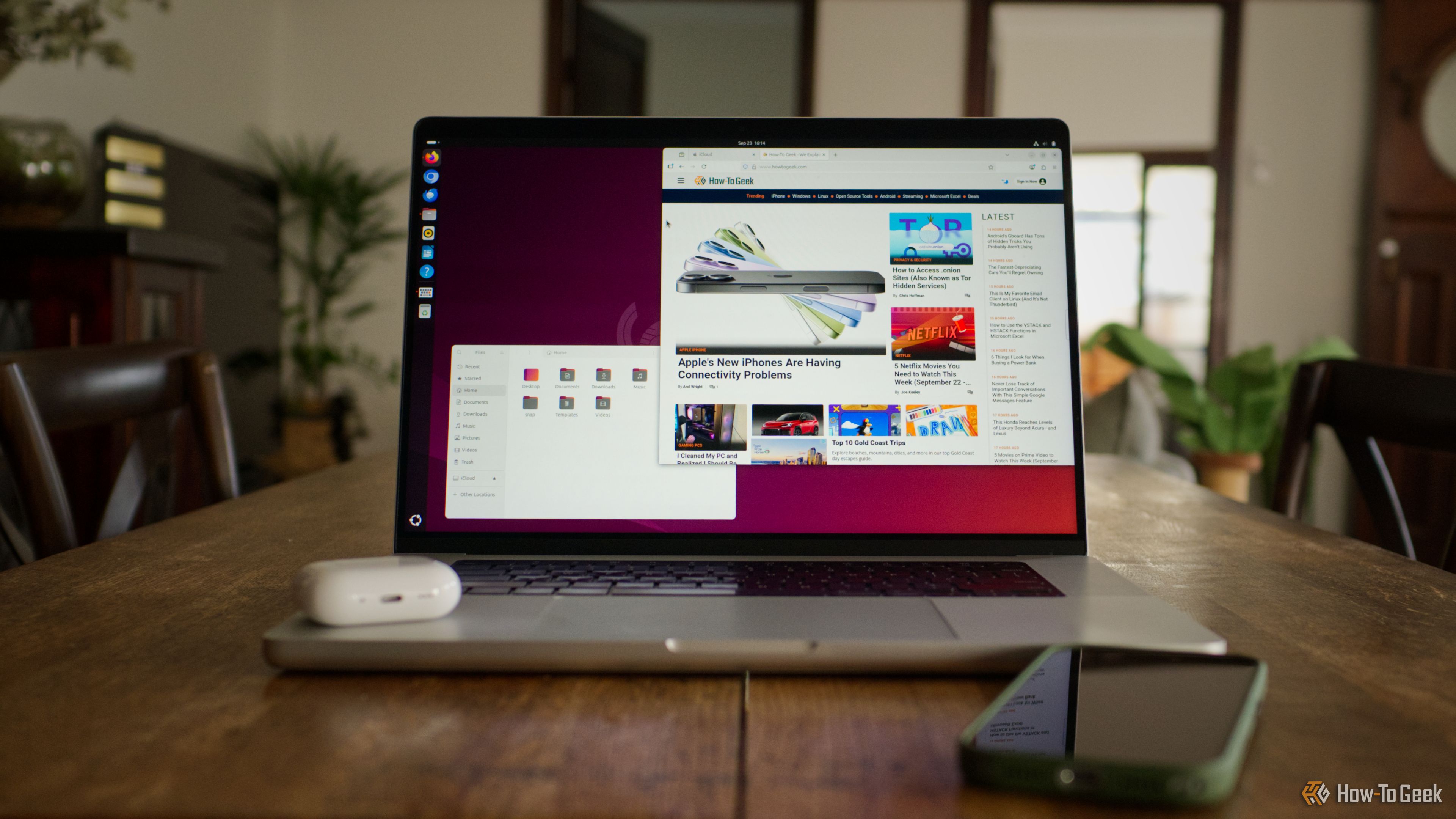
Some of the best software in the world is produced entirely by volunteers and released for free. Over the years, I’ve come to rely on many of these tools to stay productive and in control of my Mac.
H
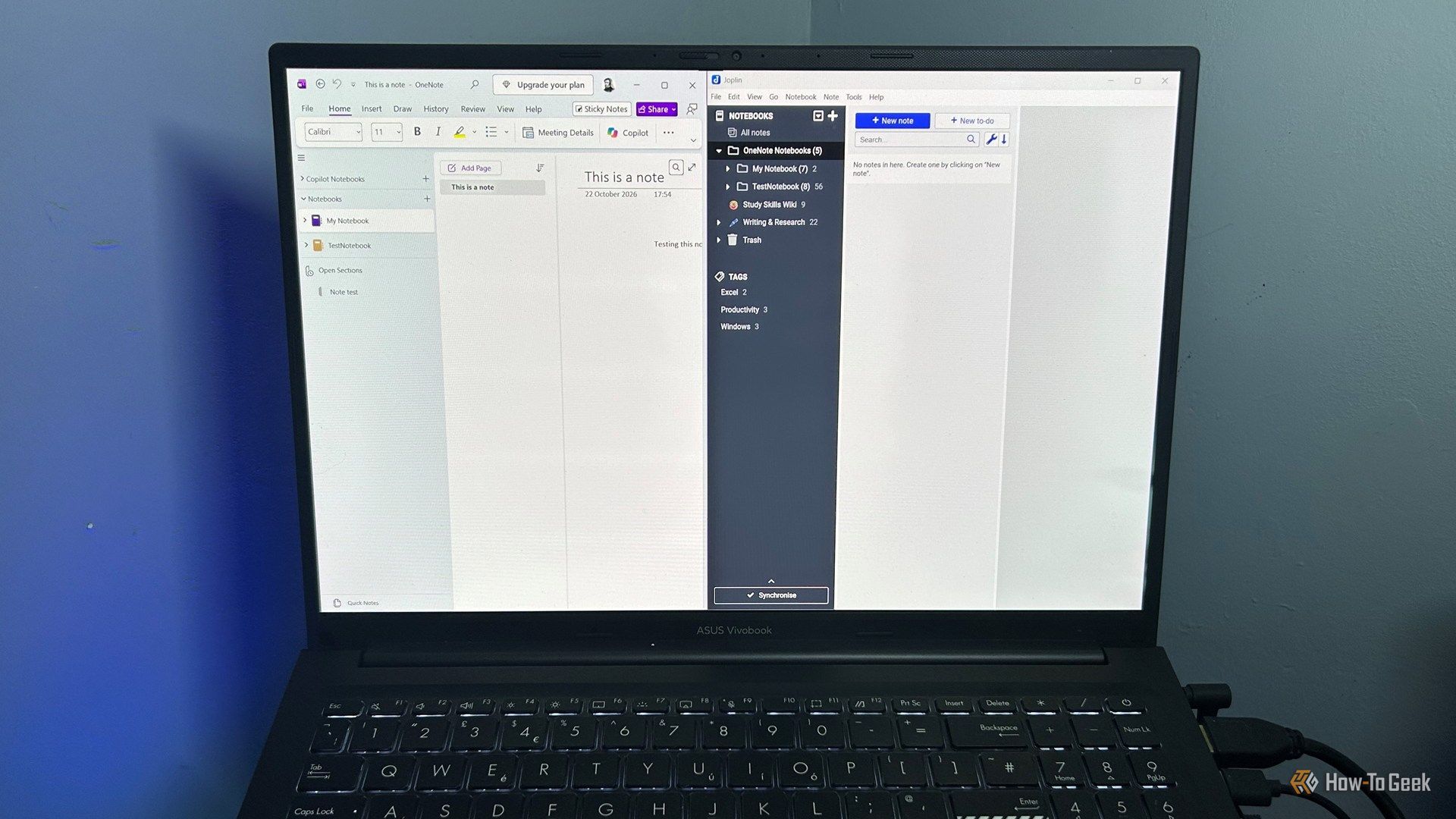
Finding a good alternative app is the easy part. The hard part is deciding what to do with everything you're leaving behind. Years of OneNote notebooks can hold everything from recipes and saved links to work notes you still need. The good news is that moving them into Joplin is easier than you might expect.
H
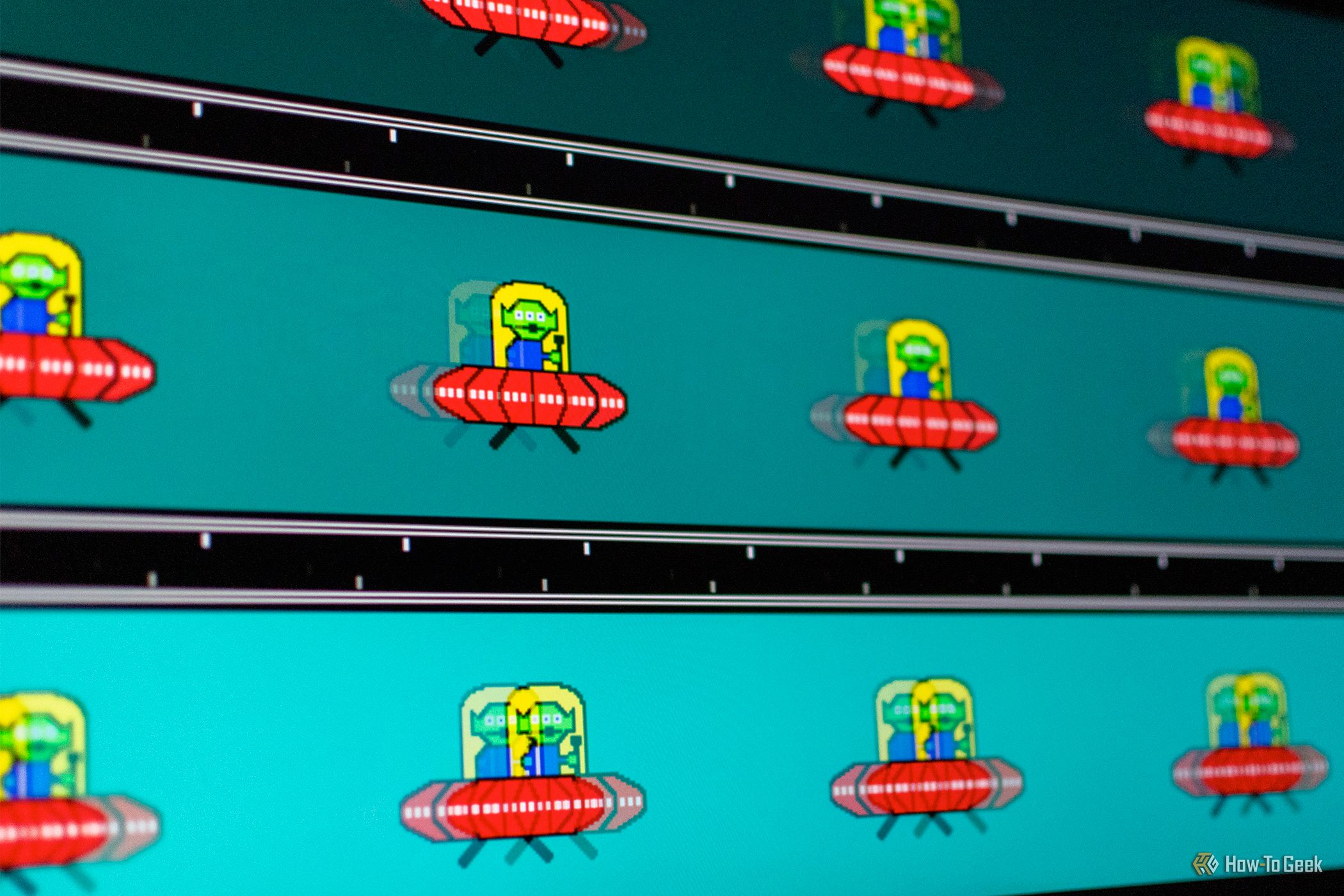
How good is your monitor, really? Even without professional equipment, you can get a fairly decent idea of your monitor's quality by performing some quick tests with free, browser-based tools and games.
H
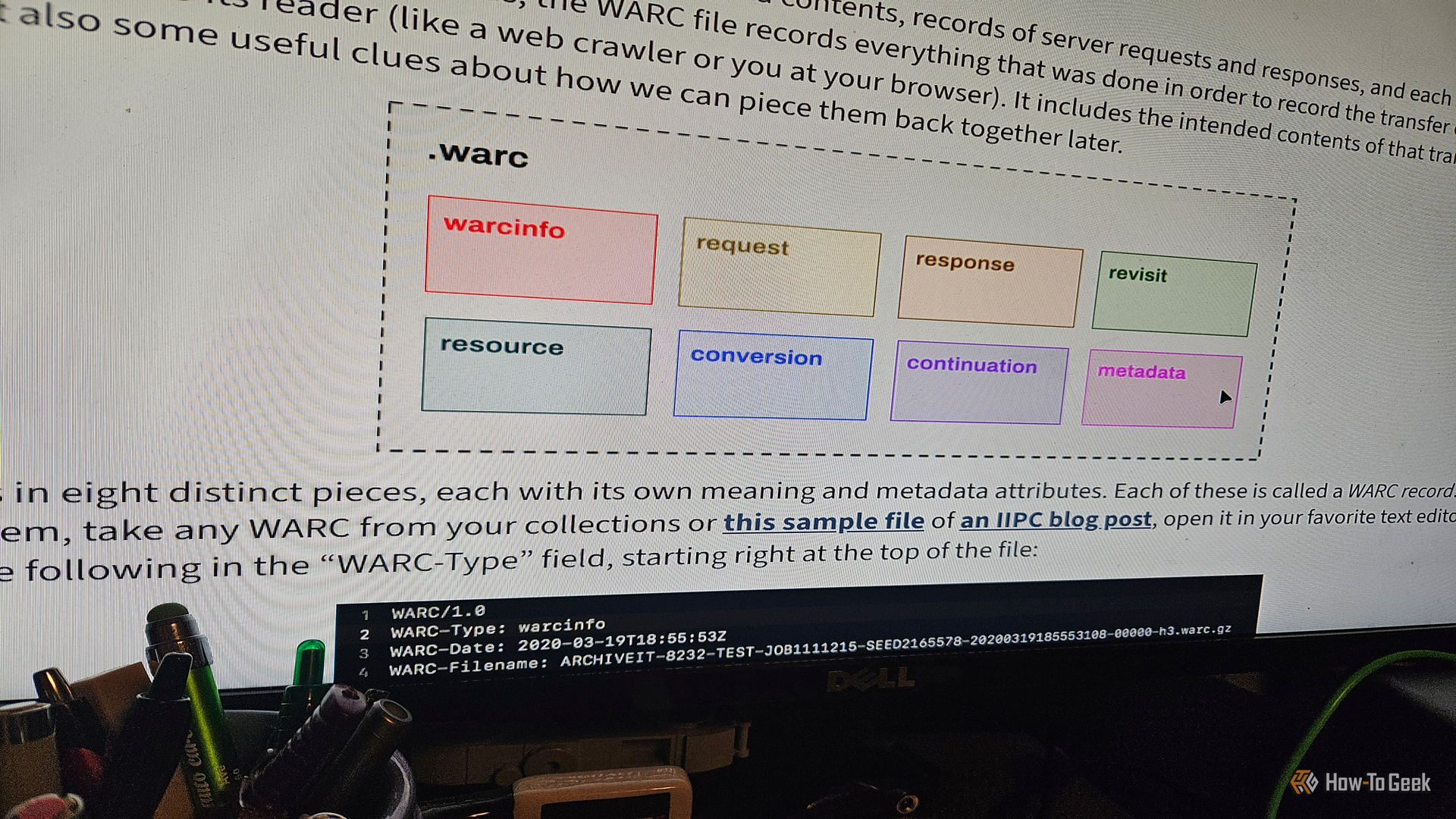
I'm an ardent supporter of archiving things. The Internet Archive and Wayback Machine are two of my most frequented places online. As I was researching something earlier this year, I stumbled upon something I (surprisingly) hadn't heard of before: the WARC format. These things are one of the most fascinating files/formats I've come across since Ogg Vorbis. And I wanted to learn more about what they are and how to use them.
H
My homelab started with a single service, and before I knew it, I had a few dozen services running. In reality, I only use a handful of services every day—most of them sit idle or even offline.