X
The highly classified network the US National Security Agency (NSA) uses for internal communications is currently down, according to CNN, which cites several people familiar with the matter.
X
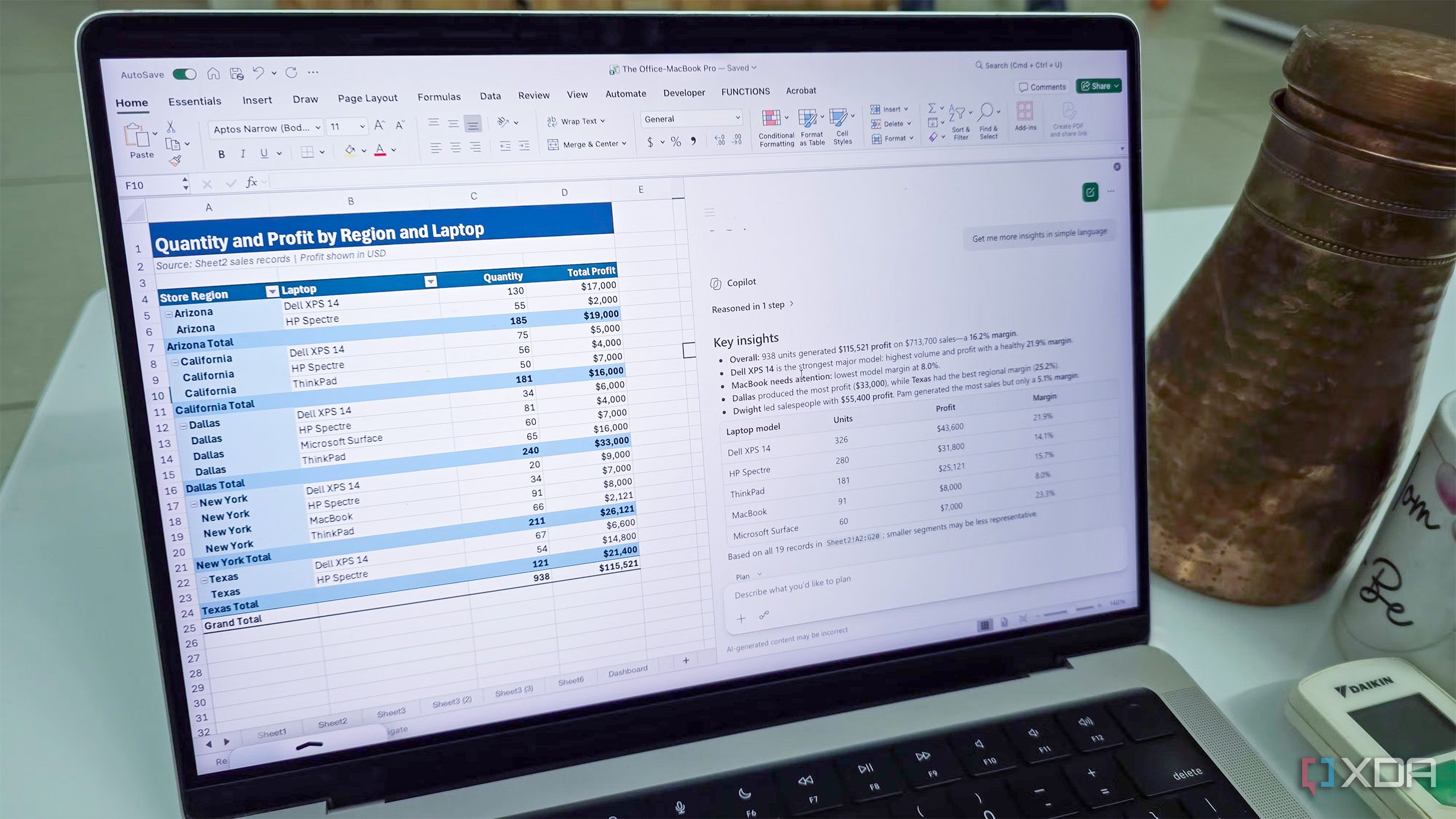
It's difficult to get the user interface (UI) just right. You're never going to please everyone, but Microsoft did something incredible with the Office ribbon UI. Taking what was an unassuming toolbar of all available options, the company unleashed a fresh take on offering every capability of Microsoft Word without overwhelming the user. I absolutely loved the ribbon UI as soon as it was released in 2007, and while many weren't fans of this new UX approach, it became the unsung hero of…
X
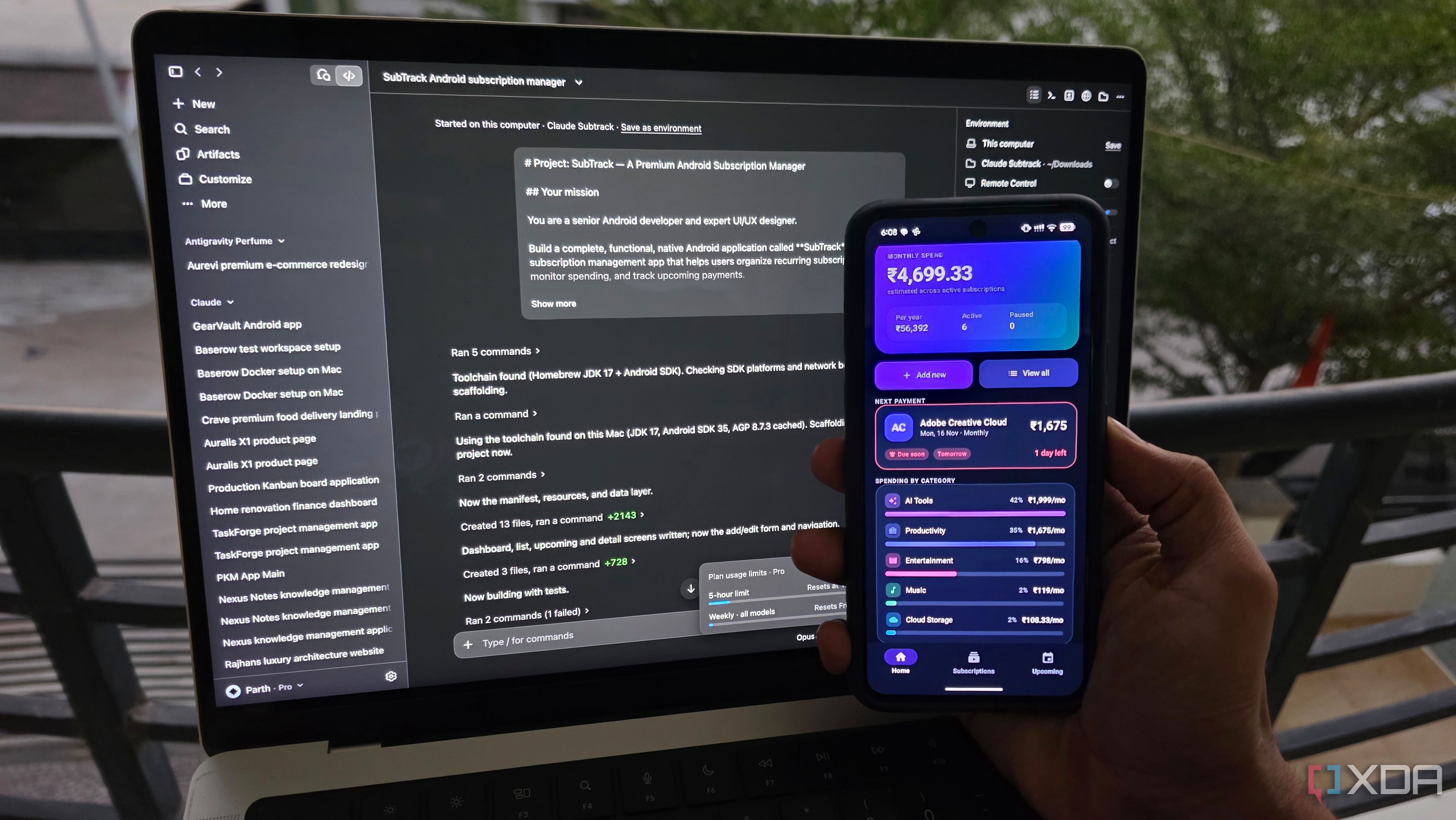
It’s one thing for an AI coding tool to generate a beautiful interface in a few minutes, but building an Android app that actually works is a different challenge altogether. So, I picked three popular contenders: VS Code, Claude Code, and Google Antigravity.
X
If you rely on Microsoft's productivity suite even slightly, there's a good chance you remember when all of its services died seemingly out of nowhere and stayed down for about a day.
X
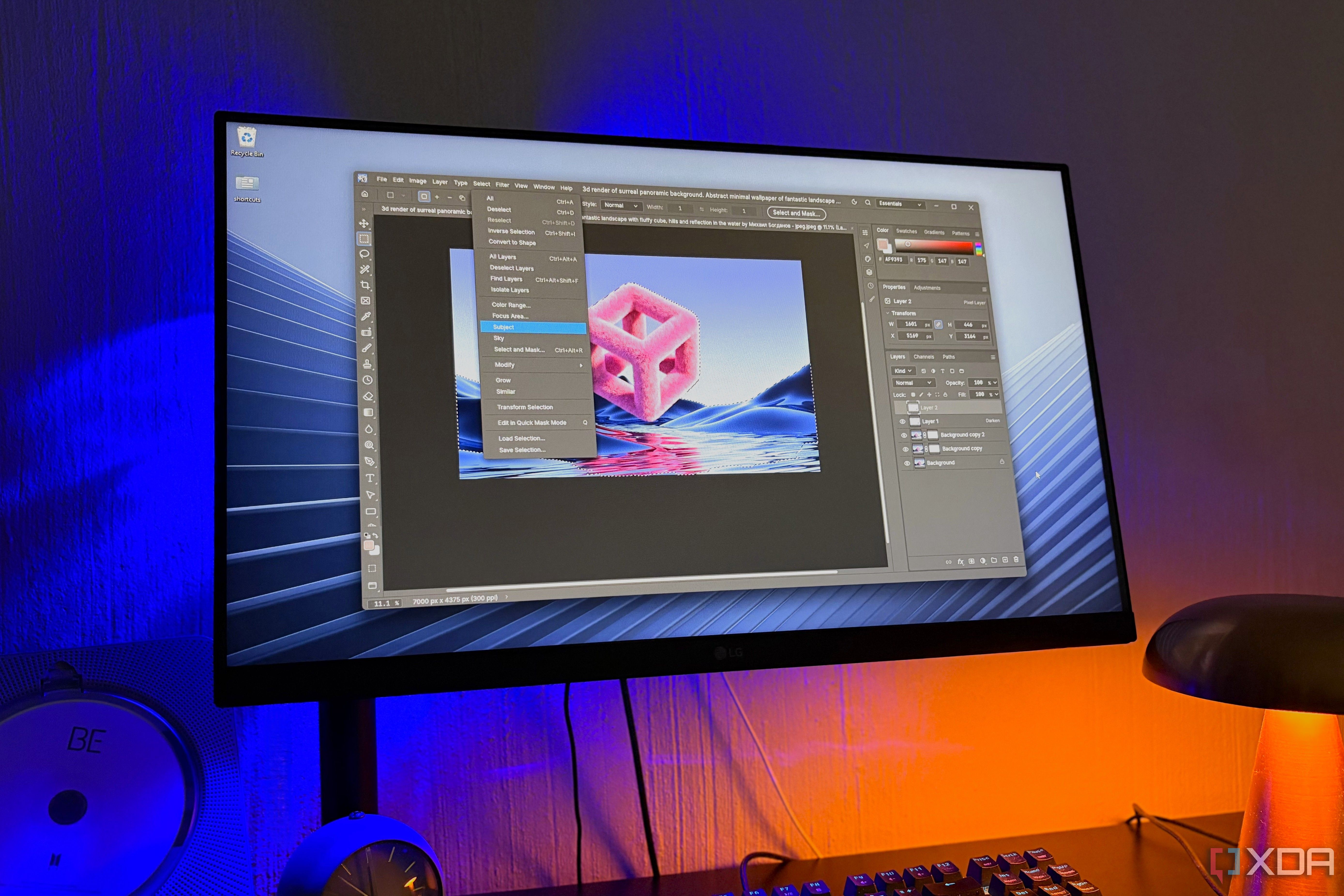
Adobe's design trio of Photoshop, Illustrator, and InDesign has been the default for as long as most people have been creating anything on a computer. But we all already know that it comes with a pretty expensive price tag.
X
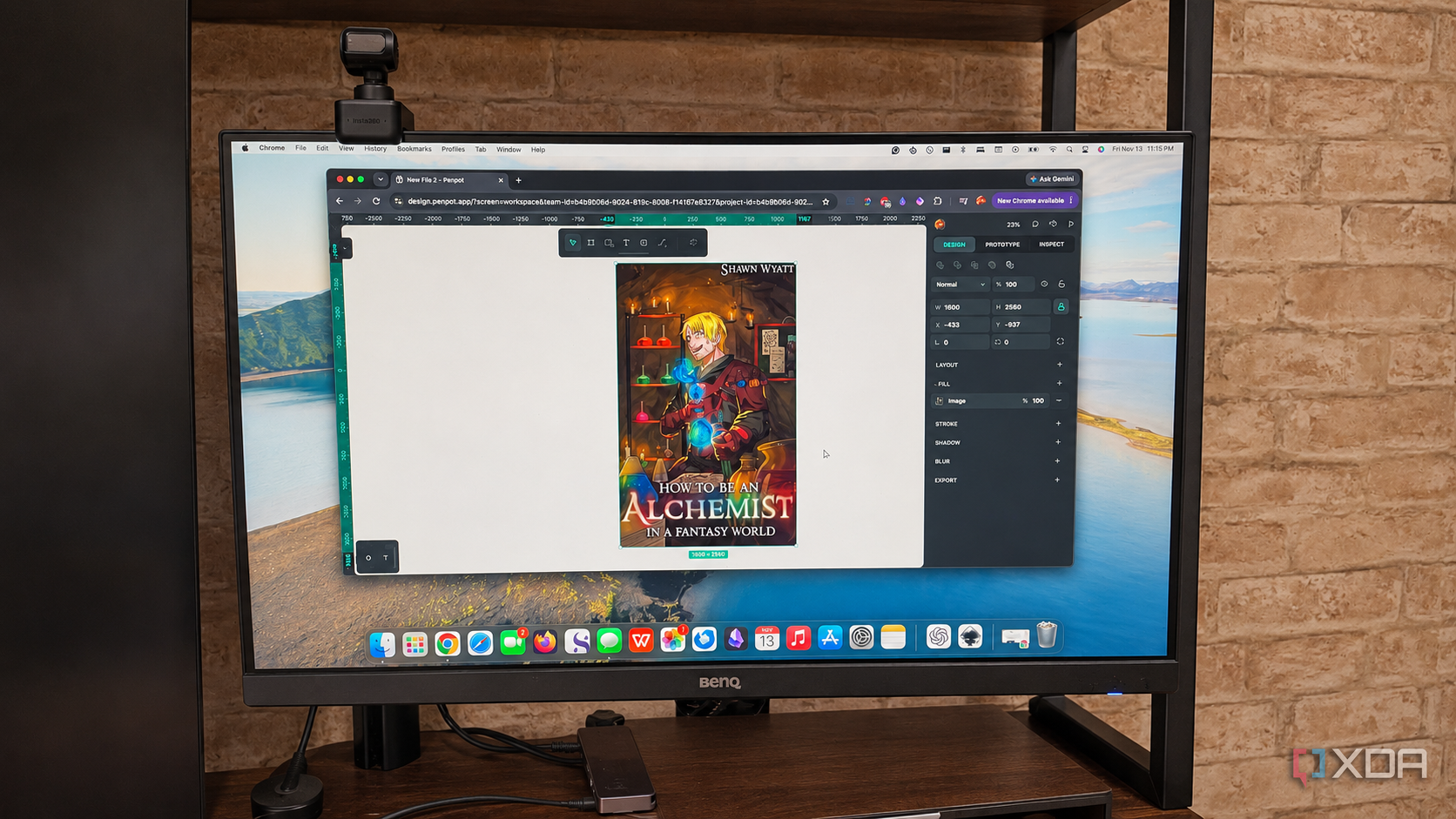
For years, Canva was the most convenient option when I needed to make small changes to a picture or generate something for social media, and I found its advanced features worth the cost of the subscription. But as I continue my quest to unsubscribe from everything I possibly can, I started looking for an alternative to Canva that could match the functionality I needed and was also open-source. I thought of several alternatives (Inkscape was the first I tried), but I landed on Penpot.
X
Self-hosting often gets a reputation for being complicated, expensive, and better suited to tech enthusiasts than regular users. I had similar reservations before giving it a proper try.
X
Modern applications come with plenty of useful features, integrations, and tools that can genuinely improve productivity. However, all that functionality comes at a cost. Some apps consume far more system resources than their everyday tasks should require, leaving less memory and processing power for everything else.
X
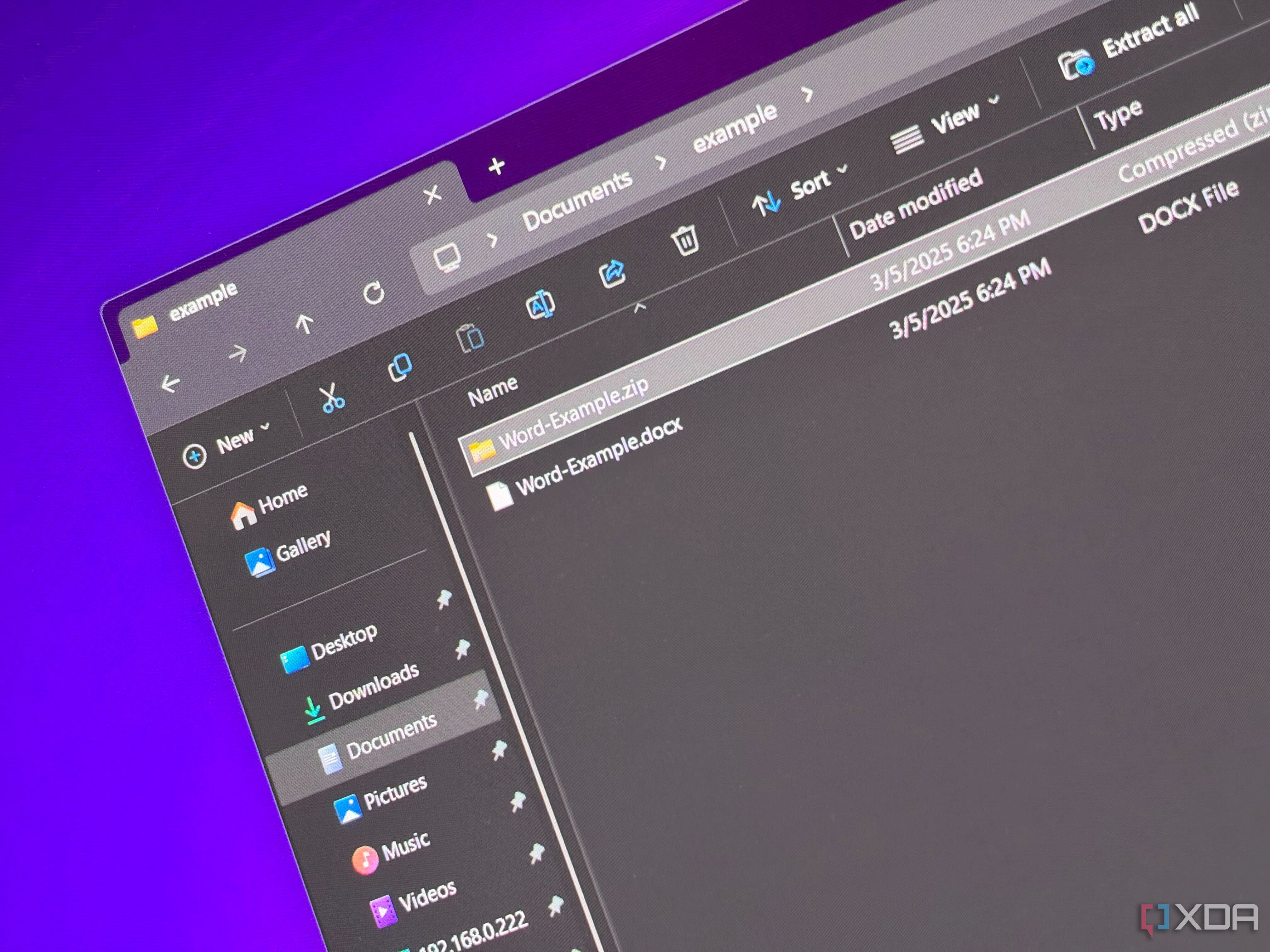
If I were to create a Windows error tier list, I think Microsoft Word telling you it can't open a document would be among my least favorites to see. It's final and to-the-point, but it doesn't give you the full picture of what's actually going on. A .docx file, the kind created by Word, isn't a fragile black-box of data, but a cleverly labeled ZIP archive full of plain-text files. There are corrupted documents that are truly a lost cause, but most of them are simply a folder with a bad apple…
X
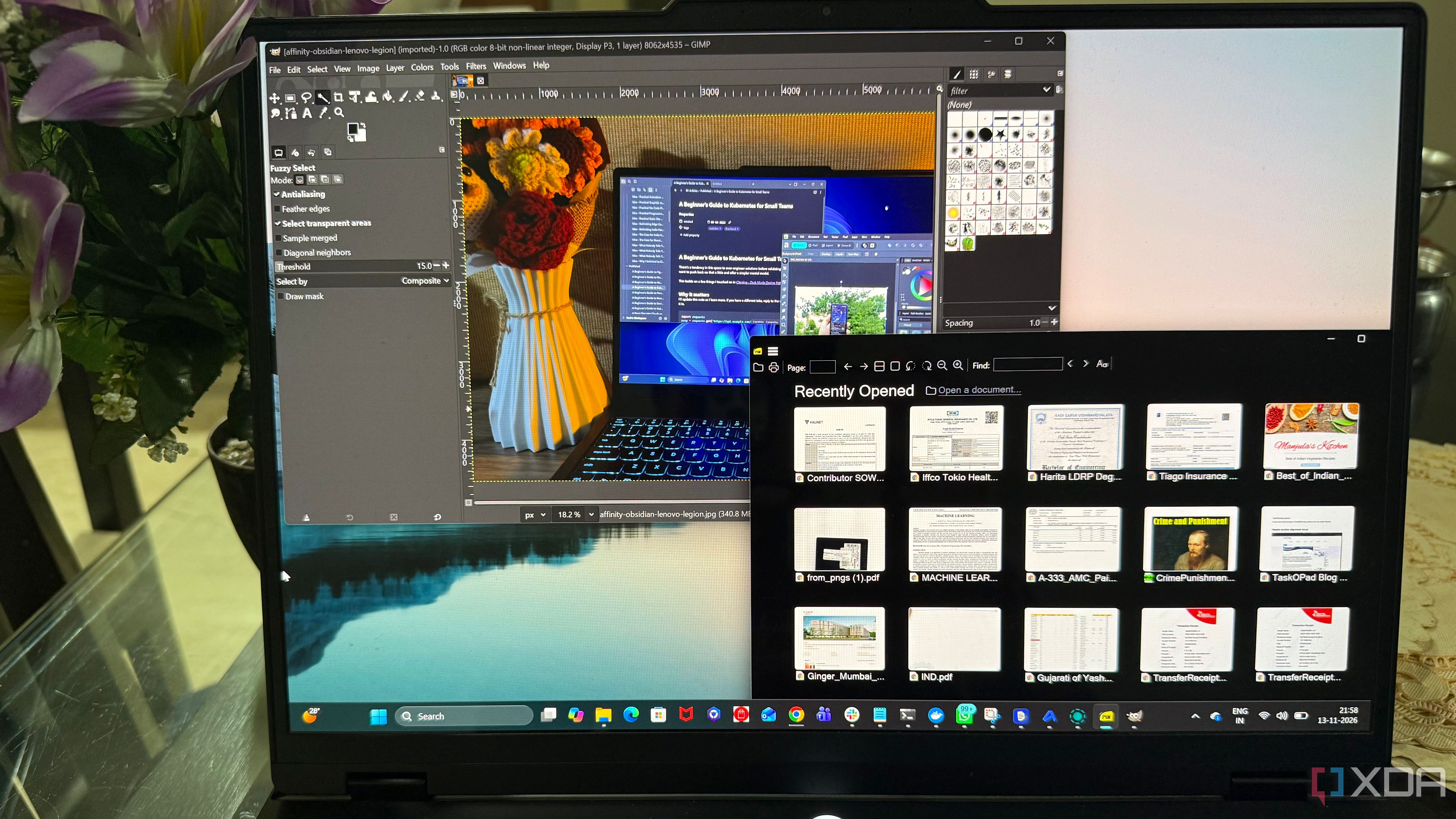
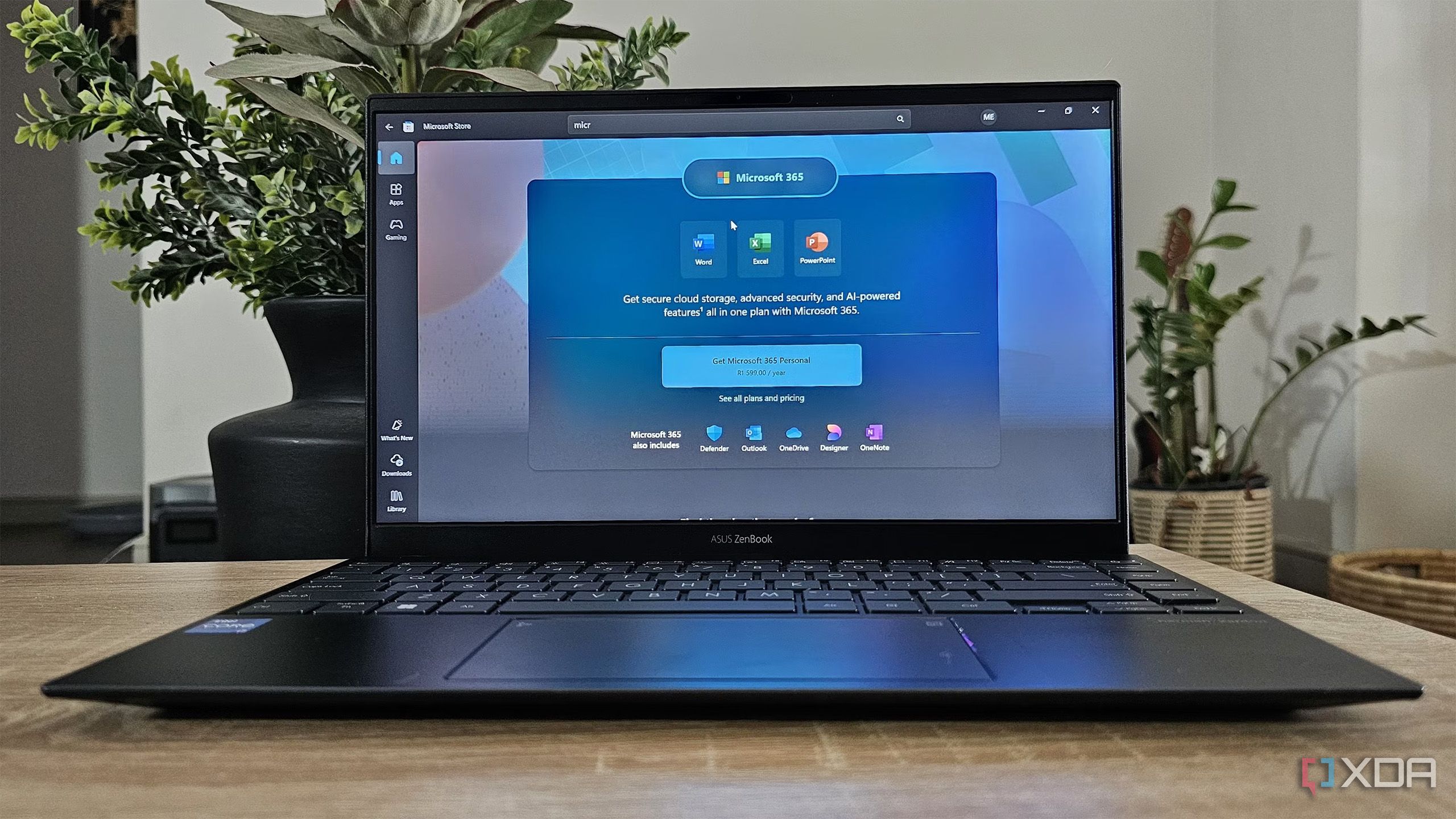
One of the biggest hurdles to weaning off Microsoft's ecosystem is dependence on its Office formats. Uninstalling Office and downloading a free open-source alternative is the easy part; getting your new app to play nicely with years (or even decades) of your work is where it usually falls apart.
X
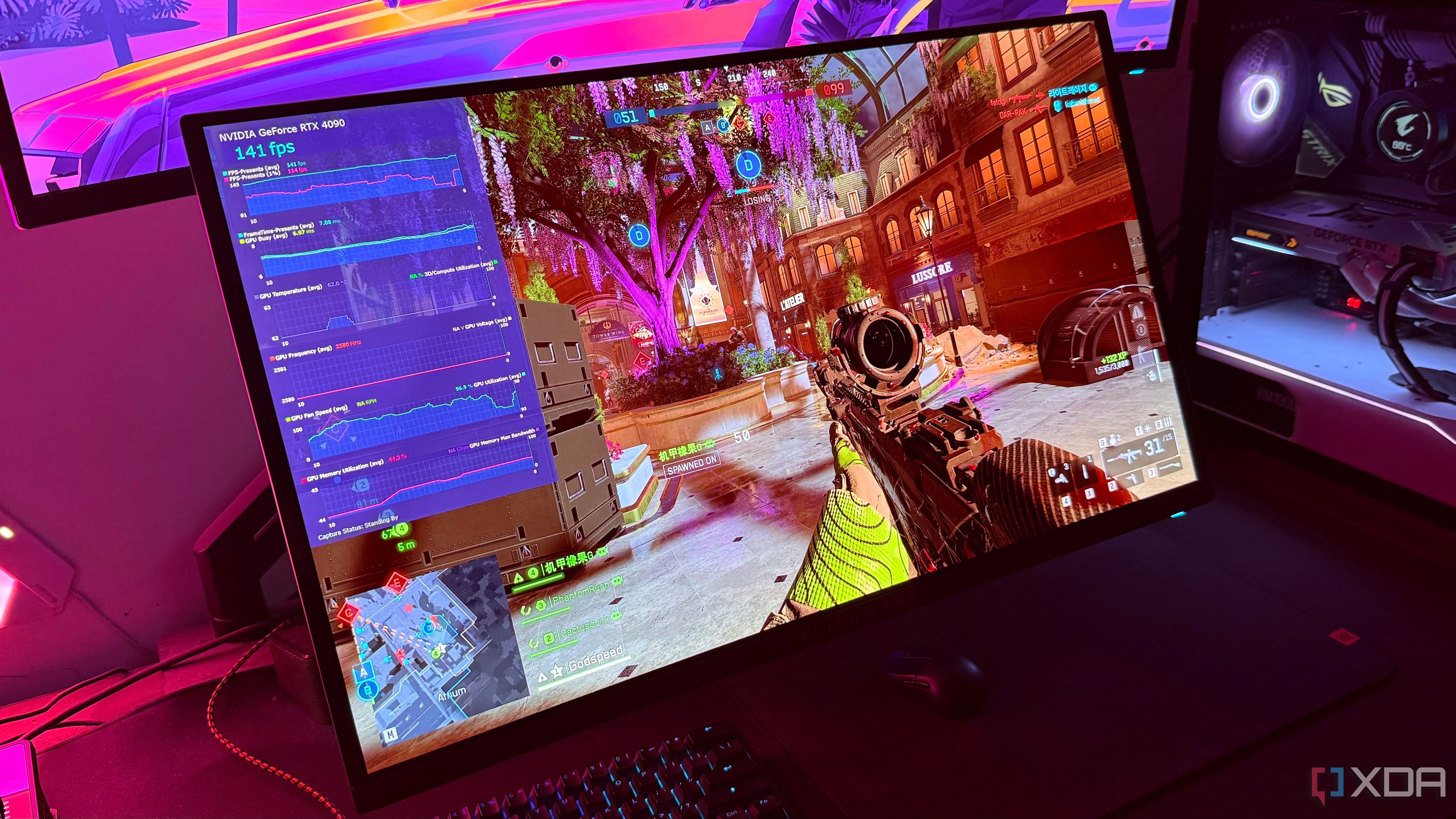
At this point, MSI Afterburner needs no introduction, especially if you're a PC gamer. Its overlay is something we've all seen and grown up with, thanks to the countless PC gaming benchmarks we've watched on YouTube. In fact, whenever I start playing a new game, the first thing I do is open MSI Afterburner (and RTSS) so I can see how well it runs. And it's not just about how many frames my RTX 4090 can push either. I just like knowing how hot my components get and whether there are any…
X
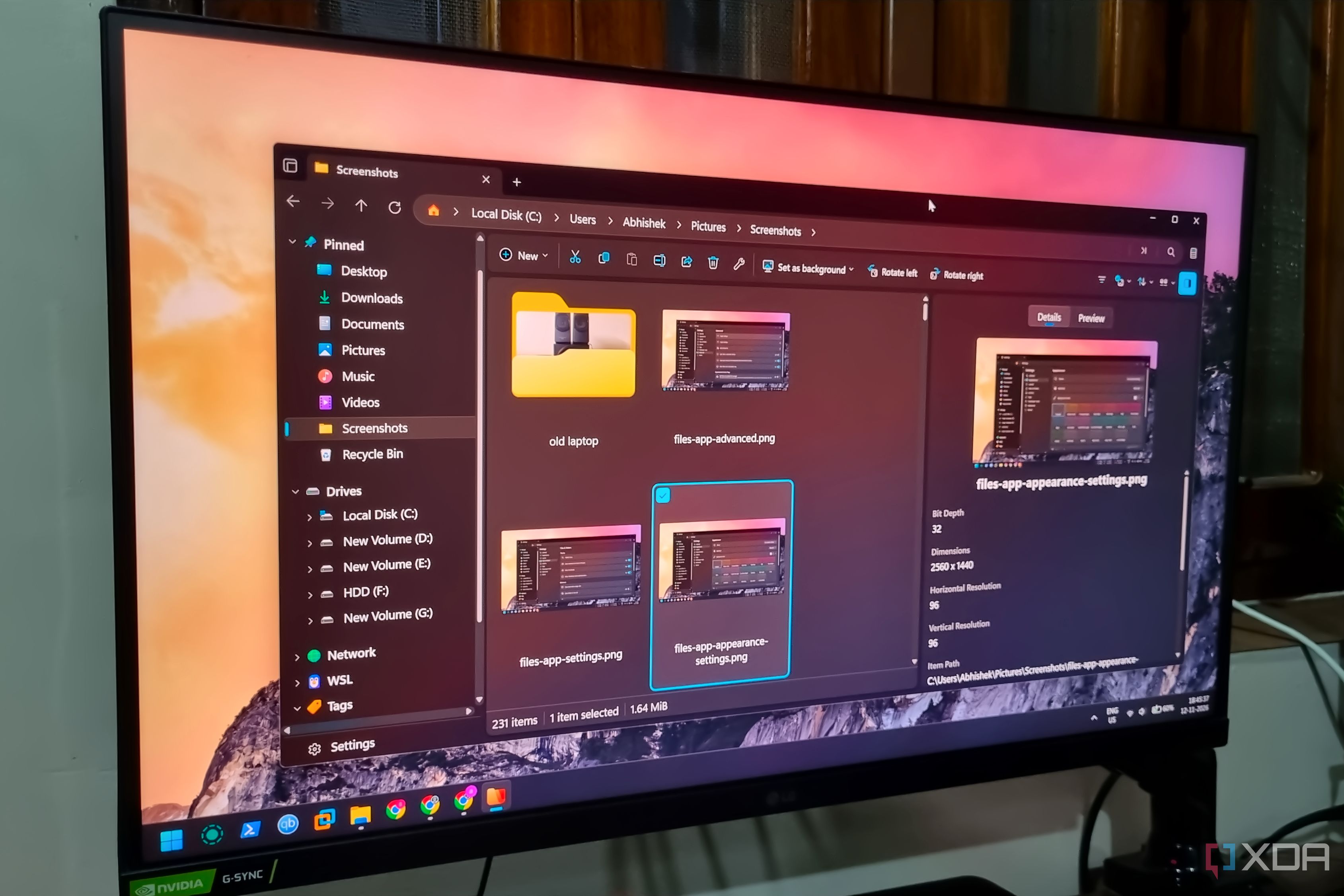
Native Windows 11 tools are still a work in progress. It would be wrong to lambast Microsoft’s efforts in improving tools like File Explorer, Snipping Tool, Paint, and Phone Link. These tools have shown slow but steady progress and added new features I've wanted for a long time.
X
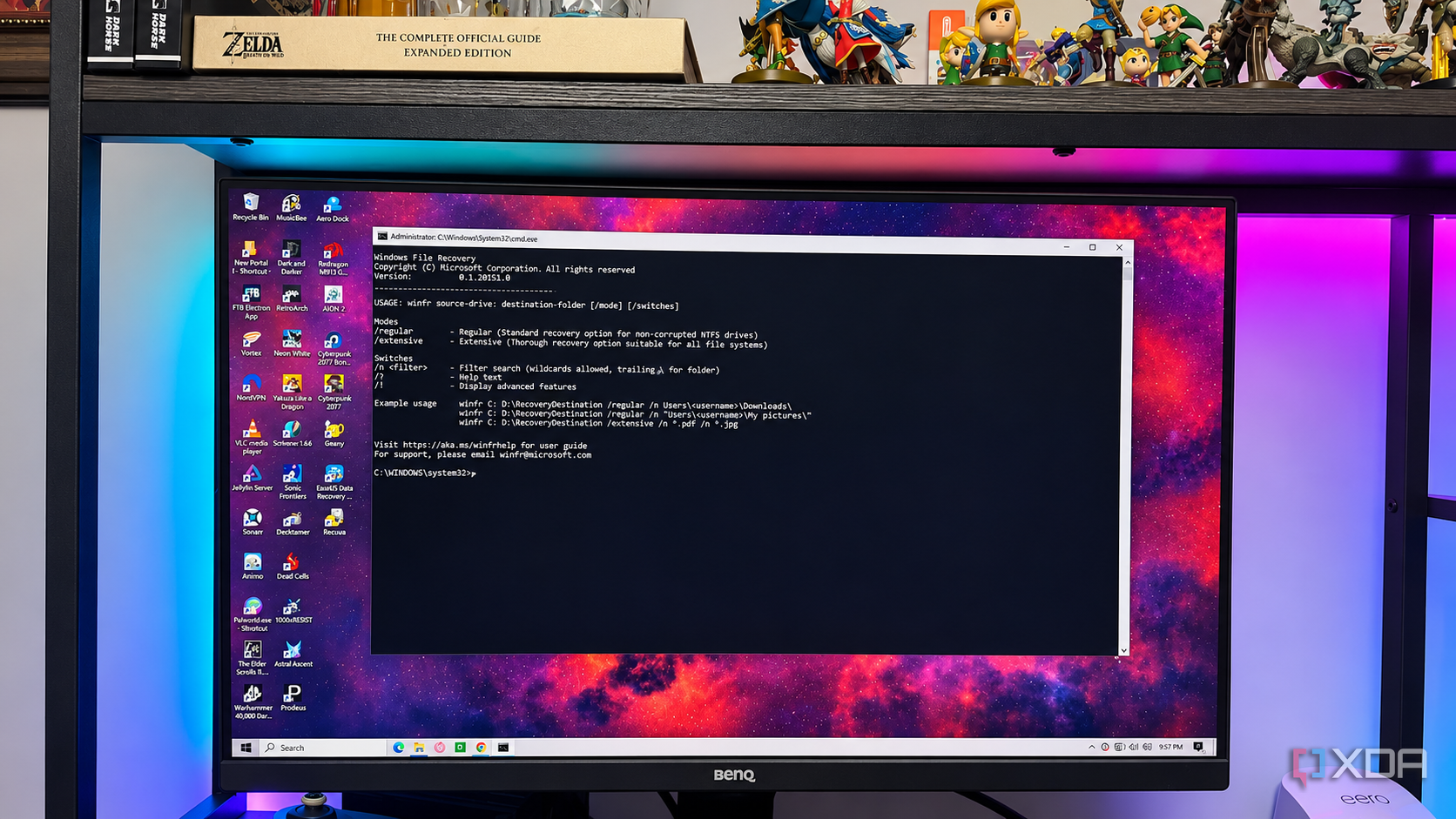
If you've ever gotten too zealous in clearing space on your drive, you've probably deleted data you didn't mean to. Depending on how long ago you deleted it, the data might still be in the Recycle Bin — or it might just be lost to the ether. The good news is that multiple data recovery options exist, and I took it upon myself to test three different options to find out just how well they work. I know, I know; the words "data recovery" seem intimidating, especially if you don't consider yourself…
X
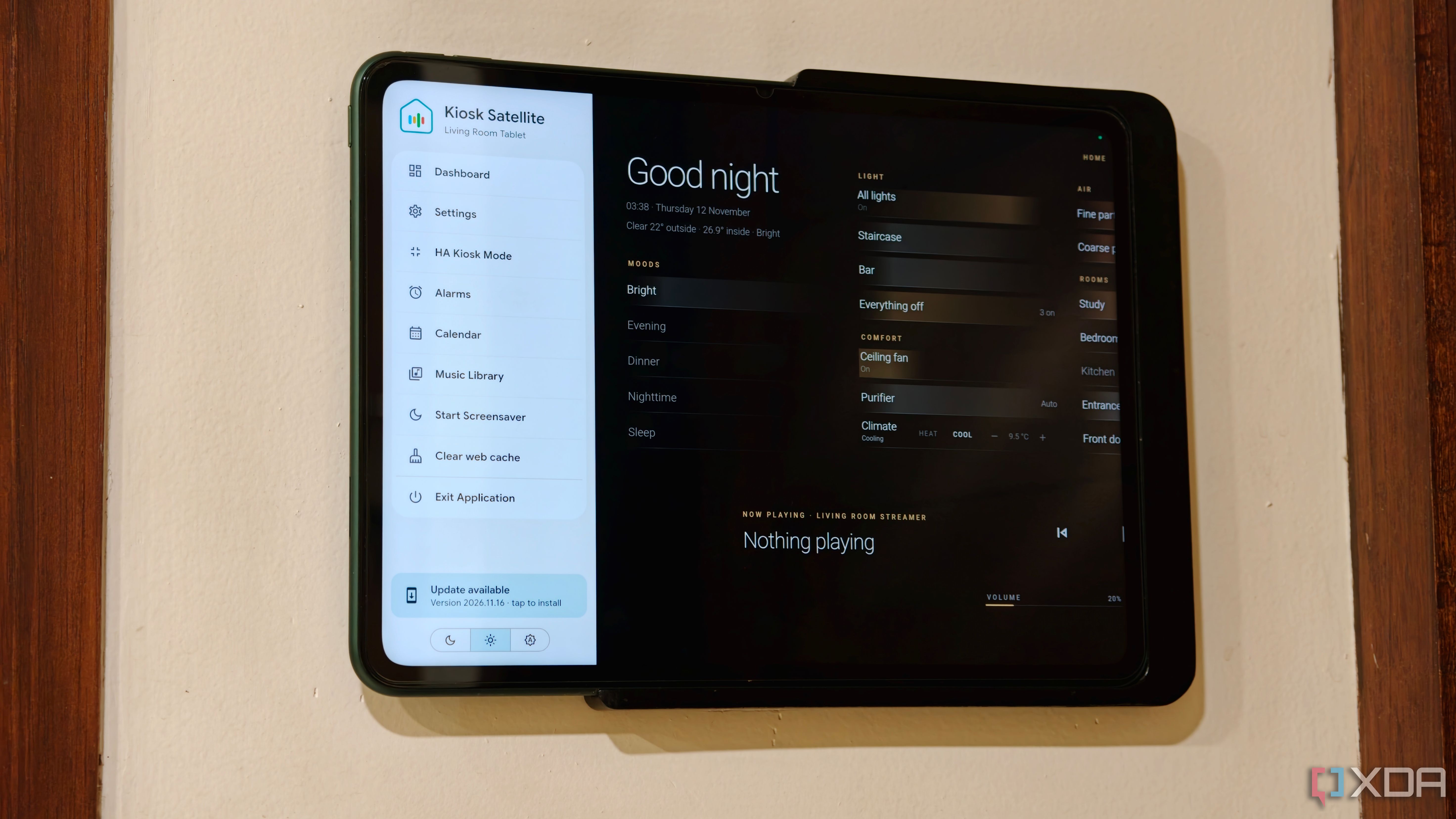
I use Home Assistant to manage my entire smart home and have deployed wall-mounted tablets across my home for quick access to essential controls. For years, I've used Fully Kiosk Browser as a way to wrestle Home Assistant into a dashboard-friendly format. However, anyone who has used Fully Kiosk would know that the app comes with its fair share of issues. Between per-device licensing, flaky motion detection, and no support for community add-ons, Fully Kiosk either works for you or it doesn't.
X
If you aren't able to use any Microsoft service currently, don't worry, you aren't alone. Major Microsoft platforms and services like Outlook, Teams, Copilot, OneDrive, and Azure, are all down right now.
X
Android has always taken the "go big or go home" approach to customization and a deeply personal user experience, and it relies on two key pillars — the system UI and your app launcher of choice. Most of us never stray from the stock launcher, and I didn't have a good reason to abandon the Nothing Launcher on my Nothing Phone 3, but I frequently rotate them on my aging Pixel 7. Smart Launcher developed by Vincenzo Colucci and team, is one on the heavy rotation list.
X
Claude Code may be stealing most of the spotlight in the AI coding space, but it’s far from the only tool worth exploring. Instead of sticking to the usual names, I decided to explore five coding tools to see what they bring to the table.
X
Nearly everyone seems to have an AI-assisted workflow these days. There are many great use-cases for complementing one's workflow with AI tools, particularly those that reduce friction by automating repetitive tasks, organizing data to aid decision-making, and, of course, helping one recall things that they'd otherwise find easy to forget.
X
Arc has long been a darling of productivity enthusiasts and browser nerds, thanks to its innovative approach to tabs, workspaces, and overall organization. However, Arc's developers have made it abundantly clear that the browser is on its way out. While The Browser Company might've switched focus to the AI-focused Dia browser, that's just not for me. And if you're like me, who fell in love with Arc's fresh take on a browser interface, you'd know how hard it has been to find an alternative.
X
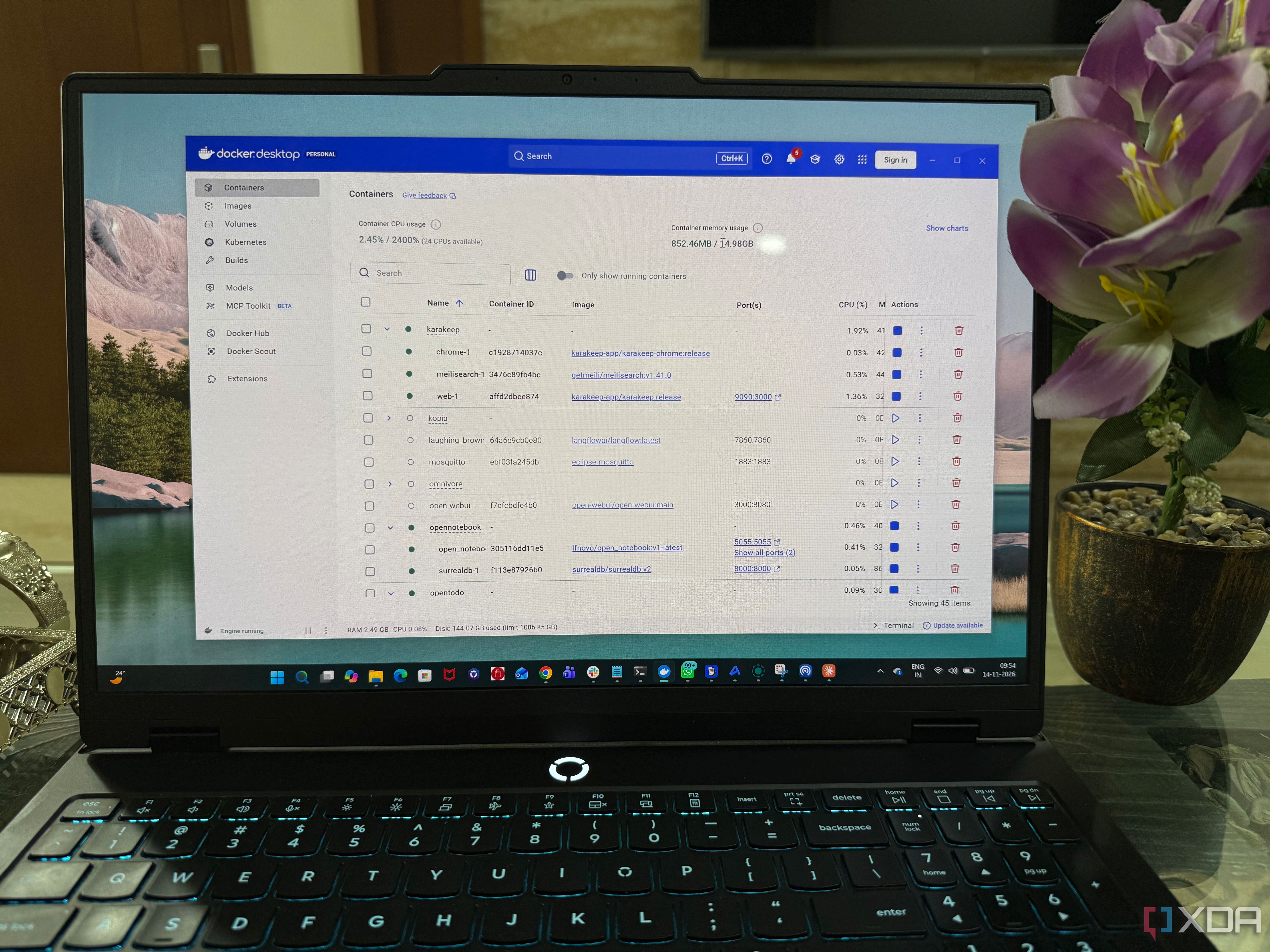
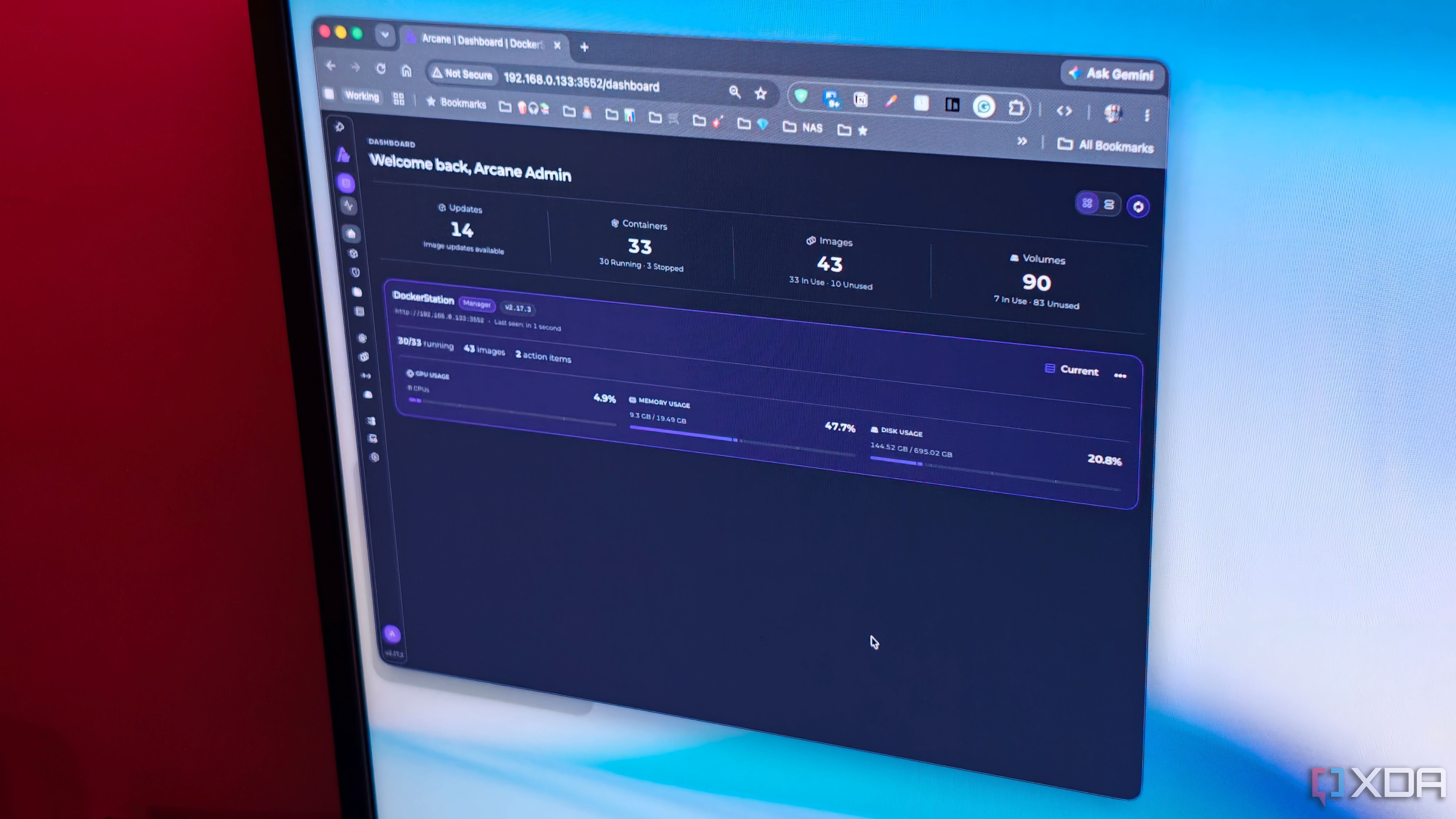
I run a pretty extensive home lab. Between the apps that power my own stack and the apps and services I install for testing out, Docker is great until you have dozens of containers running. From media servers to photo management tools like Immich, RSS readers, and smart home services, I'll be honest, my setup is pretty hectic.
X
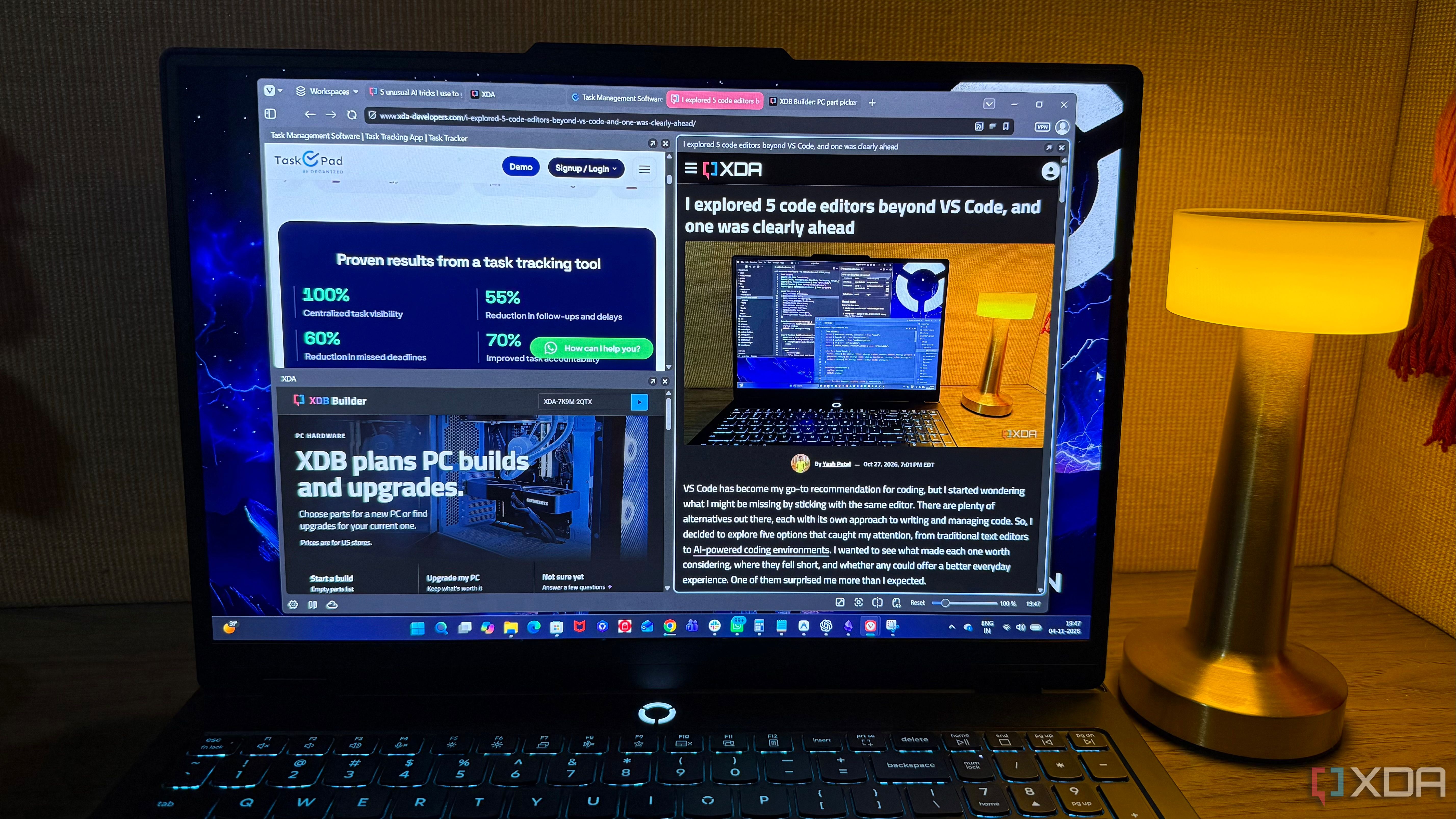
I've been using Firefox for years, and never really felt the need to look for another browser. But lately, I started wondering whether I was sticking with it out of habit rather than because it fit me best. I wasn't looking for anything complicated or another browser loaded with AI features. I just wanted something that made everyday browsing easier without getting in my way. That's when I decided to give Vivaldi a proper try. I started it as a small experiment for a few weeks. What started as…
X
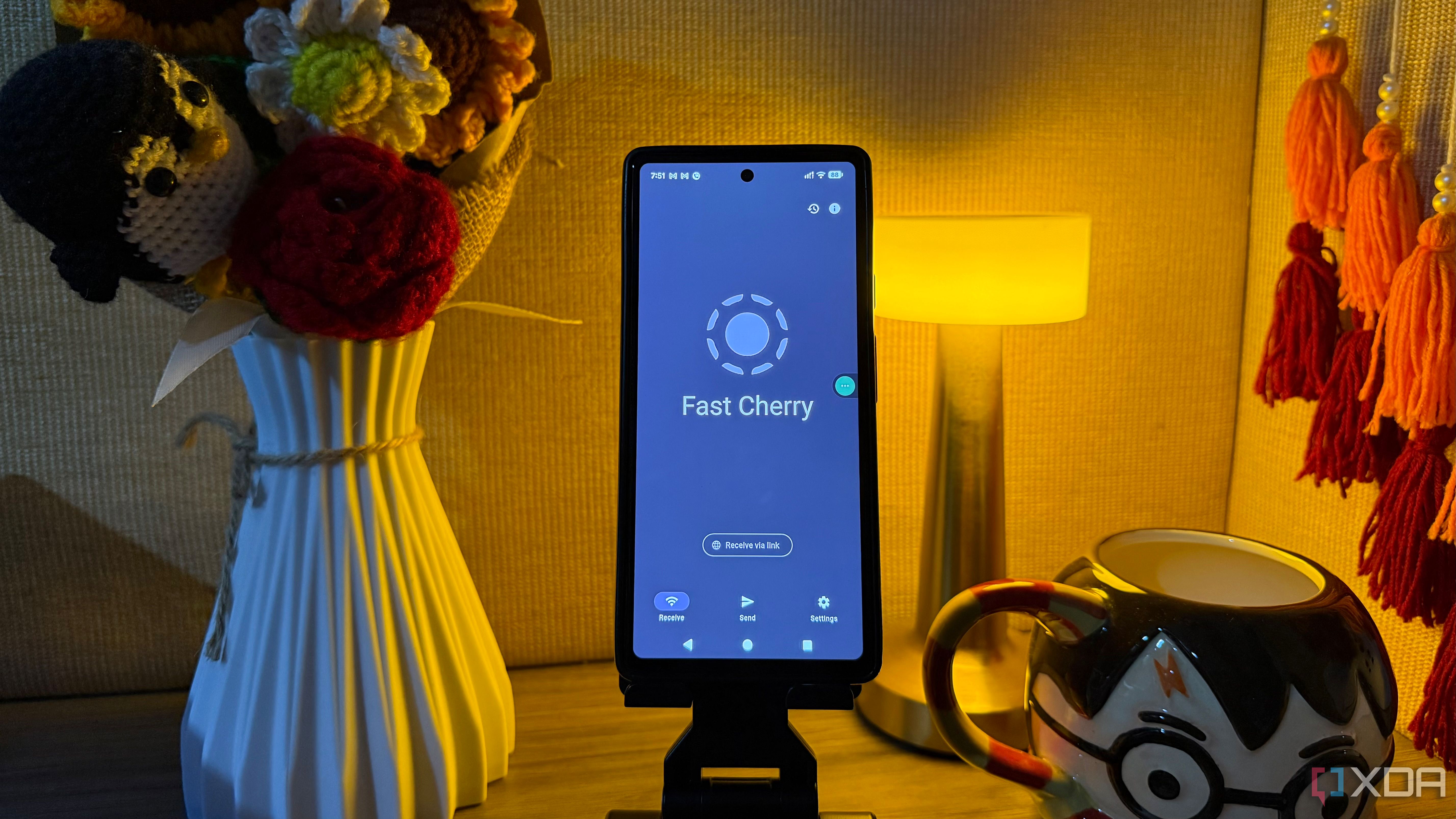
A smartphone can do much more than handle calls, messages, and social media. With the right apps, it can become a surprisingly capable productivity tool. My old Pixel 6a is part of my daily routine, but the apps installed on it make it a really productive gadget. Over time, I've discovered several useful alternatives to the default Android apps, each solving a different everyday problem. From managing information to transferring files and browsing the web, these six apps have earned a permanent…
X
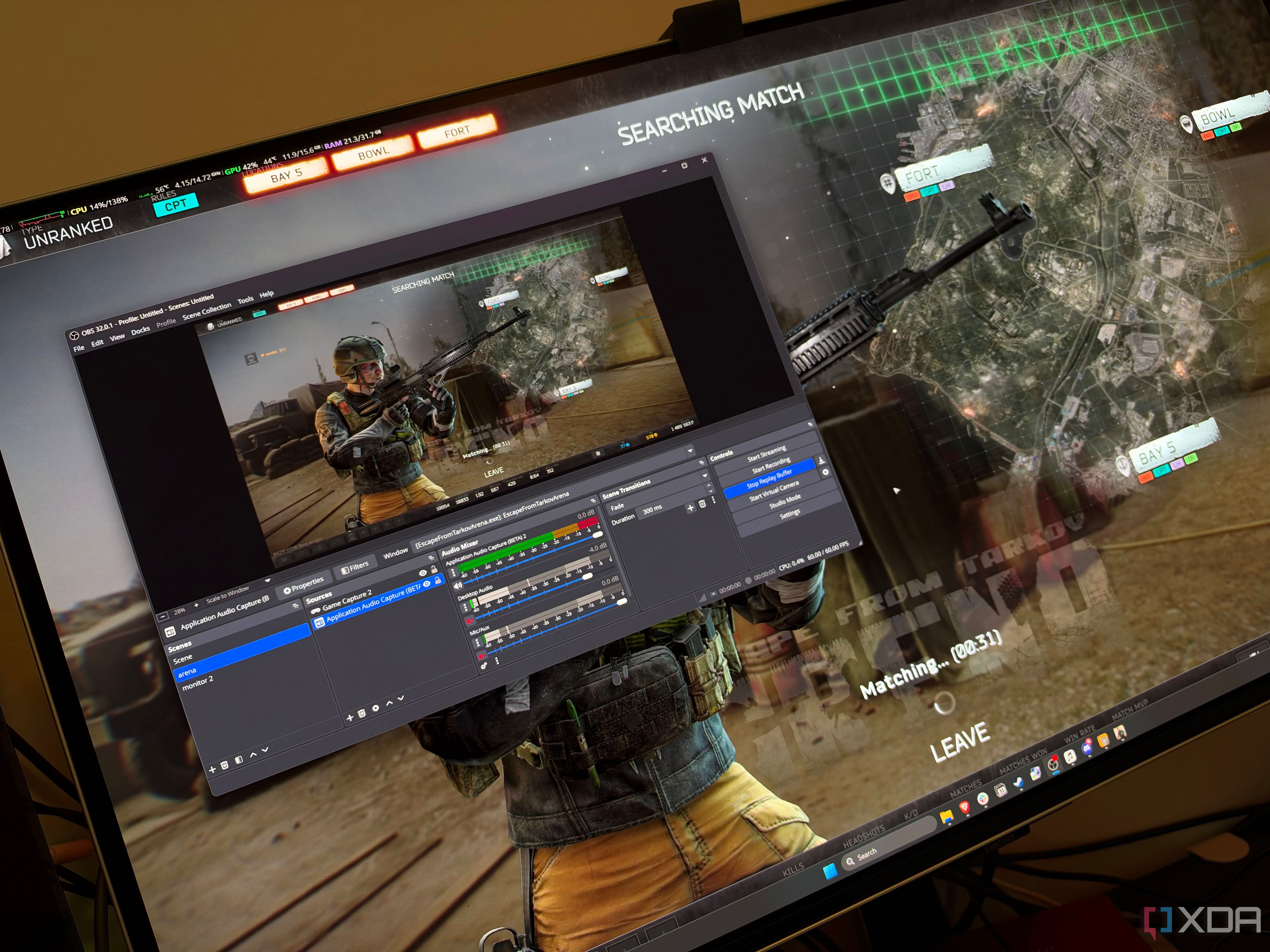
For years I loved using Nvidia ShadowPlay, and I never thought I'd ever want to replace it. A keystroke saved whatever had just happened in a game and I could record my desktop just as easily, and the quality was decent enough for my use case. In my head, OBS Studio was software for streaming, not really for recording replays, but it's really the Swiss Army Knife of desktop capture software.
X
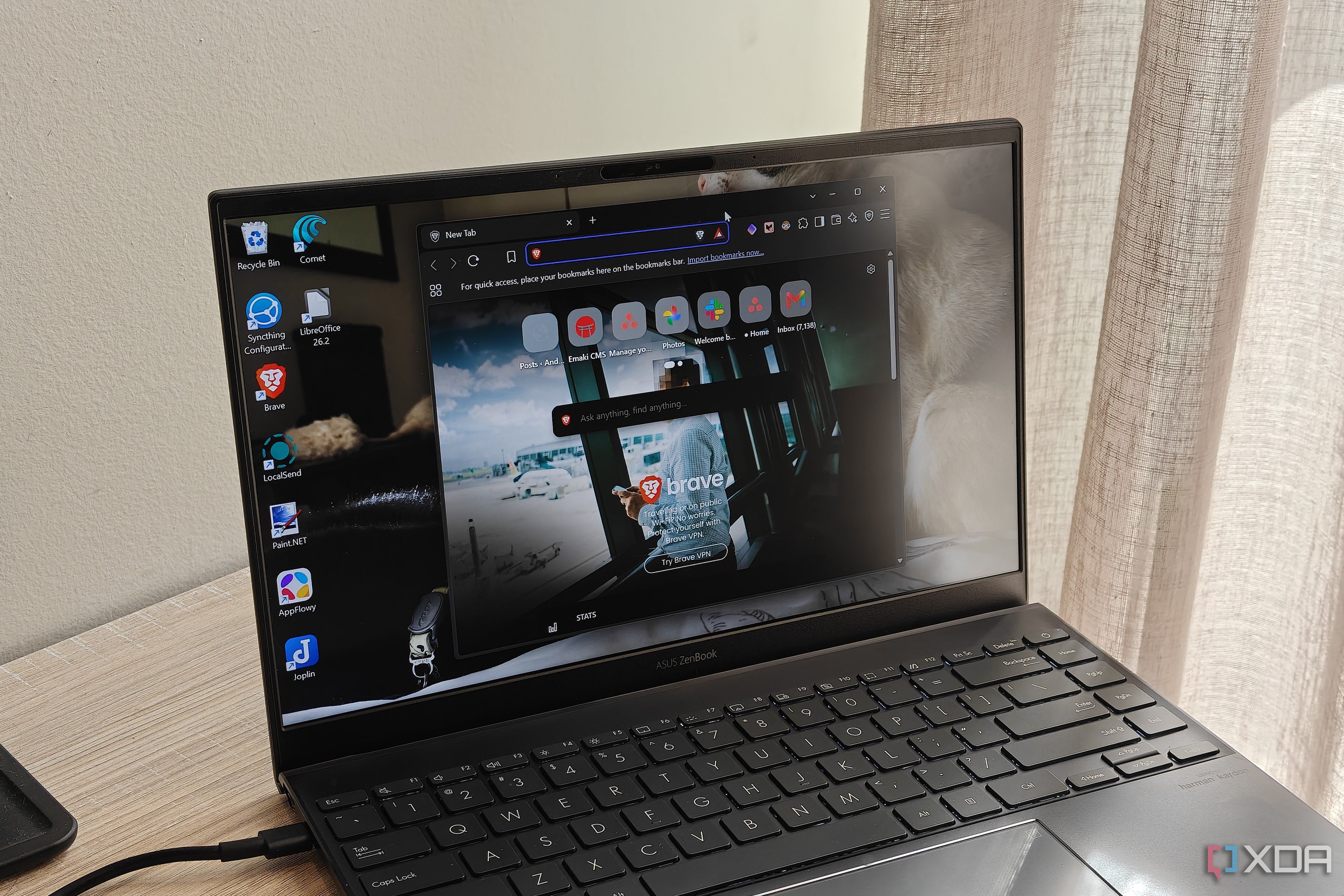
I used to say that being stuck in my habits kept me from using better software. For years, I simply used certain solutions because they were what I had always used. But after making a concerted effort to try out more open-source apps, I discovered that I could find free solutions that still met my needs.
X
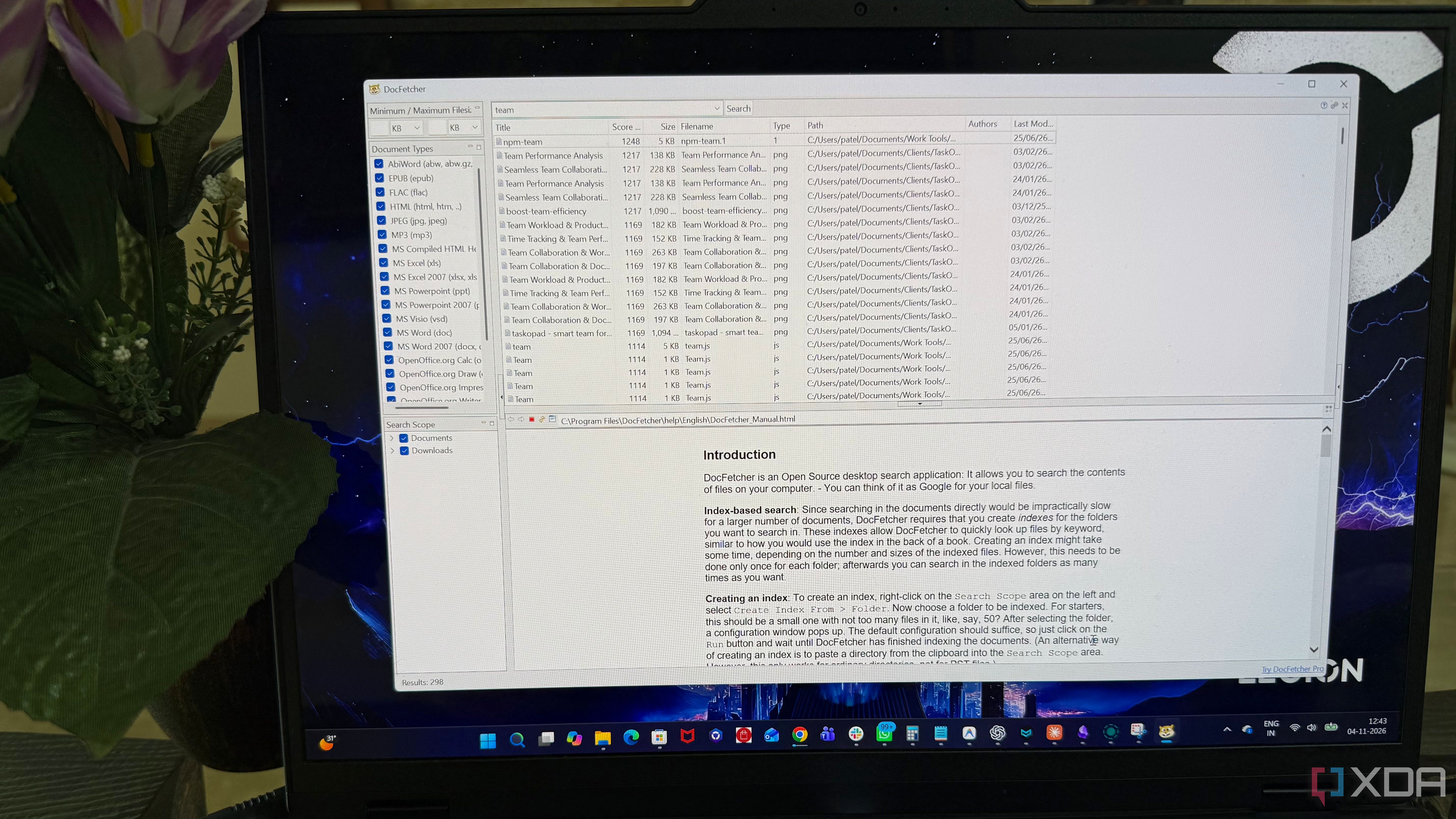
Some PC utilities solve problems I didn't even know had a better solution. DocFetcher is one such discovery. It's a free, open-source desktop application designed to make searching through large collections of documents easier. Unlike many tools that focus mainly on locating files, it puts document contents at the center of the search experience. I was curious to see how well it would fit into my daily workflow. So, I spent some time exploring its features, and there was more to it than I…
X
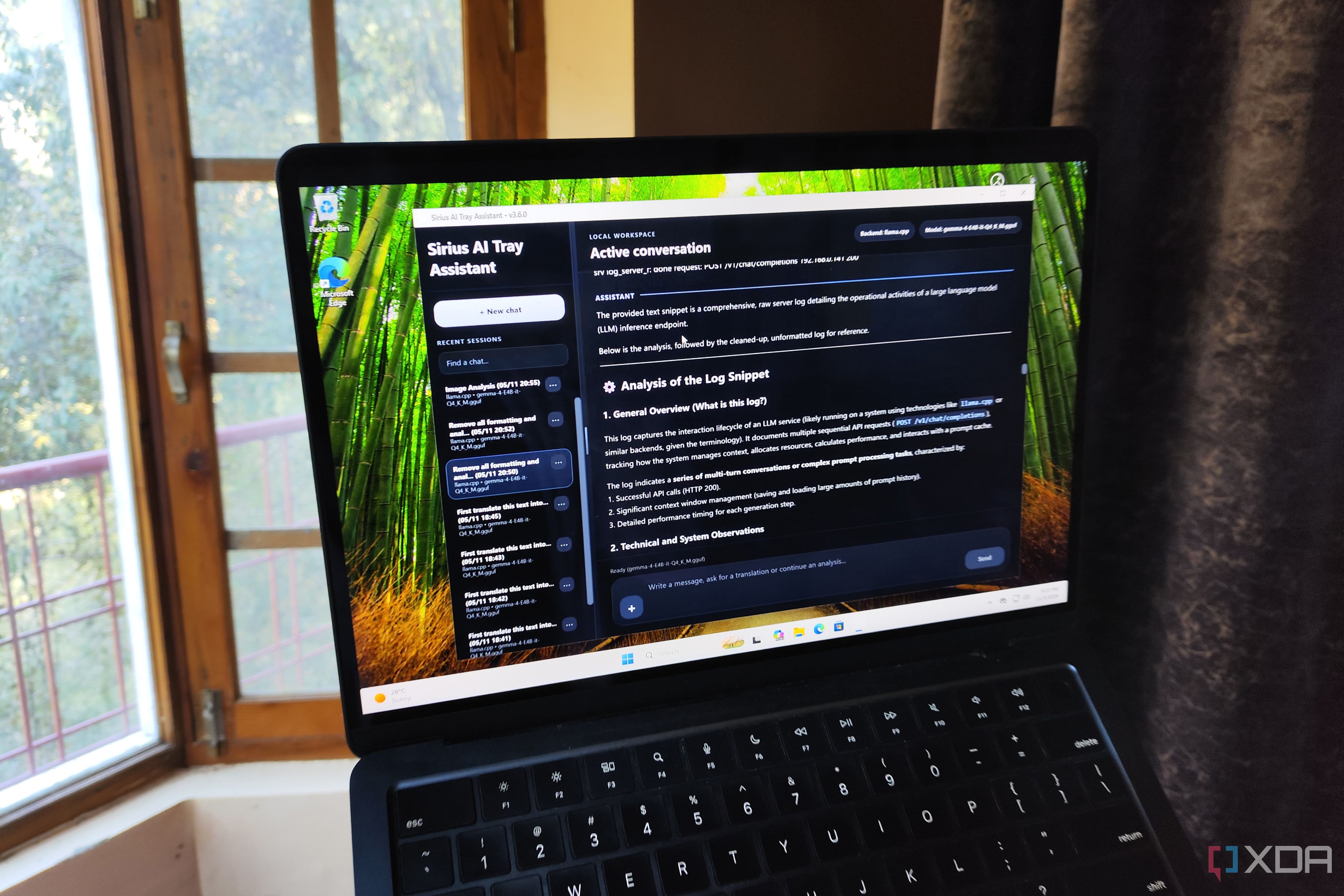
On paper, locally-hosted models don’t have the same computational prowess as their bulky frontier counterparts running on cloud servers. But as someone who has spent the last couple of months pushing my outdated hardware to its limits, I must admit that the majority of my productivity needs are easily met by local LLMs running on my home lab nodes. In fact, between my self-hosted repertoire of productivity apps and lightweight agent harnesses, I’ve got a decent collection of services that rely…
X
I have always had a soft spot for Obsidian. It is powerful, flexible, and offers almost endless customization. But that flexibility comes with a catch. Building the perfect workspace means spending hours configuring plugins, tweaking settings, and figuring out how to add an aesthetic touch to every corner of the vault.
X
ComfyUI is one of those tools that's genuinely fun to use…once you've managed to get it running. Every step of making an AI graphic gets its own little box, also called a node, on a large canvas, and you wire the boxes together to build your own generative pipeline. I just find the workflow really fun and it reminds me a bit of prototyping in Figma; it's as close as you will get to how image generation actually works. This is a big part of why ComfyUI has a bit of a cult following, and I…
X
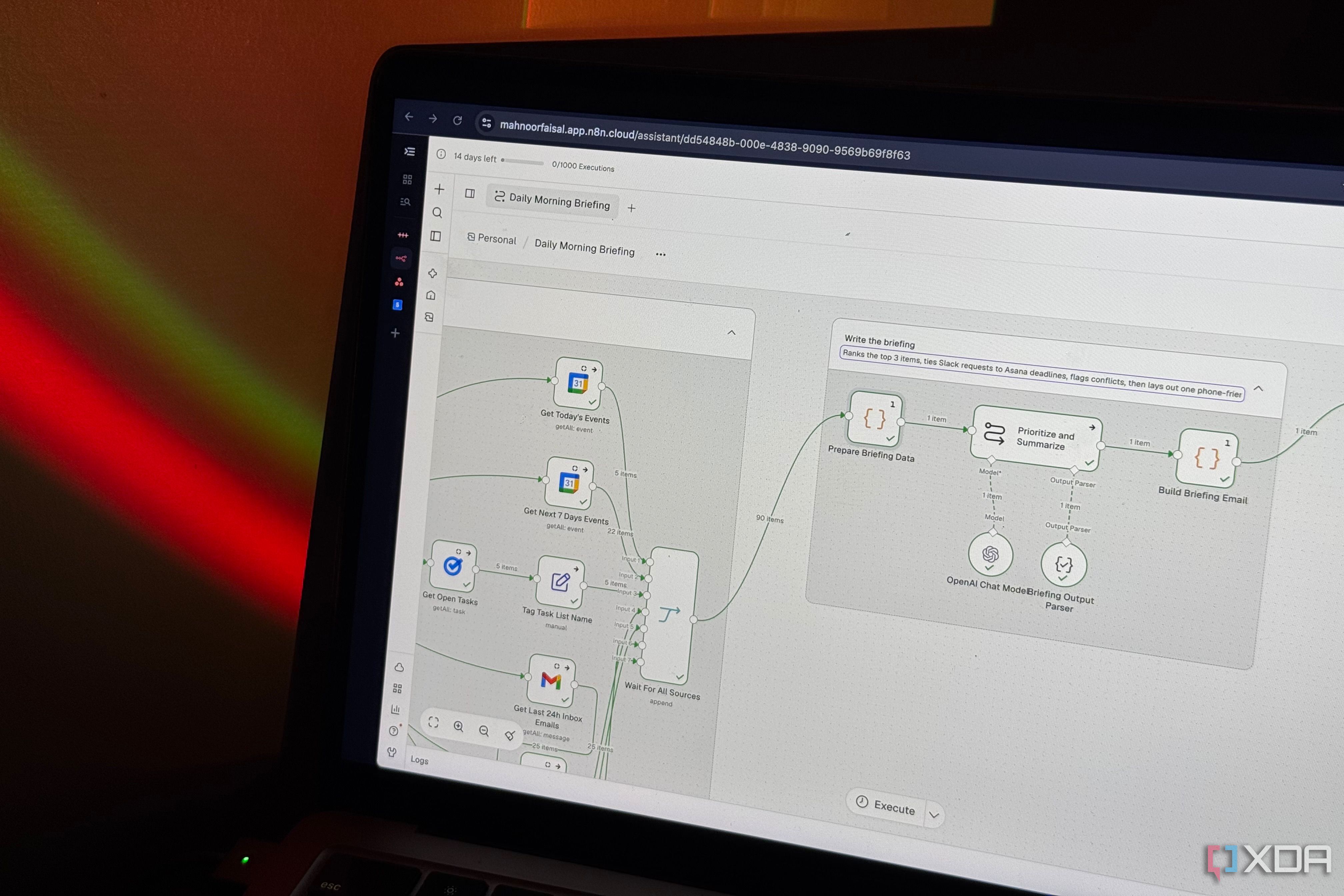
I've always been someone who likes having a routine. I might not be the greatest at sticking to one, but having a routine in place is still extremely important to me. I also like finding tools that make my routines easier to follow, which probably explains why I use so many of them just to figure out what I have going on for the day.
X
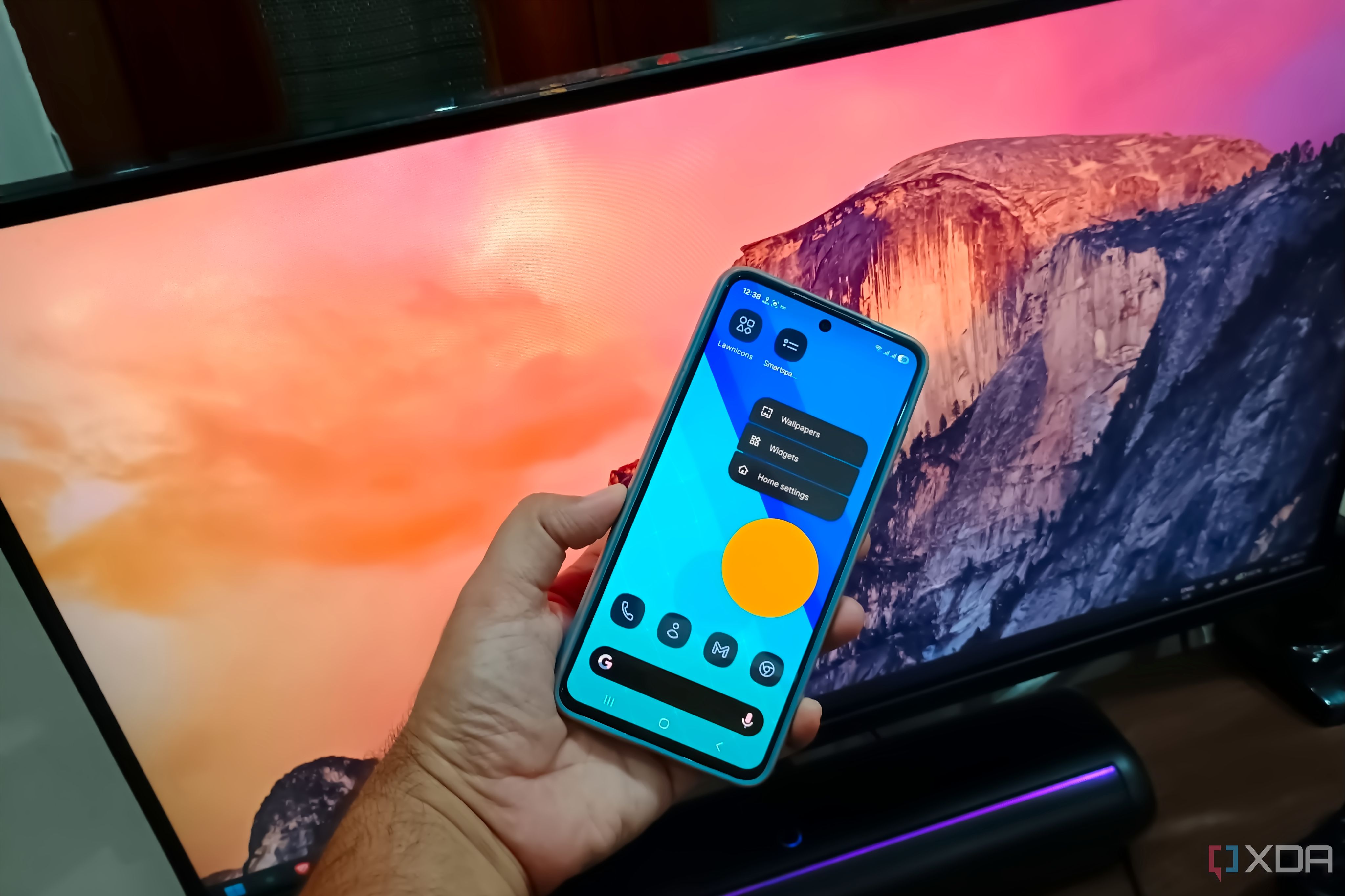
I have a Samsung Galaxy S21 FE as a primary phone. Before that, I used my mum's phone, an entry-level Samsung Galaxy with One UI. It was slightly different from what other Chinese OEMs were doing, and had a simplicity to it. Modern Samsung phones still use the same One UI, with incremental updates that keep it feeling modern and usable. I've been using the default launcher for a long time and stuck to what it had to offer.