M
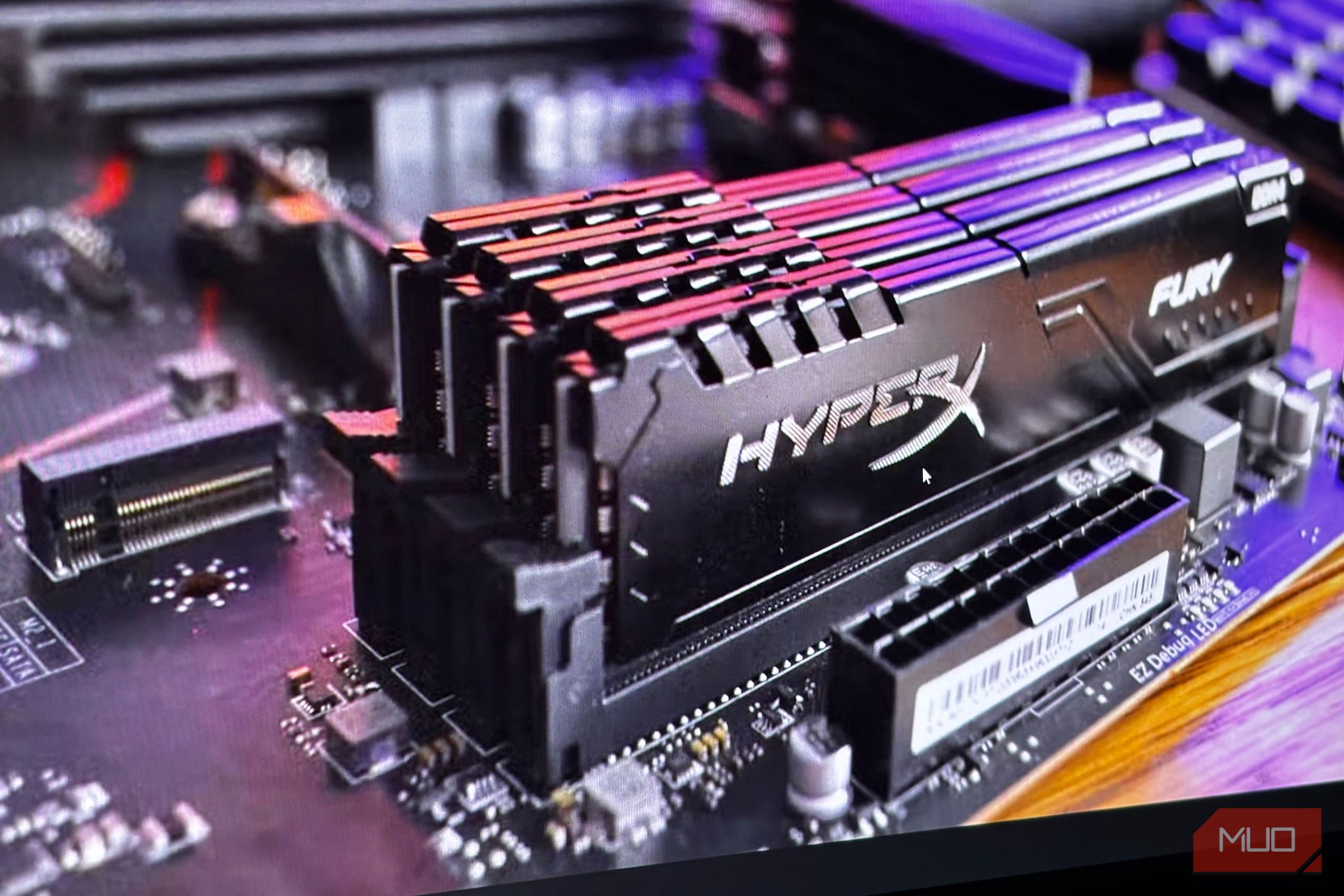
The memory market seems to be getting worse day by day. DRAM suppliers are limited, and data centers are raking in the already limited supply. Still, it's not just consumers feeling the intense prices and shortages; businesses, OEMs, PC makers, and others will feel them too.
M
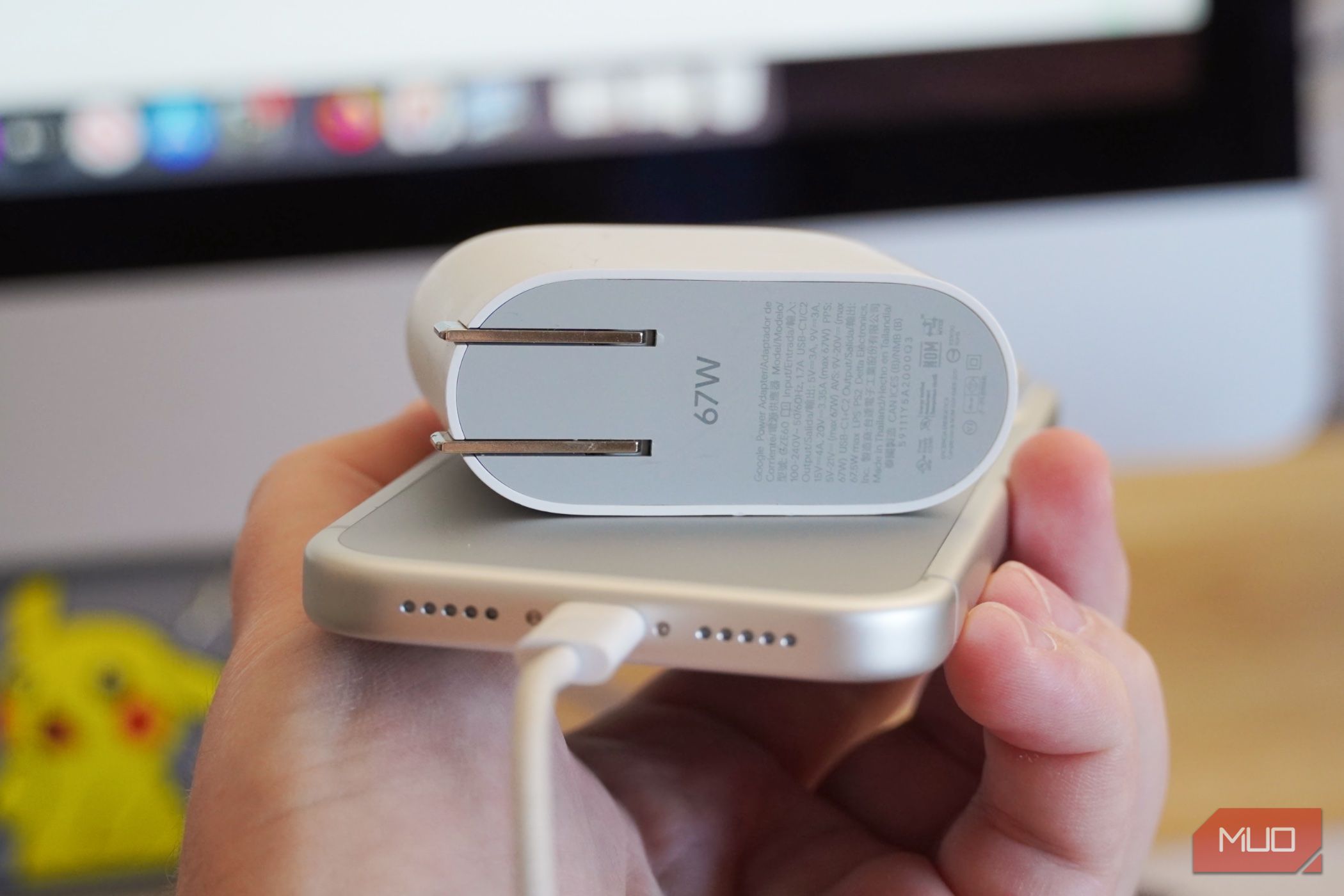
I use Android phones, iPhones, MacBooks, and Windows laptops, and finding a single USB-C charger to power them all proved to be a challenge. USB-C power adapters and cables all look similar, but the charging standards they support can vary greatly. If you've ever plugged a USB-C cable into a phone or laptop and noticed slower charging speeds than expected, you've experienced this discrepancy firsthand.
M
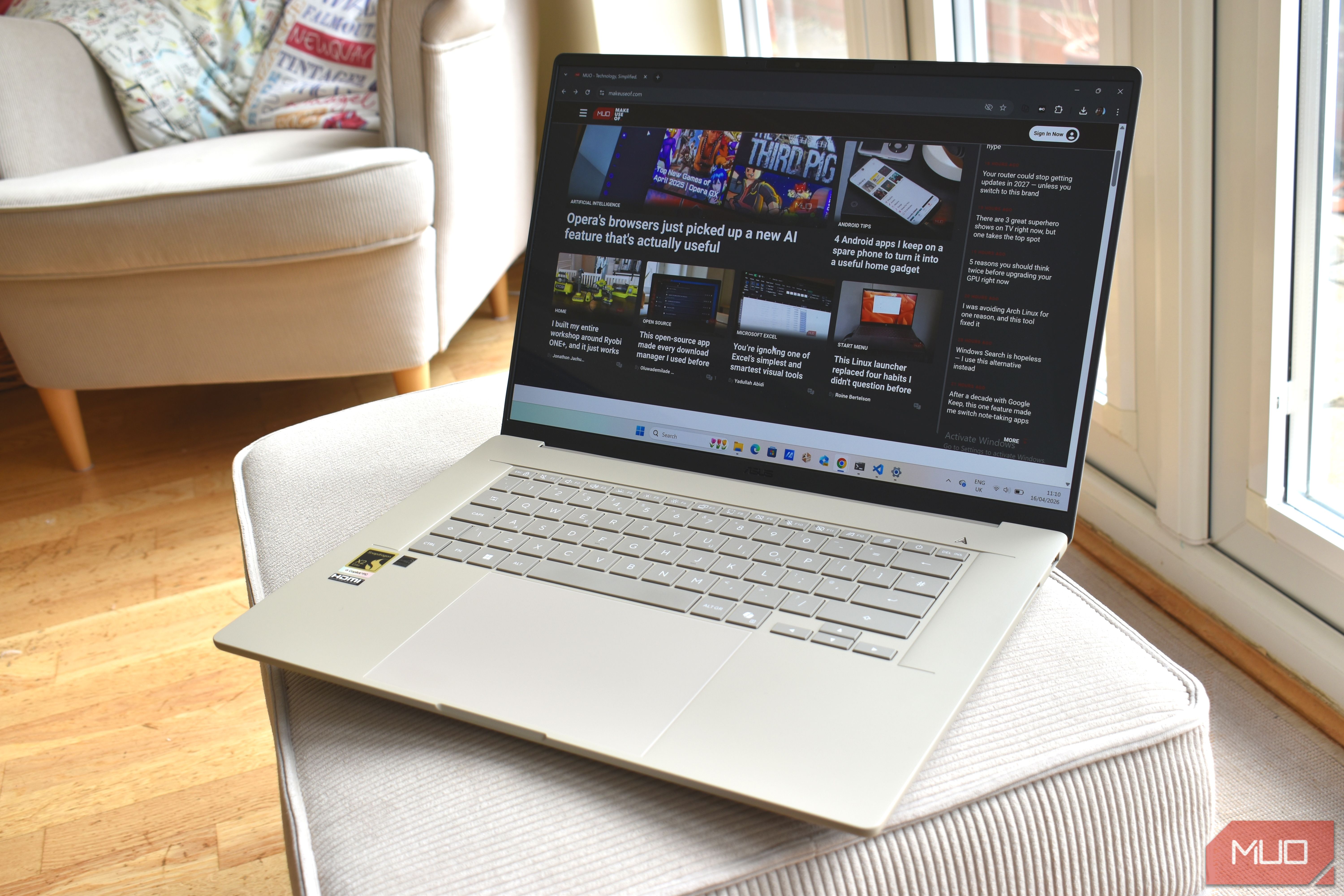
As a journalist, I often test and learn about new technology before I spend the money to add it to my personal setup. Thunderbolt 5 is the perfect example. I've spent hours diving into the differences between Thunderbolt 5, Thunderbolt 4, and USB4, but see no reason to upgrade my computer immediately. I use four Thunderbolt 4 computers regularly — an M5 MacBook Pro, an M4 Mac Mini, an M3 iMac, and Lenovo Yoga Book 9i — and I haven't needed a speed or bandwidth boost yet.
M
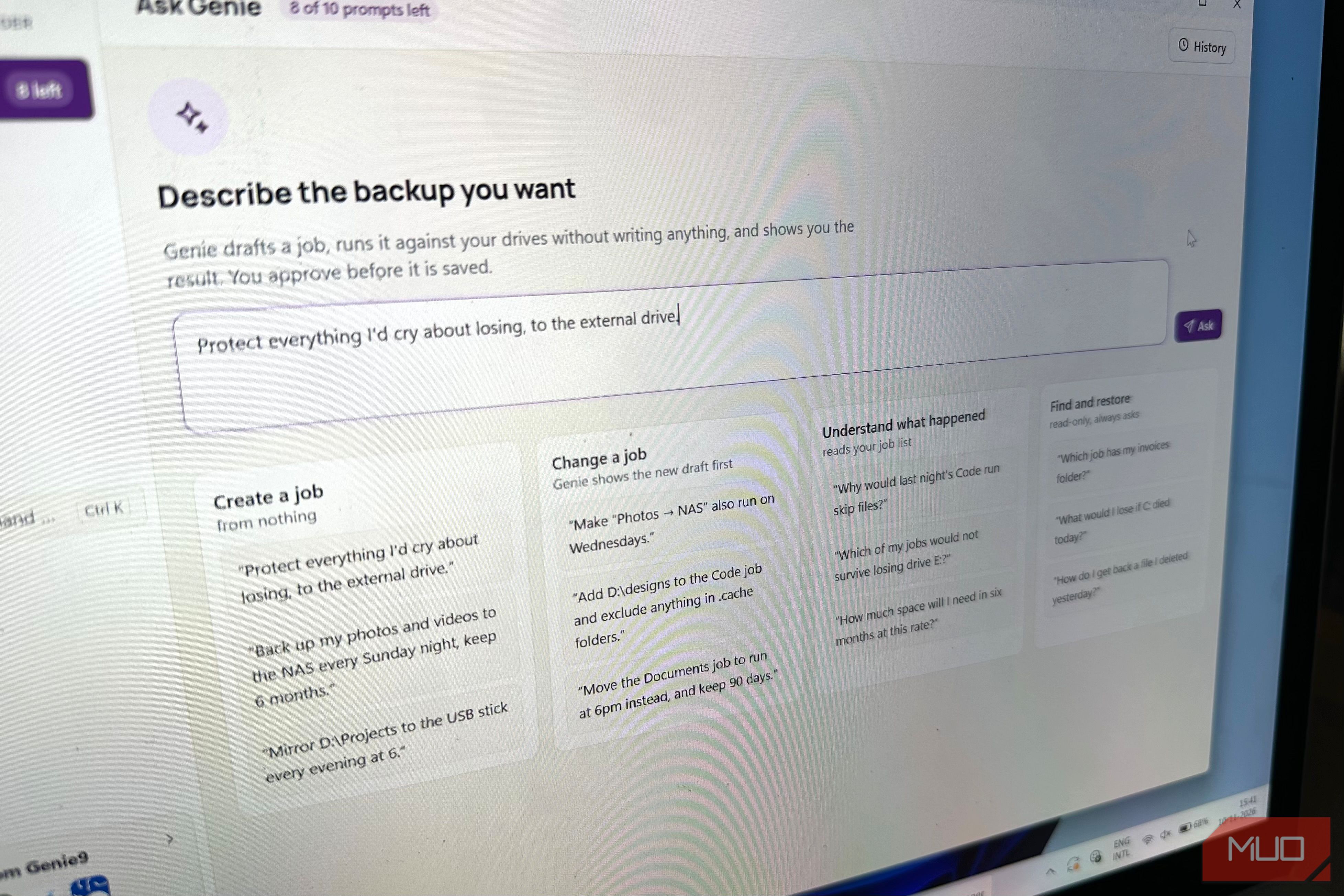
A while back I wrote about how I gave Windows' built-in backup features a chance instead of relying on third-party backup apps. While I didn't end up ditching my third-party backup app, I did observe that, albeit fragmented, Windows' backup tools are much easier to use than third-party tools that overwhelm you with the sheer number of options they have. Fast-forward to now, this observation has come to roost, because I found a third-party backup app that is feature-packed without being…
M
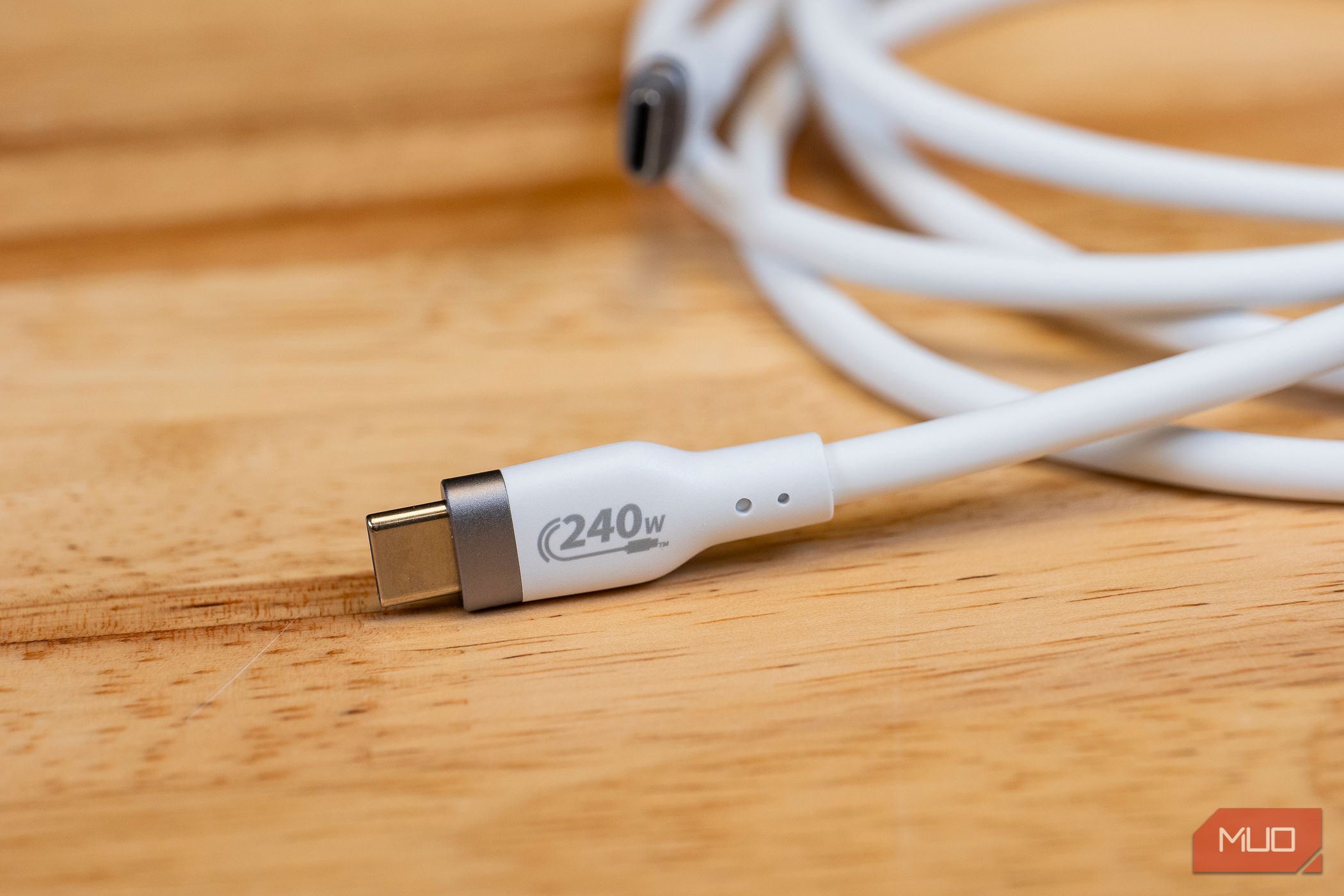
From a Bluetooth keyboard and Android phone to headphones, I have multiple devices that charge via USB-C. This also means I have multiple USB-C cables that I use interchangeably to charge all my devices. That's what USB-C, the universal standard, was meant to simplify. Right?
M
A USB-C cable can charge my phone just fine and still make copying a big file feel like watching paint dry. I've moved plenty of videos between Android phones and Windows laptops, so I know how tempting it is to blame the computer when transfer speeds tank. But the cable should be on your list of suspects too, especially if it came marketed as a fast-charging cable.
M
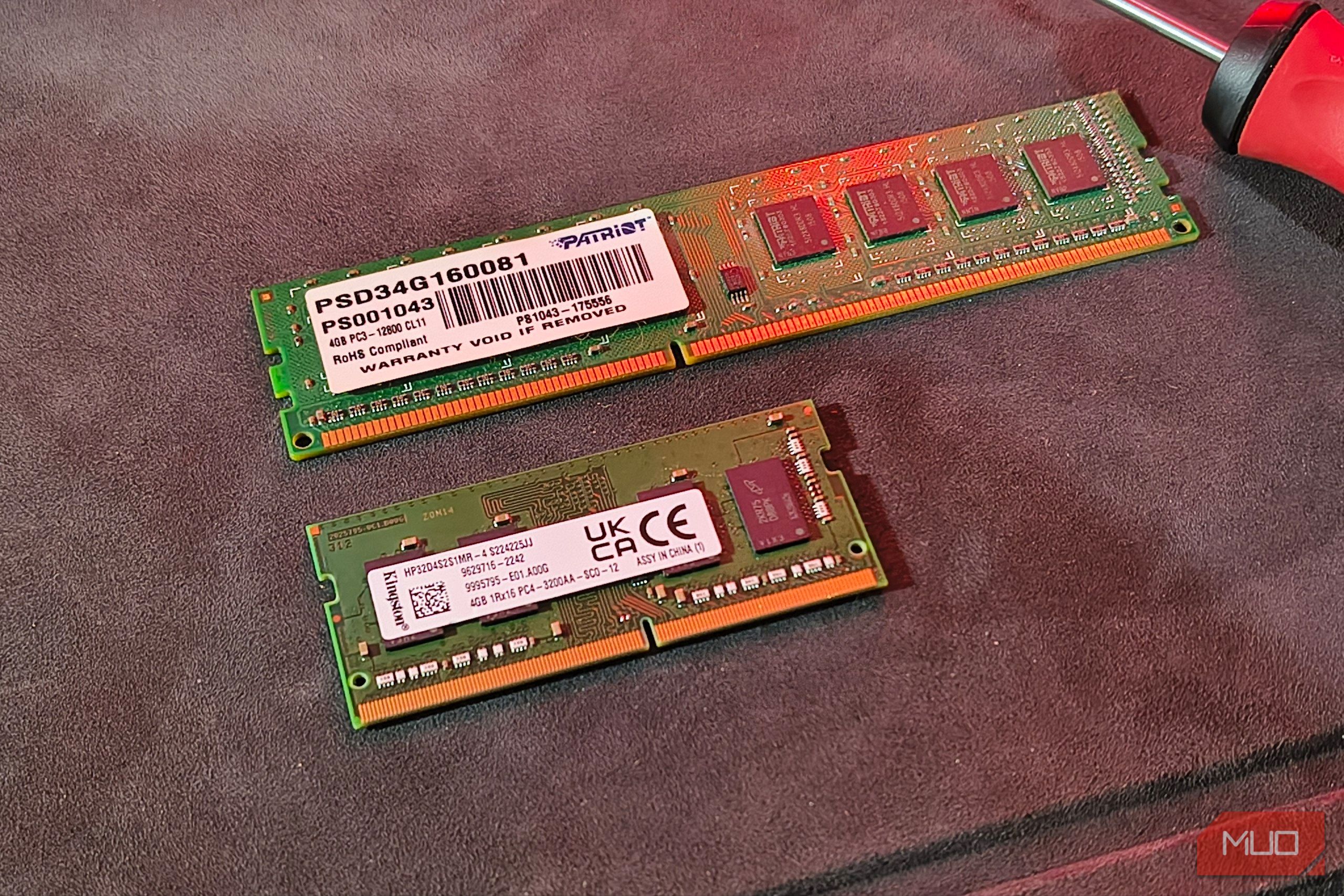
Soldered memory is constantly demonized as something that kills modern laptops and other devices, and most of the time, rightly so.
M
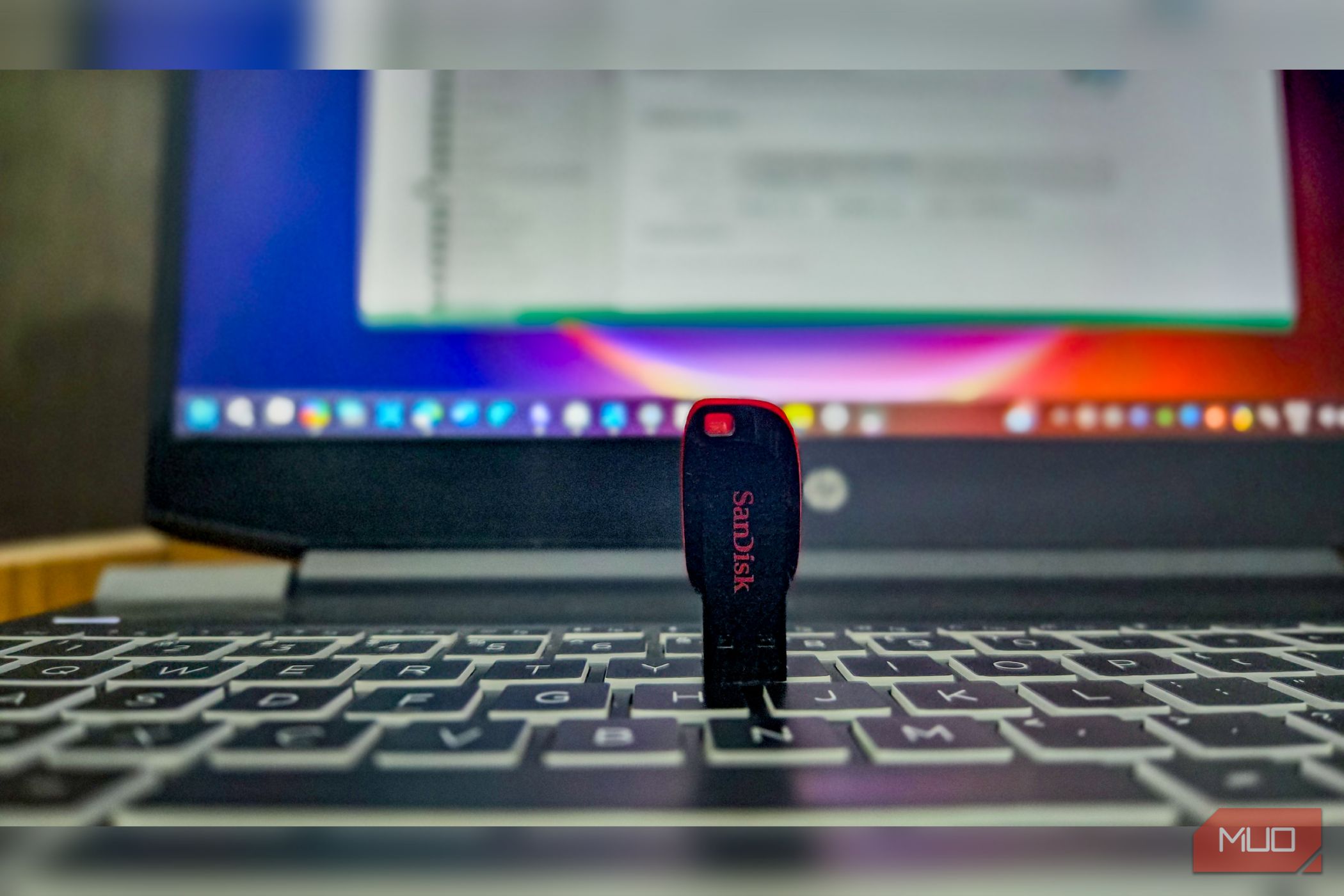
What happens when your PC stops booting? Everything you need to fix it is stuck behind a screen you can't get past. The installer you need, your 2FA codes, recovery tools- all of it locked inside a machine that won't start. But if you already have a USB drive built for the day when nothing else works, you can be sure that you can revive your PC and save your data.
M
When you’re building or upgrading a PC, it’s easy to take the M.2 slot for granted. Most people glance at it, assume it’s just for storage, and move on. But that little connector is a lot more interesting than it looks. Tucked between your motherboard’s larger, more obvious components, the M.2 slot is one of those hidden pieces of PC design that quietly packs an incredible amount of flexibility.
M
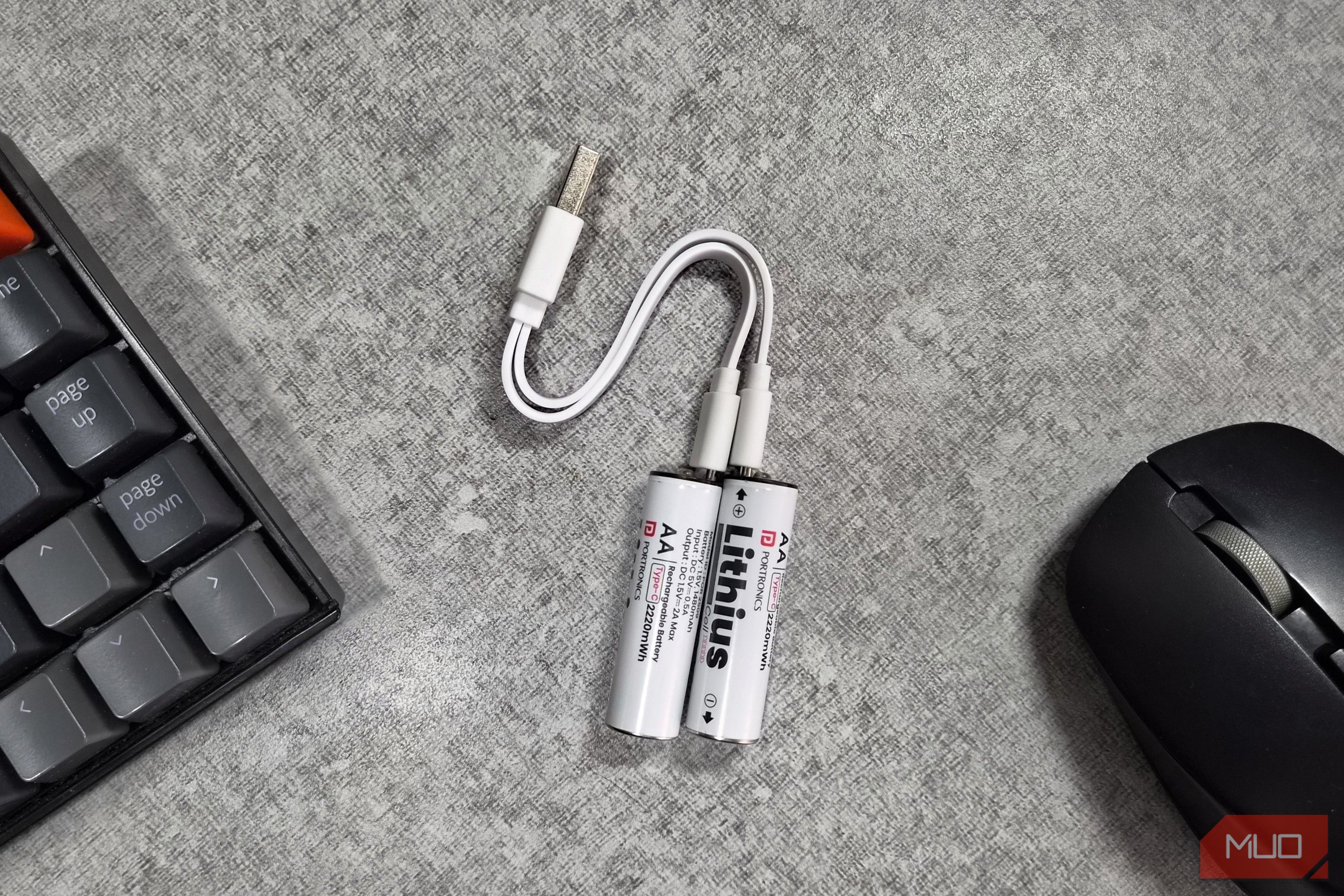
I work on a PC all day, so a wireless mouse and keyboard are non-negotiable for me. The only annoying part with the ones I had, though, was replacing the AA batteries every few weeks. They’re not expensive, so it wasn’t exactly a crisis, but I’d gotten tired of buying AA batteries constantly.
M
It's no surprise that Nvidia has been dominating the "upscaler" discussions for the last few years, thanks to DLSS. And, credit where credit's due, DLSS is an excellent upscaler, especially in its later iterations up to DLSS 4.5. That's not to say AMD's FSR is any less impressive. However, when it comes to raw performance and anti-aliasing, nothing beats DLSS — well, until now, that is.
M
The DRAM shortage is the worst thing to happen to consumers in the hardware and electronics space in a very long time. On average, RAM prices have increased 334–600% YoY as data centers absorb the limited DRAM supply.
M
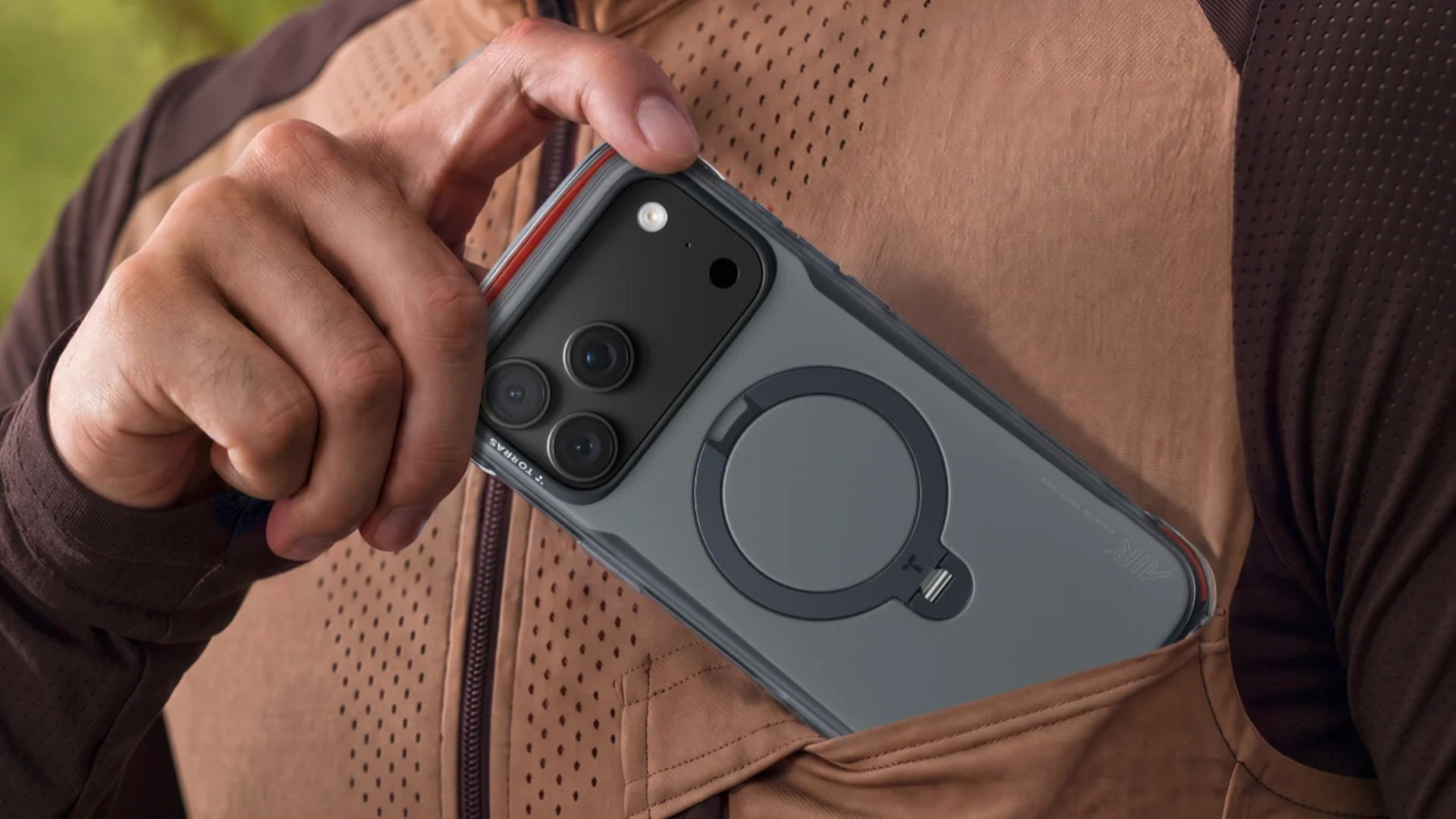
Dropping your phone is inevitable and can lead to costly damage or render your sophisticated device into a $1,000 paperweight in an instant. High-precision, well-engineered devices, like smartphones, need protection. Thankfully, the next generation of phone cases offers that protection with the TORRAS Ostand Q3 Series. These high-tech, precision-engineered cases protect your iPhone 18 Pro or iPhone 18 Pro Max with the right mix of rugged protection without unnecessary bulk and with useful…
M
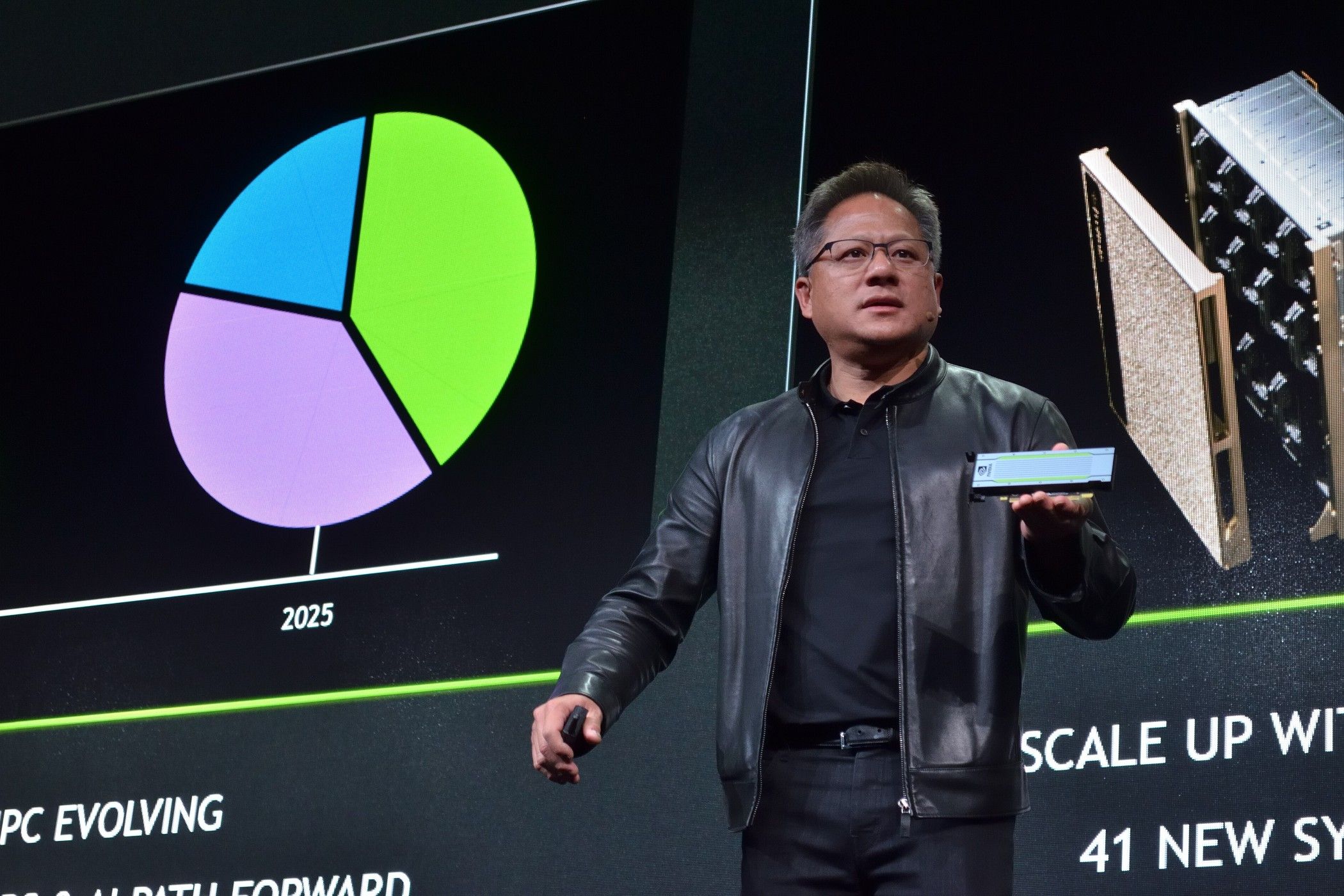
Jensen Huang has resigned as NVIDIA's CEO, president, and board member, bringing an abrupt end to his 33-year reign at the company he co-founded in 1993. The man in the iconic leather jacket has been the face of NVIDIA for its entire existence, but the AI giant is now entering uncharted territory without him.
M
I use a Windows laptop for work every day, and over time, I’ve realized how much of a difference a few tweaks can make. Even something as simple as customizing the Start menu to fit how I work has made things a lot easier. But I felt there was still more I could do to smooth out my workflow, so I started exploring some of Windows 11’s lesser-known features. I found a few that have made my workday noticeably easier, and I can already tell I'll be sticking with them.
M
The big moment is finally here, and GTA 6 is releasing in a few days. Unfortunately, PC gamers will have to wait a while longer to experience Rockstar's seminal work after already waiting more than a decade.
M
The PC is the best platform for games; there's no denying it. However, PC ports are often plagued by some of the most bizarre technical issues, especially with modern "Triple-A" releases. From driver-related crashes to microstutters, almost every other PC port comes out with a plethora of issues right out of the box.
M
Upgradable RAM is a relic of the past. A product of a bygone era now dominated by AI data centers and agentic workflows, powered by one of the most easily upgradable PC components: random access memory.
M
Moving a large video from my Android phone to my Windows laptop should be a no-brainer. I've always used a USB cable, but with so many wireless sharing options available now, I wondered if I was missing out on something faster or easier. So I decided to put them to the test.
M
In the good old days, replaceable laptop RAM meant that you could easily upgrade your hardware whenever you wanted. There was almost no better feeling than snagging a bargain laptop, knowing you could slot in some extra RAM and give yourself a power-up, beating the system for once.
M
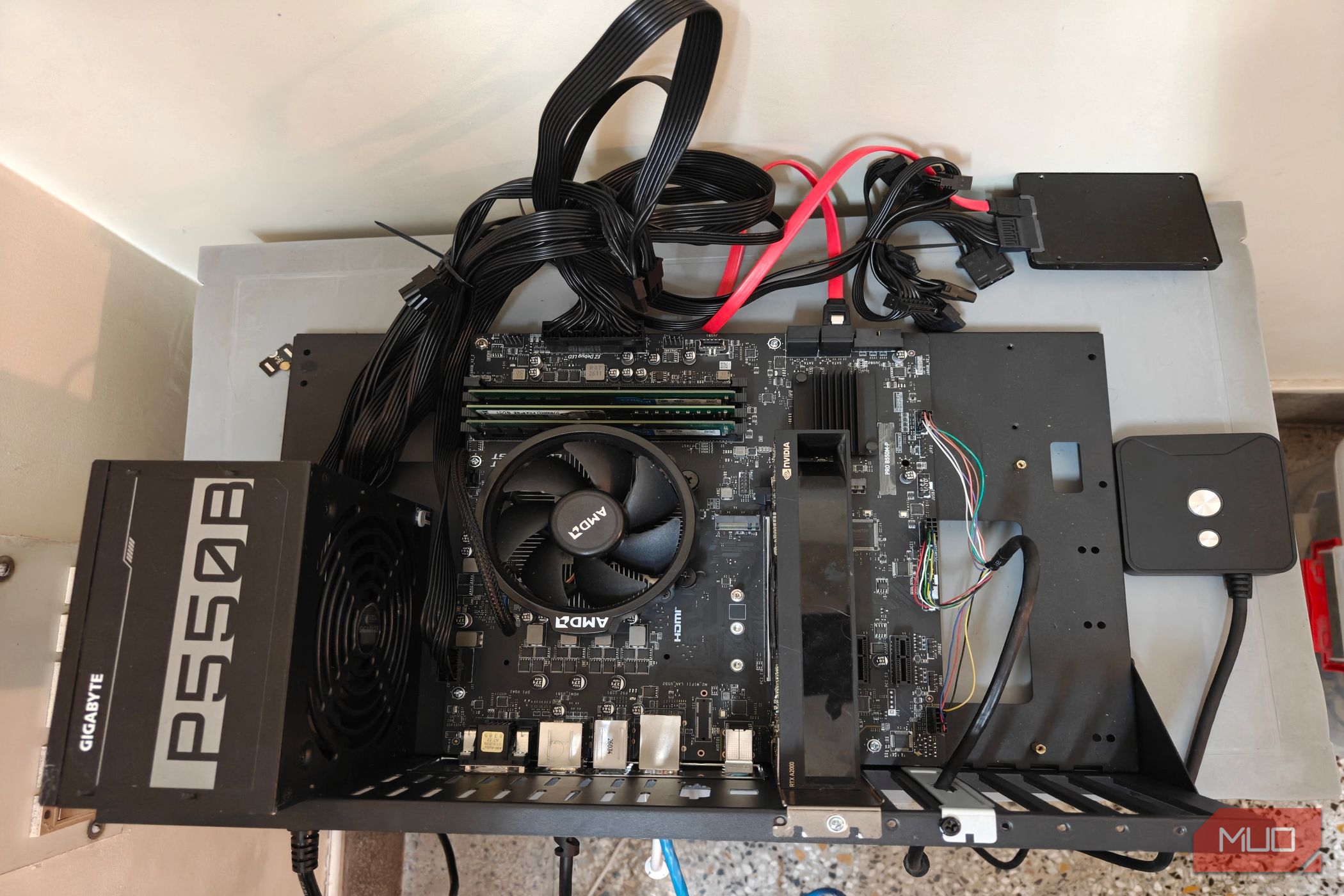
Efficiency is paramount to a home server, especially since these are machines that are meant to be used 24x7 long-term. The last thing you want is an inflated electric bill — and there thankfully do exist ways to optimize your power draw.
M
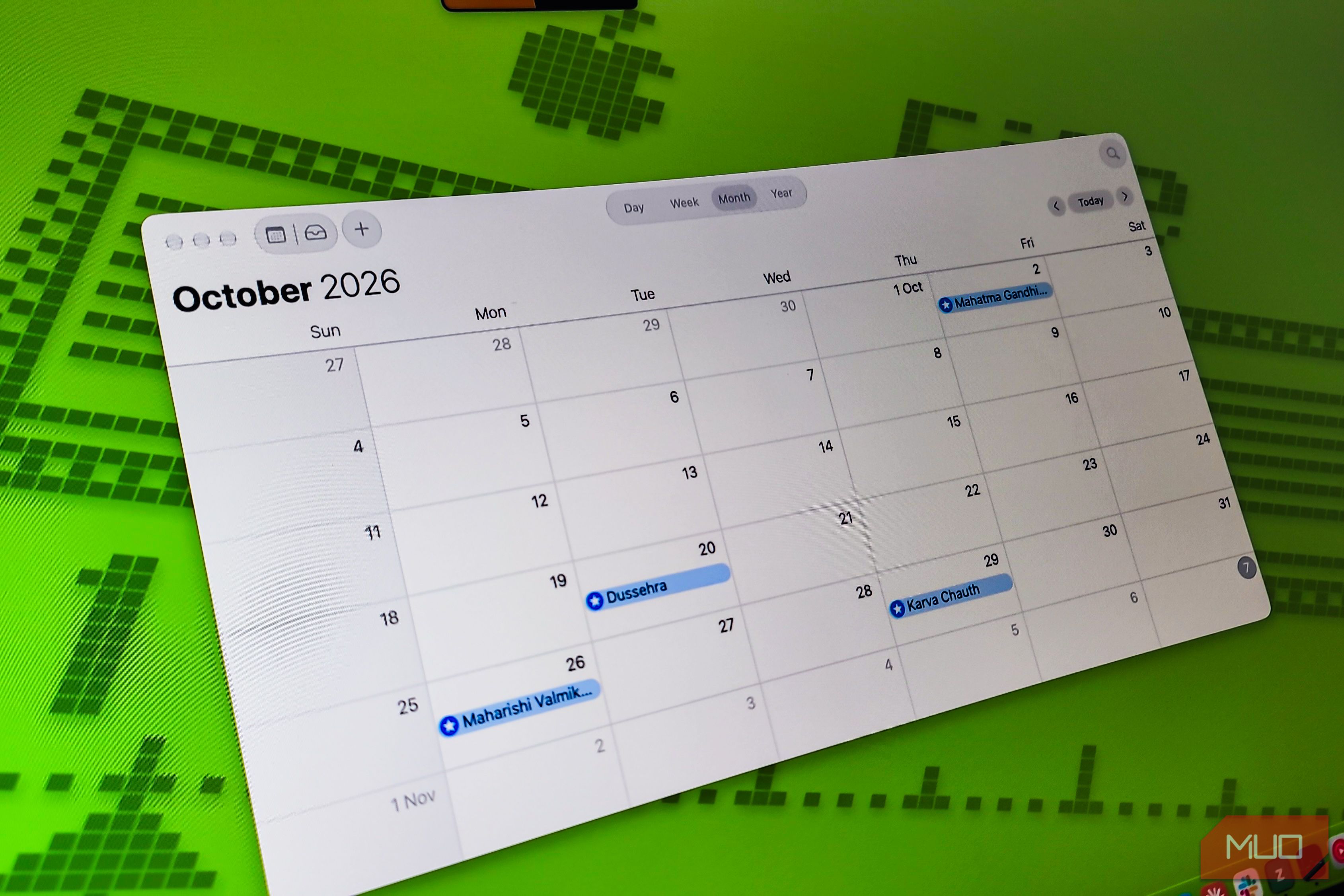
If you line up every major Windows release since 1991, something odd jumps out. Windows XP, Windows 7, Windows 8, Windows 11: all launched in October. Microsoft shipped its first Office suite for Windows in October. The first Surface tablet? October. And Bill Gates himself was born on October 28. It looks like luck, but it's strategy. Microsoft has a very specific reason for stacking its biggest launches into one month.
M
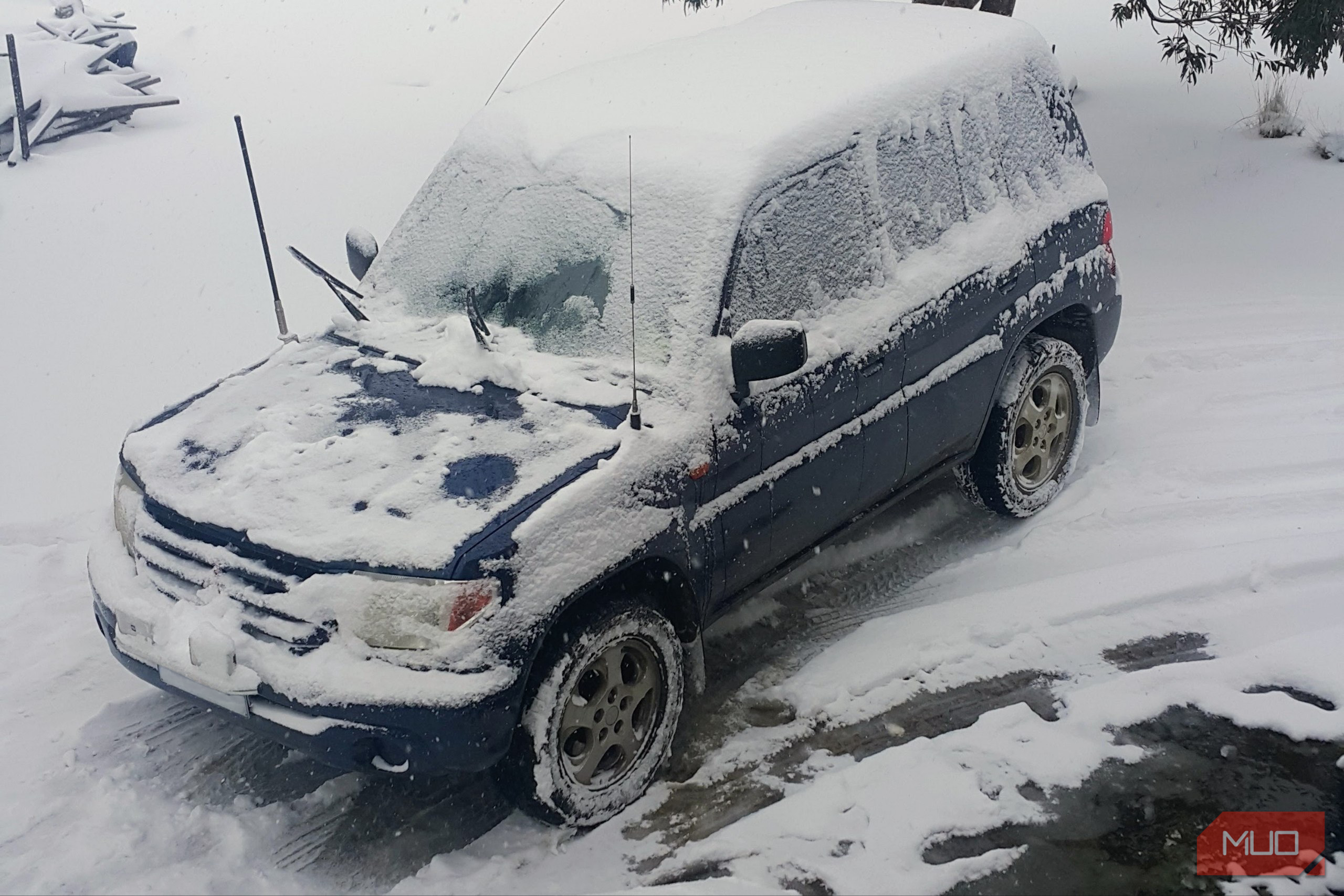
I’m Australian, so naturally I’m an expert at keeping a laptop cool. Give me one that’s been sitting in a freezing car, and apparently I’ll just reach straight for the charger.
M
The seventh generation of consoles was an interesting period to witness, with the first half marred by Sony’s fumbles with the PlayStation 3. To put it bluntly, the PS3 was a nightmare to develop for, and many games ran puzzlingly worse when compared to its rival, the Xbox 360.
M
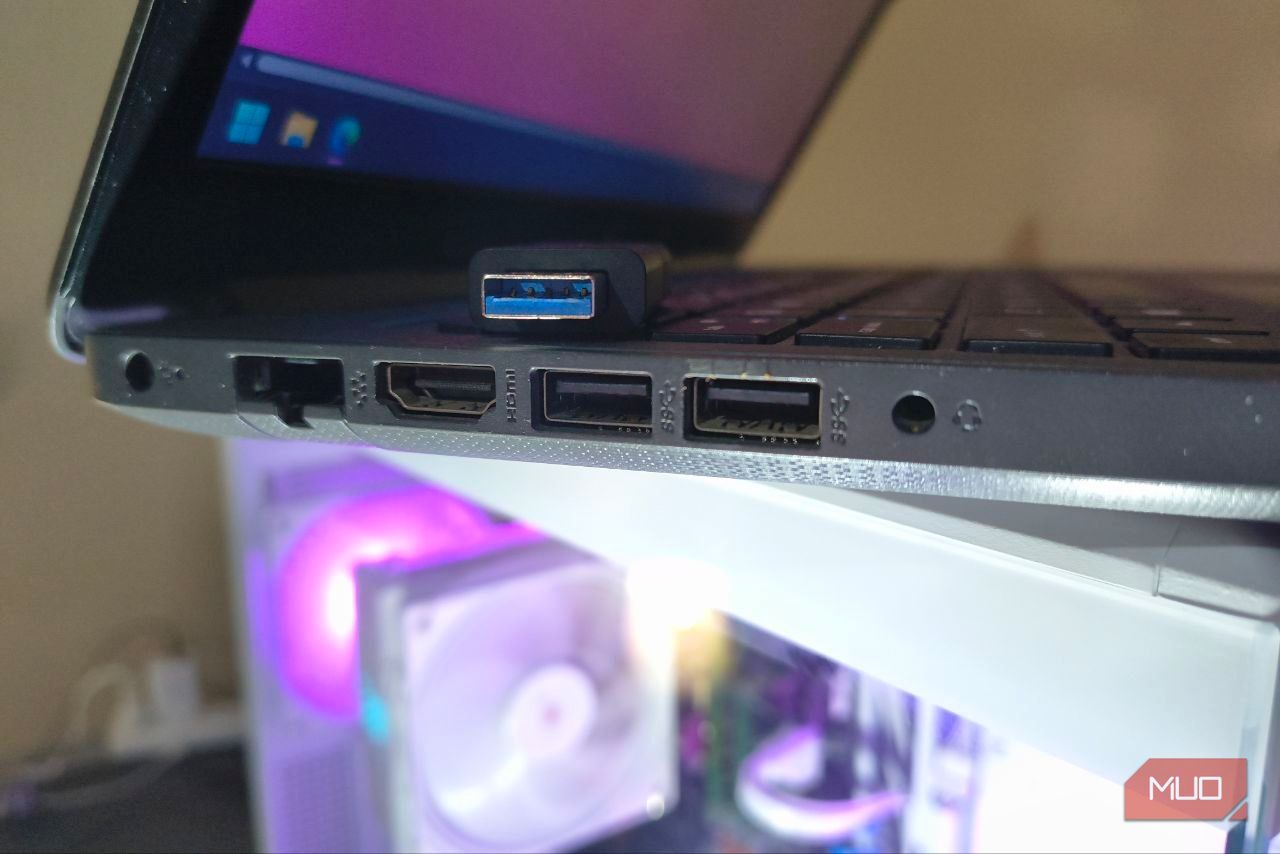
My main work laptop sits on my desk, with my peripherals all conveniently plugged into the USB ports on the left-hand side. That frees up the other side for USB file transfers, but, for some unknown reason, those ports have always been significantly slower.
M
Storage feels reliable, dependable, and permanent. It isn't.
M
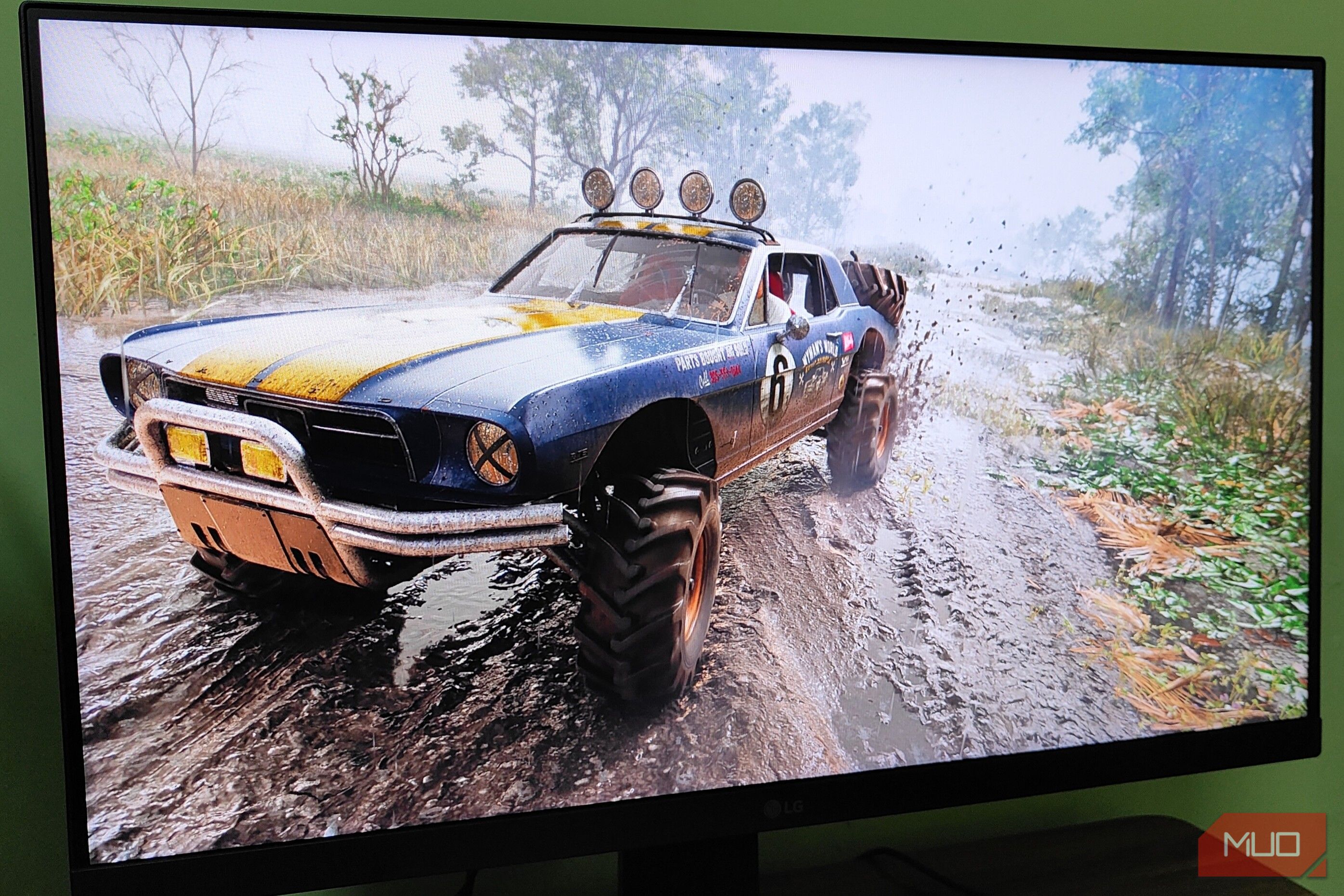
It's really puzzling to me how most developers, even in the so-called "Triple-A" landscape, get one of the most basic visual features wrong in their games: HDR. High Dynamic Range, or HDR, essentially offers significantly better contrast levels, peak brightness, and colors compared to the usual SDR content. And if, like me, you're using an OLED monitor in your gaming setup, you absolutely want to see proper implementation of HDR in your games.
M
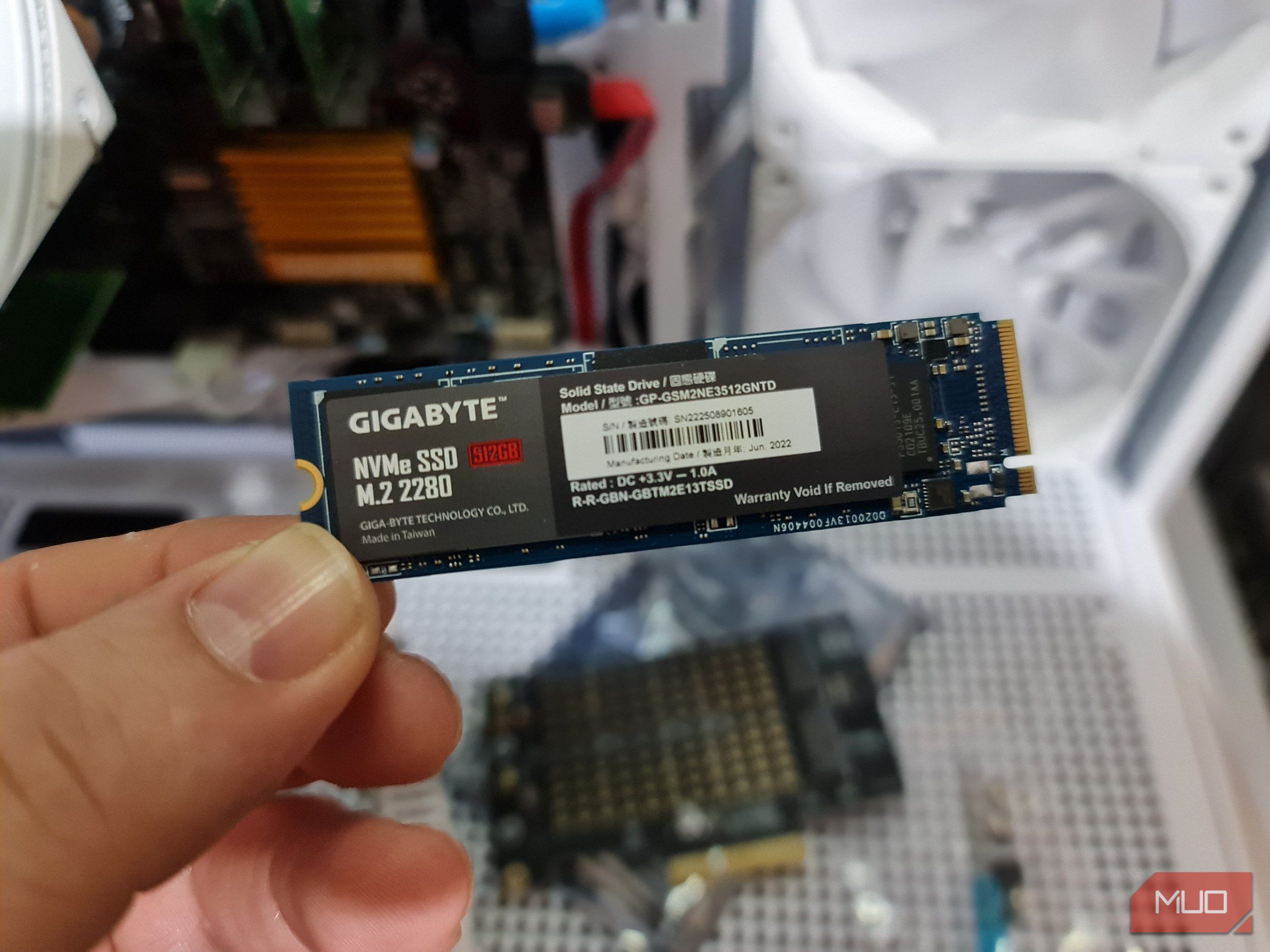
A modern 1TB SSD has an average write endurance limit of 600TBW (Terabytes Written), meaning you can write (save) 600TB of data on it before it might begin to fail. I use a 512GB SSD, so I can expect mine to be half that. But that figure varies by SSD type; some can withstand more, while others may fail after only a few hundred TB.
M
The biggest disappointment is spending hours assembling a new PC and not getting the performance you see in online benchmarks. The reason is that every PC is configured differently, and you have to set up each component to perform at its best before you get the advertised performance.
M
Sam Altman wants your RAM. It's there in your computer doing nothing much, and it would be much better powering ChatGPT's enormous RAM demands. After all, his company is a core part of the reason there is a RAM shortage to begin with, so it stands to reason that he's dreaming of the RAM in your home, too.