W
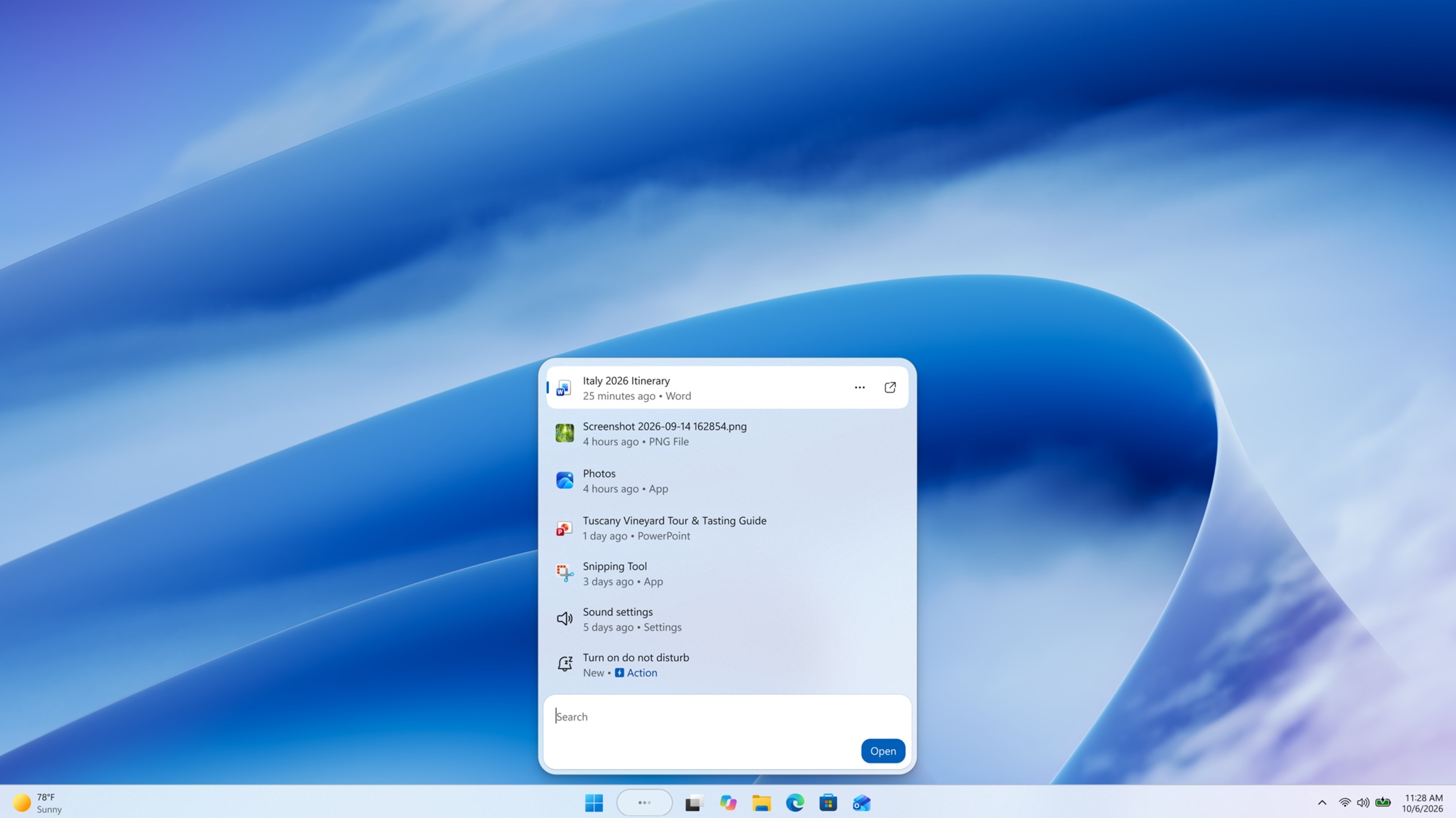
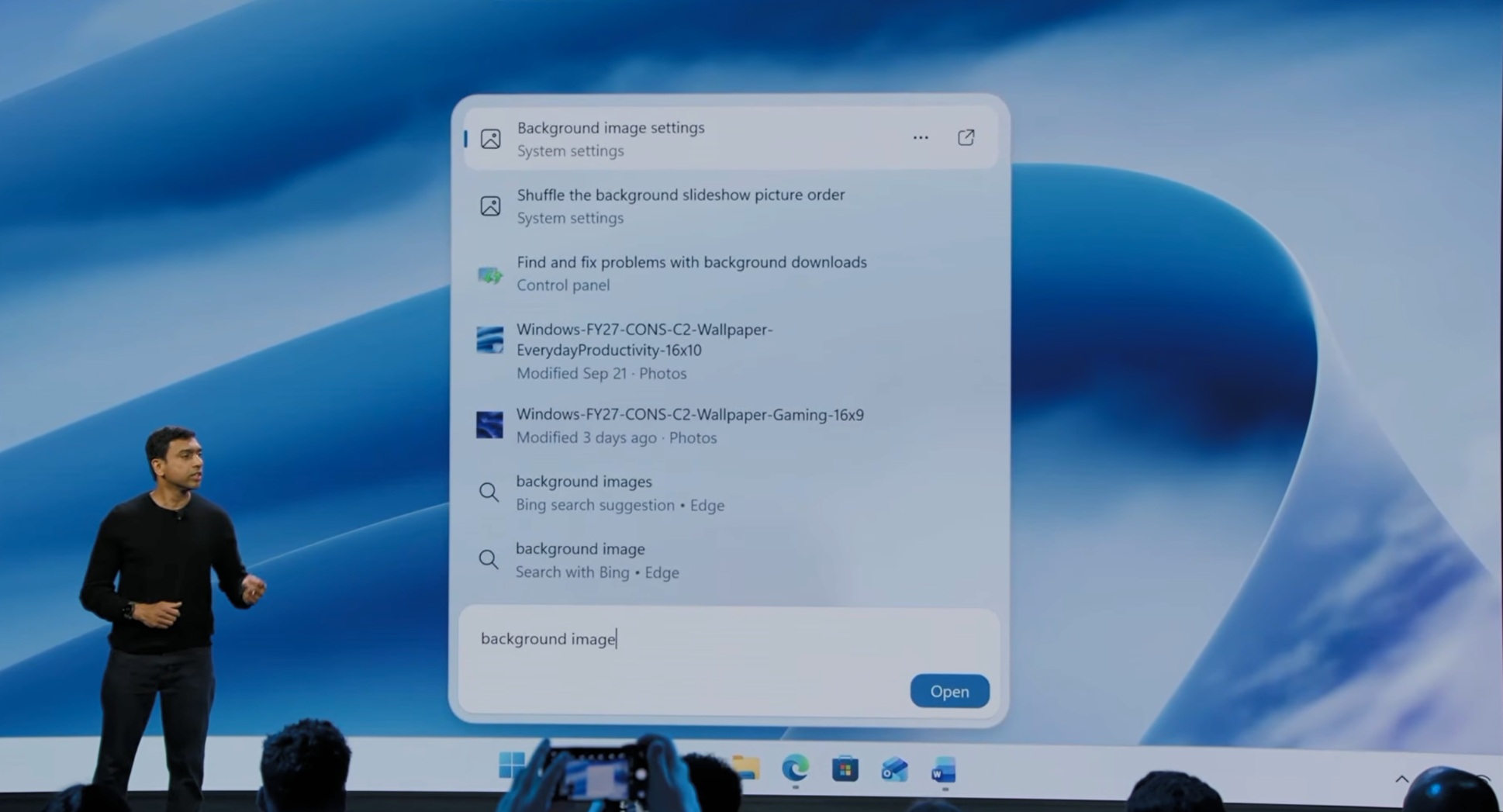
If you press the Windows key on your keyboard, it opens the Start menu, but what if it could do more? Microsoft plans to look at the “right behavior” for the key once its new Search experience reaches Start. But it’s being extra cautious because it can’t ignore your muscle memory. For those who don’t know, Windows is getting a new Search UI, and it’s dramatically different from what we have now. Here’s a closer look at the new UI from Windows preview builds: A new UI for Windows Search makes…
W
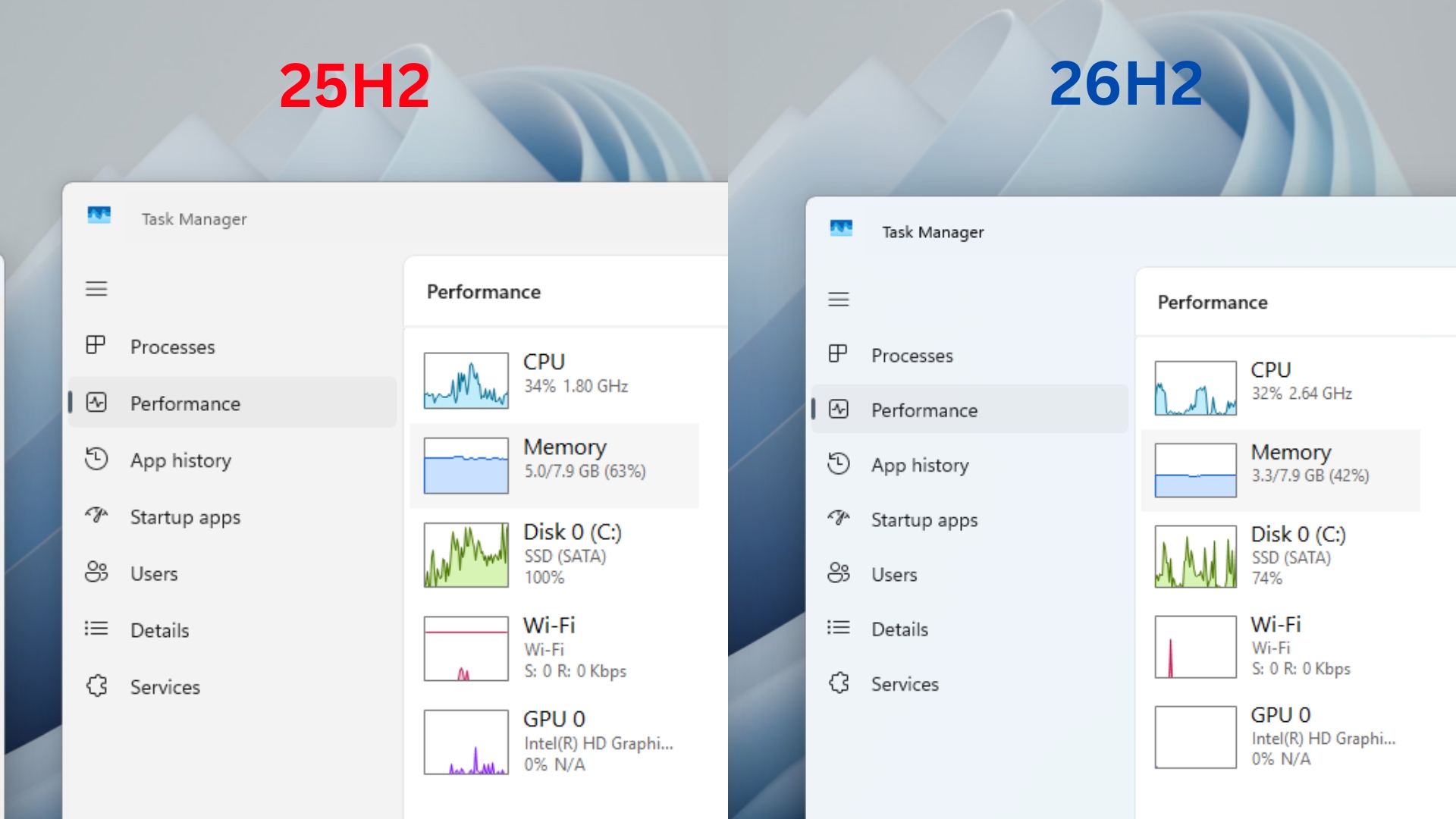
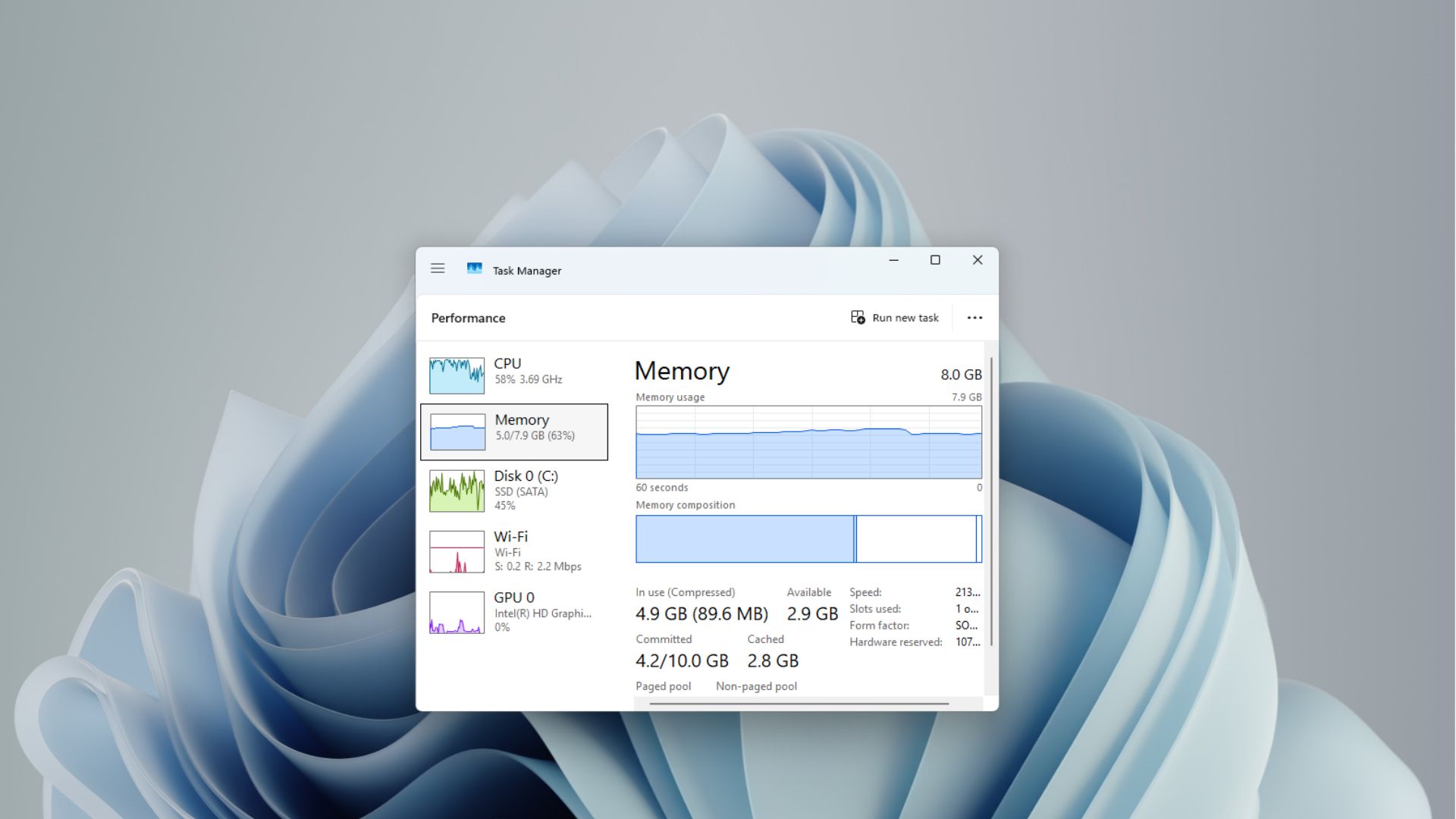
After I updated my dad’s 8GB laptop to Windows 11 26H2, memory usage after a fresh restart dropped from 5GB to 3.3GB. I also checked on a fresh 8GB RAM virtual machine, which showed a similar drop, from 4.1GB on a year-old Windows 11 Build to around 2.8GB to 3.2GB on the latest one. Memory usage on an 8GB laptop, before Windows 11 25H2 and after updating to 26H2. Credit: Windows Latest Microsoft made memory optimization for 8GB PCs one of its Windows 11 priorities for the rest of 2026, but it…
W
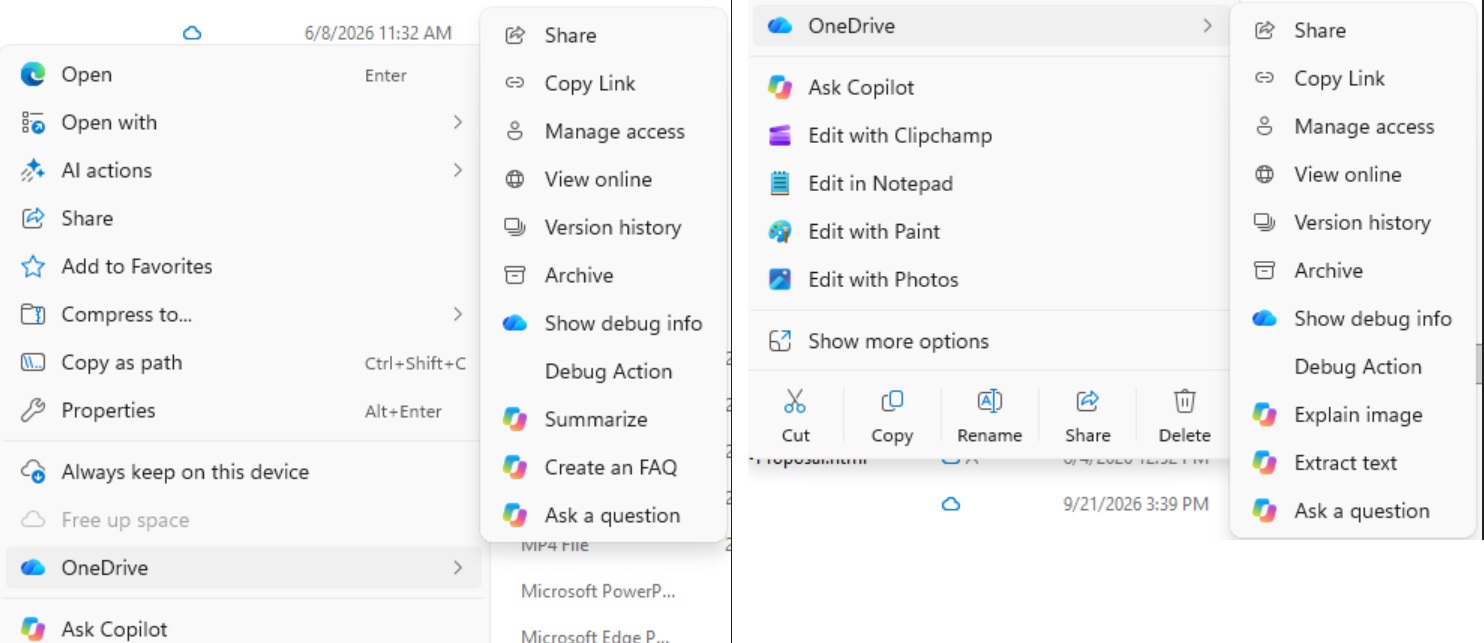
Microsoft says it’s retiring “Copilot actions” from the File Explorer context menu, which it recently began rolling out. Some of you might not even have this clutter on your PC yet, and thankfully, you’ll never get it, as Microsoft continues to scale back Copilot in Windows 11 amid the “Microslop” backlash. Earlier today, I spotted a document in Microsoft’s Admin Center where it noted that it’s specifically removing eight Copilot actions that relied on OneDrive. That means the actions popped up…
W
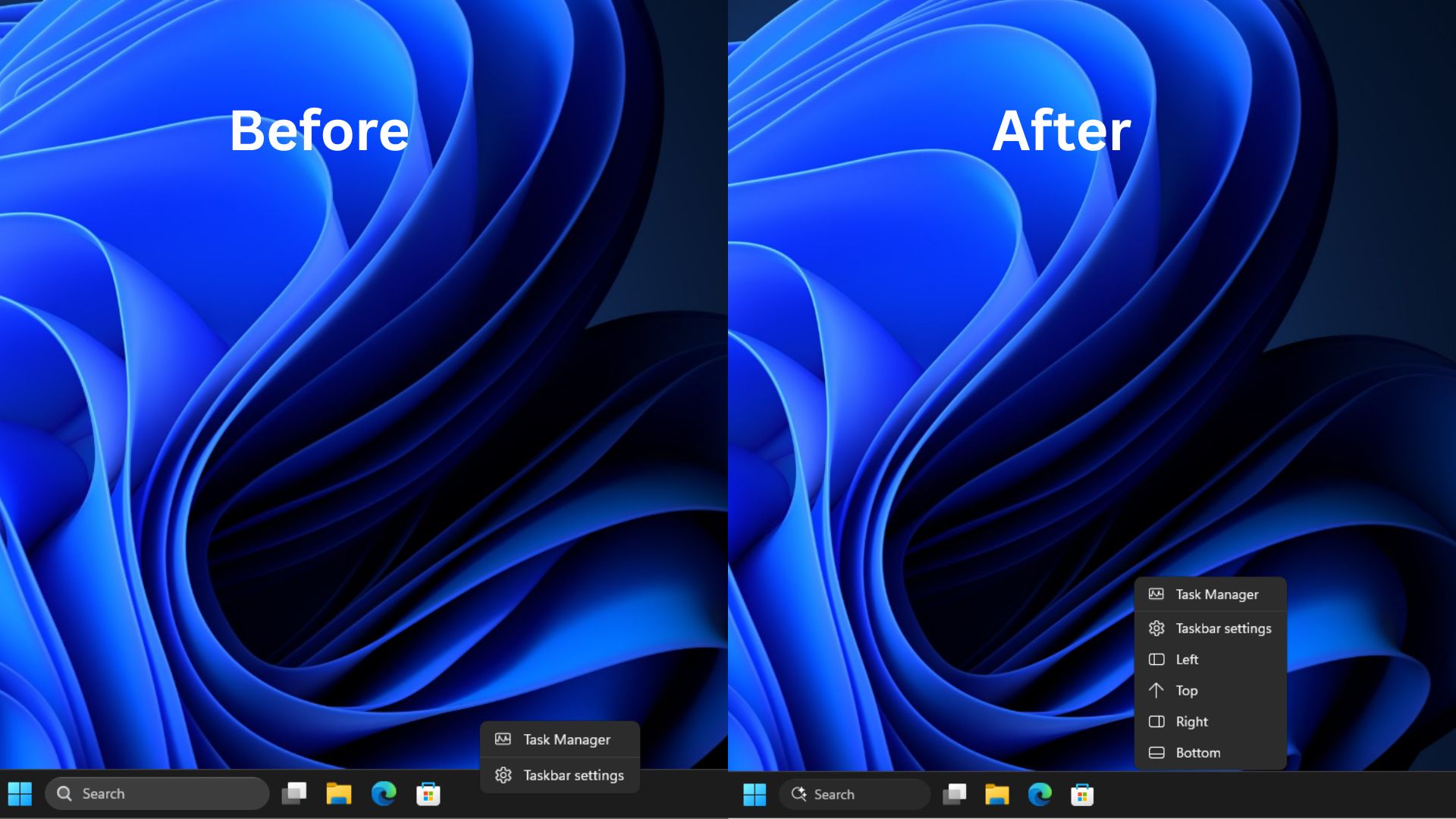
Windows 10 never needed a menu to move the taskbar, because you could unlock the taskbar and drag it to any edge with the mouse or touchpad. Even easier if you had a touchscreen. But when Windows 11 launched, out of all the frustrations it had, the biggest one was the removal of a movable taskbar. Fortunately, we have it now. But if you hate how you have to go to Settings every time to move it, you’ll be mildly pleased to know that Microsoft is testing a new right-click menu in the taskbar in…
W
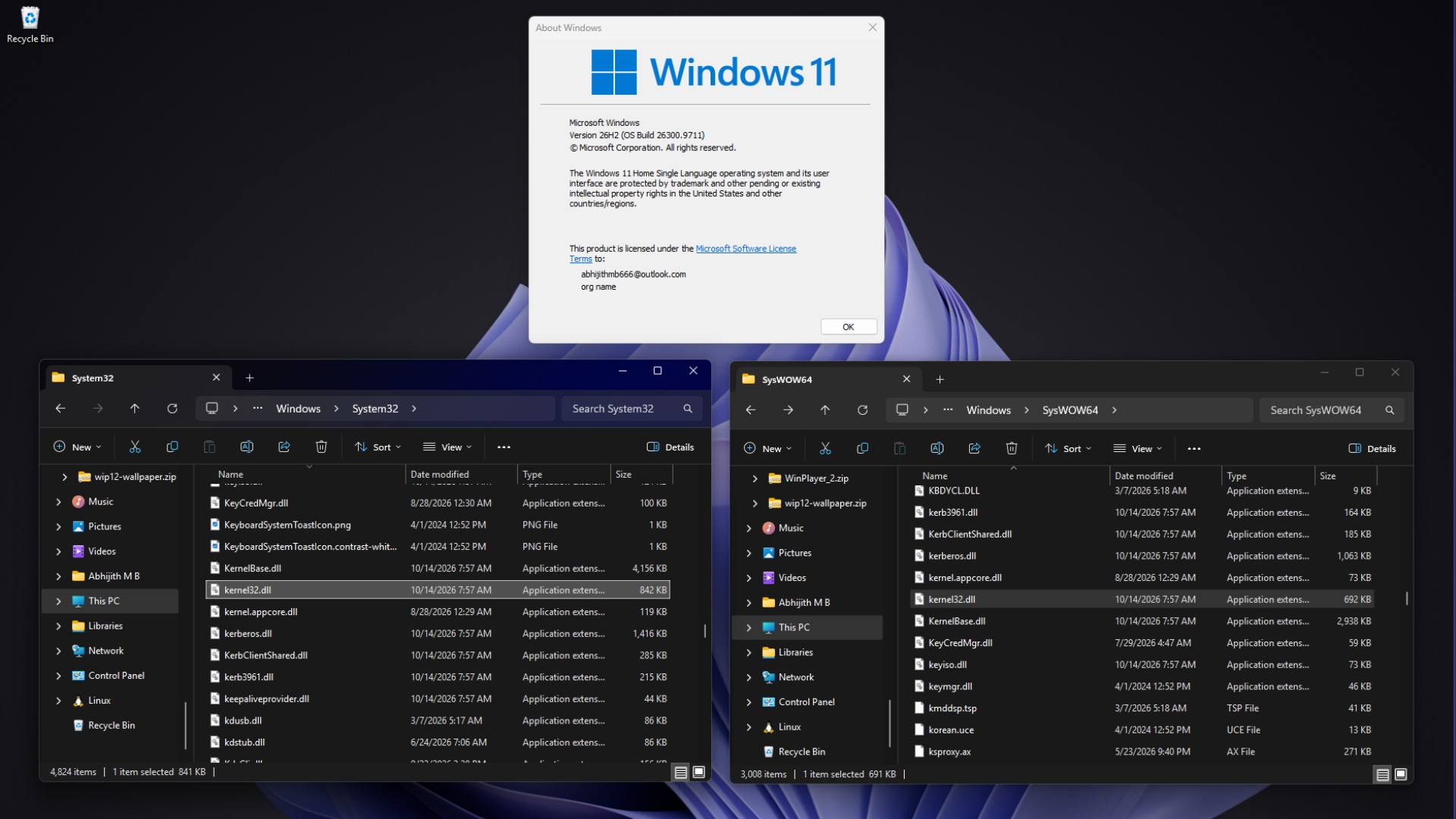
For obvious reasons, Microsoft doesn’t make a 32-bit edition of Windows 11, but the OS still has to run decades of 32-bit apps, and there are plenty of them. Redmond’s solution is two system folders: System32 for native 64-bit files and SysWOW64 for 32-bit copies, plus what Microsoft calls the WOW64 file system redirector, which sneakily sends 32-bit apps to SysWOW64 when they ask for System32. On my PC with Windows 11 26H2, both folders have a kernel32.dll, and unsurprisingly, the two files…
W
Windows 11 has a modern Settings app with dark mode, yet some settings still require the Control Panel from decades ago. Diego Baca, Vice President of Product Design, says designers are now contributing code fixes with AI’s help to clean up such inconsistencies. Windows Latest spotted the comment in an X exchange with Lockergnome founder Chris Pirillo, who reminded Microsoft of the practically unlimited AI tokens that the company has in their arsenal to unify Windows design, but is moving too…
W
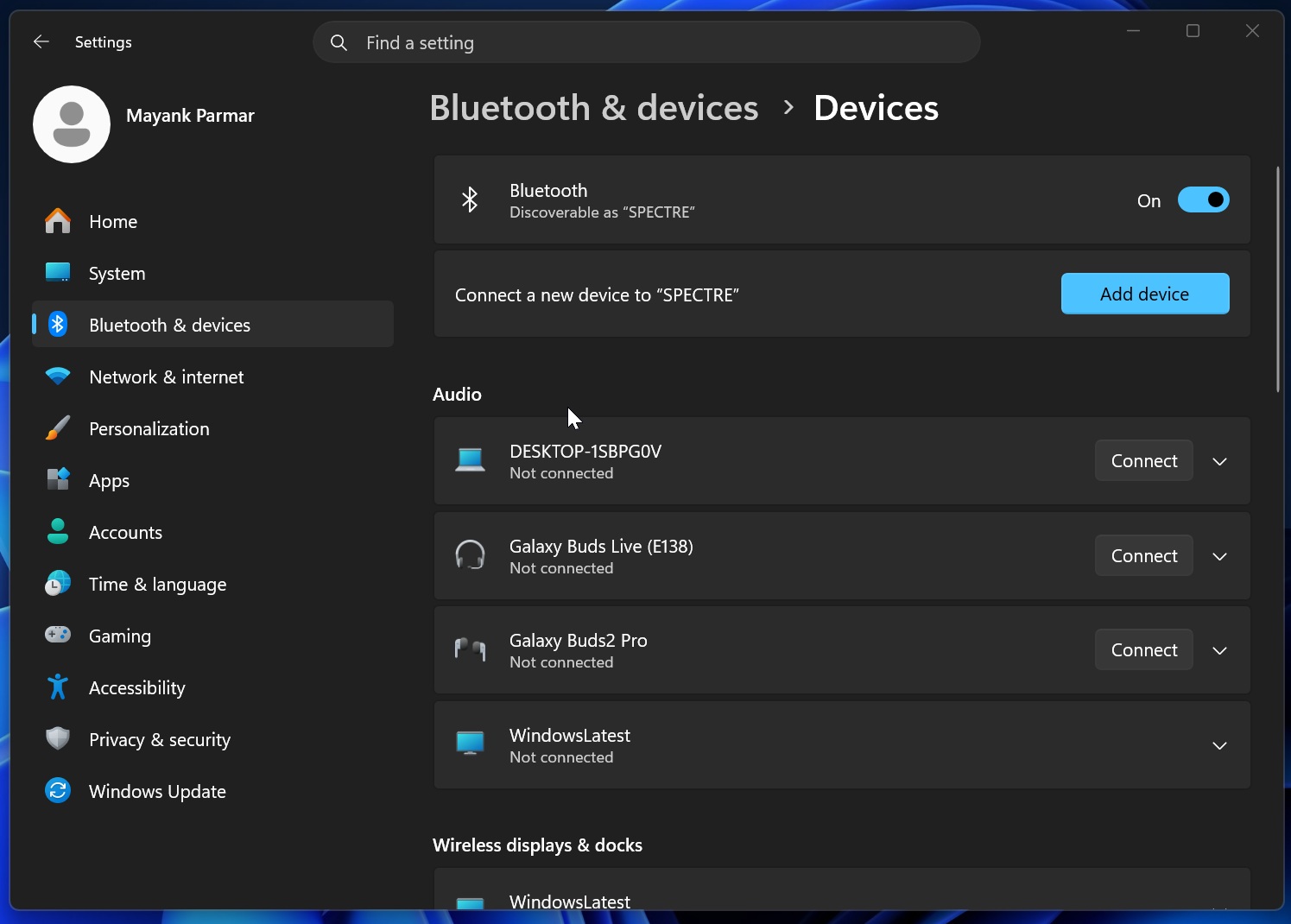
If you’ve got AirPods, you should consider installing Windows 11’s October 2026 Update, as it ships with the highly anticipated Bluetooth upgrade. And now, Microsoft says AirPods connect up to 15 seconds faster. You’re going to see similar improvements for other headsets, but we only have the “numbers” for Apple’s hardware for now. Windows hasn’t had a major Bluetooth update in years, almost a decade if you consider its slow development during the Windows 10 era. Note that I am not talking…
W
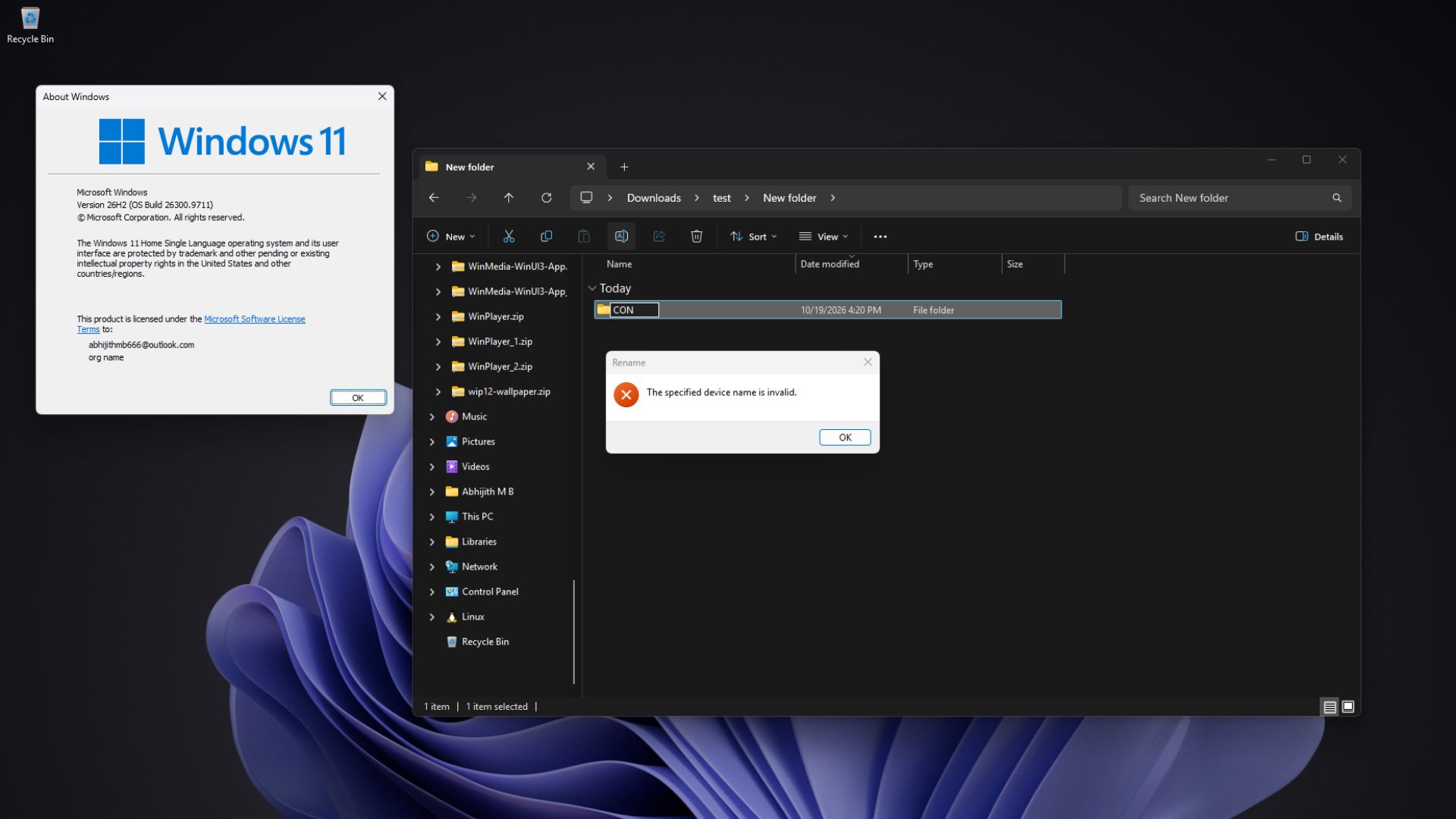
You can give a file in Windows 11 a 200-character name full of spaces and emojis, but heaven forbid you try naming a file or folder CON, because File Explorer will flat-out refuse. CON, PRN, AUX, NUL, COM1 to COM9 and LPT1 to LPT9 are reserved device names, and Microsoft engineer Raymond Chen tracks their origin to DOS 1.0, a version that didn’t even have folders! I tried it on my PC running Windows 11 26H2, and the rule that the OS from 1981 started with is still very much there, although…
W
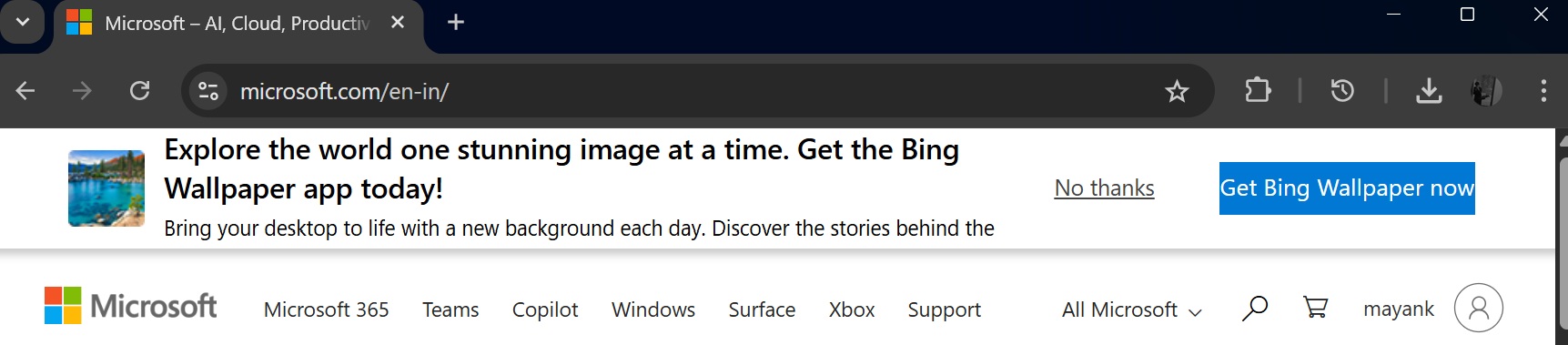
Microsoft said it would reduce ads in Windows 11, but its popular wallpaper app, which it promotes on its flagship website and elsewhere, was recently updated with adware-like behavior where clicking on the desktop would open Bing.com. Microsoft has a Bing Wallpaper app, which is entirely optional, and most users either download it manually or see an ad on Microsoft.com. It’s a decent app because Bing itself is a good search engine and a great way to find new wallpapers taken by human…
W
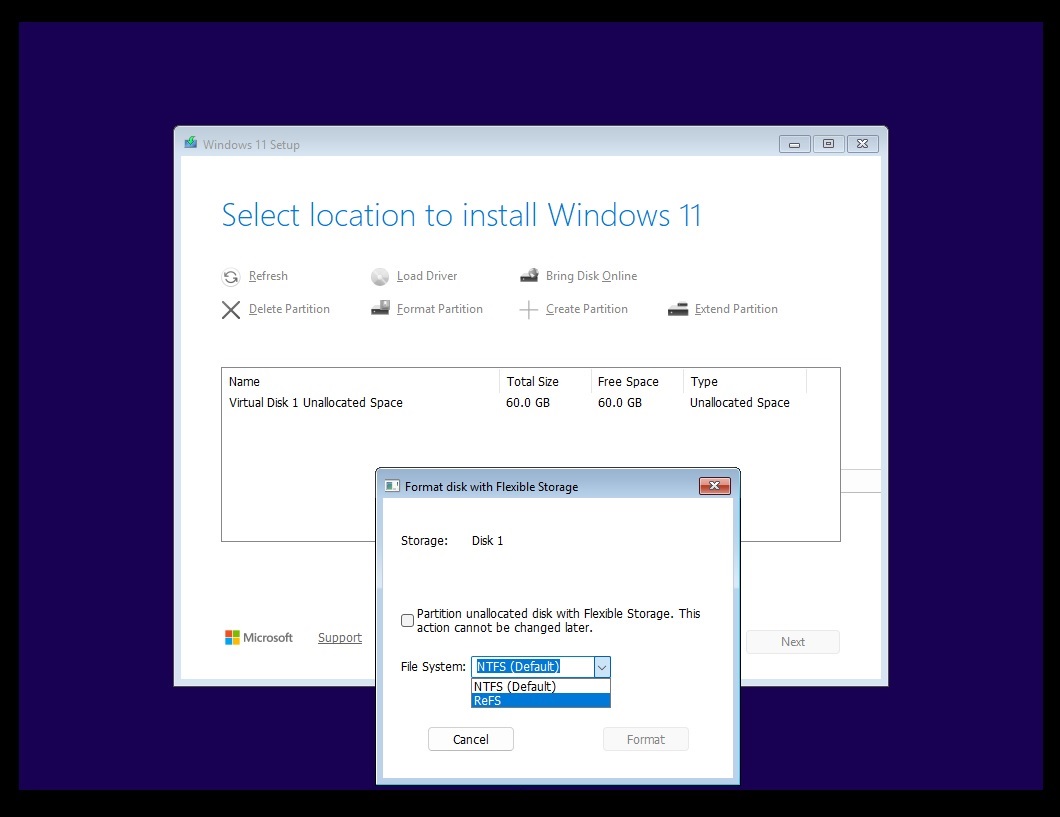
Windows 11 is trying to make it easier to clean-install the OS using a ReFS partition instead of defaulting to the familiar NTFS. While that remains in testing and we don’t know when ReFS will replace NTFS as the default format on Windows, Microsoft says it won’t allow ReFS on USB drives, and it makes you wonder what happened to the big ReFS bet. For those unaware, it’s widely believed that ReFS will replace Windows 11’s NTFS as the default storage partition, and it totally makes sense, as it’s…
W
Windows 11 is getting “accelerated app launches,” and Microsoft Edge is the first app to use them. When Edge is already running in the background and you click a link or open it from the taskbar or Start, Windows now sends the request straight to the running instance of Edge instead of first starting an extra, temporary process, thereby launching the app much faster, as seen in our test. We spotted the change in the latest Release Preview update, where Microsoft also calls it “the first step in…
W
Mikhail Parakhin, who previously served as the head of Windows and Bing at Microsoft, has called out the company for still shipping an “unusable” Windows 11 taskbar experience. You can now move the taskbar, but you still can’t auto-hide it when it’s at the top or sides. The former Windows boss is clearly unhappy, as it’s been more than five years since Windows 11 shipped. “Finally installed 26H2 update of Windows, was so looking forward to the “taskbar on the left” returning – a no-go :-(,”…
W
Microsoft says Windows 11 is now up to 20% more responsive, and its memory work makes an especially big difference on 8GB PCs. The company says Windows can keep up to 2GB more of your active data in RAM instead of moving it to slower storage. On PCs with 8GB of RAM or less, Widgets now load only when you open them, freeing more than 200MB. After months of promises, these are the first numbers Microsoft has shared for its Windows 11 performance work, and I have already seen the fruits of this…
W
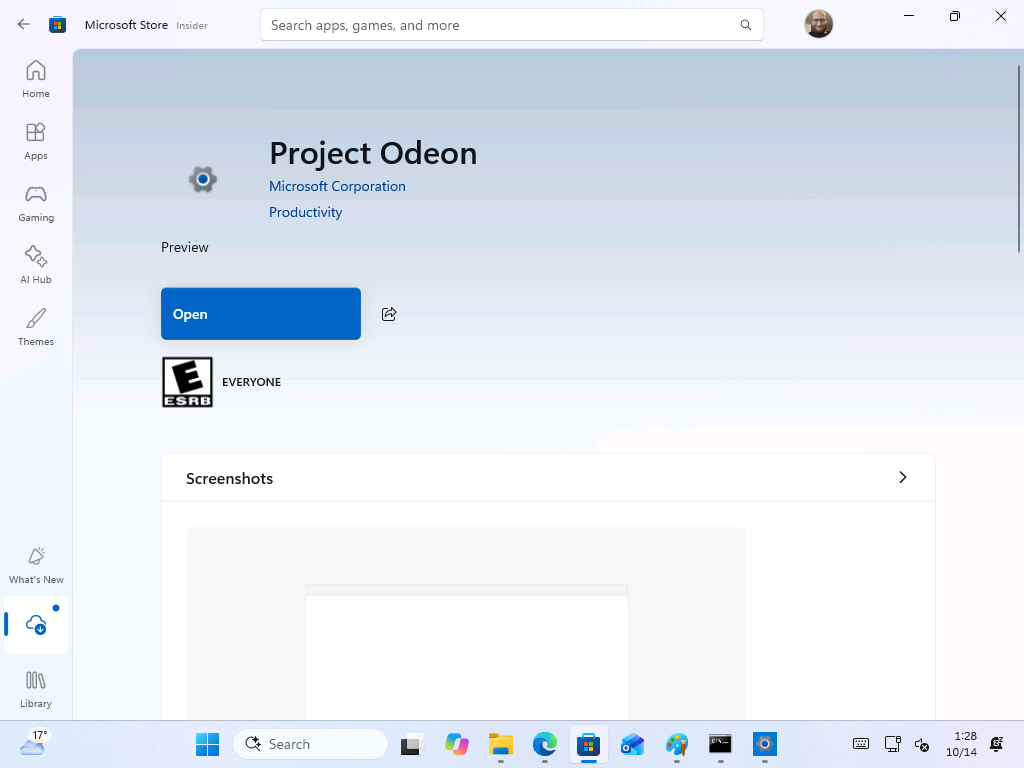
Microsoft is testing a Microsoft Store app codenamed “Project Odeon” that uses the Windows 11 Settings icon and looks almost identical to the Settings app. Our findings suggest parts of Settings could one day be updated through the Store instead of waiting for Windows updates, which might also speed up the move away from Control Panel. We spotted Odeon in the Microsoft Store, and I installed it on a Windows 11 Insider virtual machine to see what it does. It runs next to the built-in Settings…
W
Microsoft has fixed a Windows 11 bug that could make mouse input stutter in some games, and the fix comes with the October 2026 Patch Tuesday update, KB5127648. We spotted the one-line entry in Microsoft’s changelog without much fanfare, and it is easy to miss a fix for an issue that gamers have been dreading for a long while. If your mouse has been stuttering in games for no obvious reason, install the latest Windows Update. Microsoft confirms Windows 11 had a mouse stuttering bug in some…
W
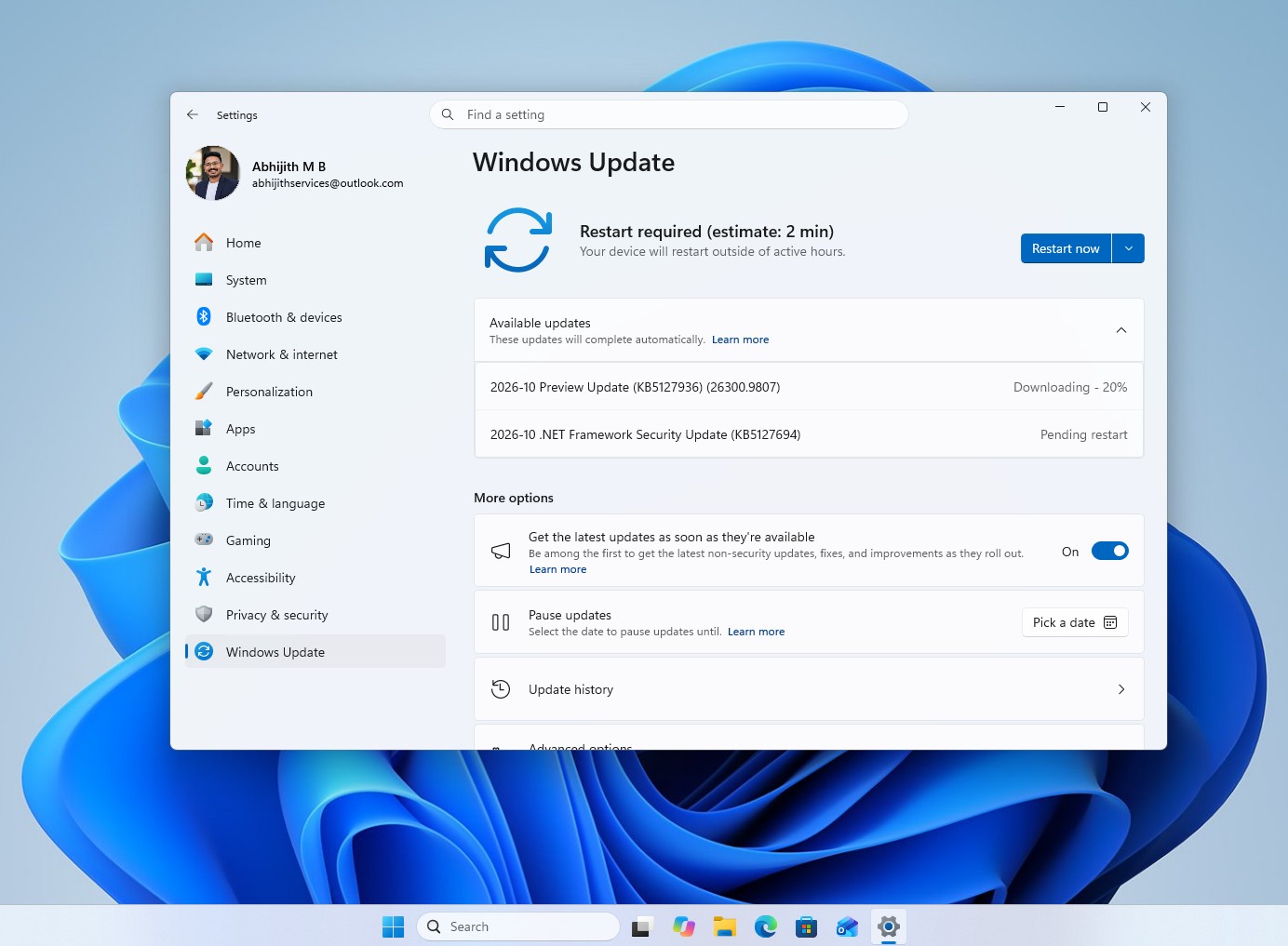
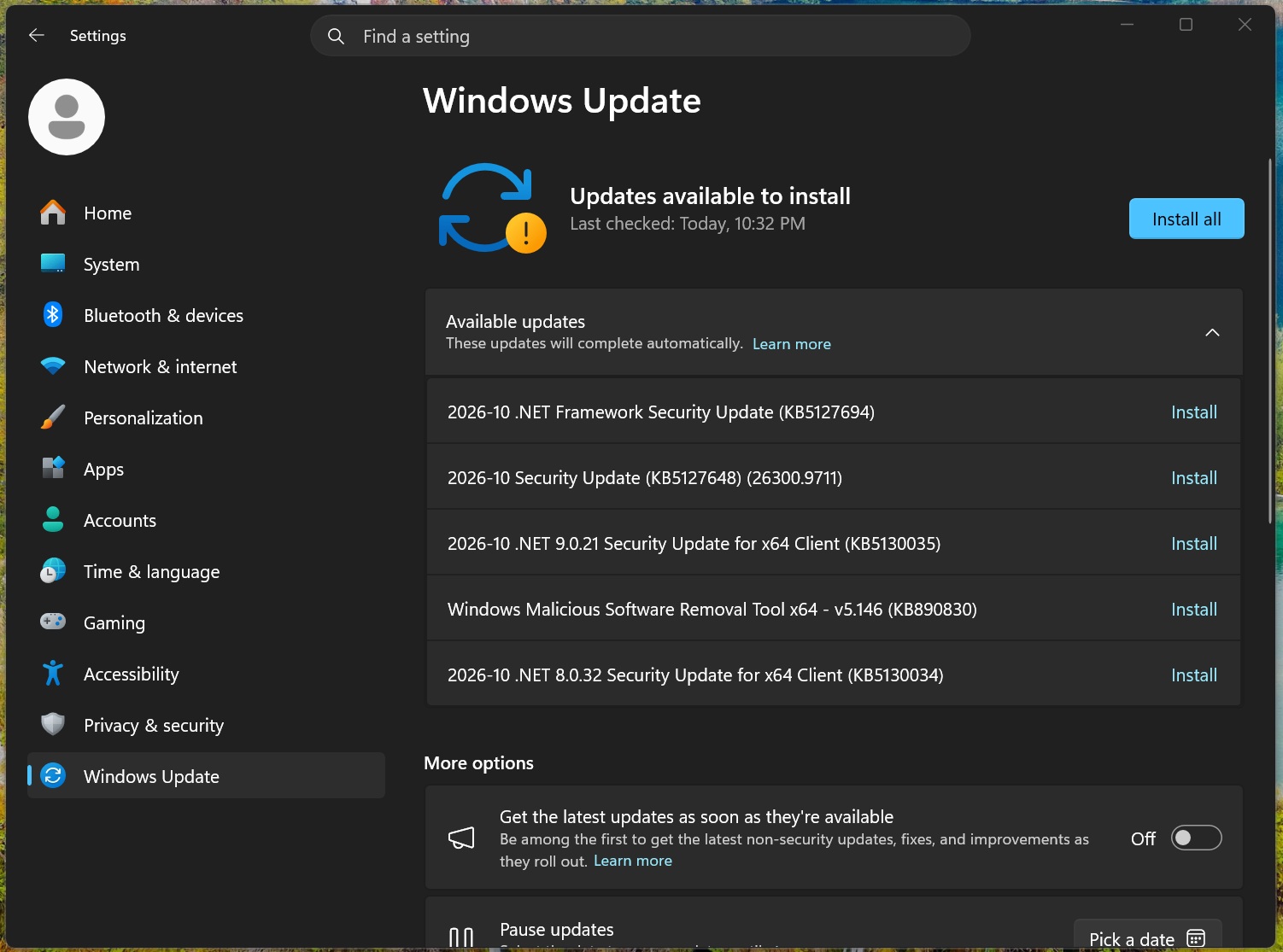
Windows 11 KB5127648 is rolling out now, and it’s the first cumulative update for Windows 11 26H2, but it’s not a huge release compared to the previous update. It significantly improves Bluetooth, adds Emoji 17.0 support, and more. Microsoft is rolling it out via Windows Update, but it has also posted direct download links for offline installers for KB5127648. KB5127648 is an October 2026 Patch Tuesday update, and it’ll download and install automatically unless you’ve paused Windows Update. In…
W
Microsoft is rolling out the October 2026 Patch Tuesday update for Windows 11, and it’s the last one Windows 11 24H2 Home and Pro will ever get. We’ve been testing these changes since the optional release, and I can tell you there’s no headline feature, but File Explorer can finally preview your downloaded PDFs again, the Copilot key can be remapped, and Bluetooth gets a long list of fixes. The update is KB5127648, and it moves Windows 11 26H2 to 26300.9711, 25H2 to Build 26200.9711, and 24H2…
W
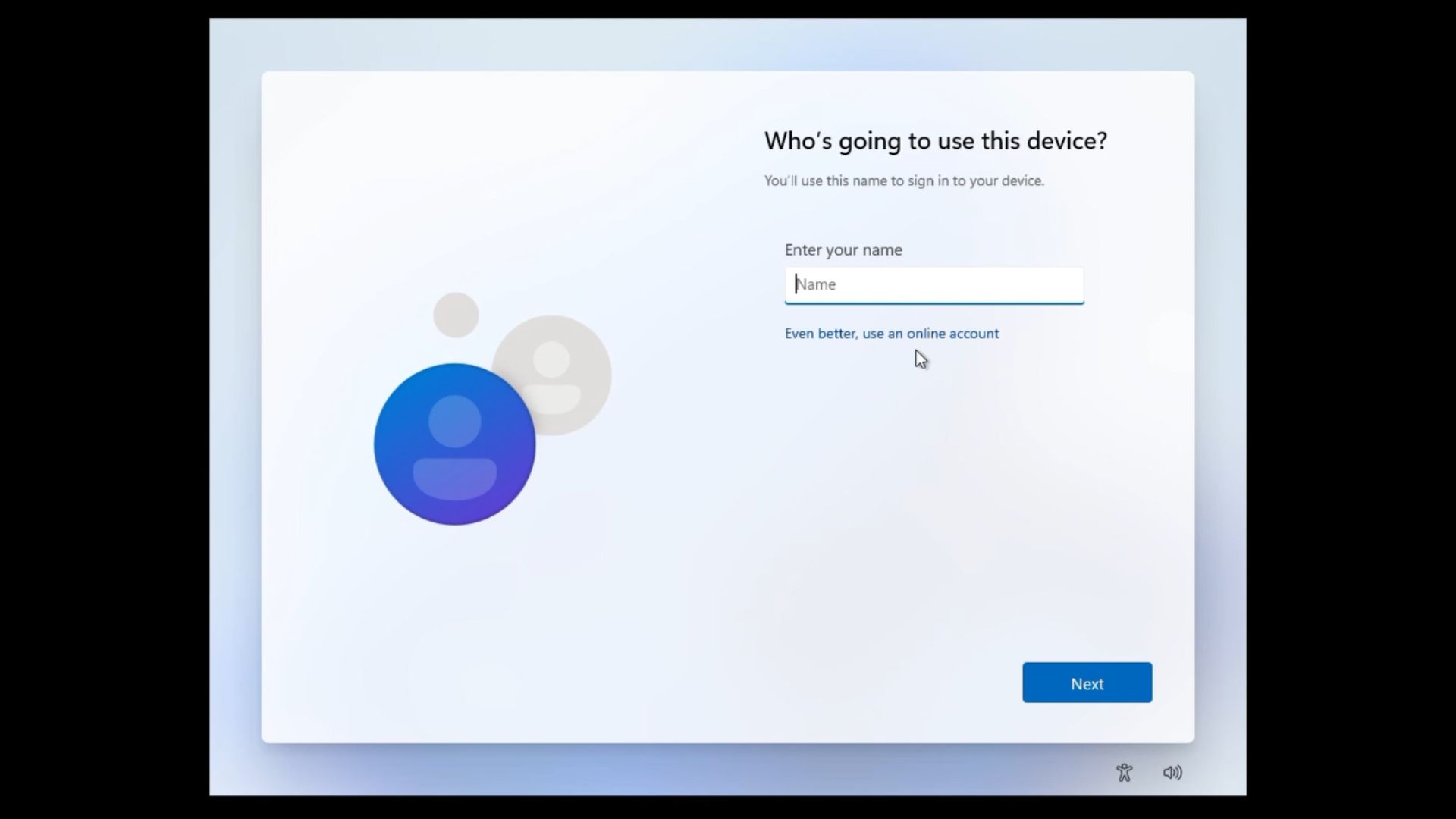
The small “Learn more” link on Windows 11’s Microsoft account sign-in screen no longer takes you to local account creation. On a fresh Windows 11 26H2 ISO, the link now opens the usual page about how Microsoft manages your data, and the only button there sends you back to the sign-in screen. It was the easiest way to skip the Microsoft account during setup, with no commands, registry edits or disconnecting from the internet. It was the kind of bug I hoped Microsoft wouldn’t find. Unfortunately,…
W
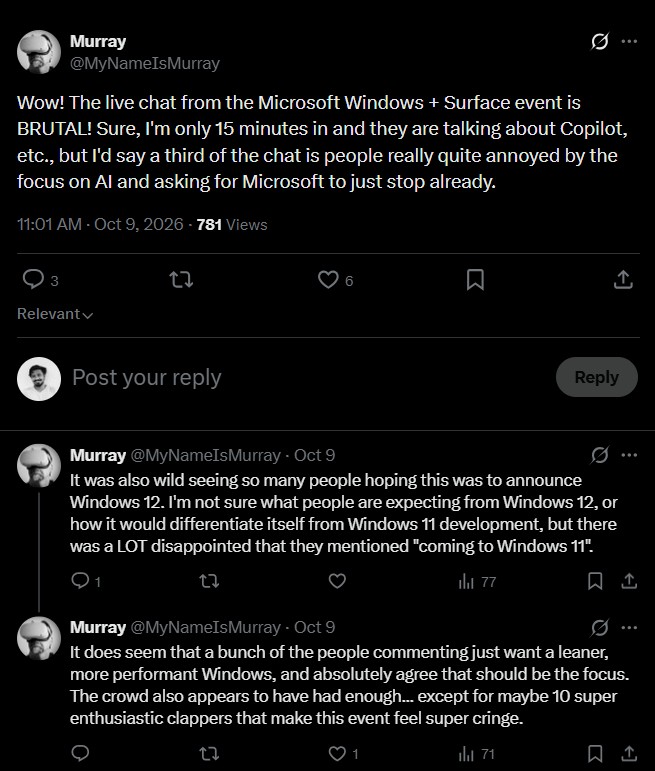
At Microsoft’s first big Windows event in two years, presenters said “agent,” “agents” or “agentic” 100 times, while “Windows 11” came up just three times. Add “models,” “Copilot,” “AI” and “hybrid intelligence,” and you get close to 300 mentions, during the October 7 Windows + Surface event. Funny that words like “Fix,” “bug,” “reliability,” and “stability” didn’t come up at all for a company that promised to fix Windows 11 back in March. Sadly, there were some genuinely impressive things…