W
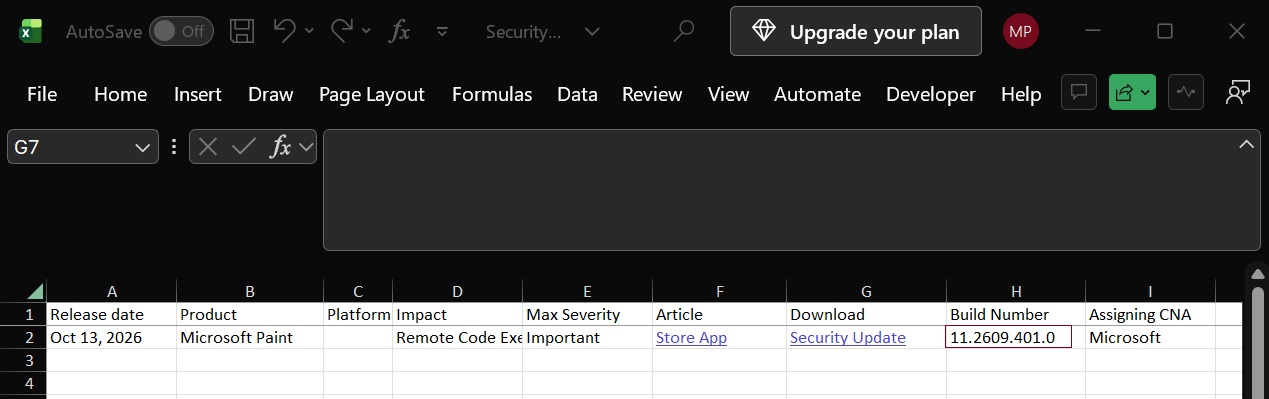
You shouldn’t delay or ignore updates for Windows 11, and that includes its inbox apps. Microsoft Paint apparently has a security flaw, and while there’s a patch, nobody is actually seeing it when they look for one in the Microsoft Store. Microsoft disclosed the vulnerability on October 13, and if left unpatched, it could allow an attacker to run code on your PC over a network without you clicking anything. We’re not seeing any reports of the vulnerability being exploited in the wild, but some…
W
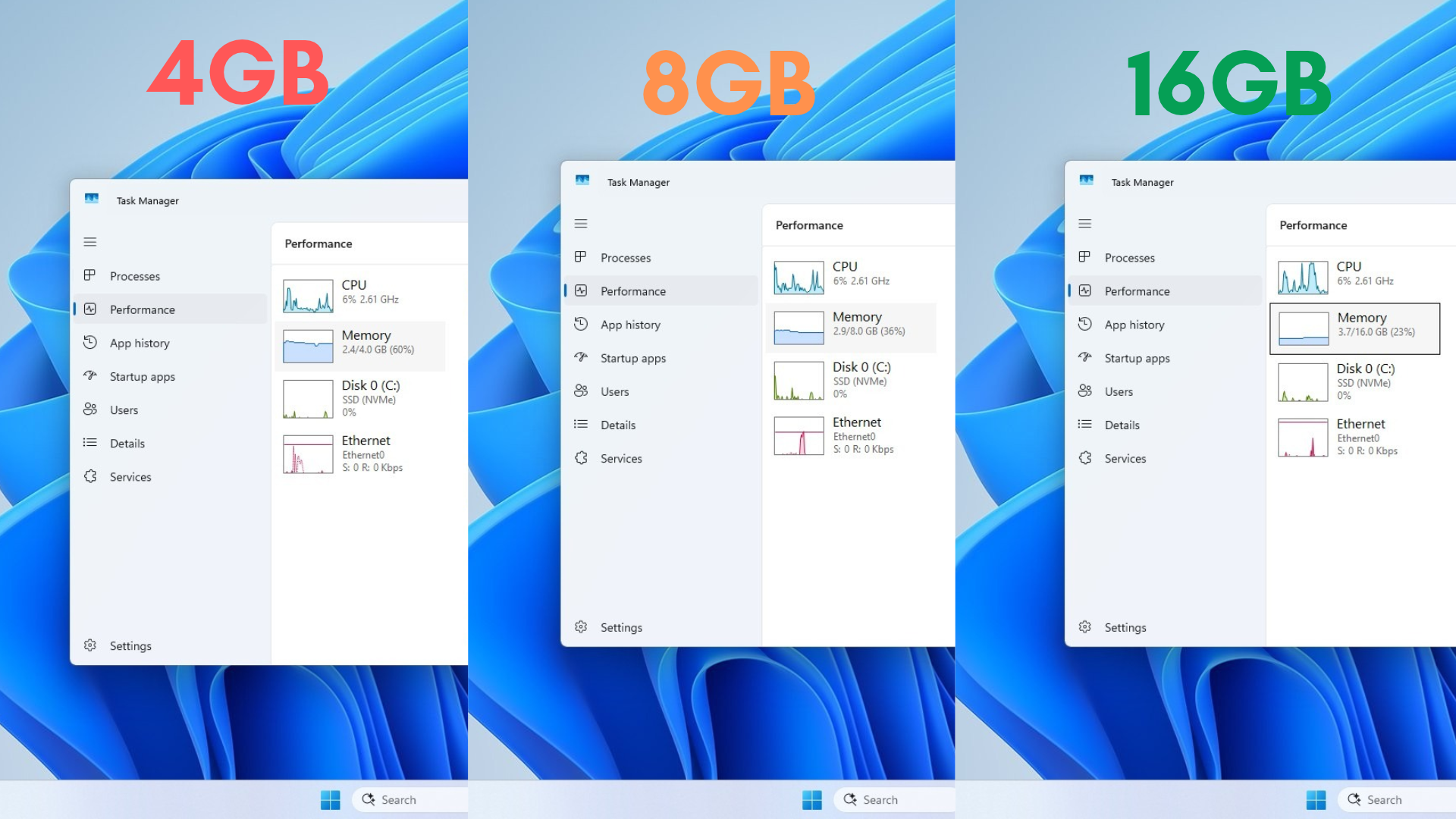
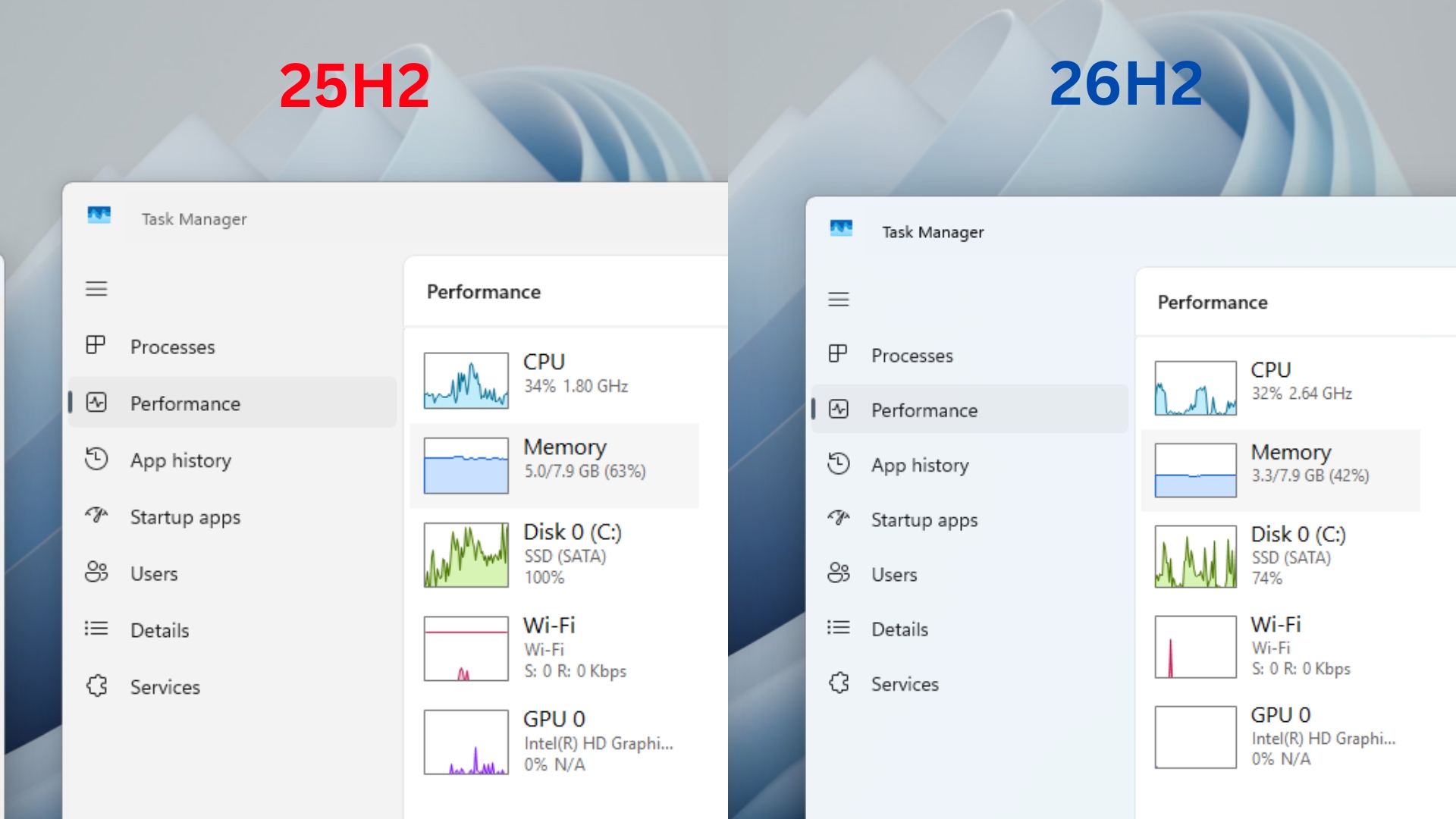
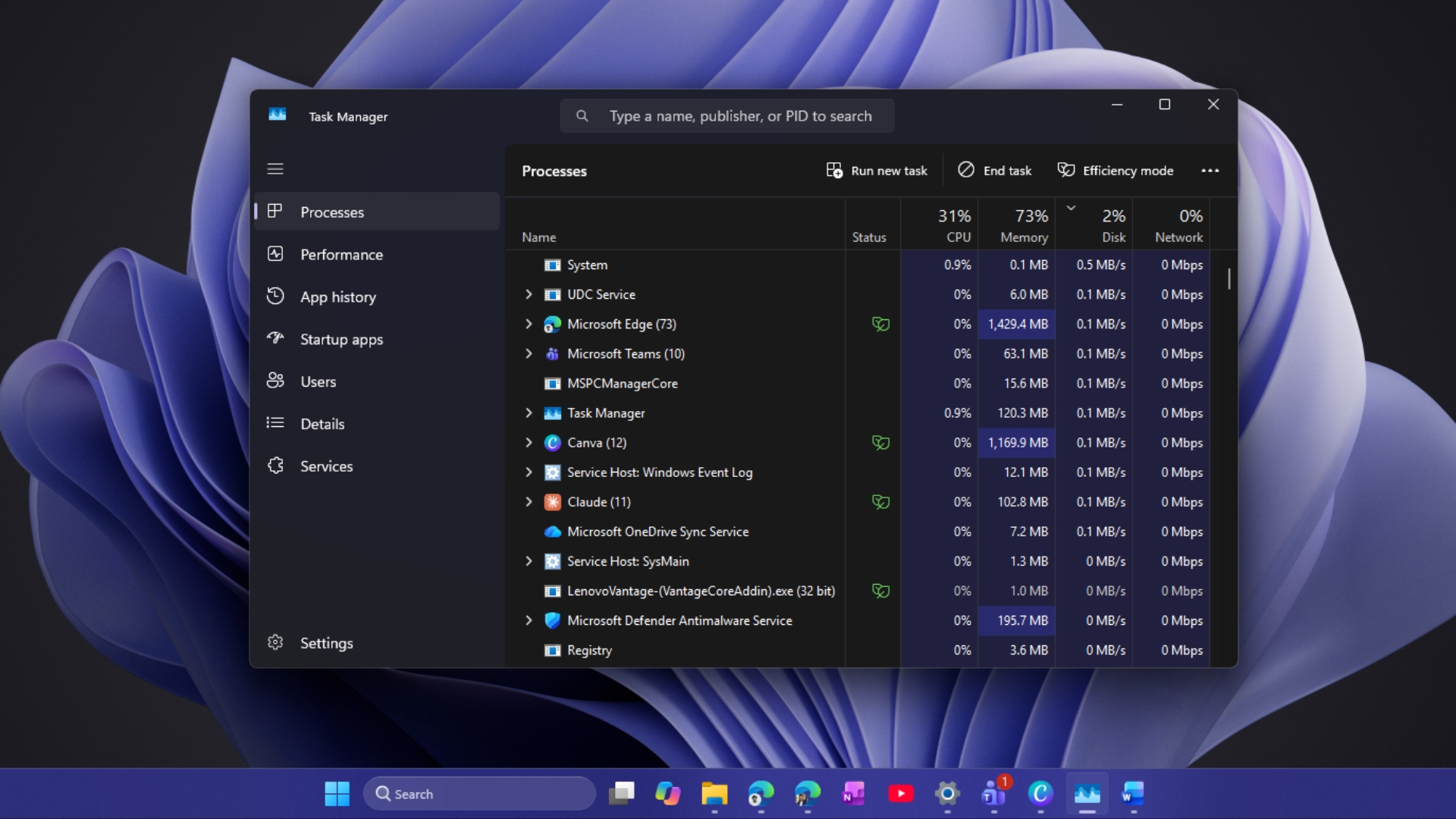
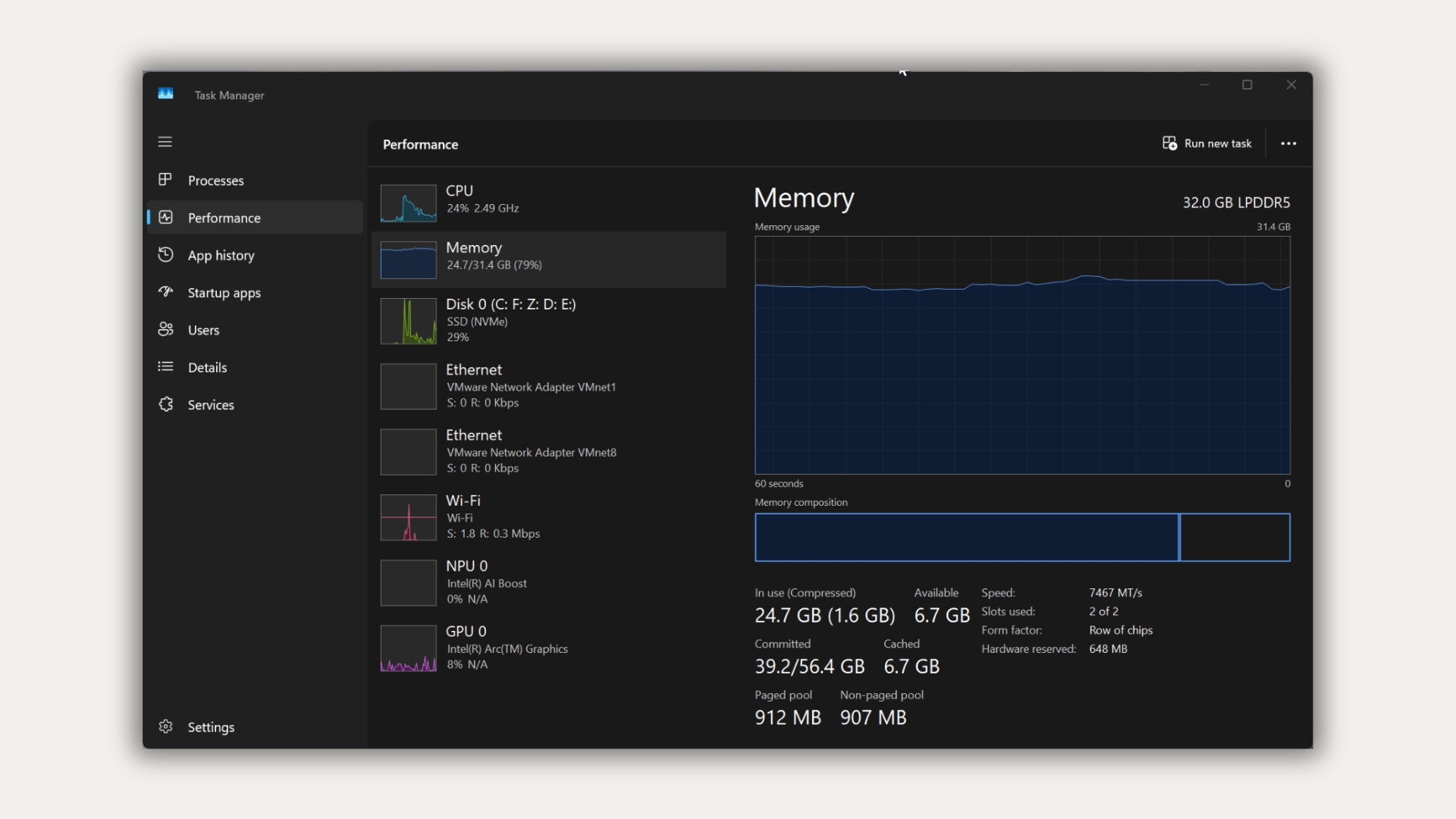
Task Manager showing 70% or even 90% of your RAM in use doesn’t mean your Windows 11 PC is running out of memory, according to Windows boss Pavan Davuluri. Windows keeps apps and data you might need in spare RAM, and hands it back when another app asks. Funnily enough, Davuluri explains it with a desk and a drawer, just like I did in my page file explainer two weeks ago. To make things interesting, I also restarted a Windows 11 virtual machine with 4GB, 8GB, and 16GB of RAM, and the more memory…
W
To everyone holding on to last year’s OS version, Microsoft’s Windows 11 25H2 status page now says, “We recommend updating to version 26H2 to stay up to date, secure, and productive.” On the 26H2 status page, four of the five tracked known issues are now marked resolved, except a USB audio bug, which Microsoft shows as mitigated. The recommendation comes after a rough couple of months. 26H2 rolled out on September 29, just weeks after the September update broke multiple features, and it…
W
Microsoft has declared that you can “do more with 8GB [of RAM],” and this time, these are not just words, as the changes are already available. If you use Windows 11 26H2 or newer, Microsoft says your system can be up to 40% more responsive, and the improvements are mostly visible on PCs with 8GB of RAM. Microsoft spent the last two years convincing regular users that they need at least 16GB of RAM, and gamers that 32GB of RAM is a “must” for serious players. RAM prices are through the roof,…
W
With RAM prices pushing 16GB laptops out of reach, Microsoft now wants you to feel good about buying one with 8GB. “For many people, 8 GB is a great fit for the things they do every day,” Windows boss Pavan Davuluri wrote on November 3 in a blog that ends by recommending 8GB Windows 11 laptops from $429. Coming from the company that made 16GB the Copilot+ PC minimum and called 32GB the “no worries” upgrade for gamers, it’s quite a shift, and truth be told, I love it. Also, Microsoft has numbers…
W
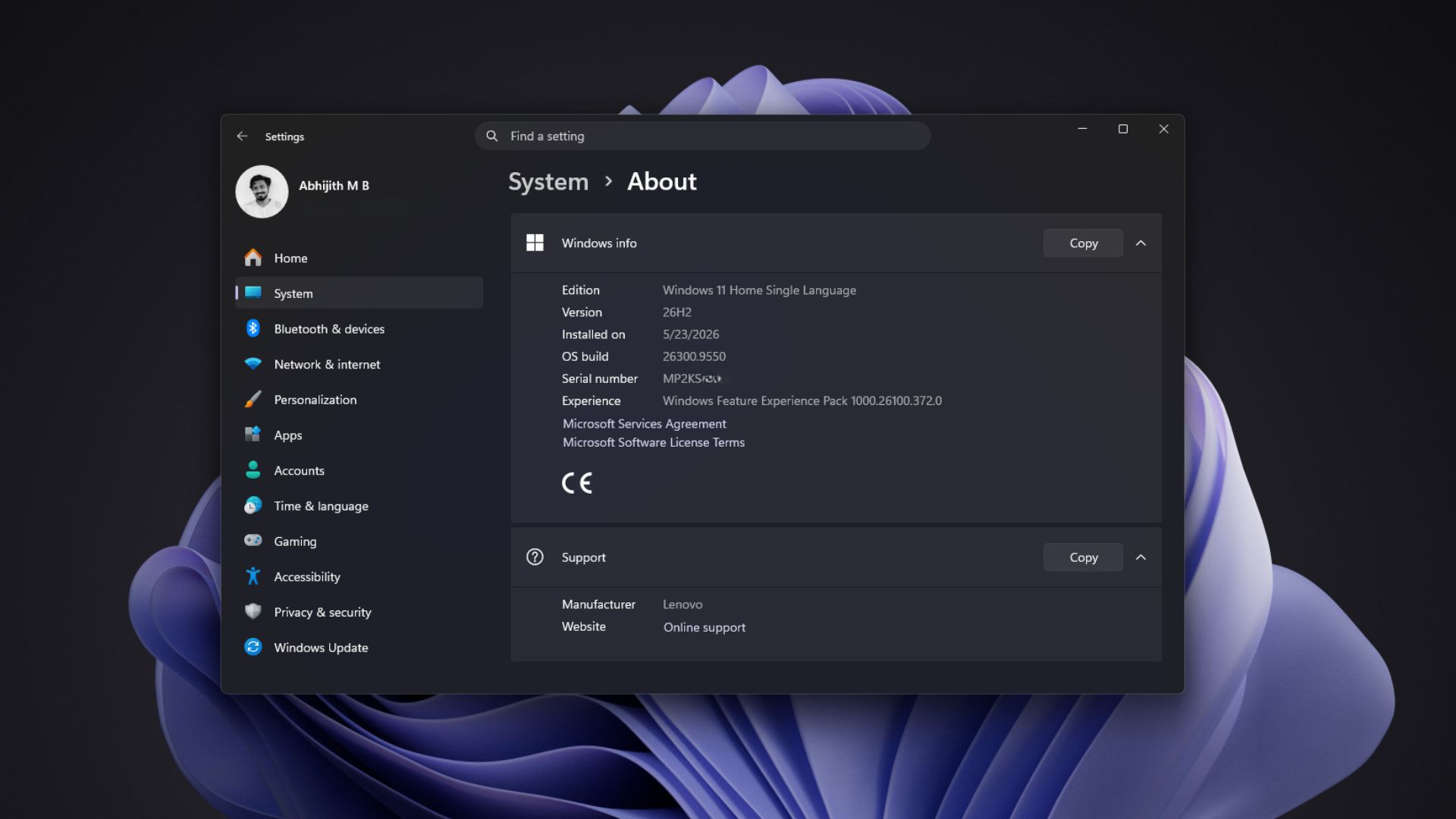
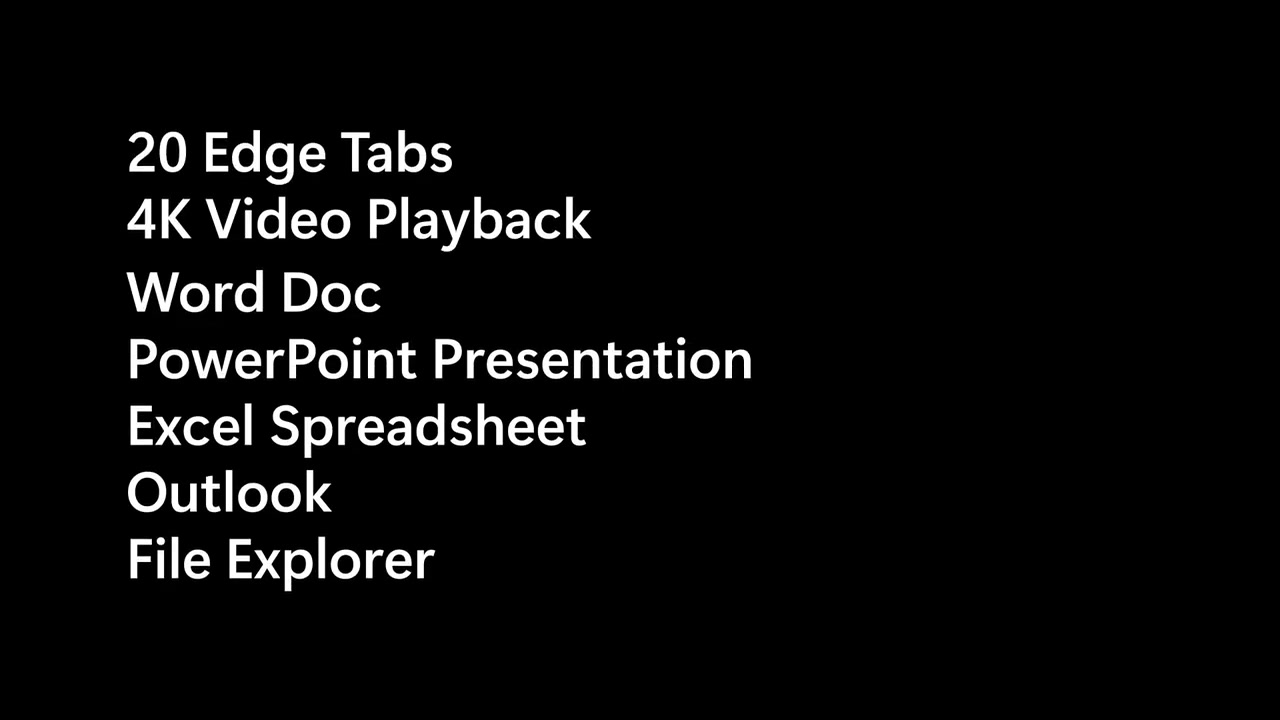
On PCs with 8GB of RAM, Windows 11 is now up to 20% more responsive, and a heavy multitasking run finished up to 40% faster in one of Microsoft’s lab tests, according to Windows boss Pavan Davuluri. Better yet, Microsoft says you can get it today on Windows 11 version 26H2, build 26300.9818 or later, with updated Edge, Microsoft 365, and Teams apps. We had a head start on this one. Two weeks ago, I updated my dad’s 8GB laptop to Windows 11 26H2 build 26300.9550 (which is the build with most of…
W
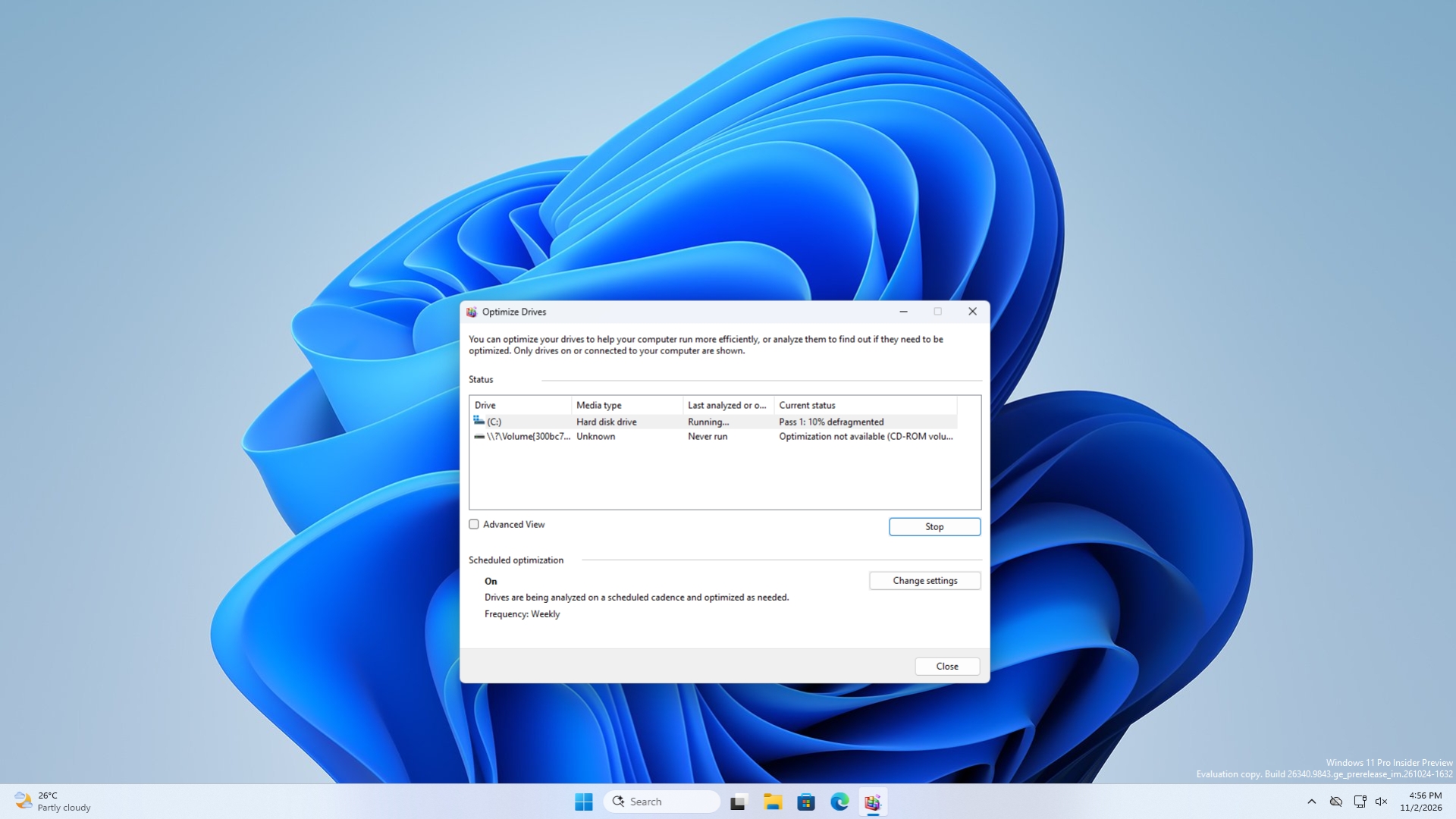
Windows 11’s Optimize Drives tool, which defragments hard drives and trims SSDs, is on Microsoft’s list for a modern update, according to March Rogers, Partner Director of Design at Microsoft. Windows Latest spotted the reply on X, where a user asked Microsoft to rebuild the tool in WinUI 3 or move it into the Settings app. Microsoft hasn’t said what the update will look like or when it will arrive. But Optimize Drives has barely changed since Windows 8, and it still, quietly, maintains your…
W
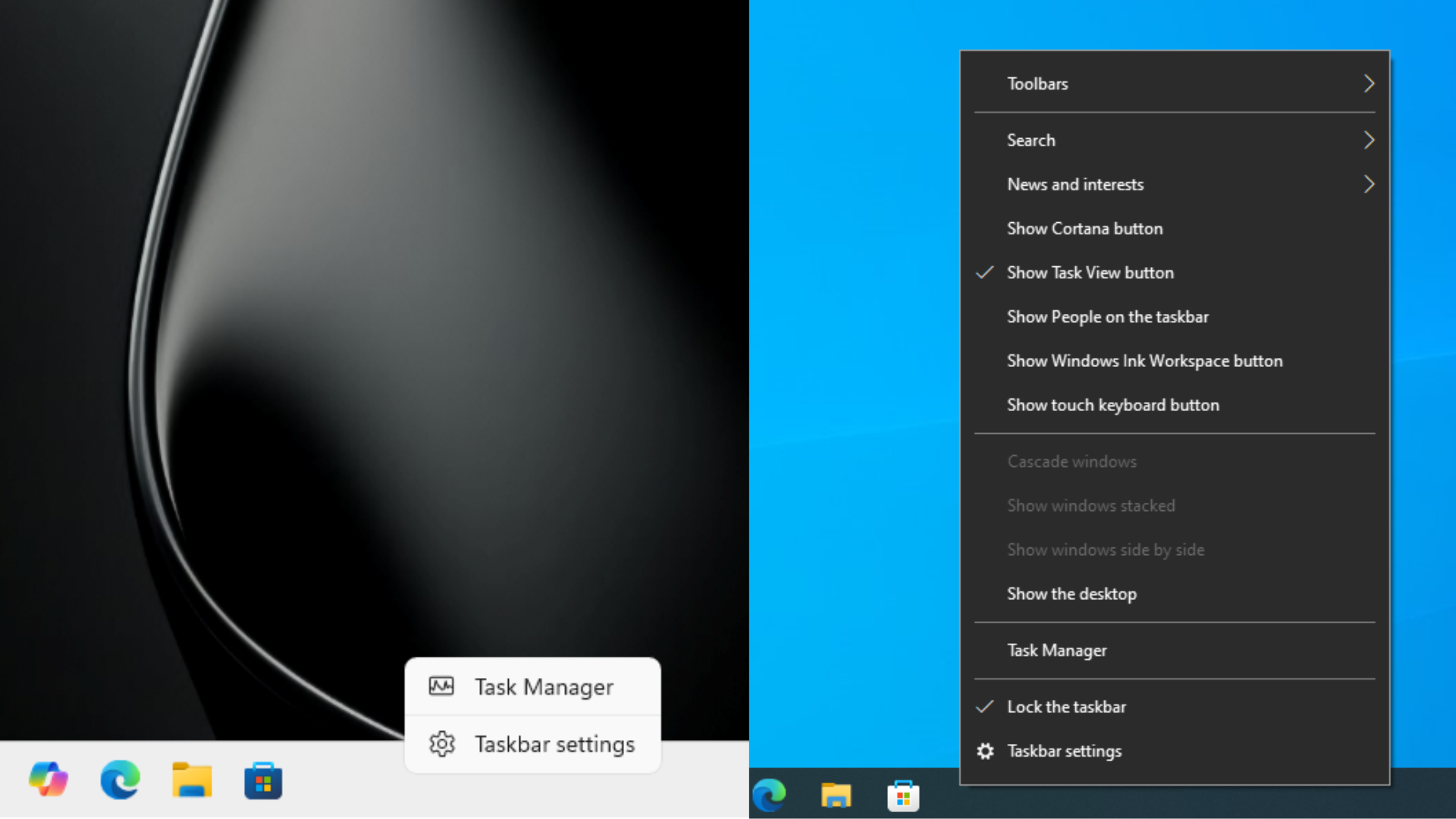
Microsoft’s Vice President of Design for Windows, Diego Baca, says a taskbar lock switch (like the one we had in Windows 10) won’t fix dragging the Windows 11 taskbar, as it adds an extra step and could interfere with rearranging taskbar icons or system tray items. He also pushed back on reports that said drag-to-move is never coming back to Windows 11, saying “Nothing is beyond reconsideration.” Windows 11 finally added the ability to put the taskbar on any edge of the screen, but only from…
W
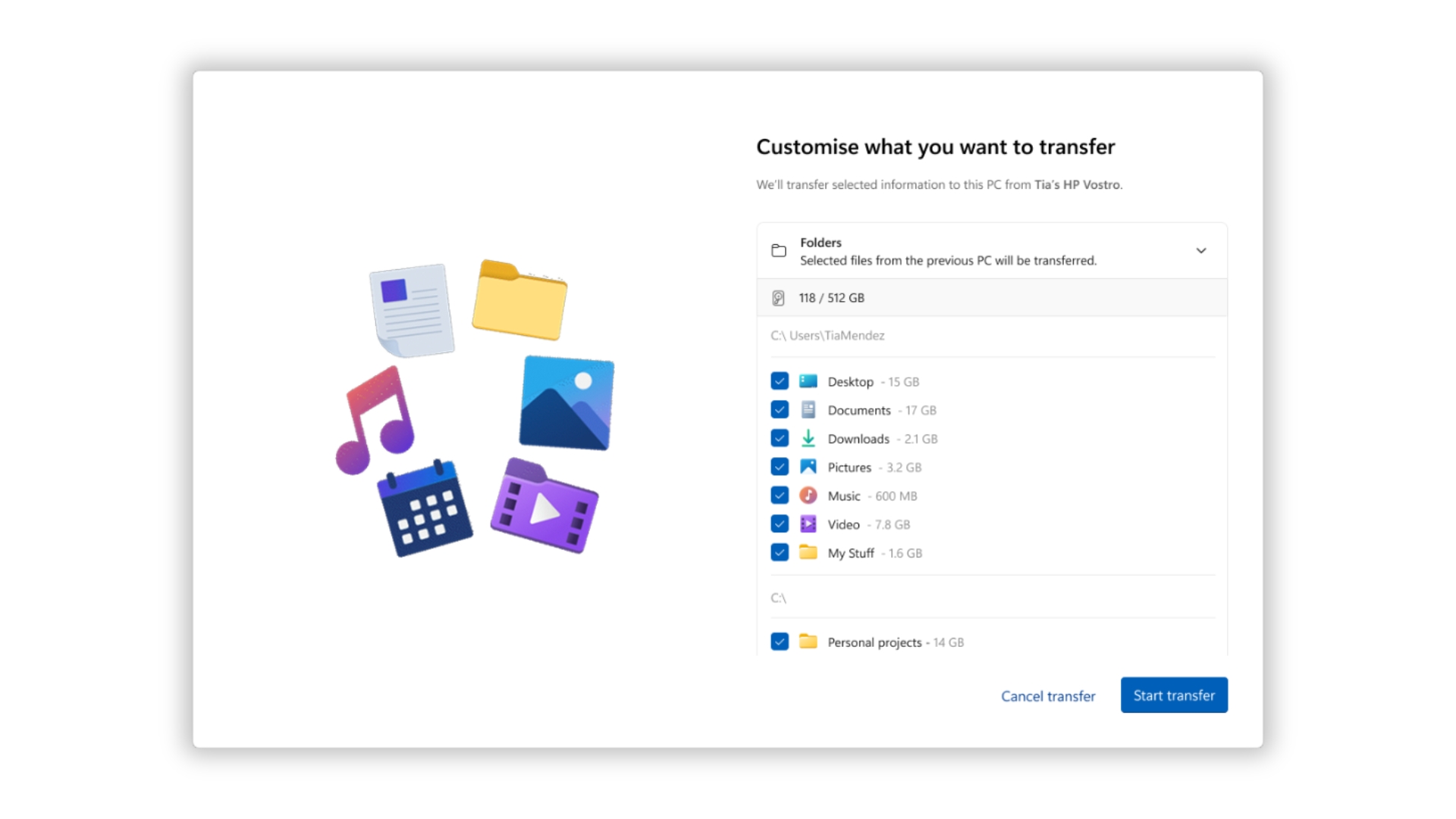
Windows 11’s PC-to-PC Migration, which moved your files and settings from an old PC to a new one over your local network, is no longer available. Microsoft removed it with the September Optional update, and the change reached everyone with the October 13 Patch Tuesday update (KB5127648). Microsoft now wants you to use Windows Backup, which syncs your folders to OneDrive and restores them through your Microsoft account. If you’re moving more than OneDrive’s free 5GB, or you don’t want your…
W
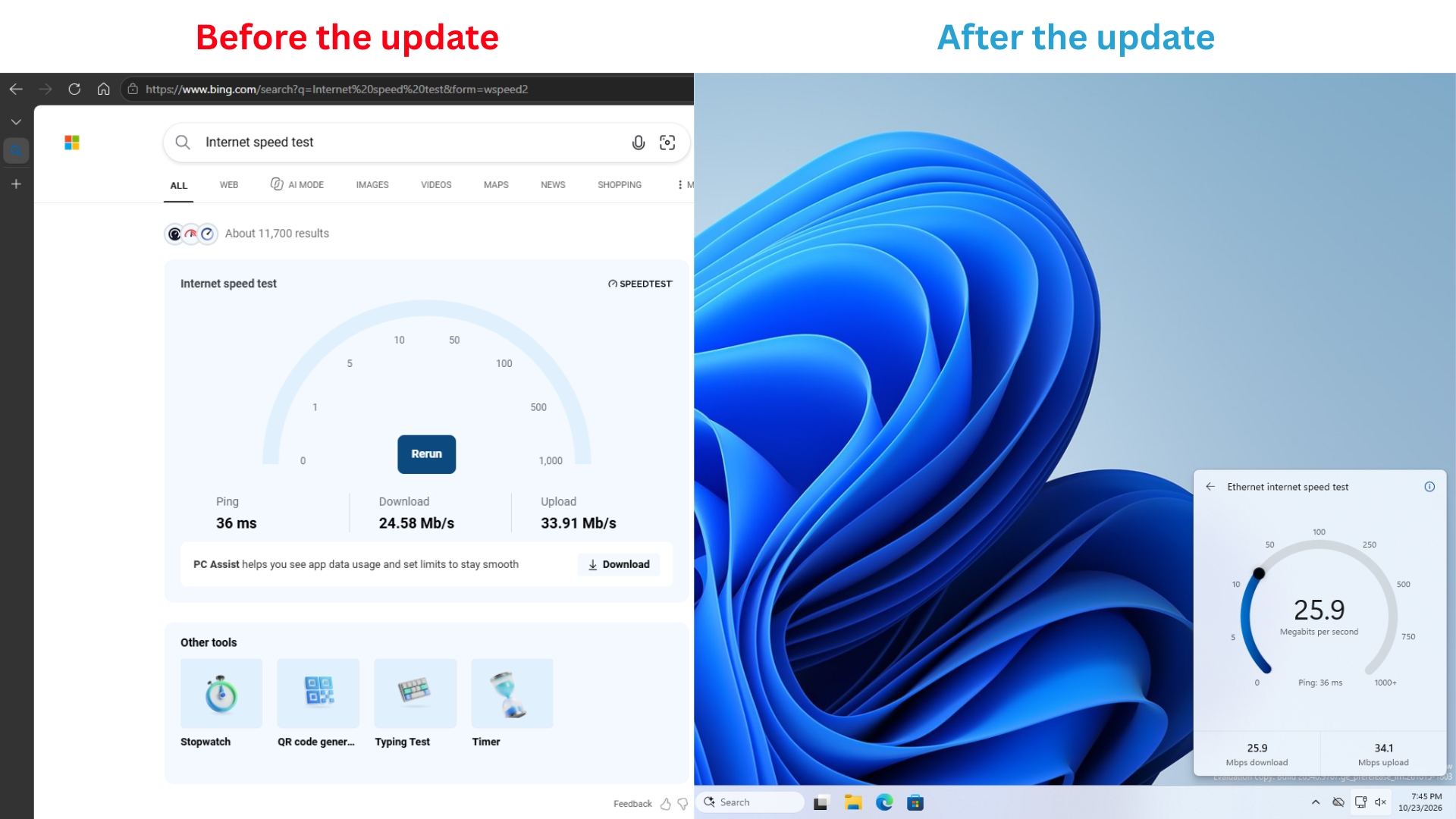
Windows 11’s new internet speed test in Quick Settings went from an idea to a working prototype in a single day, according to Windows Design and Research lead Marcus Ash, and surprisingly, the design and build work was done by an agentic AI workflow that one person guided in their spare time. I tested it last week, and it’s one of the most polished little additions to Windows 11 in a while. If one person can pull that off, that too during break hours, imagine what such an approach could do for…
W
If your Windows 11 PC freezes and, instead of panicking, you hold the power button to kill it, the OS uses those last few seconds to save a snapshot of what went wrong. Eight seconds into the press, the kernel captures an emergency dump, which Windows can upload to Microsoft’s Windows Error Reporting service on the next boot, if your diagnostic data settings allow it. Microsoft internally calls these “long power button hold” (LPBH) failures, and the ones caught on a completely black screen go…
W
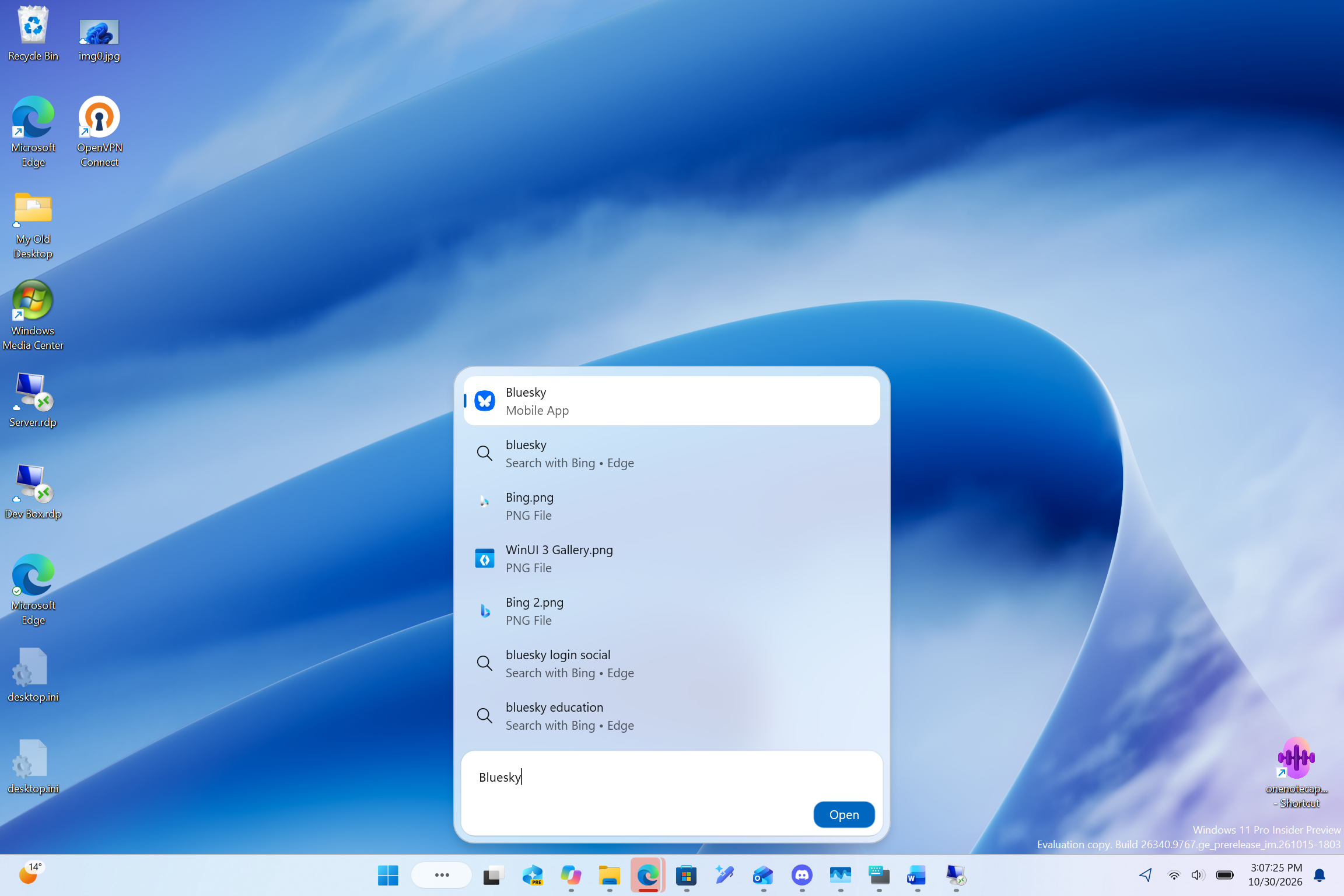
Windows Latest has found that Windows 11’s new taskbar Search can open apps from your Android phone. When I typed Bluesky into Search on my Surface Laptop, it showed the app installed on my Samsung phone as a “Mobile App” result, and clicking Open launched Bluesky on the phone and mirrored it to my PC through Phone Link! Microsoft has since confirmed that Search can call, text, and toggle Do Not Disturb on a connected phone, but its release notes don’t mention opening phone apps. I found it…
W
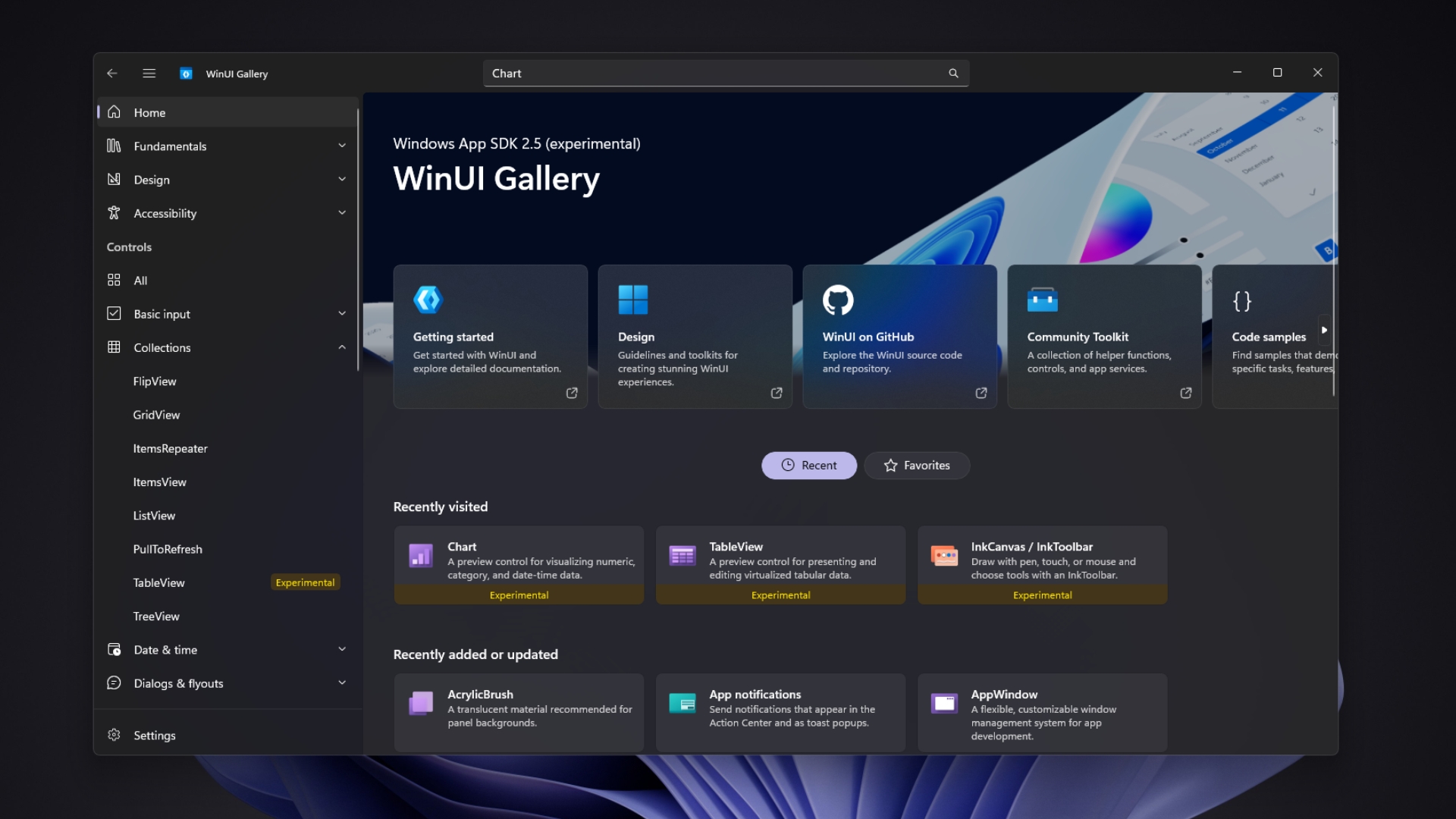
Microsoft is finally giving WinUI, Windows 11’s native framework for modern apps, a data table, charts, and pen inking, which are three basics needed by finance tools, admin panels, and note-taking apps. Without them, building on the web might’ve been the easier route. TableView and Chart came to Windows App SDK 2.5.4 Experimental on September 29 along with reworked inking controls, and WinUI Gallery 3.0 lets developers try them, but Microsoft says these are not yet ready for production apps.…
W
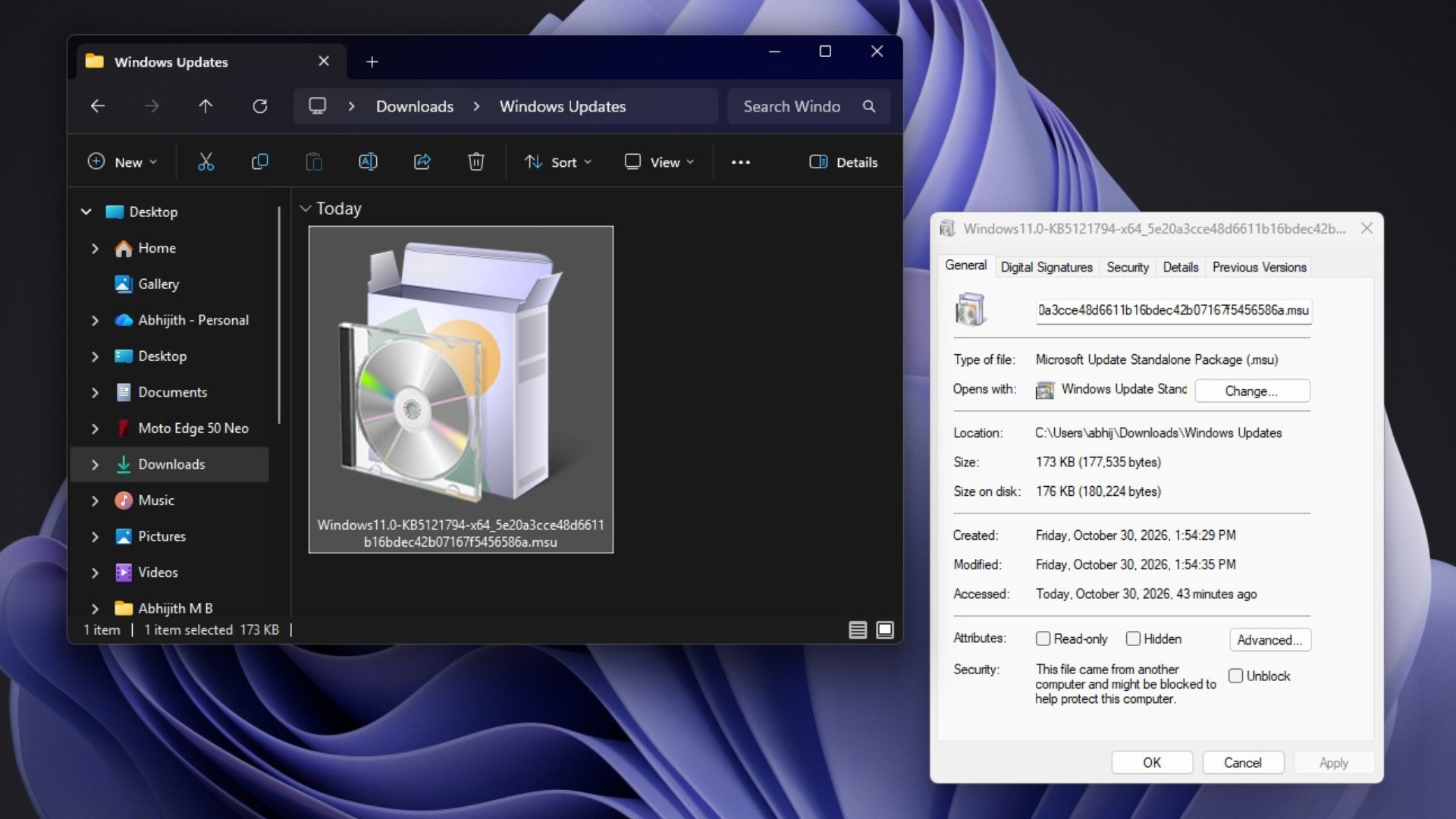
Windows 11 26H2 is a tiny enablement package if your PC is already on Windows 11 24H2 or 25H2, but if you’re still on 23H2, you need a full feature update of around 6.5GB. I downloaded the official Windows 11 26H2 enablement package, KB5121794, and the whole file is just 173KB, or 177,535 bytes. I know it sounds crazy that the 2026 annual Windows feature update is just 174KB, and it’s not a compressed installer that later downloads gigabytes of files. The shortest explanation is that 26H2…
W
Windows 11’s Task Manager and taskbar can stop responding right when you need them to kill a runaway app. Microsoft engineer Raymond Chen says running them at high priority wouldn’t fix it, because a high-priority thread can still get stuck as it waits for a resource that another, slower thread is holding. I have certainly experienced this when a game, or Chrome with too many tabs, or some heavy app maxes out my PC, and I desperately press Ctrl+Shift+Esc, hoping Task Manager could save the day…
W
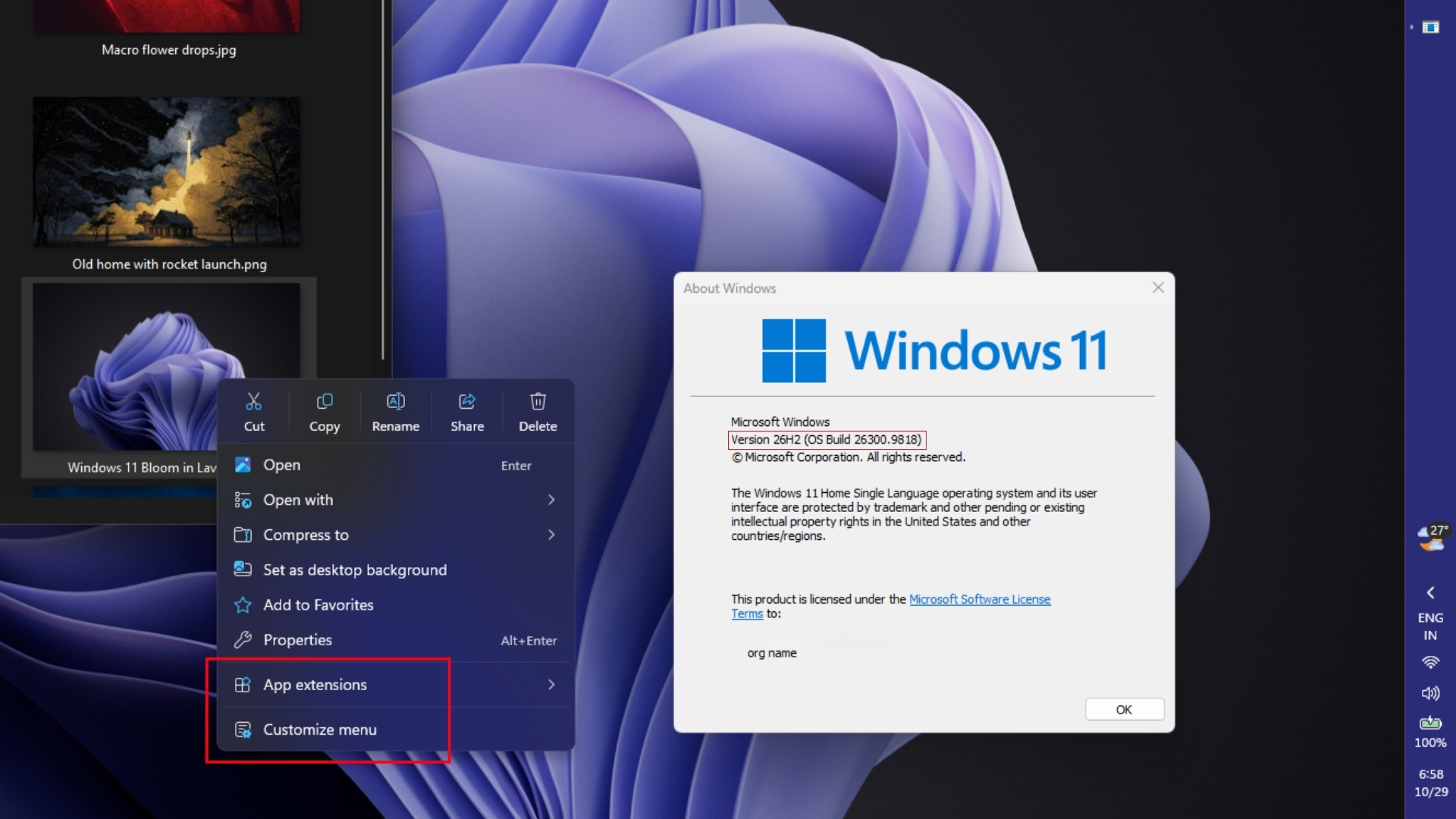
Windows 11’s redesigned right-click menu is now rolling out to everyone with the October 2026 optional update, KB5127936. I installed it on my daily-driver PC, and as expected, the new context menu opens instantly. For all the unwelcome app extensions, you can also pick which among them show up when you right-click a file. Options like Send to, Print, and the legacy menu can all be customized from a new Context menu Settings page. However, Microsoft is rolling it out gradually, so installing…
W
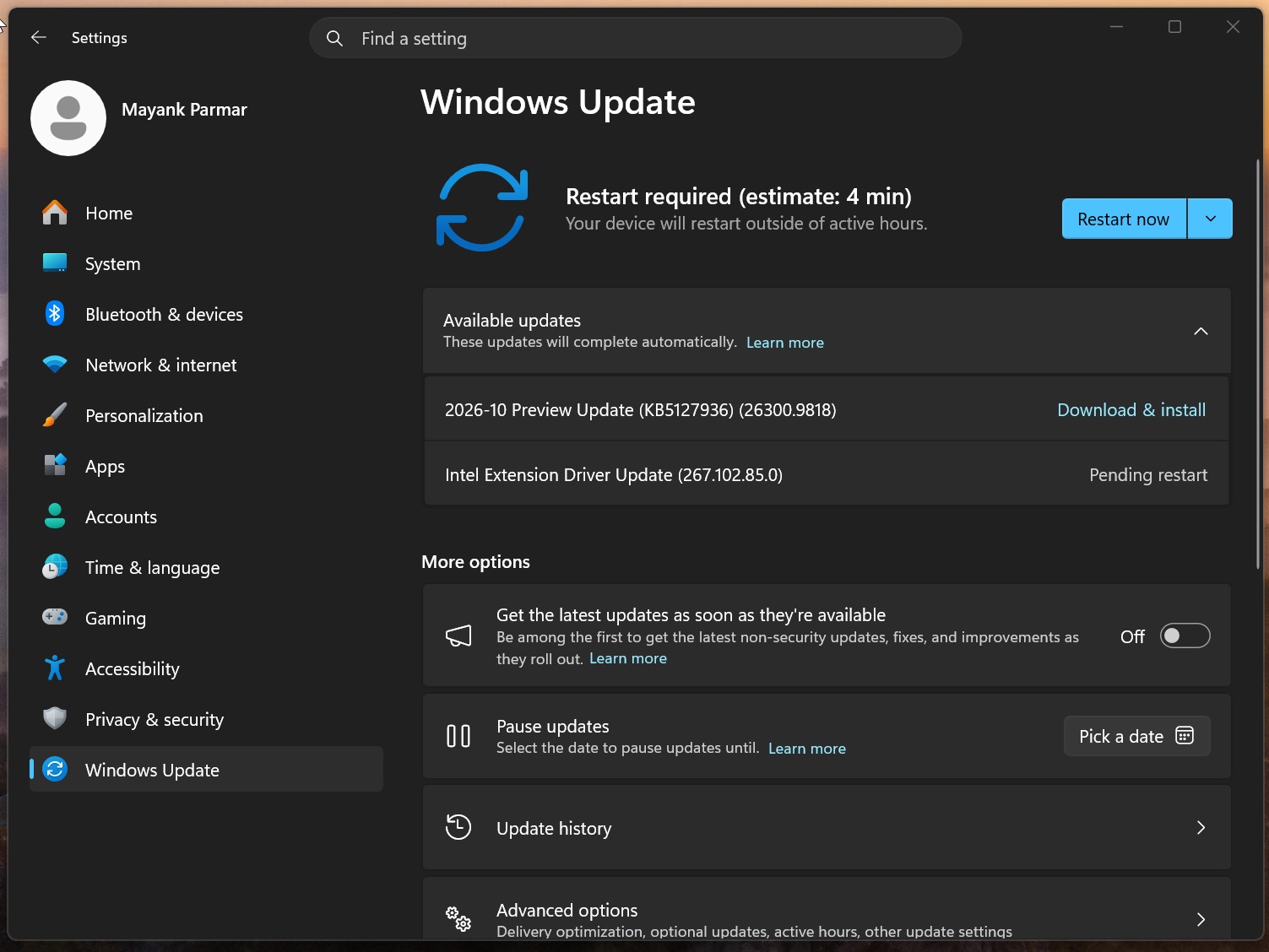
Windows 11 KB5127936 is rolling out, and it FINALLY lets you customize the context menu, which means you can now choose what appears when you right-click anywhere. Microsoft has published direct download links for the KB5127936 offline installer (.msu), but in most cases, you should use Windows Update. KB5127936 is an optional update, and it won’t download or install automatically on PCs where the toggle “Get the latest updates as soon as they’re available” is turned off. This update is listed…
W
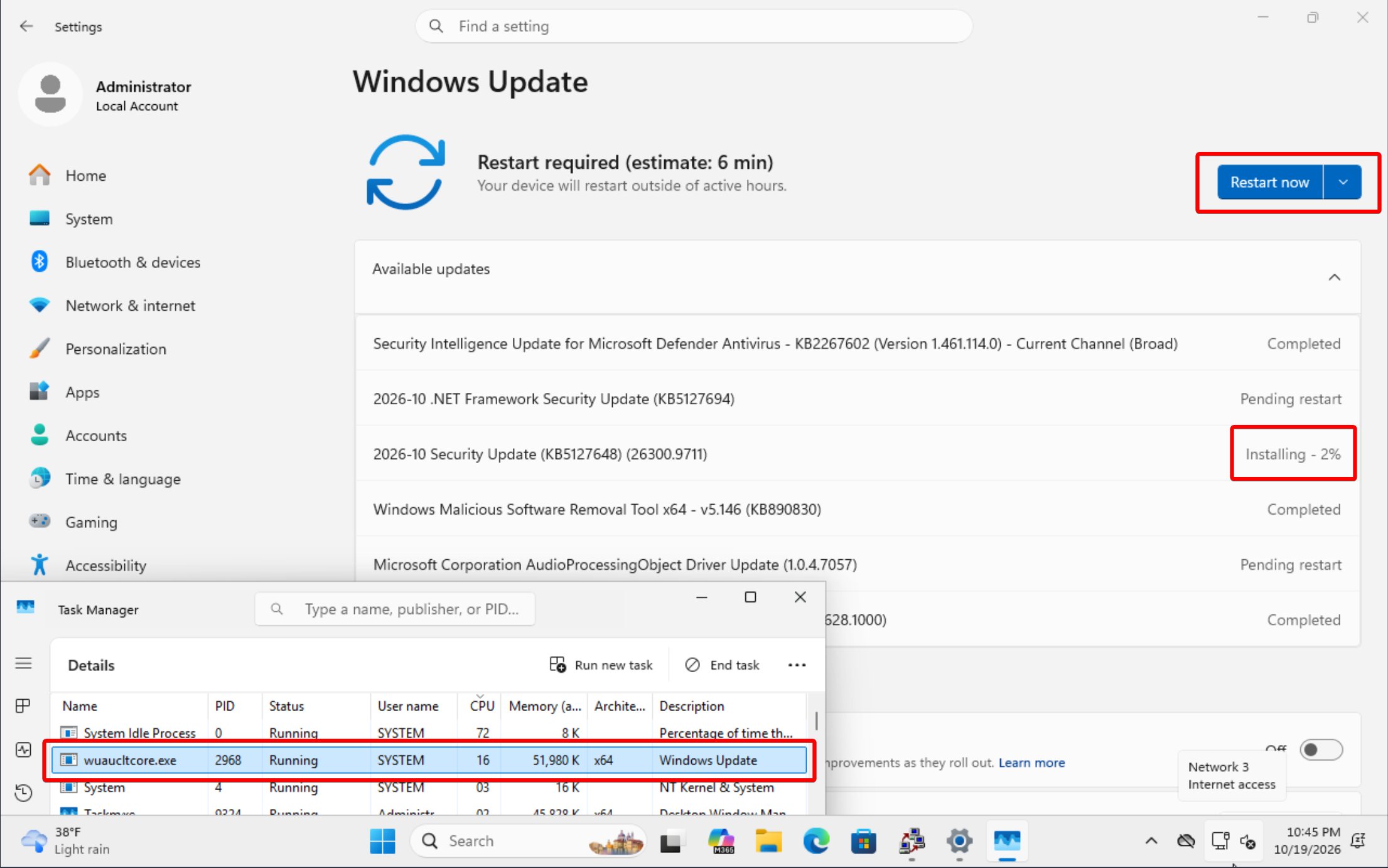
Windows 11’s Windows Update page can show a “Restart now” button while the monthly security update is still installing. Microsoft says the button is there on purpose, for people who want to restart as soon as a specific update is ready, but they’re now looking at changing the experience after a Microsoft MVP said he keeps falling for it, and it keeps happening to others too. If you click Restart now too early, your PC still has to finish the remaining installation, and depending on what’s…
W
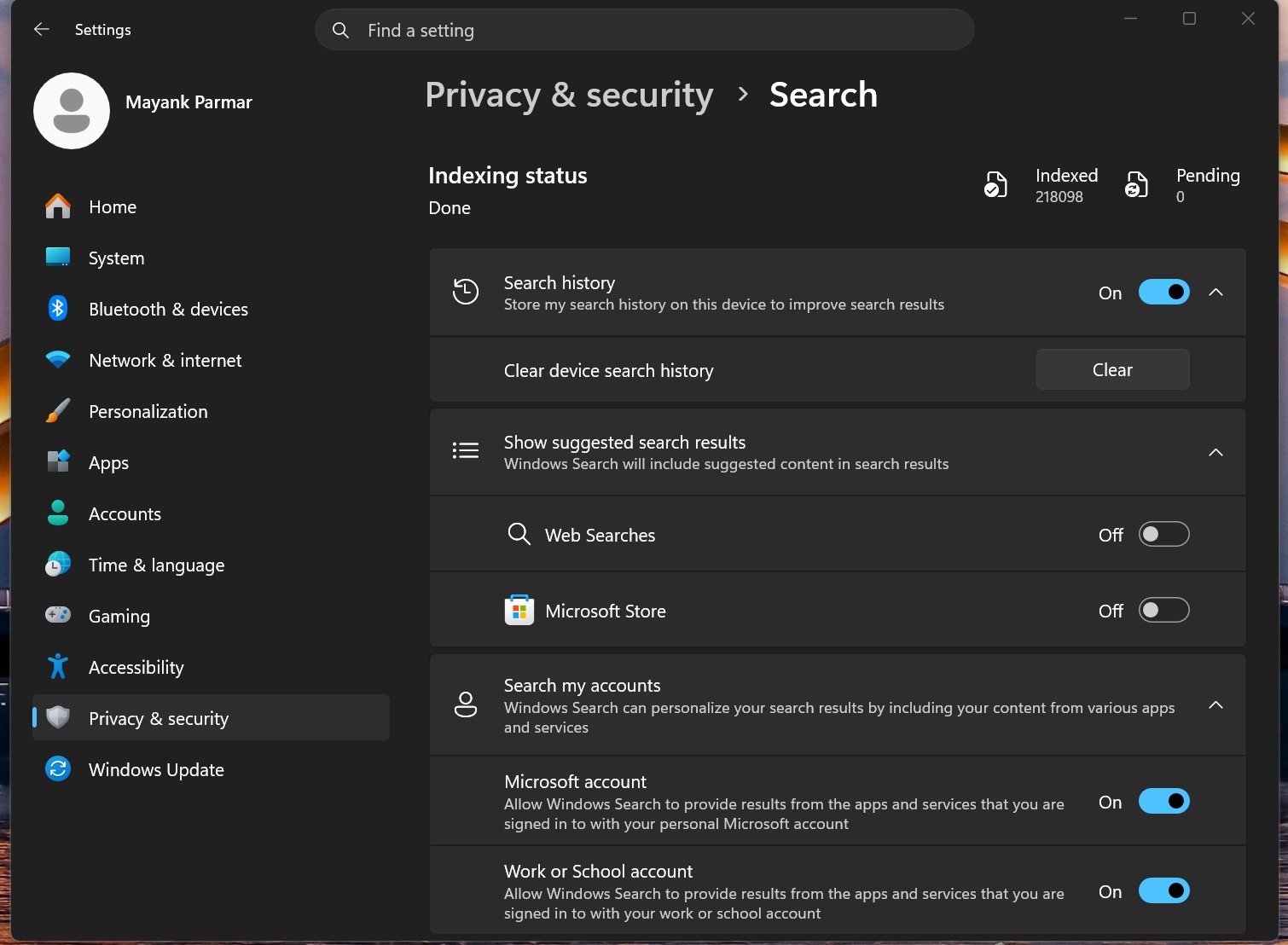
I’m sure most of you have run into this at some point: you quickly press the Start button, start typing to find your app, and hit Enter, only to realize that you’re opening a Microsoft Edge tab with a Bing search. But you can now turn off these web results, as Bing-free Windows Search has begun rolling out to more users this week. Microsoft began rolling out the Bing-free Windows Search experience in August 2026, but the gradual rollout meant most of us were hanging around without the actual…
W
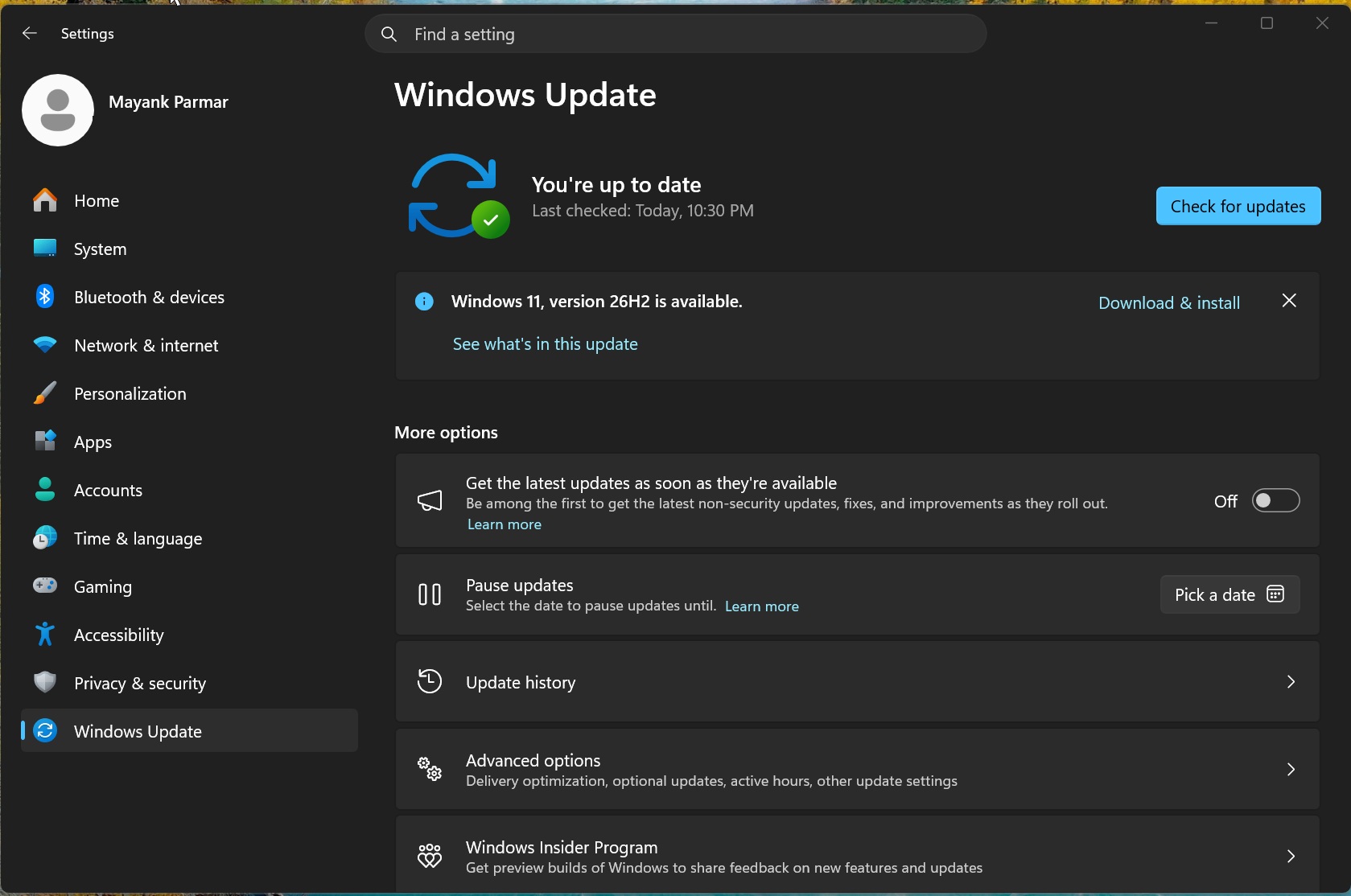
Windows 11 26H2, aka Windows 11 2026 Update, began rolling out on September 29, but until now, not everybody has been offered the annual update. Today, Windows Latest noticed that Microsoft has confirmed version 26H2 is now available for everyone running versions 25H2 and 24H2, and it could now be only a matter of weeks before Microsoft begins force-updating PCs. In a support document updated quietly on October 21 and first spotted by Windows Latest, Microsoft noted: “The Windows 11, version…
W
The new Outlook for Windows now has an All Accounts view, Microsoft’s take on a unified inbox, which shows email from every connected account in one list while each mailbox is kept separate. It’s rolling out to everyone now, and I’ve been using it on my Windows 365 Cloud PC to go through mail from my work and personal accounts in one pass. Of course, unified inboxes aren’t a new idea. The old Windows Mail app could link inboxes, and Outlook for Mac, iOS and Android have had one for years. But…
W
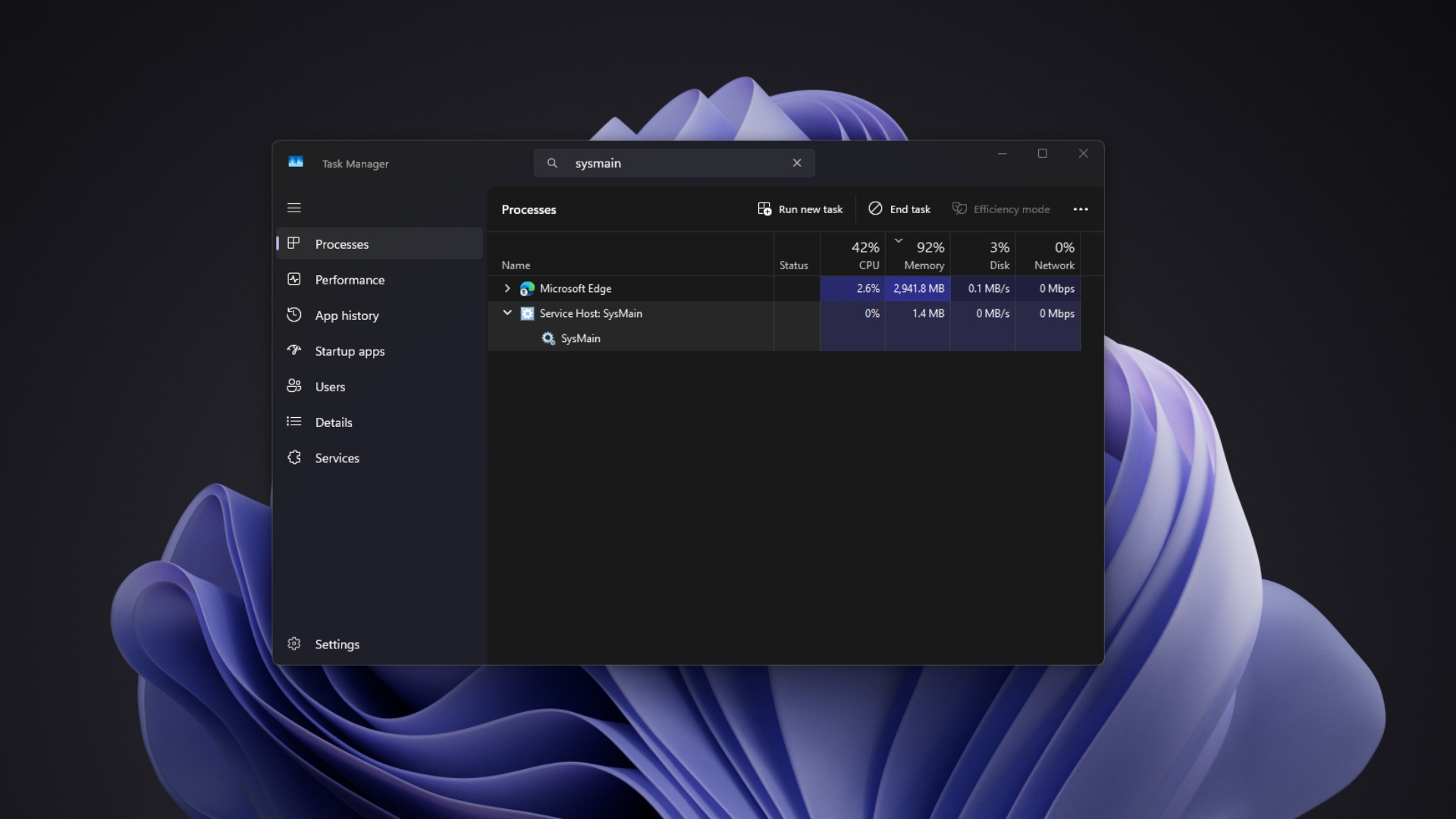
Disabling SysMain, the Windows service formerly called Superfetch, won’t make most Windows 11 PCs faster. SysMain uses spare RAM to preload apps you open often, and Microsoft says it also preps startup data for Fast Startup. In my tests on two PCs, turning it off barely changed boot time, and even made cold app launches slightly slower. The case for disabling it is limited to specific problems, like a PC with 4GB of RAM and a slow hard drive. Search “speed up Windows 11” on YouTube, and SysMain…
W
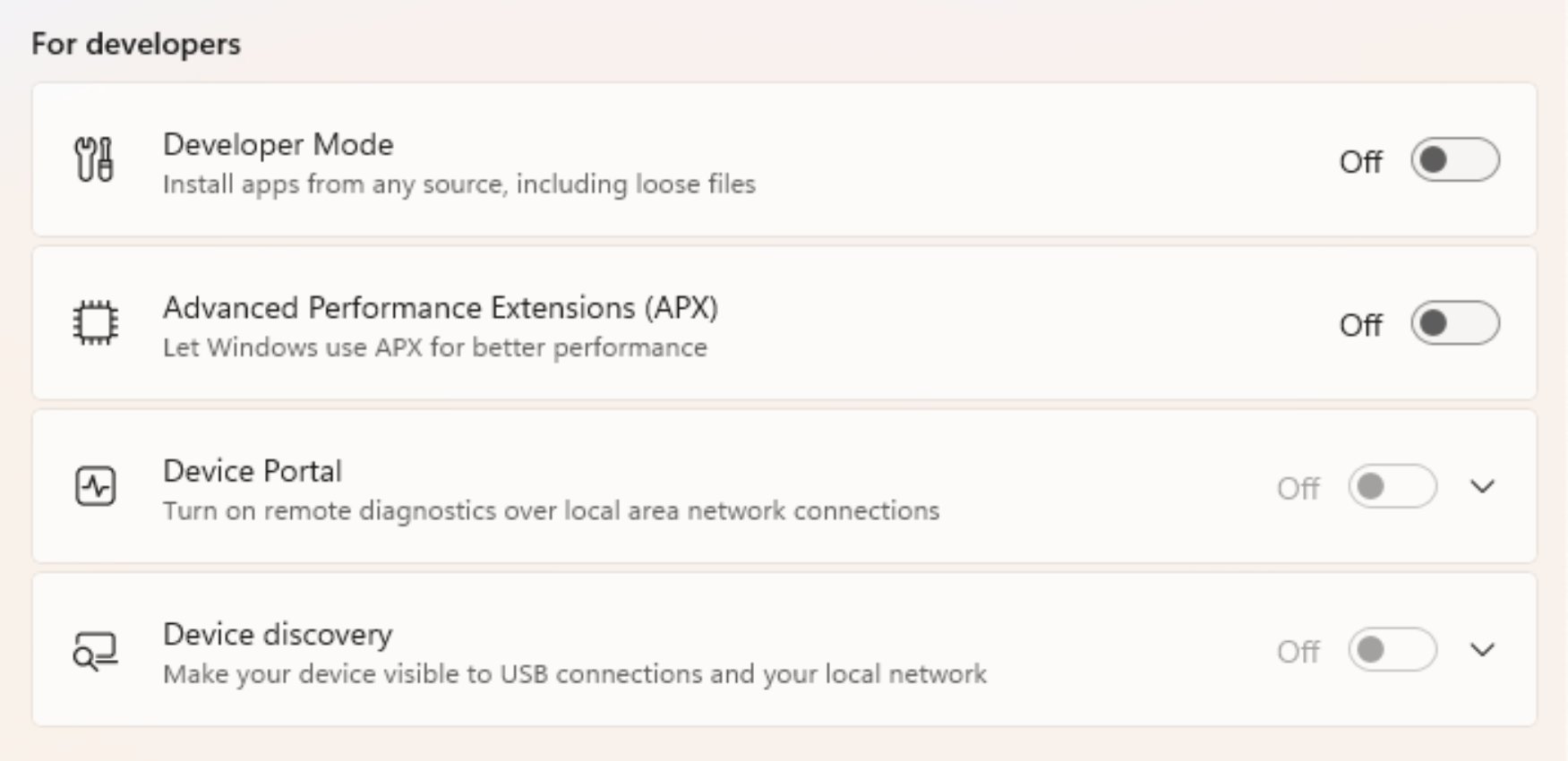
Windows 11’s recent preview builds include a new toggle called “Advanced Performance Extensions,” aka “APX,” and on supported hardware, it could actually make your PC run faster. According to Microsoft, letting Windows use APX allows your PC to have “better performance.” This new hardware requirement could finally give Microsoft another opportunity to push you into buying a new PC, especially as Windows 10 is now less than a year away from the end of extended support in 2027. So far, Windows…
W
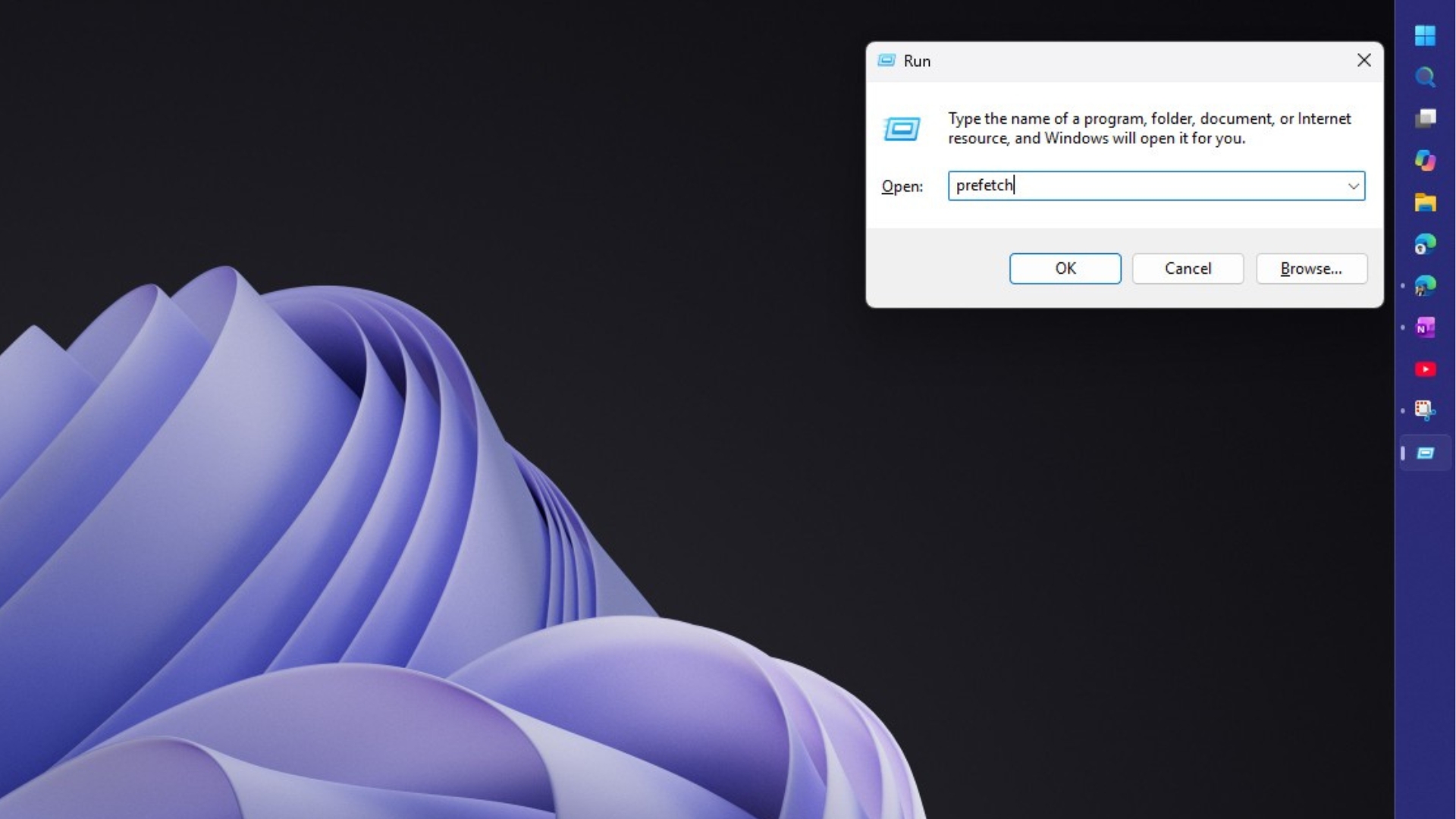
Deleting the Windows Prefetch folder doesn’t make your PC faster, and it can make apps open slower. In 2005, Microsoft developer Ryan Myers explained that Windows XP used Prefetch files to load apps faster, so clearing them forced Windows to rebuild that data and temporarily slowed things down. Two decades later, Windows 11 still has a Prefetch folder, and “delete Prefetch” is still a staple of Windows cleanup guides. I’ll admit, I was doing this until very recently. Win + R, type prefetch,…
W
Microsoft has clarified that it isn’t killing WinUI and XAML after it began testing an experimental framework called Microsoft.UI.Reactor. Given Microsoft’s reputation for giving up on UWP and killing Silverlight before, it’s not a surprise that some developers have had doubts. For those unaware (or if you’re not a developer), WinUI is Microsoft’s native UI framework. Apps built with it generally follow Windows 11’s design, like the Settings app. On the other hand, XAML is the markup language…
W
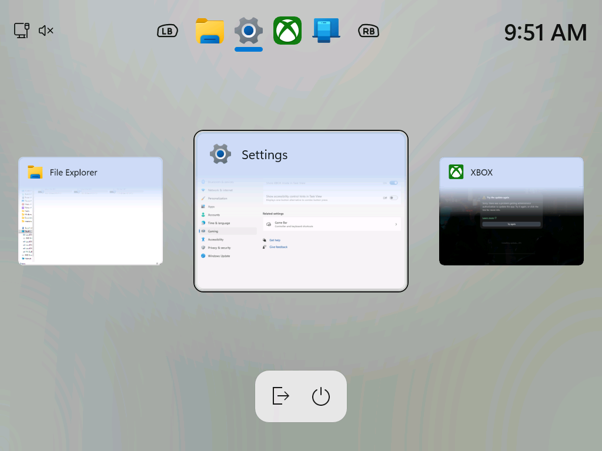
Microsoft is testing a new Gaming Task View for Windows 11’s XBOX mode, with a navigation bar that lets you exit to the desktop or restart and shut down your PC using just a controller. Windows 11 is also getting a Battery Status widget that shows the charge of your PC and connected accessories, like a headset or mouse, on the Widgets board and the lock screen. Both features are rolling out gradually to Windows Insiders, and I tried them on Build 26340.9750. Neither are groundbreaking in any…
W
Windows 11 can now run an internet speed test inside Quick Settings and show your download speed, upload speed, and ping without leaving the desktop. Until now, the speed test shortcut in the taskbar annoyingly opened Bing’s speed test page in your default browser, and Microsoft is finally replacing it with a native flyout in Insider Experimental build 26340.9767. Previously, Speed test shortcut in Windows 11 took you to the browser; now it works as a flyout. Credit: Windows Latest I’ve been…
W
Microsoft’s new wallpapers for 12 years of the Windows Insider Program list “Adobe Photoshop 27.10 (Macintosh)” in their file properties. The gift is inspired by the latest Surface design, and it’s funny that even last year’s wallpapers had a MACOSX subfolder, too. The software giant has taken considerable care in an ad pushing Windows 10 holdouts to buy new Windows 11 PCs, and it has 674+ million views, almost 50 times more than any video on the Windows YouTube channel, and isn’t that enough…
W
No, Microsoft doesn’t recommend turning off the page file just because your PC has 32GB of RAM. Windows uses the page file to increase how much memory it can promise to apps and to save crash dumps when your PC hits a BSOD, which is black on Windows 11 now. Microsoft says the right size depends on each PC’s peak workload and “can’t be generalized,” which is why Windows sizes it automatically by default. 32GB is common on gaming PCs now, and Microsoft even called it the “no worries” gaming…
W
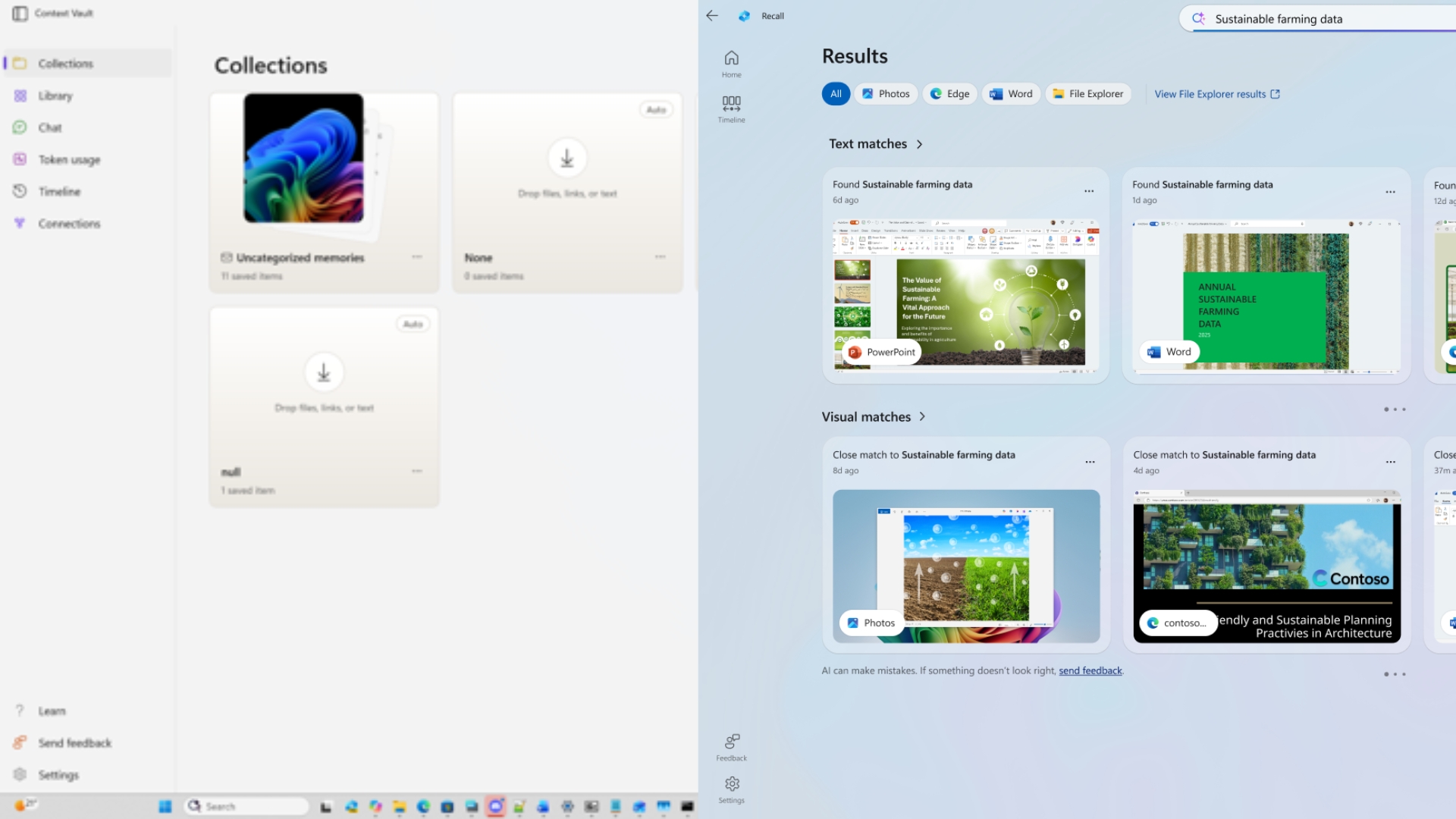
Microsoft has been quietly testing a Windows 11 AI app codenamed Project Pantheon, which works like a version of Recall that only saves what you choose. In the build I used, called Context Vault, you can save web pages, files, screenshots, copied text, audio, and video as “memories,” sort them into collections, and ask AI questions about them; the app can even share that context with Claude and Cursor through an MCP server. Microsoft hasn’t announced Pantheon, and the app didn’t show up in…